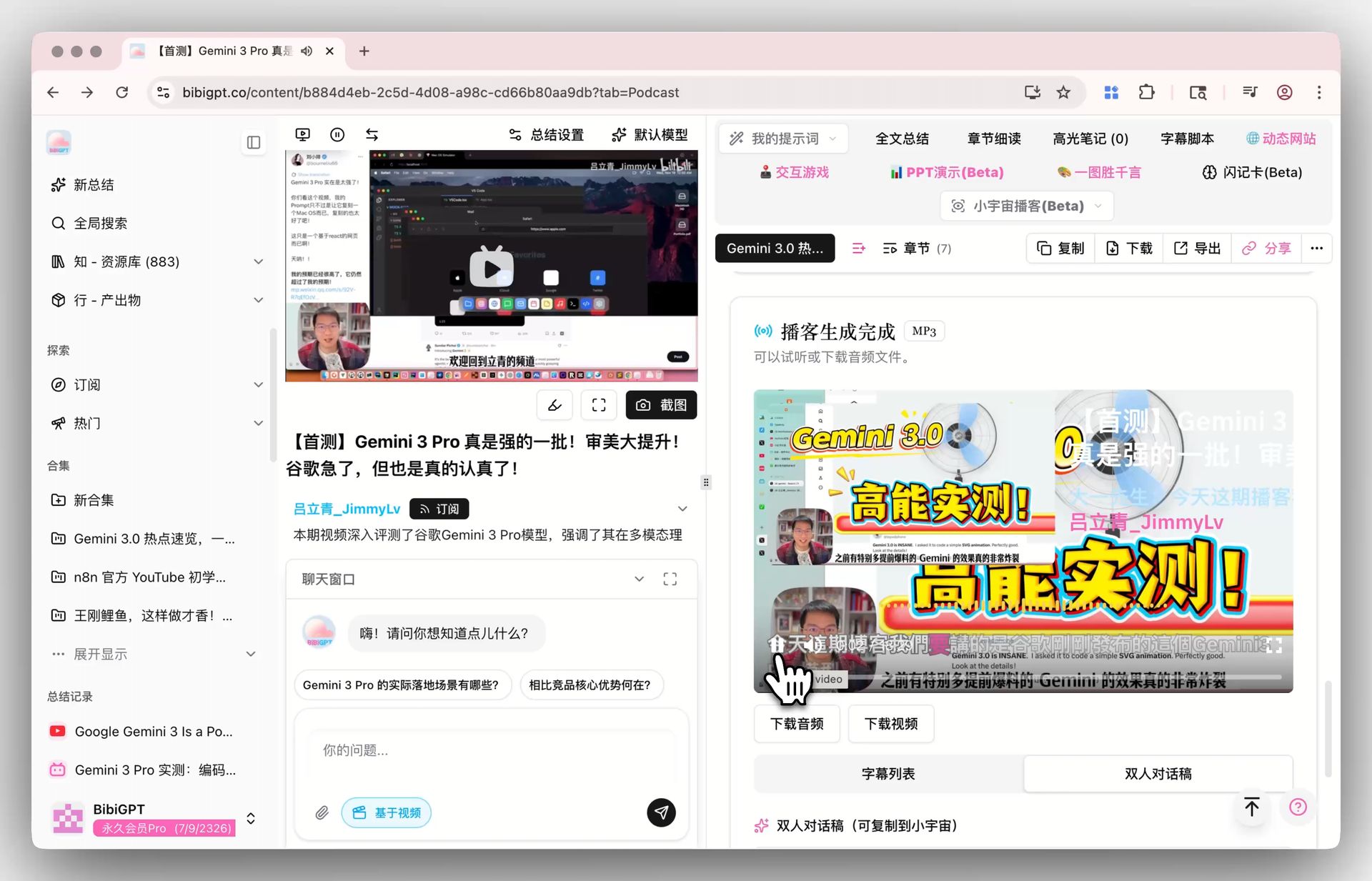
How to Use Cohere Transcribe 03: A 2026 Hands-On Guide (with BibiGPT as the All-in-One Alternative)
How to Use Cohere Transcribe 03: A 2026 Hands-On Guide (with BibiGPT as the All-in-One Alternative)
TL;DR: To use Cohere Transcribe 03, do four things — pip install transformers torchaudio → pull the model from Hugging Face CohereLabs/cohere-transcribe-03-2026 → preprocess audio with the bundled processor into tensors → call model.generate() to get word-level transcripts. This guide walks through every command, every footgun, performance tuning, and SRT stitching. At the end, a decision table tells you when self-hosting is worth it vs. when BibiGPT’s all-in-one SaaS is just faster.
Table of Contents
- What Cohere Transcribe 03 Is
- Step 1: Environment Setup
- Step 2: Model Download and Init
- Step 3: Audio Preprocessing
- Step 4: Run Inference
- Step 5: Stitching SRT Subtitles
- Step 6: ONNX Deployment for Throughput
- When BibiGPT is Actually Faster
What Cohere Transcribe 03 Is
Cohere’s April 2026 open-source release: a 2B-parameter end-to-end audio→text model supporting 14 languages (English, Chinese, Spanish, Japanese, Korean, French, German, Portuguese, Arabic, Hindi, Russian, Turkish, Vietnamese, Thai). Both ONNX and Hugging Face Transformers runtimes ship out of the box. Free for commercial use, downloadable weights, word-level timestamps as the selling point.
Good fit:
- You have a GPU + engineering team and want private ASR deployment
- Sensitive data that cannot leave your network
- Volume large enough that self-hosting beats SaaS economically
- You want to fine-tune or extend it
Not a fit:
- Individual creators using ASR occasionally
- No DevOps capacity
- You want summaries / mind maps / bilingual subtitles (Transcribe 03 does subtitles only — no downstream processing)
Step 1: Environment Setup
# Python 3.10+, CUDA 12.1+ recommended
python -m venv .venv
source .venv/bin/activate
pip install --upgrade pip
pip install transformers torch torchaudio onnxruntime-gpu soundfile
Footgun 1: torch must match CUDA. Force the CUDA 12.1 build with pip install torch --index-url https://download.pytorch.org/whl/cu121.
Footgun 2: torchaudio doesn’t support CUDA on macOS. Apple silicon should use Metal (device="mps") — 4-5x faster than CPU but ~3x slower than NVIDIA GPU.
Step 2: Model Download and Init
from transformers import AutoProcessor, AutoModelForSpeechSeq2Seq
import torch

MODEL_ID = "CohereLabs/cohere-transcribe-03-2026"
device = "cuda" if torch.cuda.is_available() else "mps" if torch.backends.mps.is_available() else "cpu"

processor = AutoProcessor.from_pretrained(MODEL_ID)
model = AutoModelForSpeechSeq2Seq.from_pretrained(
    MODEL_ID,
    torch_dtype=torch.float16 if device == "cuda" else torch.float32,
).to(device)
model.eval()
Footgun 3: First download is ~4GB. Set HF_HUB_ENABLE_HF_TRANSFER=1 and a custom HF_HOME so you don’t fill the system disk.
Step 3: Audio Preprocessing
Transcribe 03 requires 16 kHz mono WAV input:
import torchaudio

def load_audio(path: str) -> torch.Tensor:
    waveform, sr = torchaudio.load(path)
    if waveform.shape[0] > 1:
        waveform = waveform.mean(dim=0, keepdim=True)
    if sr != 16000:
        waveform = torchaudio.functional.resample(waveform, sr, 16000)
    return waveform.squeeze(0)

audio = load_audio("interview.mp3")  # mp3 / wav / m4a / flac all OK
Footgun 4: Slice long audio. Anything beyond 30 seconds should be chunked at 30s intervals, otherwise attention memory explodes. In production, use VAD (silero-vad) to split on silence — much smarter.
Step 4: Run Inference
def transcribe(audio_tensor: torch.Tensor, language: str = "en") -> dict:
    inputs = processor(
        audio_tensor,
        sampling_rate=16000,
        return_tensors="pt",
        language=language,
        return_timestamps="word",  # word-level timestamps
    ).to(device)

    with torch.no_grad():
        outputs = model.generate(
            **inputs,
            max_new_tokens=448,
            num_beams=5,
        )

    return processor.batch_decode(outputs, skip_special_tokens=False, output_offsets=True)[0]

result = transcribe(audio, language="en")
print(result["text"])
for word in result["offsets"]:
    print(f"[{word['timestamp'][0]:.2f}-{word['timestamp'][1]:.2f}] {word['text']}")
Footgun 5: num_beams=5 gains ~3% accuracy over num_beams=1 but is 4x slower. Tune per your SLA.
Step 5: Stitching SRT Subtitles
Word-level timestamps must be stitched into sentence-level SRT lines yourself:
def words_to_srt(offsets, max_chars_per_line: int = 42) -> str:
    lines = []
    current = {"start": None, "end": None, "text": ""}
    idx = 1

    for w in offsets:
        if current["start"] is None:
            current["start"] = w["timestamp"][0]
        current["end"] = w["timestamp"][1]
        current["text"] += w["text"]

        if len(current["text"]) >= max_chars_per_line or w["text"].endswith((".", "?", "!", "。", "!", "?")):
            start = format_time(current["start"])
            end = format_time(current["end"])
            lines.append(f"{idx}\n{start} --> {end}\n{current['text'].strip()}\n")
            idx += 1
            current = {"start": None, "end": None, "text": ""}

    return "\n".join(lines)

def format_time(seconds: float) -> str:
    h = int(seconds // 3600)
    m = int((seconds % 3600) // 60)
    s = seconds % 60
    return f"{h:02d}:{m:02d}:{s:06.3f}".replace(".", ",")

srt = words_to_srt(result["offsets"])
open("interview.srt", "w").write(srt)
Step 6: ONNX Deployment for Throughput
Production should use ONNX — 2-3x throughput over plain PyTorch:
# Export to ONNX
optimum-cli export onnx \
  --model CohereLabs/cohere-transcribe-03-2026 \
  --task automatic-speech-recognition-with-past \
  ./cohere-onnx

# Run with ONNX Runtime
pip install optimum[onnxruntime-gpu]
from optimum.onnxruntime import ORTModelForSpeechSeq2Seq
model = ORTModelForSpeechSeq2Seq.from_pretrained("./cohere-onnx", provider="CUDAExecutionProvider")Footgun 6: ONNX export grows the model from 4GB to 6-7GB (dynamic axes take space). Provision disk accordingly.
When BibiGPT is Actually Faster
Cohere Transcribe 03 only covers “audio → subtitles”. For everything downstream, building it yourself costs more than just using an all-in-one SaaS:
| Need | Self-host Cohere Transcribe 03 | BibiGPT |
|---|---|---|
| Audio/video to subtitles | ✅ but you write the whole pipeline | ✅ built-in |
| Video summary (not just subtitles) | ❌ requires layering an LLM post-process | ✅ built-in |
| Mind maps | ❌ | ✅ built-in |
| Bilingual subtitles (e.g. EN↔ZH) | ❌ requires translation layer | ✅ built-in |
| AI dialog with source tracing | ❌ requires vector DB + RAG | ✅ built-in |
| Newsletter graphics, short-video scripts | ❌ requires image + text generation models | ✅ built-in |
| Sync to Notion / Obsidian | ❌ requires custom connectors | ✅ built-in |
| Cross-platform (YouTube / Bilibili / podcast) | ❌ requires URL extractors | ✅ 30+ platforms |
Decision criteria:
- Subtitles only, dedicated team, > 100k minutes/month → self-host Cohere Transcribe 03
- Downstream artifacts needed, individual or small team, no DevOps budget → BibiGPT directly. The free video summarizer works immediately
- Multilingual / bilingual scenarios → AI YouTube summary saves you the entire i18n pipeline
Try BibiGPT free — no deployment, no ops, no SRT stitching. Paste a link, get subtitles + summary + mind map + bilingual output in 30 seconds.
FAQ
Q: How is Cohere Transcribe 03’s Chinese accuracy? A: At launch in April 2026, official benchmarks showed Mandarin WER 1.2 percentage points below Whisper Large v3 — strong on standard Mandarin, accents/dialects still need fine-tuning.
Q: How long does a 10-minute audio take?
A: ~18-22 seconds on a single A100 with num_beams=5 and float16; ~70 seconds on MPS; CPU not recommended.
Q: Can Cohere Transcribe 03 process a YouTube URL directly?
A: No — audio file input only. You need yt-dlp to download audio first. BibiGPT accepts URLs natively and saves this layer.
Q: Total cost of private deployment? A: A100 single-card (~$900/month cloud rental) + one engineer’s ramp-up + ongoing maintenance. Below ~100k minutes/month, BibiGPT is cheaper.