Turn One Video into 10 Content Formats: The Complete AI Video Content Repurposing Workflow for 2026
Turn One Video into 10 Content Formats: The Complete AI Video Content Repurposing Workflow for 2026
The core answer: a single video contains far more information than most people ever use. With AI tools like BibiGPT, you can break down a 30-minute video into a transcript, AI summary, mind map, blog post, social media post, and 10 other content formats — with less than 20 minutes of manual effort. This is the “AI video content repurposing” workflow that every content creator and knowledge worker should master in 2026. This article provides the complete methodology and step-by-step instructions.
Table of Contents
- Why Content Repurposing Is the Core Leverage Point in 2026
- 10 Content Formats You Can Extract from One Video
- The Complete BibiGPT-Powered Workflow
- Efficiency Comparison: Manual vs. AI-Assisted
- Best Practices and Common Pitfalls
- FAQ
Why Content Repurposing Is the Core Leverage Point in 2026
The “Time Sink” of Content Creation
A high-quality video typically involves enormous upfront investment — scripting, filming, editing, thumbnail design, and more. But once the video goes live, most creators do just one thing: wait for the algorithm to push it. That means you spent 80% of your energy on production, yet only reached the audience of a single media format.
The real leverage lies in this question: How many formats can the same core information take to reach how many different audiences?
A blog post can be indexed by search engines. A visual social media post can be surfaced in image feeds. A mind map can be saved and shared. A set of flashcards can help students study. The core ideas from a single video can serve all of these use cases simultaneously — it’s just that traditional “manual conversion” is too slow.
AI Turns Content Repurposing from “Theoretically Possible” to “Actually Practical”
Before 2024, the main bottleneck for content repurposing was the human labor cost: transcribing a video took 3–5x its runtime, and rewriting it into different formats added even more time. Most creators knew they should do it — but couldn’t keep up.
AI tools have completely changed that equation. BibiGPT is a prime example: 1M+ users, 5M+ summaries generated, covering 30+ content platforms — at that scale, the core value is the speed and quality of “structuring video information.”
Practical rule: Any video over 10 minutes has enough information density to be worth repurposing. A video with 10,000 views repurposed into 10 formats multiplies its reach potential by 10x.
Audiences Are Spread Across Platforms — Format Determines Whether You Reach Them
Content consumption in 2026 is extremely fragmented: some people watch long-form videos on Bilibili, others scroll image posts on Xiaohongshu, others organize knowledge in Notion, others read email newsletters. The same pool of potential audience members is distributed across different media preferences. “Sticking to one format” means you’re voluntarily giving up reach opportunities on every other channel.
10 Content Formats You Can Extract from One Video
Here are 10 content formats you can extract from a single video, each with its own distribution channel and audience value.
Format 1: Full Transcript
The most fundamental form of repurposing. AI speech recognition converts video audio into a complete word-for-word transcript — the “raw material” for every other format that follows.
Use cases: SEO content foundation, podcast show articles, internal knowledge base archiving. Tool: BibiGPT Video to Text supports Chinese, English, Japanese, Korean, and more, with automatic timestamps.
Format 2: AI Structured Summary
Compress an hour of video into a structured summary that can be read in 5–10 minutes, preserving key insights and a timestamp index.
Use cases: Quickly judge whether the original video is worth watching; team knowledge sharing; meeting notes. Tool: BibiGPT Free Video Summarizer — generate with one click, supports chapter navigation.
Format 3: Mind Map
Visualize the knowledge structure of a video — ideal for educational content (courses, lectures, tutorials).
Use cases: Study notes, course outline display, social sharing (mind map images perform well on WeChat Moments and Xiaohongshu). Tool: BibiGPT can generate mind maps directly from videos in Markdown format, with export support for major tools.
Format 4: Long-Form Blog Post
Expand the video’s core ideas into a fully structured blog article, suitable as SEO content.
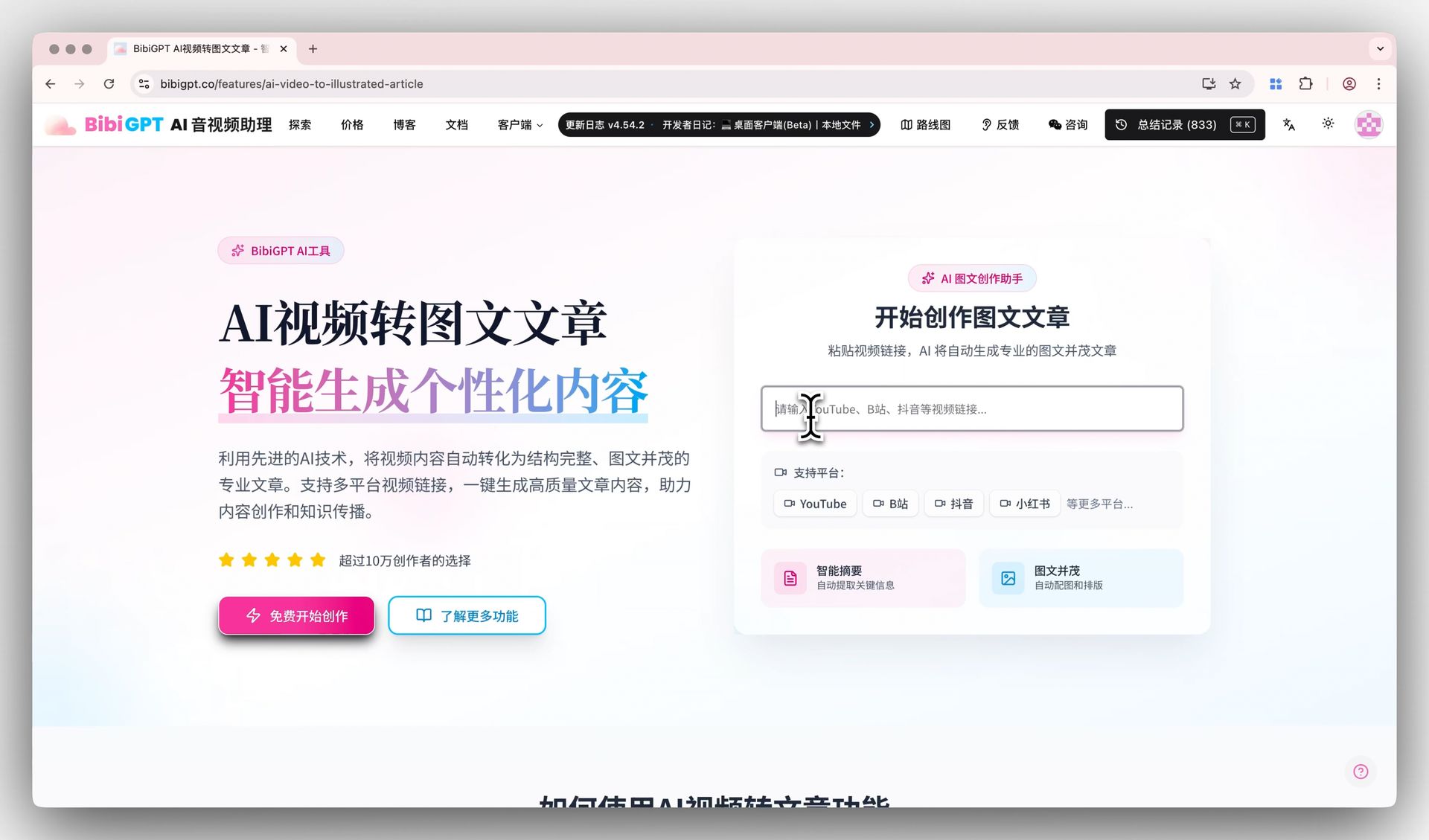
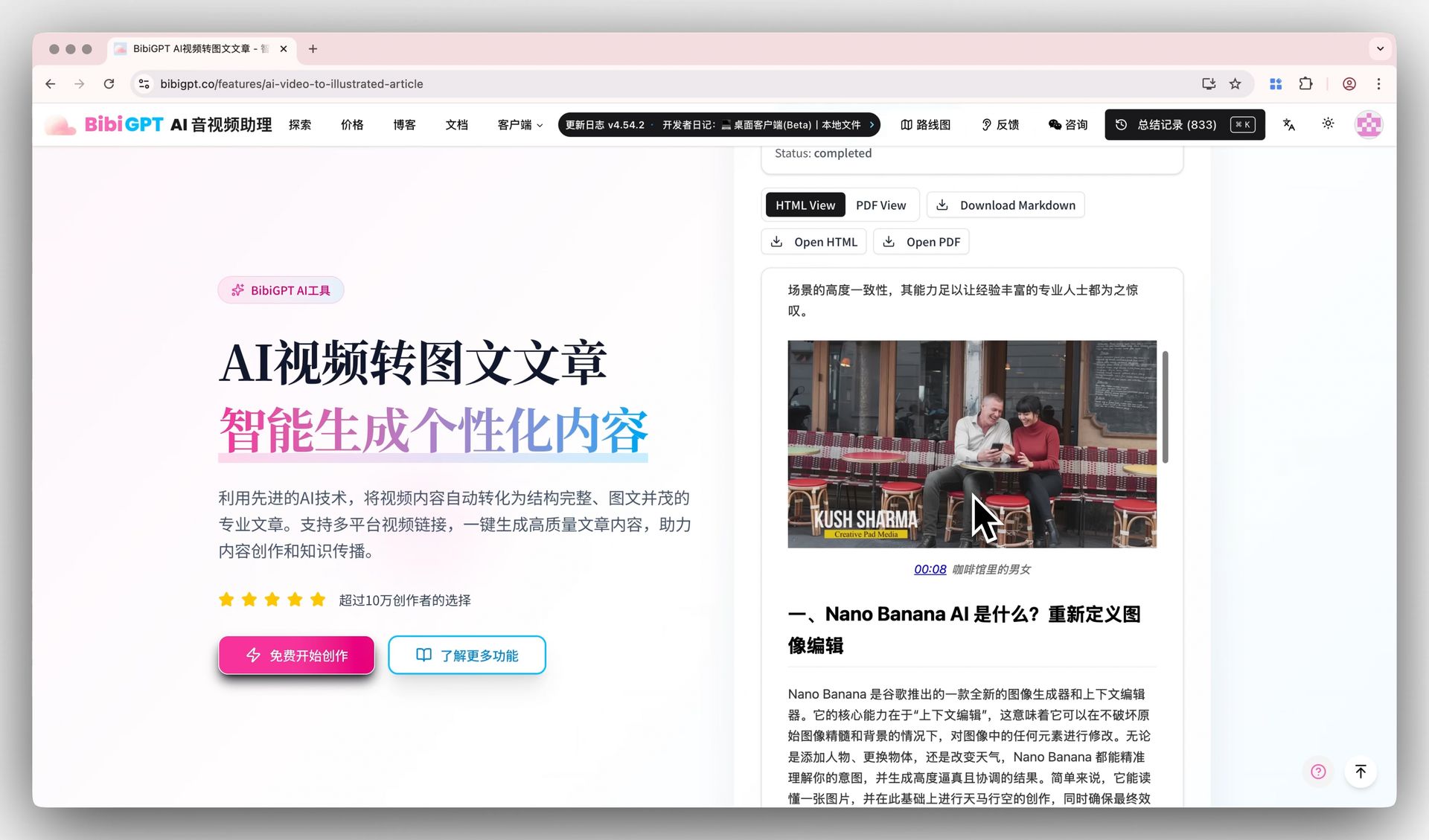
Use cases: Search engine traffic; building a professional content library; reference material for other articles. Tool: BibiGPT AI Video to Article generates a blog draft directly, including title, paragraphs, and section summaries.
Practical rule: A blog post isn’t a direct copy of the transcript — it transforms “spoken language” into “written language.” Let AI generate the draft, then spend 10 minutes adjusting the structure and tone.
Format 5: Xiaohongshu (Little Red Book) Post
Condense the video’s core ideas into a Xiaohongshu-format post: one theme + 3–5 key points + an engagement hook.
Use cases: Drive traffic from visual platforms; brand exposure; attract new audiences interested in the long-form content. Tool: BibiGPT AI Video to Xiaohongshu Post is optimized specifically for the Xiaohongshu format, including title, hashtags, and engagement prompts.
Format 6: Twitter/X Thread
Break down the video’s core arguments into a 5–10 tweet “thread” format, ideal for reaching international English-speaking audiences.
Use cases: International audience reach; establishing content authority; attracting media citations. Key tips: Each tweet should stand on its own; together they tell a complete argument. Open with your most counterintuitive conclusion to hook readers into expanding the thread.
Format 7: Podcast / Audio Show Notes
Rewrite the video content into “show notes” format for a podcast episode — summary + timestamped chapters + relevant links.
Use cases: Podcast SEO (search engines index show notes); listener reference; guest sharing. Format tips: Give the “episode highlights” within the first 100 words, then list chapter timestamps, and close with a subscribe/follow call to action.
Format 8: Presentation / PPT Outline
Convert the video’s explanatory content into a presentation-ready PPT structure: section titles + bullet points per slide + key data.
Use cases: Internal training materials; client proposals; speaking materials. Tool: AI extracts “chapter → slide logic” from the video summary and outputs a PPT outline, which can then be quickly visualized using tools like Gamma or Canva.
Format 9: Flashcards
Extract core concepts, definitions, and cause-and-effect relationships from the video into a “question-answer” flashcard format — perfect for educational content.
Use cases: Exam preparation; skills training; improved knowledge retention (spaced repetition). Tool: Extract key definitions from the AI summary, import into Anki or Quizlet, and reinforce memory with spaced repetition algorithms.
Practical rule: A dense, knowledge-packed video can typically yield 10–20 flashcards. Flashcard “questions” should always ask “why” and “how to use it” — not “what is it.” Learn understanding, not definitions.
Format 10: Email Newsletter
Rewrite the video’s core content into a subscribable email newsletter — attention-grabbing subject line, 3-paragraph body, and one call to action at the end.
Use cases: Owned audience engagement; high-quality audience accumulation (email lists have higher retention than social media followers); second-touch delivery of video content.
The Complete BibiGPT-Powered Workflow
Here is an immediately actionable workflow, using a 30-minute Bilibili/YouTube video as the example.
Step 1: Extract Raw Material (5 minutes)
Open BibiGPT and paste the video URL. AI will automatically:
- Speech recognition → complete transcript (with timestamps)
- Chapter segmentation → structured summary (5–10 chapters)
- Key insight extraction → list of core takeaways
- Mind map generation → Markdown format, ready to export
This entire step is AI-executed. You just wait (typically 30–90 seconds).
Practical rule: Video links from Bilibili, YouTube, WeChat Video, Douyin, Xiaohongshu, podcasts, Twitter/X videos, and local video/audio file uploads are all supported across 30+ platforms. The Video to Text tool works equally well for meeting recordings and internal training videos.
Step 2: Organize Core Material (5 minutes)
From BibiGPT’s output, do one thing manually: decide which insights are worth amplifying and which can be skipped.
Specifically:
- Read through the AI summary and flag 3–5 “most valuable core insights”
- Check the timestamps to confirm AI didn’t miss important content in the second half of the video
- If the video has standout data or memorable quotes, mark them in the text
These 5 minutes of human judgment are the most critical “editorial decision” step in the entire workflow.
Step 3: Format Distribution (10 minutes, can be done in parallel)
Using the core material from Step 2, generate content in each format via these paths:
Path A — Blog Post Use BibiGPT’s “AI Video to Article” feature to generate a draft directly. Manual check: Is the headline compelling? Does the paragraph flow logically? Does it need additional background context?
Path B — Xiaohongshu / Social Media Take the most counterintuitive or most actionable insight from your “core insights list” and write it in Xiaohongshu format:
- Title: “X Things Most People Don’t Know About X” / “I Used AI to Do X, and Here’s What Happened…”
- Body: 3–5 bullet points, each with an emoji, close with a question to invite comments
- Tool assist: BibiGPT AI Video to Xiaohongshu Post
Path C — Learning Materials (Flashcards + Mind Map) Use the mind map exported directly from BibiGPT; extract “definition” and “cause-and-effect” content from the AI summary into Anki flashcard format (question/answer two-column CSV).
Path D — Email Newsletter Combine “Top 3 Core Insights” + a one-sentence link back to the original video + a call to action into a 500-word newsletter draft.
Step 4: Quality Check and Publish (5 minutes)
Before publishing each format, quickly run through this checklist:
- Are any technical details being mistakenly presented as user-meaningful information? (e.g., “AI model” → change to “smart analysis”)
- Does the content have a clear answer to “what will I get from reading this”?
- Are all internal links, references, and data accurate?
Total time: approximately 20–25 minutes, producing 10 content formats.
Efficiency Comparison: Manual vs. AI-Assisted
| Content Format | Manual Time | AI-Assisted Time | Time Saved |
|---|---|---|---|
| Full transcript | 60–90 min (1-hour video) | 1–2 min | 97%+ |
| Structured summary | 20–40 min | 2–5 min | 85–90% |
| Mind map | 30–60 min | 3–5 min | 90%+ |
| Blog post draft | 60–120 min | 5–10 min | 90%+ |
| Xiaohongshu post | 20–30 min | 5–8 min | 75–80% |
| Email newsletter draft | 30–45 min | 5–8 min | 80%+ |
| All 10 formats combined | 5–8 hours | 20–25 min | 92%+ |
Practical rule: AI-generated content is not a “final draft” — it’s an “80-point draft.” Human effort goes into the remaining 20%: judgment, polishing, and brand voice adjustment — not starting from scratch. That is the correct mental model for AI-assisted content creation.
Best Practices and Common Pitfalls
Best Practices
1. Build Your “Core Video Library” Not every video is worth repurposing into 10 formats. Prioritize: evergreen topics (timeless knowledge), high-view videos (audience interest already validated), and clearly structured explanatory content. Once a video is in the library, its “content asset” can keep generating output indefinitely.
2. Match Format Priority to Platform Cadence Different platforms have their own publishing rhythms: blog SEO content first (long-term traffic) → Xiaohongshu/Twitter same day or the next (while momentum is fresh) → email newsletter on weekends (higher open rates) → learning materials added to tools (long-term retention). Same batch of material, staggered publishing — avoid self-dilution.
3. Keep Your Voice — Don’t Publish AI Tone Directly AI-generated article drafts tend to be “correct but bland.” The most important step before publishing: add one sentence of personal perspective as an “editor’s note,” or rewrite the opening paragraph as a real experience you’ve had. This 10-second touch determines whether readers keep reading.
4. Internal Linking Strategy: Let Formats Drive Traffic to Each Other Put the original video link at the end of blog posts; guide Xiaohongshu readers to “the full summary in the bio link”; direct newsletter readers to “click to see the mind map.” The 10 formats form a content network rather than 10 isolated islands.
Common Pitfalls
Pitfall 1: Publishing a Transcript Directly as a Blog Post A transcript is a spoken-language recording — its tone and structure are designed for listening, not reading. Publishing it directly makes for an exhausting read. Blog posts require restructured paragraph logic, converting “spoken connectors” into “written structural language.”
Pitfall 2: Posting Identical Content on Every Platform Platform tones differ: WeChat Official Accounts lean formal and in-depth; Xiaohongshu leans light and practical; Twitter leans concise and punchy. Posting a WeChat article directly to Xiaohongshu — the format and voice won’t fit, and the metrics will show it.
Pitfall 3: Only Repurposing Your Most Recent Videos “Evergreen content” is the real treasure for repurposing. A classic explainer video from two years ago, repurposed into today’s formats, can still generate traffic. Compile a list of your past “evergreen videos” and revisit them periodically with new tools.
Pitfall 4: Ignoring Copyright and Platform Rules Repurposing someone else’s video content requires authorization or fair use compliance; platform requirements for AI-generated content disclosure vary. Repurposing your own video content has none of these issues.
Practical rule: Content repurposing isn’t a “lazy shortcut” — it’s “value maximization.” AI saves time on repetitive work. Human effort should go into deciding what’s worth doing and how to do it best — the part that machines can’t yet replace.
FAQ
Q1: Who is AI video content repurposing best suited for?
It’s ideal for three groups:
- Content creators (Bilibili/YouTube creators, podcasters): You already have a large video asset library and want to expand your reach without manually converting everything.
- Knowledge workers (researchers, consultants, teachers): You watch a lot of videos to learn and need to efficiently turn that information into a usable knowledge base.
- Enterprise content teams: Internal training videos and product demo videos converted into multi-format marketing content.
Q2: Which video platforms does BibiGPT support?
BibiGPT currently supports 30+ platforms, including Bilibili, YouTube, WeChat Video, Douyin, Xiaohongshu, podcasts (Xiaoyuzhou and others), Twitter/X videos, and locally uploaded video/audio files. See the BibiGPT Platform Support List for the full list.
Q3: Is AI-generated content ready to publish as-is?
It works well as an “80-point draft” to build on, but human polishing of the final 10–20% is recommended: verify factual accuracy, adjust brand voice, and add personal perspective. Pure AI output can be overly generic and lack distinctiveness — and that last 20% is what helps you stand out.
Q4: Won’t repurposing one video into 10 formats cause content homogenization or brand dilution?
Not if each format is adapted to the platform’s tone. The same core insight becomes “in-depth analysis” in a blog, “practical tips checklist” on Xiaohongshu, and “counterintuitive conclusion” in a Twitter thread — audiences receive different information density and framing in different contexts, so the “already saw this” problem doesn’t arise.
Q5: What’s the budget for a content repurposing workflow?
BibiGPT offers a free tier that handles basic video summarization tasks daily; advanced features (batch processing, full transcript export, AI video to article) require a Plus or Pro subscription. Compared to the cost of hiring humans to manually convert content, the ROI of AI tools is typically 10x or more.
Q6: How do you measure the effectiveness of content repurposing?
Track these metrics:
- Original video vs. derivative content: Total reads/views across all derived formats, compared to the original video
- New audience sources: Which formats reached audiences the original video didn’t (audience overlap across platforms is typically below 30%)
- Content ROI: (Total reach across all formats × average value per reach) ÷ (total creation time × hourly rate)
Q7: What video length is best for repurposing?
Videos of 10–60 minutes have the highest information density and the most repurposing value. Very short videos (under 5 minutes) have limited information — splitting them into 10 formats feels thin. Very long videos (over 90 minutes) can first be broken into chapters and repurposed as “sub-videos,” or you can focus on just the most essential 30-minute segment.
Try it now: Paste a link to a video you recently published or watched into BibiGPT and get a structured summary plus mind map within 30 seconds. That’s the first step of the “one video into 10 formats” workflow — and the fastest way to verify whether this approach works for you.
Trusted by 1M+ users with 5M+ summaries generated. Start for free →
BibiGPT Team