Fireflies' Fred and Fly Turn the Notetaker Into a Teammate — and the Recordings It Still Can't Reach

You finish a customer call on your phone, the other side hangs up, and the only thing left is a 34-minute recording sitting in a voice memo folder. Later that day a colleague forwards a Zoom local file because the host never enabled cloud recording. Next week someone asks for the decisions from a Tencent Meeting session you joined from a client’s laptop. None of these were “meetings” in the sense a notetaker bot understands — and that is exactly where most AI note workflows quietly break.
The Fireflies launch on November 11, 2026 makes the gap worth talking about again. The company is no longer selling a bot that joins your calendar invite; it is selling an AI teammate that lives inside email, Slack, scheduling and an enterprise knowledge base, plus a piece of hardware that records the calls happening off your calendar. That is a bigger surface — and a clearer reminder that “meetings” have never been the only place decisions get made.
This piece walks through what actually shipped, what it covers well, and the practical path for the recordings that remain outside any meeting bot’s reach: treat them as files and video links first, and only then as “meetings.”
Why the notetaker is turning into a teammate
For the past three years the category competition was about one thing: who joins the call most reliably. Bot joins Zoom, bot joins Meet, bot leaves a summary in the channel. Once every vendor could do that, the differentiation moved to what happens after the meeting — who owns the follow-up, who updates the CRM, who answers “what did we decide about pricing in March.”
Fireflies’ own numbers describe that migration. Email Assistant usage grew 25x in a quarter and adoption tripled, MCP adoption grew 4x in six months, and use of Fred for non-meeting work rose 140% in roughly six months, to about 100 million tasks. Those figures come from the company’s launch announcement on GlobeNewswire, so treat them as vendor-reported rather than audited.
The strategic read is simple: the meeting is becoming one input among many, not the product itself.
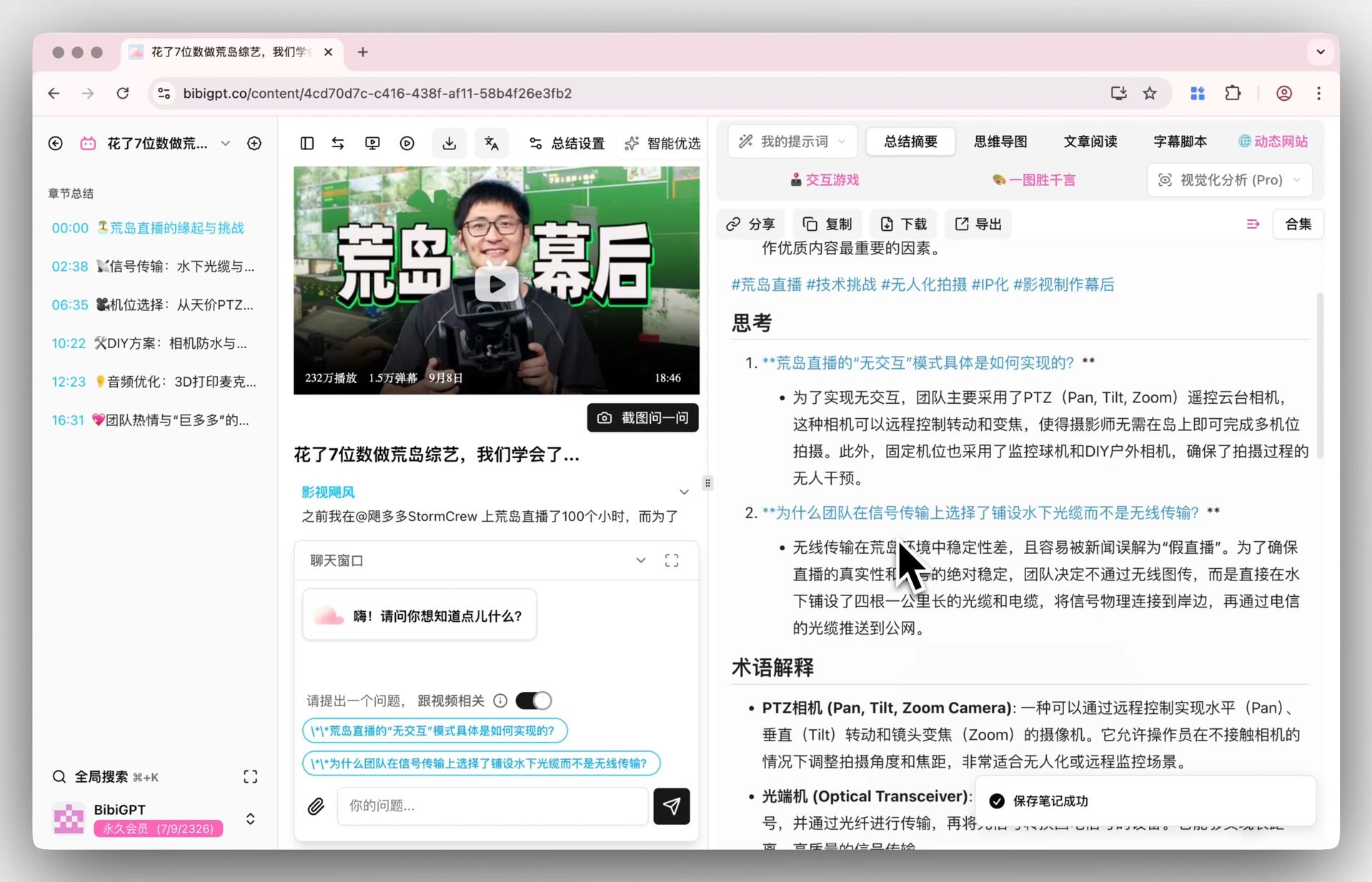
The screenshot below is what “good” looks like after the meeting: a page you can skim in 30 seconds before deciding whether to read the transcript.
Practical rule: judge an AI notes vendor by what it does with recordings it did not capture, not by how neatly its bot joins a Google Meet.
What Fireflies actually shipped on November 11
The announcement bundles two very different products, and they solve different problems.
Fred is the software expansion: the assistant now works across meeting notes, email, Slack, scheduling, screen recording and enterprise search. Concretely, the release adds a Scheduler for booking meetings, Talk (voice typing plus a Command Mode), Clips (a free screen recorder inside the Chrome extension), Email and Slack assistants, a Knowledge Search over your workspace, FredBots for recurring automated tasks, and Voice Agents for inbound call handling. Fireflies says the assistant now connects to 240+ apps, up from around 100.
Fly is the hardware: a compact device that attaches to the back of a phone and records the audio around it — phone calls, WhatsApp calls, in-person conversations. It is on a waitlist and the company says it ships early next year.
| What you need notes from | Fred (software) | Fly (hardware) |
|---|---|---|
| Calendar meetings on Zoom / Meet / Teams | Joins via calendar, records, summarises | Not needed |
| Phone or WhatsApp calls | Not captured natively | Yes — records the call audio |
| In-person conversations, workshops | Not captured | Yes — attached to the phone |
| Email threads and Slack channels | Yes — assistants plus Knowledge Search | No |
| Screen recordings and demos | Yes — Clips in the Chrome extension | No |
| Zoom local file the host never uploaded | No | No |
| Tencent Meeting, VooV, client-side meeting apps | No | Audio only, if you are in the room |
| Existing video library (webinars, YouTube, course videos) | No | No |
That table is the whole article in miniature. Fred and Fly extend live capture outward, from the calendar into phone calls and rooms. They do not turn an existing file into notes, and they do not reach platforms where the bot cannot be installed.
Practical rule: hardware buys you capture, not coverage. The pile of already-recorded material on your drive stays exactly as unreadable as it was before, unless you run it through something that accepts files.
The blind spot: recordings no meeting bot can join
Ask anyone who works across company boundaries and you hear the same four cases.
- Local recordings. The host records to disk, not the cloud, and shares the
.mp4afterwards. Bots only see cloud meetings. - Client-hosted platforms. Tencent Meeting, VooV, Feishu/Lark video, or a customer’s own webinar stack. Installing a third-party bot is either impossible or a compliance non-starter.
- Phone and WhatsApp calls. Sales, recruiting screens, support escalations. This is the gap Fly targets, and it is real — but hardware only helps the people who own one.
- The video library. Quarterly business reviews, conference talks, course modules, product demos recorded by the team. Nobody ever “attends” them again, so they never get summarised.
A fifth case is less visible but costs more time: the meeting was recorded and summarised, but the summary was generated by a tool that only exists inside that meeting’s platform, so the knowledge is trapped where nobody searches six months later.
Zapier’s comparison of AI meeting note apps frames the market around calendar-connected bots, which is fair — that is where most buying happens — while practitioners writing about getting notes out of an existing Zoom recording run into the file-first problem immediately. Both framings are correct for their audience; they describe different halves of the same workflow.
The path that works today: treat recordings as input, not as meetings
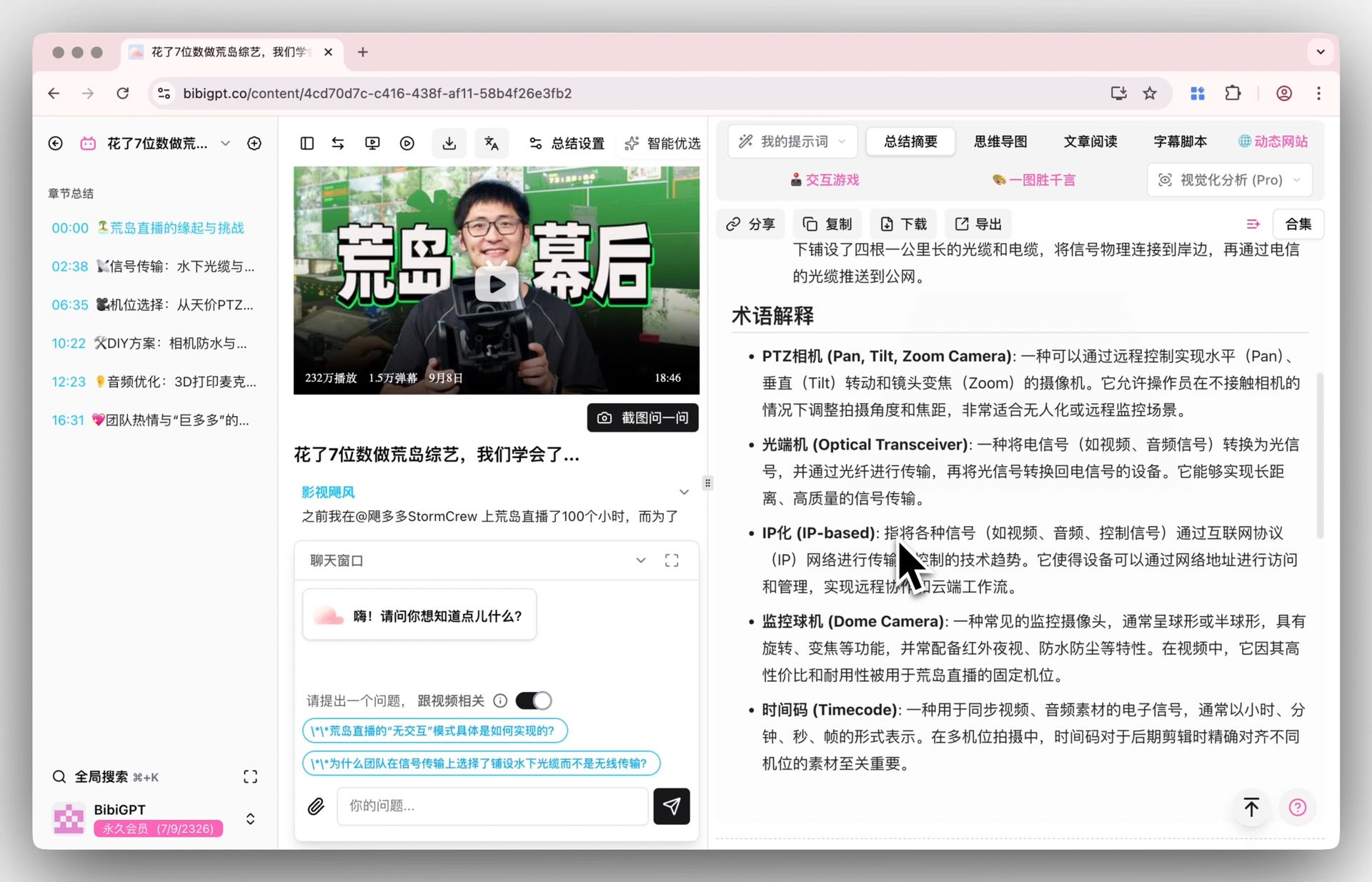
The reliable pattern is unglamorous and it has not changed in two years: get the media, get a transcript, then structure the transcript with a prompt that matches your job. What has changed is how little friction sits between those steps.
In BibiGPT, the loop looks like this:
- Bring the media in. Paste a link (YouTube, Bilibili, a hosted recording) or drag in a local file through local video-to-text. Nothing needs to be a “meeting” to be accepted.
- Transcribe with the engine you trust. Speaker turns and timestamps come out of the box; if diarisation is poor on a multi-speaker call, switch engines via custom transcription engine.
- Summarise against your own rubric. A generic summary answers “what was this about.” A custom prompt answers “which decisions were made, who owns what, what is still open” — the version your team actually needs.
- Turn the summary into an artefact. A mind map for a workshop, a draft doc for a client call, chapter markers for a webinar.
- Keep it searchable. The artefact lives in a document or knowledge base, not inside a bot’s calendar widget.
Engine choice matters most on the long, messy calls. This is the switch that decides whether overlapping speakers end up as two readable turns or one wall of text.
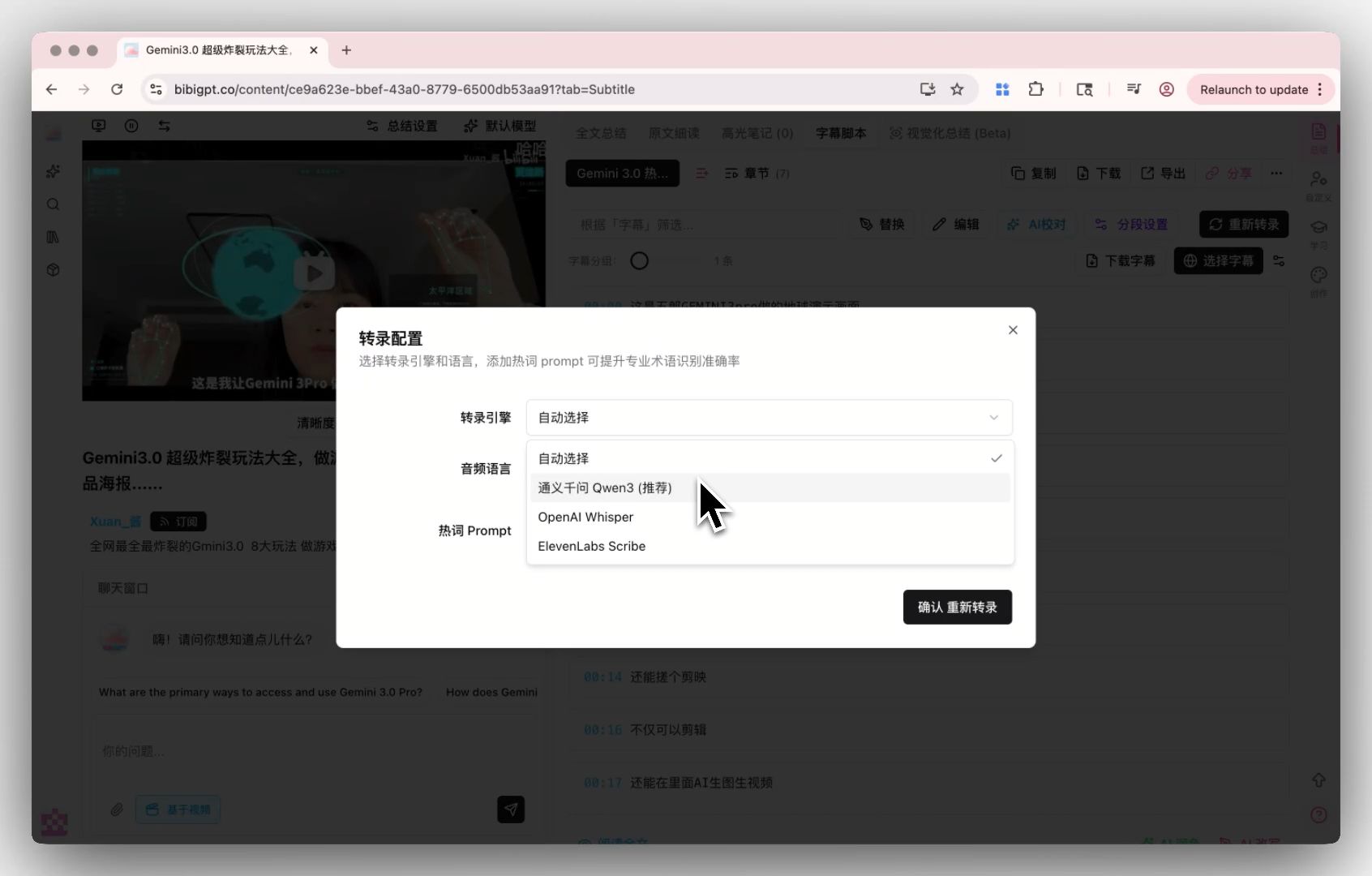
Two details make this work in practice. First, timestamps: every claim in the summary should point back to the minute it came from, otherwise nobody trusts it enough to forward it. Second, reuse: once a client call is transcribed, the same record answers next quarter’s “what did they say about pricing” question without anyone re-watching anything.
If your team already runs a calendar bot for internal meetings, this is not a replacement — it is the intake path for everything the bot never sees. The two workflows share one destination: a searchable note, not a recording.
Practical rule: one intake path for all media beats two half-covered paths. If a recording exists, it should have a route into notes — regardless of which app produced it.
Standing next to Fred, not on top of it
The honest answer to “should we switch” is that it depends on where your meetings live.
| Your situation | Better starting point |
|---|---|
| Sales team on company phones, lots of WhatsApp calls | Wait for Fly; meanwhile record externally and transcribe files |
| Mixed calendar meetings plus a large existing video library | Keep the calendar bot; add a file-based summariser for the archive |
| Client meetings on platforms you cannot install bots into | File-based workflow only — this is the common case in APAC and in regulated industries |
| Email and Slack follow-up is the real pain | Fred’s assistants are a genuine fit; notes are the easy part |
| Privacy-sensitive material that cannot leave the device | Prefer local or in-browser processing over any cloud bot |
Cost is worth checking rather than assuming. Fireflies publishes a free tier and paid plans starting around $10 per user per month billed annually on its pricing page, and enterprise contracts are quoted separately. BibiGPT’s own free meeting transcription tool exists precisely because a large share of teams only need the file path a few times a month and should not be paying per seat for it.
There is also a consent question that hardware makes sharper. A device that records the room changes the social contract of a conversation; in two-party-consent jurisdictions, recording a phone call without telling the other side is not a product feature, it is a legal exposure. Whichever tool you pick, the disclosure habit has to come from your team, not the vendor’s onboarding flow.
What that looks like in practice: a summary that already separates decisions from chatter, with the action list at the top.
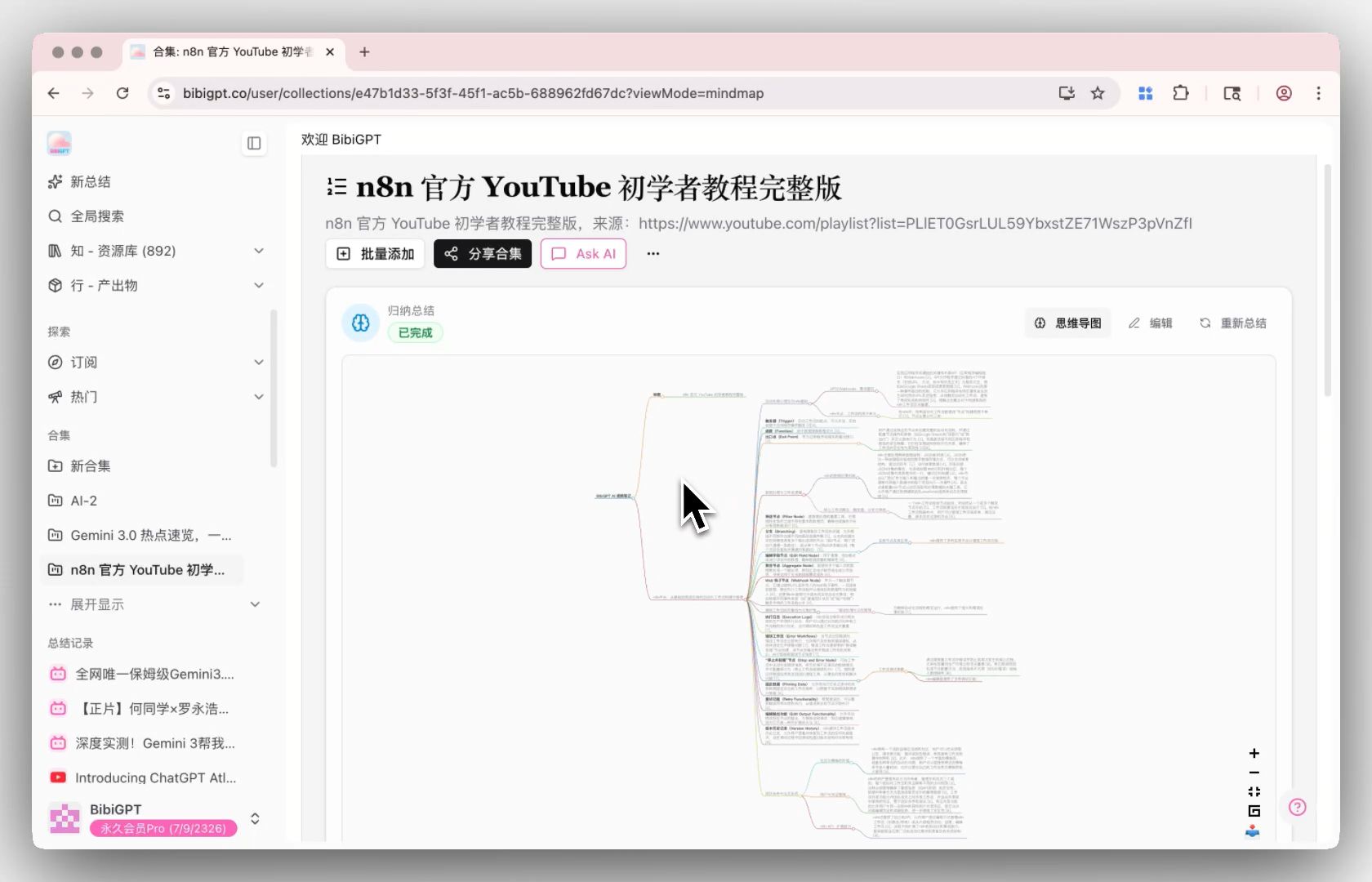
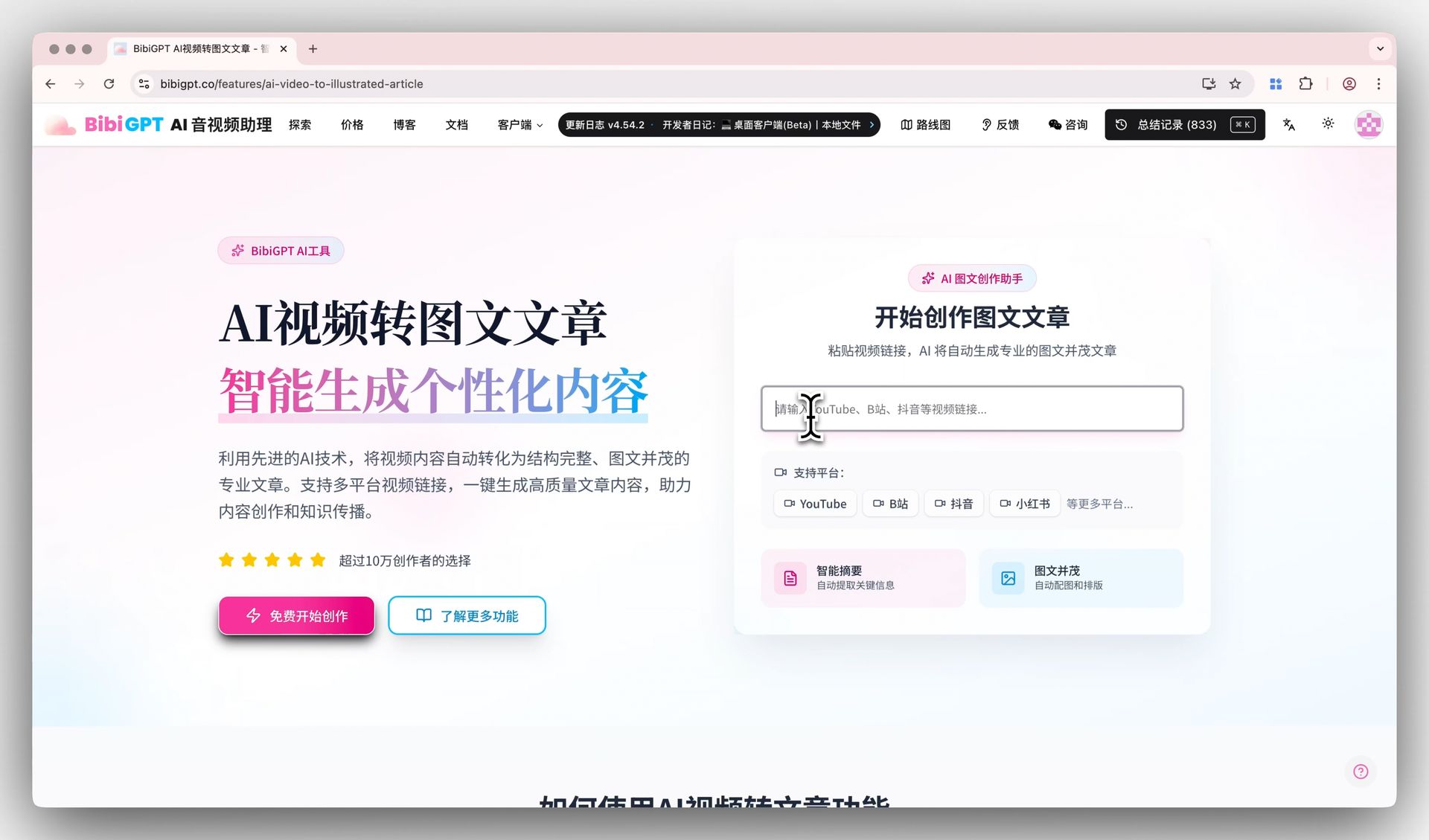
One more useful output for archive work — turning a recording into a written piece you can file alongside the summary, so the knowledge lives in text rather than in a video nobody reopens.
For teams that already run a Fireflies-style bot and want a comparison of the transcription layer itself, our breakdown of Tactiq vs Fireflies vs BibiGPT goes deeper on accuracy and export formats. The short version: accuracy differences between mainstream ASR engines are now small; workflow differences are not.
FAQ
Does Fireflies Fly work with apps that block bots? It captures audio physically rather than joining as a participant, so a platform’s bot policy is not the obstacle. Platform terms, local law and the other party’s consent still are.
Can Fred summarise a Zoom recording that was saved locally? The documented workflow centres on meetings Fred attends or content captured through its own surfaces. Local files and third-party platform recordings are better handled by a tool that accepts uploads directly.
Is a calendar bot or a file-based summariser better for a small team? If most of your knowledge lives in internal calendar meetings, a bot removes more work. If it lives in client calls, webinars and screen recordings, the file path removes more.
What about Tencent Meeting or VooV recordings? Download the recording, then transcribe the file. No bot installation is required, which is usually the only reason this route is allowed in the first place.
Fireflies’ direction is clear and worth watching: the notetaker wants to become the place where follow-up work happens. But the practical lesson of November 2026 is narrower. Capture is expanding — to phones, to rooms, to email — while the recordings you already own still need a way in. Build that route once, and every new capture device has somewhere to land.
Popular tools
More in this series
- AI Haoji बनाम BibiGPT: AI मीटिंग नोट्स टूल की 2026 गहरी तुलना (पेशेवर ख़रीदार गाइड)
- Free AI Meeting Notes 2026: Which Tools Stay Free (Otter, Fireflies, BibiGPT)
- AI मीटिंग रिकॉर्डिंग से सारांश नोट्स: संपूर्ण 2026 वर्कफ़्लो
- AI Meeting Video Transcription Guide: How to Transcribe Zoom & Teams Recordings with BibiGPT
- AI Wearable Notetaker + Meeting Transcription Workflow 2026: Plaud, Taya, Omi, Viaim Compared + BibiGPT