How to Build a Video Learning Workflow With BibiGPT (2026 Complete Methodology)
How to Build a Video Learning Workflow With BibiGPT (2026 Complete Methodology)
As of May 2026, this workflow is in daily use by 100,000+ BibiGPT users.
Video is 2026’s biggest learning medium — and its biggest time sink. You subscribe to 50 YouTube channels, follow 30 podcasts, bookmark a stack of Bilibili courses — but you actually use less than 5% of it. The problem isn’t the content. It’s the workflow. This post gives you a complete, repeatable, measurable video learning workflow: from pasting a URL to landing in Notion, in five stages, with explicit outputs and time budgets at each step.
Practical rule: The video-learning bottleneck is never comprehension. It’s “I watched it and forgot” plus “I want to use it but can’t find it.” The workflow’s only job is to push both costs near zero.
BibiGPT has been solving this for over 1 million users across three years. We’ve distilled the method into 5 stages, validated against 5M+ AI summaries across 30+ supported platforms.
1. Stage 1: Capture (5 minutes/day, zero friction)

Goal: Pull “things I might watch” off your timeline into one unified inbox.
Key principle: Don’t judge at capture time. Judgment belongs in Stage 2.
How to do it:
- See an interesting YouTube video → browser extension sends it to BibiGPT
- Halfway through a podcast and it gets good → copy URL, paste
- Friend sends a Bilibili link → paste directly
- Course recording in a WeChat group → forward to the BibiGPT WeChat assistant
Practical rule: Capture must be zero-friction. Any decision cost over 3 seconds and you’ll skip it. Lower friction → more complete capture.
Time budget: 5 minutes/day total. 10 seconds per paste.
2. Stage 2: Transcribe + Translate (async, 4–8 items in parallel)
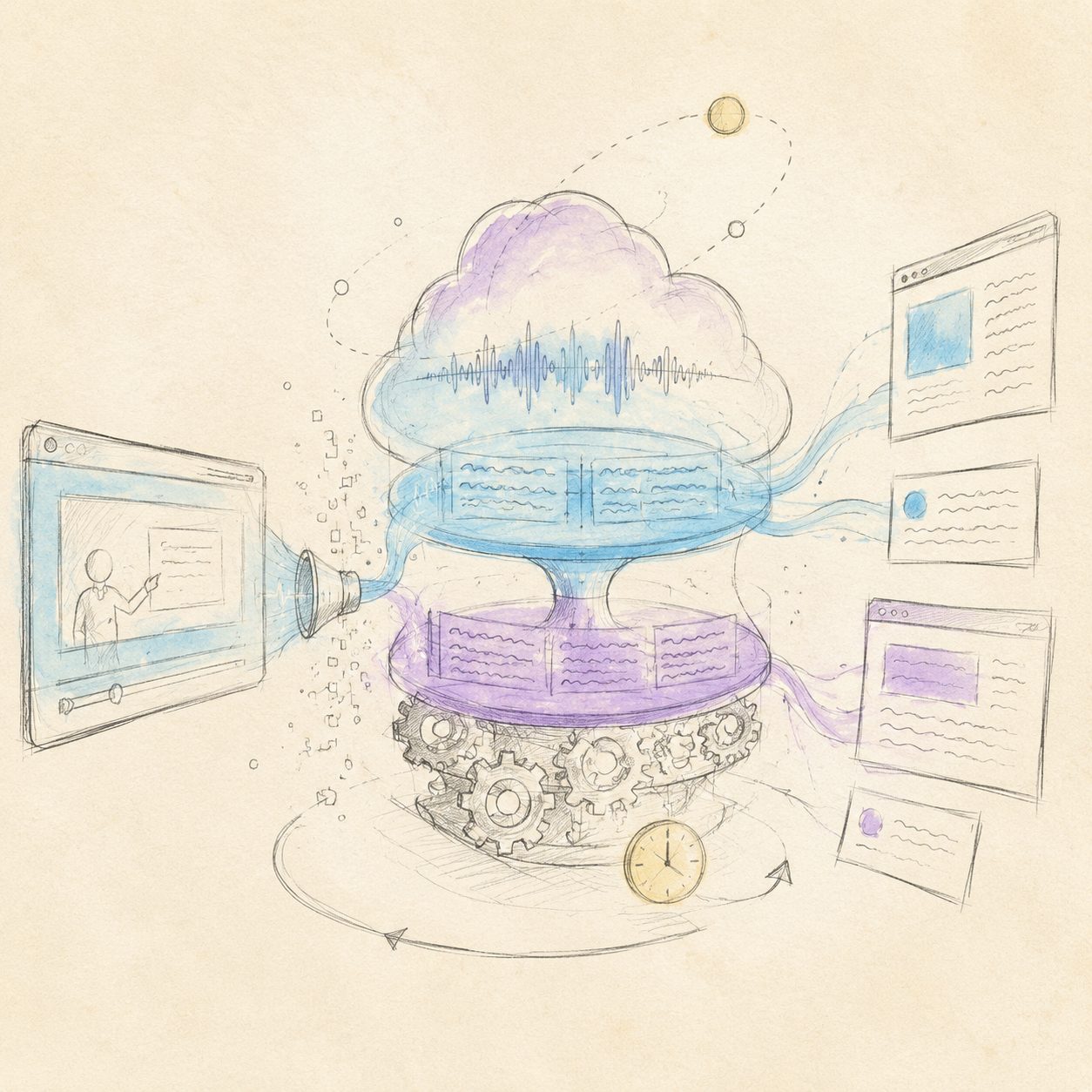
Goal: Convert video/audio into searchable text. Auto-translate foreign content.
Key principle: Let BibiGPT batch-process in the background while you do other things.
How to do it:
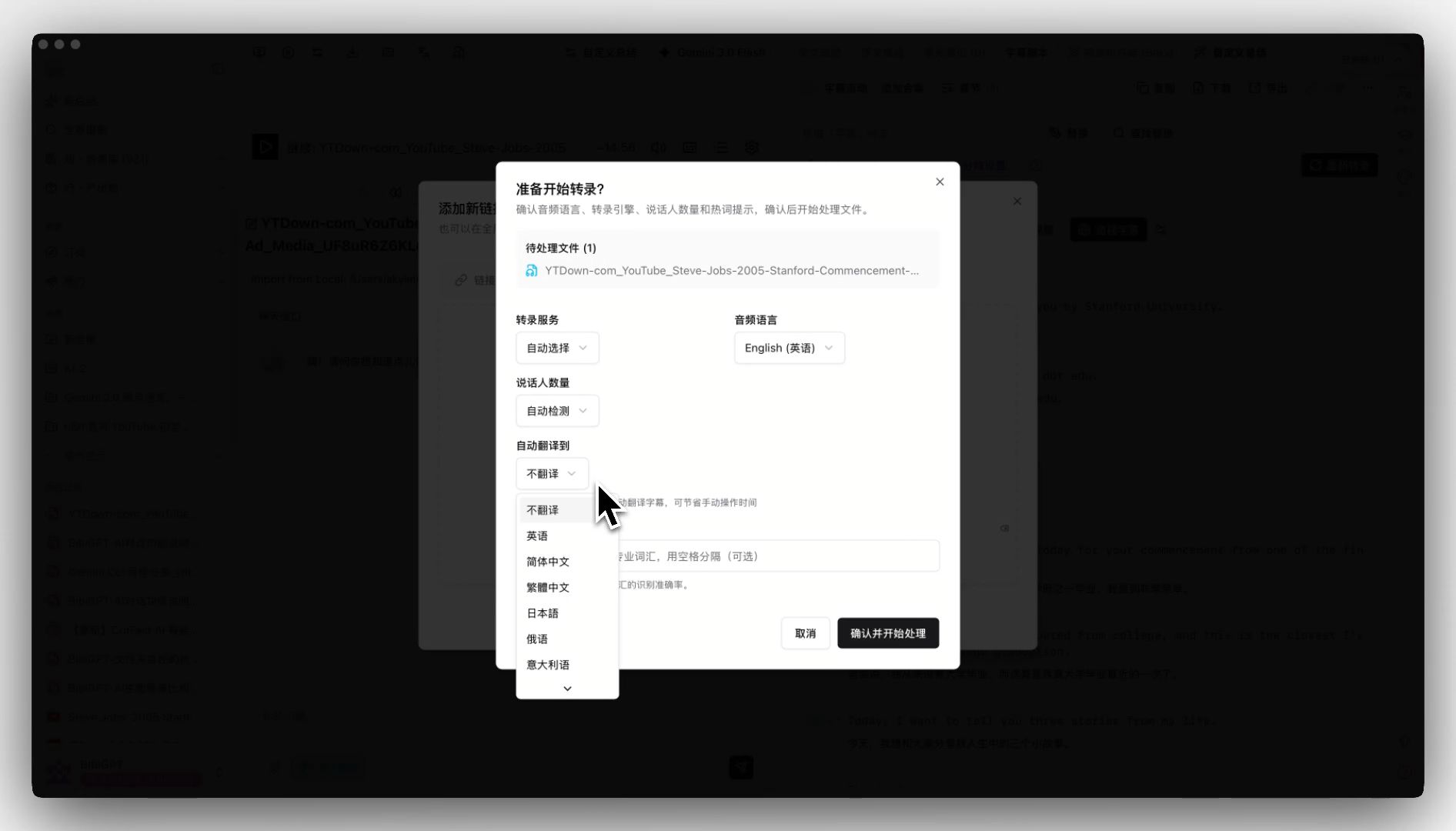
Open the “My Summaries” page in BibiGPT and paste links one by one (or use batch processing to submit all at once). For foreign content, enable auto-translate on upload.
Time budget:
- Active time: 3–5 minutes (paste 8 links)
- BibiGPT processing: 3–10 minutes per video, parallel
- Waiting: zero. You’ll get a notification when each finishes.
Stage 2 outputs:
- Transcript for each video/podcast (timestamped)
- Bilingual side-by-side for foreign content
- AI-generated chapter abstracts
A YouTube walkthrough of batch submission:
https://www.youtube.com/embed/SbgNX3sMSXQ
3. Stage 3: Notes (5–15 minutes per item)
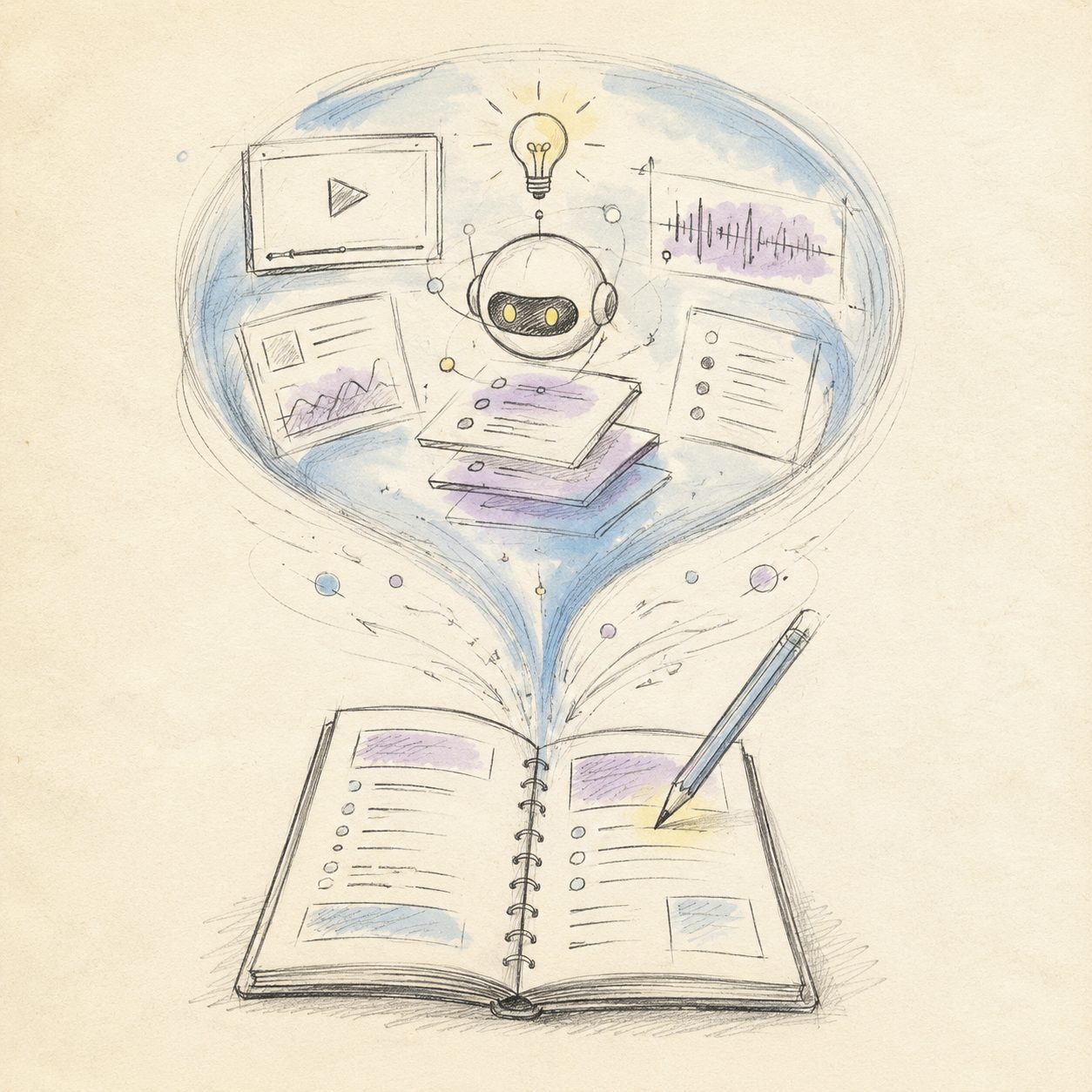
Goal: Turn “information” into “your knowledge.”
Key principle: Notes are not transcripts. Notes are your own words answering three questions.
For each video/podcast, answer:
- What is this about? (One sentence, under 20 words.)
- Which idea changed my thinking? (Quote it specifically — a sentence or a number.)
- When will I use it? (A specific future scenario.)
BibiGPT’s AI chat shines here — you don’t rewatch the video. Ask the AI “what does this video say about X” and it pulls the exact answer from the transcript.
Practical rule: A note’s value isn’t its length. It’s its future recall rate. If one sentence answers the question, don’t write five paragraphs.
Time budget: 5–15 minutes per item. 10 videos ≈ 1–2.5 hours (this is a weekly investment, not daily).
4. Stage 4: Archive (one-click sync to Notion / Obsidian)
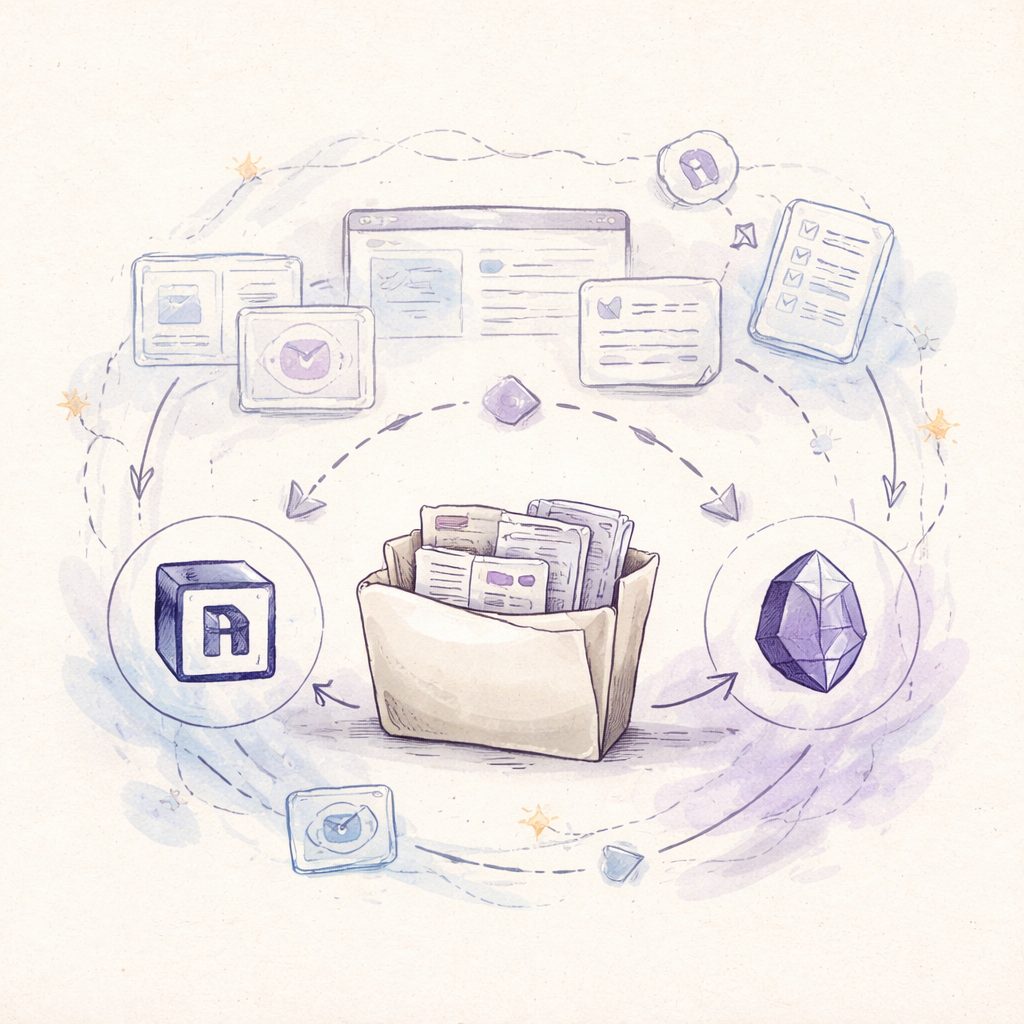
Goal: Push Stage 3 notes into a searchable, taggable, bidirectionally-linked long-term system.
Key principle: Don’t store notes in BibiGPT. BibiGPT is the entry; not the archive.
How to do it:
In the BibiGPT result page header, click Export → Notion (or Obsidian, or local Markdown). Three seconds later, a structured note appears in your knowledge base.
Recommended tags on archive:
- Domain: tech / business / psychology / history / health (define your own)
- Source type: YouTube / podcast / Bilibili course / meeting recording
- Trigger scenario: the answer to Stage 3 question 3 — “when will I use it”
Time budget: 30 seconds per item.
5. Stage 5: Reuse (search + reflect)
Goal: Make historical notes discoverable and usable in some future moment.
Key principle: Notes have value at the moment they’re used. Unused notes equal no notes.
How to do it:
- Before writing an article or video: search Notion by topic, weave past notes into new content
- Before a decision: search the “decisions” tag, remind yourself of frameworks you’ve already learned
- Monthly review: spend 30 minutes scrolling notes from the past 30 days, ask “which ideas have I actually applied? Which haven’t?”
BibiGPT’s collections feature lets you group related videos (e.g., “product decision frameworks”). The collection itself produces a cross-video synthesis — a level of reuse a single note can’t reach.
Practical rule: A note is only “successfully archived” if it’s been used at least three times. If a year passes without a single search, its value is zero.
| Stage | Time | Output | Frequency |
|---|---|---|---|
| Capture | 5 min/day | URL backlog | Daily |
| Transcribe | 3–5 min active | Transcript + summary | Daily |
| Notes | 5–15 min/item | Three-question answers | Per item |
| Archive | 30 sec/item | Notion long-term record | Per item |
| Reuse | 30 min/month | Reuse + reflection | Monthly |
6. Frequently Asked Questions
Q1: 10 videos a day — how many hours of notes?
Active time = Stage 1 (5 min) + Stage 3 (10×10 = 100 min) + Stage 4 (10×30 sec = 5 min) ≈ 1.8 hours. Wait time doesn’t count (you’re doing other things).
Q2: What if I watch videos purely for entertainment?
Then you don’t need this workflow. This method is for people trying to learn from video. Entertainment doesn’t require notes.
Q3: How accurate are BibiGPT’s summaries? Do I need to double-check?
Mainstream-model chapter summaries are ~90%+ accurate. For decision-critical content (numbers, dates, key quotes), use AI chat at Stage 3 to verify against the original transcript.
Q4: What’s the difference vs NotebookLM?
NotebookLM focuses on “upload documents, ask questions.” BibiGPT focuses on “from URL to structured notes.” They coexist — BibiGPT produces notes, NotebookLM handles follow-up Q&A.
Q5: Can I skip Notion and use Obsidian?
Yes. BibiGPT exports Markdown directly. Use any Markdown editor (Obsidian, Logseq, VSCode).
Q6: Can I do the whole workflow on mobile?
Yes. BibiGPT mobile supports Stage 1 capture and Stage 5 search. Stage 3 notes are best on desktop (faster typing).
Q7: Can a team use this method?
Yes. Swap Stage 4’s target for a shared Notion workspace or Confluence and you’ve got team knowledge. BibiGPT API access supports enterprise batch.
7. Run the Workflow Today
If you haven’t tried BibiGPT, the fastest test is to paste the YouTube link you most want to watch today. In three minutes you’ll see Stage 1’s first deliverable.
Open bibigpt.co. The free tier is enough to run the full five stages.
Further reading: Best AI Real-time Translation Tools 2026 · Complete Video-to-Text Guide (2026 Update)
— BibiGPT Team