
BibiGPT Speech-to-Text: Fast, Accurate, Multilingual Transcription on Your Mac
Convert meetings, lectures, interviews, and podcasts into polished text with AI—complete with speaker labels, smart punctuation, and timestamps, all in your browser.
BibiGPT Speech-to-Text: Fast, Accurate, Hands-Free
Buried in audio files? BibiGPT’s local speech-to-text engine turns MP3, WAV, M4A, AAC, and more into clean, searchable transcripts—perfect for meetings, lectures, interviews, and long-form content.
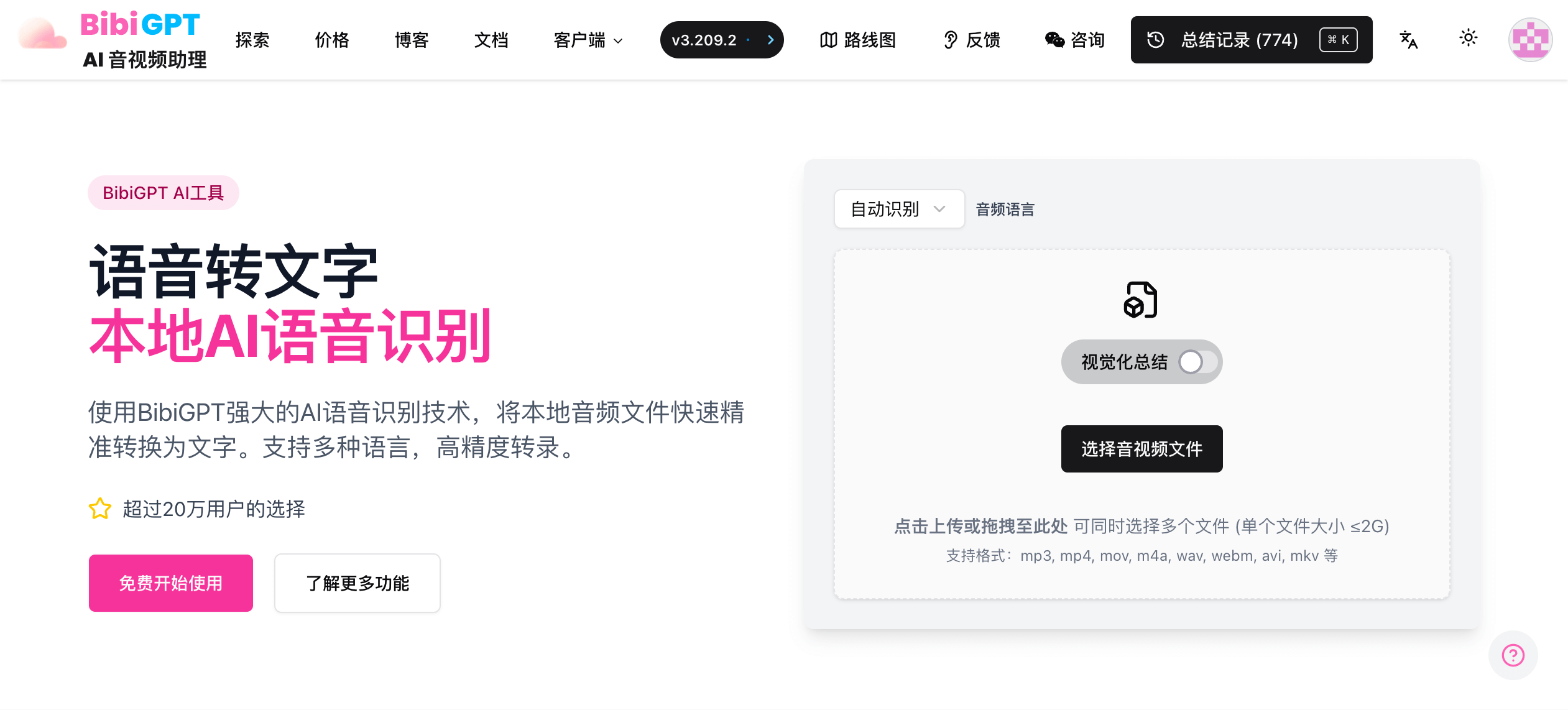 UI preview
Why BibiGPT Transcription Stands Out
- Multilingual – Chinese (Mandarin/Cantonese), English, Japanese, Korean, French, German, Spanish, and more—even cross-language output (e.g., English audio → Chinese text).
- Speaker diarization – Automatically labels different voices for easy review.
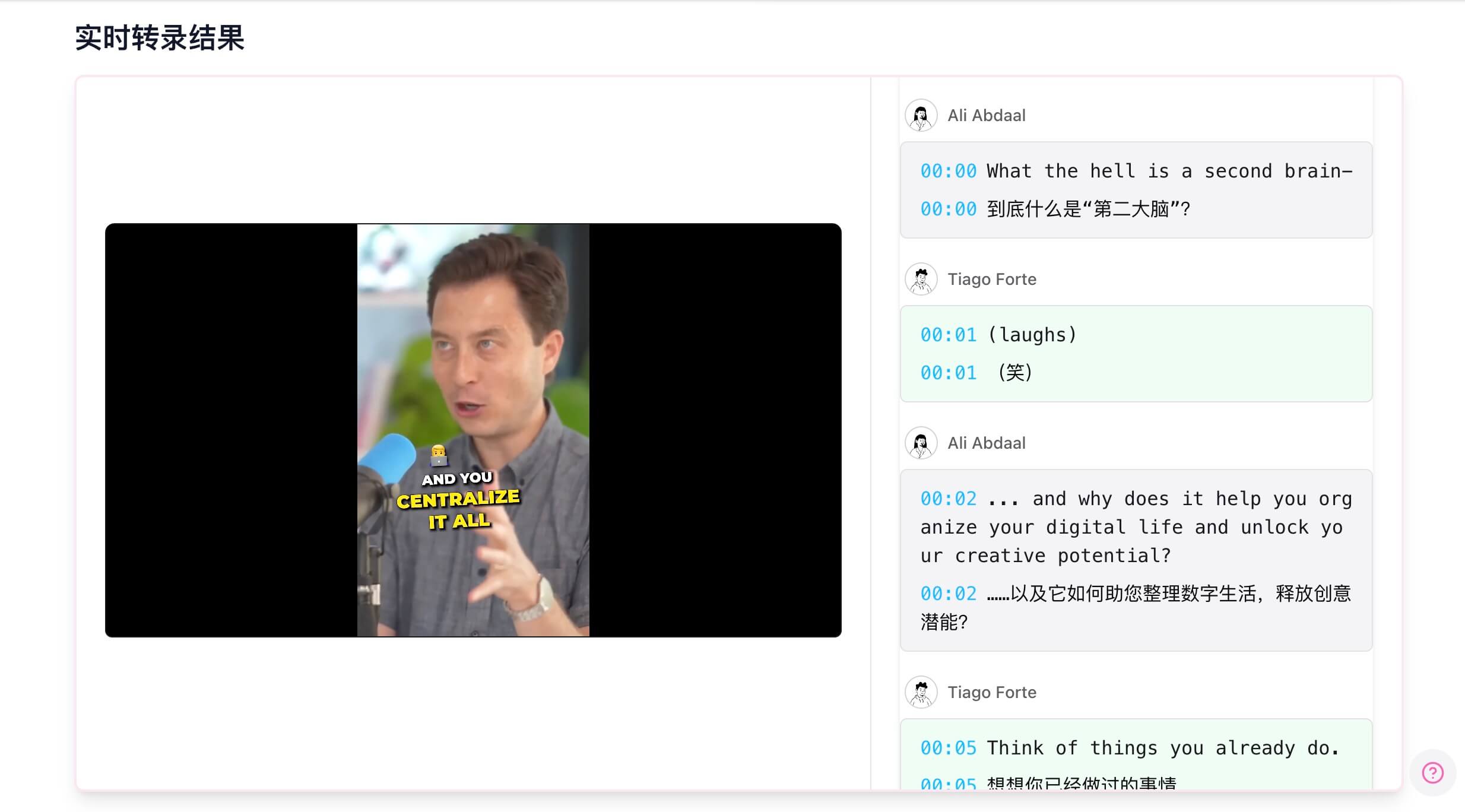 Transcript sample
 - Smart punctuation & formatting – Well-structured paragraphs without manual cleanup.
- Timestamps – Jump back to any moment instantly.
- High accuracy – Advanced models handle background noise and challenging recordings.
Try It Now
Test BibiGPT Speech-to-Text for Free
Upload an audio file and watch AI deliver accurate, multilingual transcripts—ready for editing, search, and downstream analysis.
クリックしてアップロードまたはここにドラッグ&ドロップ(単一ファイルサイズ ≤2G)
対応フォーマット:mp3, mp4, mov, mpg, m4a, wav, webm, avi, mkv などThree Steps to Transcribe
- Upload audio (drag & drop or file picker).
- Choose languages – source language + desired output language.
- Click transcribe – AI processes and returns rich text in minutes.
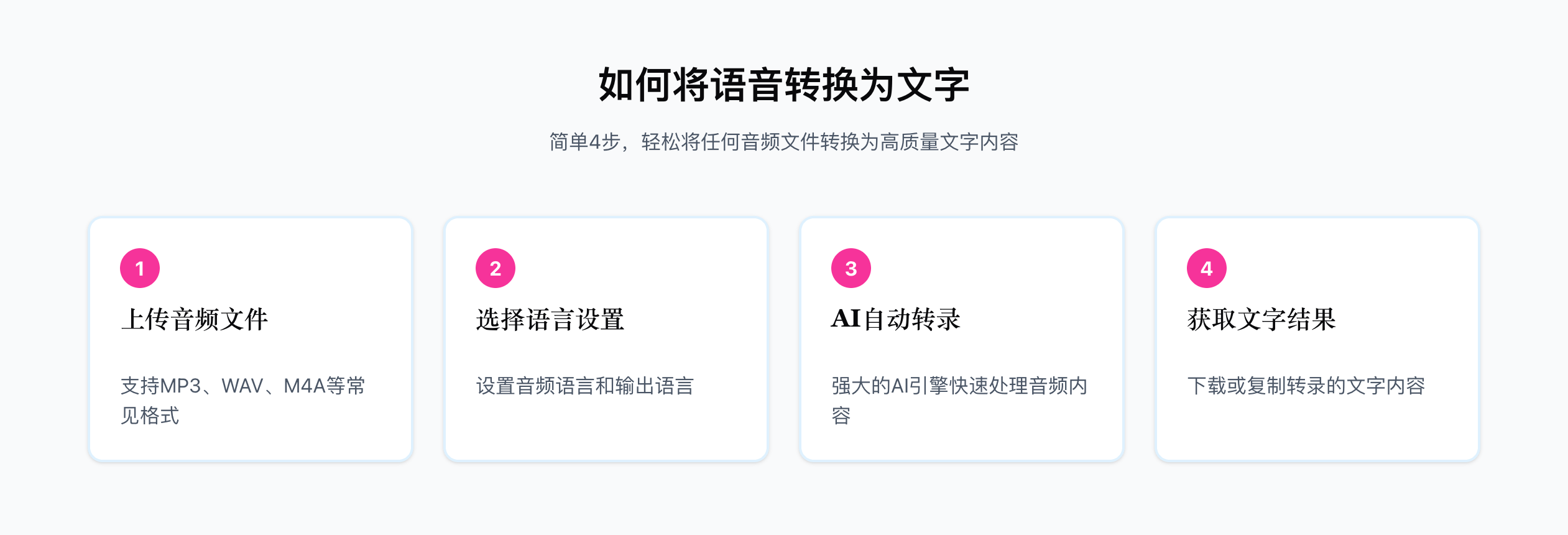 Steps
Steps
Who It’s For
- Students/Researchers – Summarize lectures, interviews, and focus groups.
- Professionals – Capture meetings, training sessions, and webinars accurately.
- Creators – Turn podcasts, video interviews, and voice memos into scripts.
- Language learners – Convert listening material into text for deeper study.
 Use cases
Part of the BibiGPT Ecosystem
Transcripts plug directly into other BibiGPT tools:
- AI Local Subtitle Summary
- AI Podcast to Article
- AI Meeting Video to Document
- AI Video Summary Visual Content
For more transcription options, see Top 5 Free Audio-to-Text Tools in 2024.
FAQ
How accurate is it?
State-of-the-art models deliver high accuracy; clear recordings yield best results.
What formats are supported?
MP3, WAV, M4A, AAC, and other popular audio types.
Can I download the transcript?
Yes. Copy directly or export as TXT, DOCX, etc.
Does it handle multiple speakers?
Yes—speaker diarization keeps conversations organized.
Start Transcribing Today
Ready to turn audio into actionable text?
Visit BibiGPT Speech-to-Text and let AI do the heavy lifting.