
Feature Update: Highlighted Notes, Mind Map Enhancements, and Seamless Knowledge Flow
Discover BibiGPT’s latest upgrades—inline mind maps, highlight capture with shareable cards, and export options that send your insights straight into favorite note-taking tools.
Feature Update: Highlighted Notes, Mind Map Enhancements, and Seamless Knowledge Flow
Hi BibiGPT users,
We’re rolling out another round of upgrades focused on two themes: deeper note capture and smarter information structure. Our goal remains simple—help you watch faster, find smarter, and use better every time you open BibiGPT.
🚀 Watch Faster: No More Tab Hopping
We made insights easier to see and navigate.
Inline Mind Maps inside the Summary
Switching between text and mind maps is seamless now. The “Summary” view includes a toggle that reveals your Markmap/XMind visualization instantly—no context switching required.
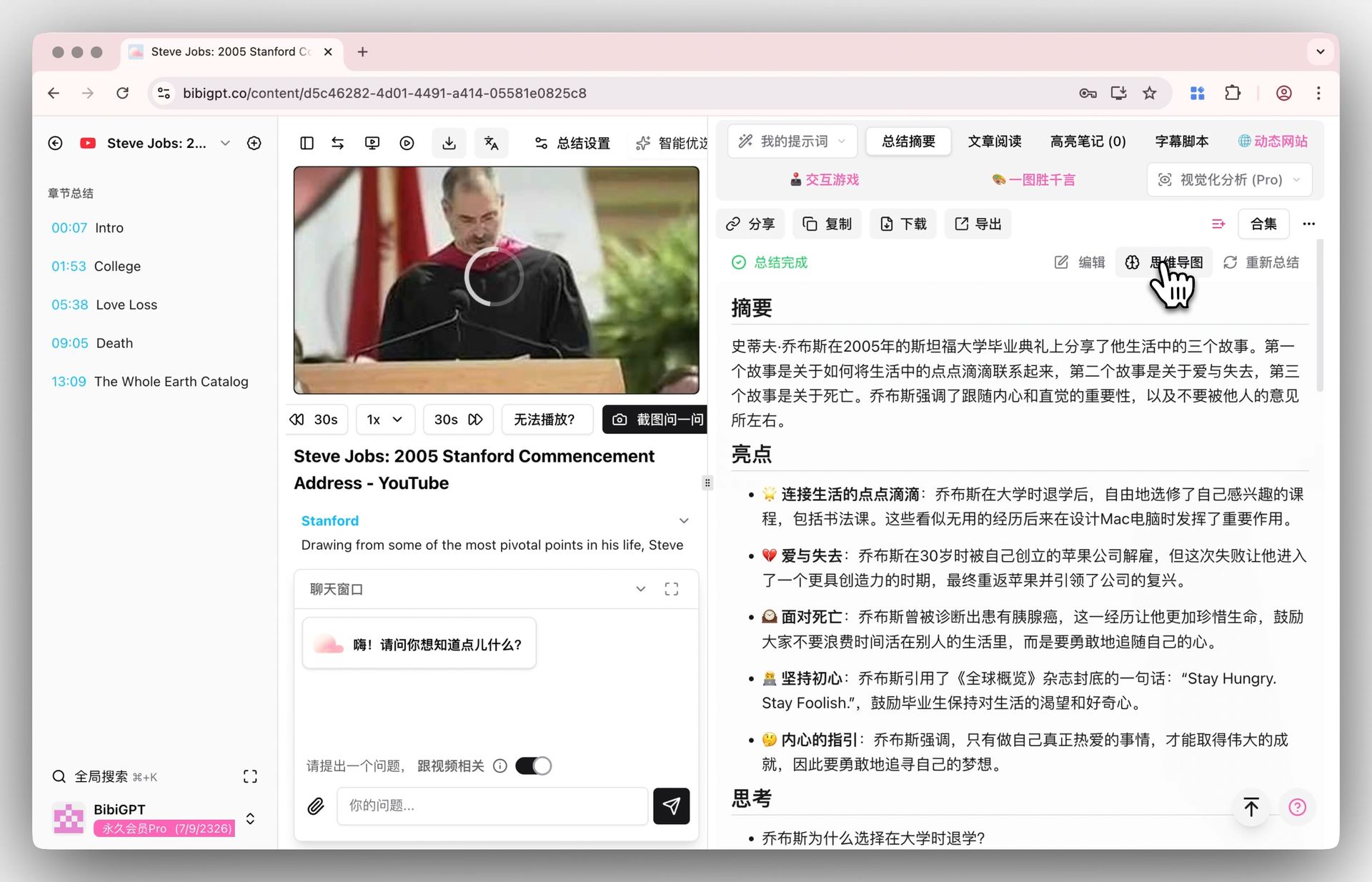 Mind map button
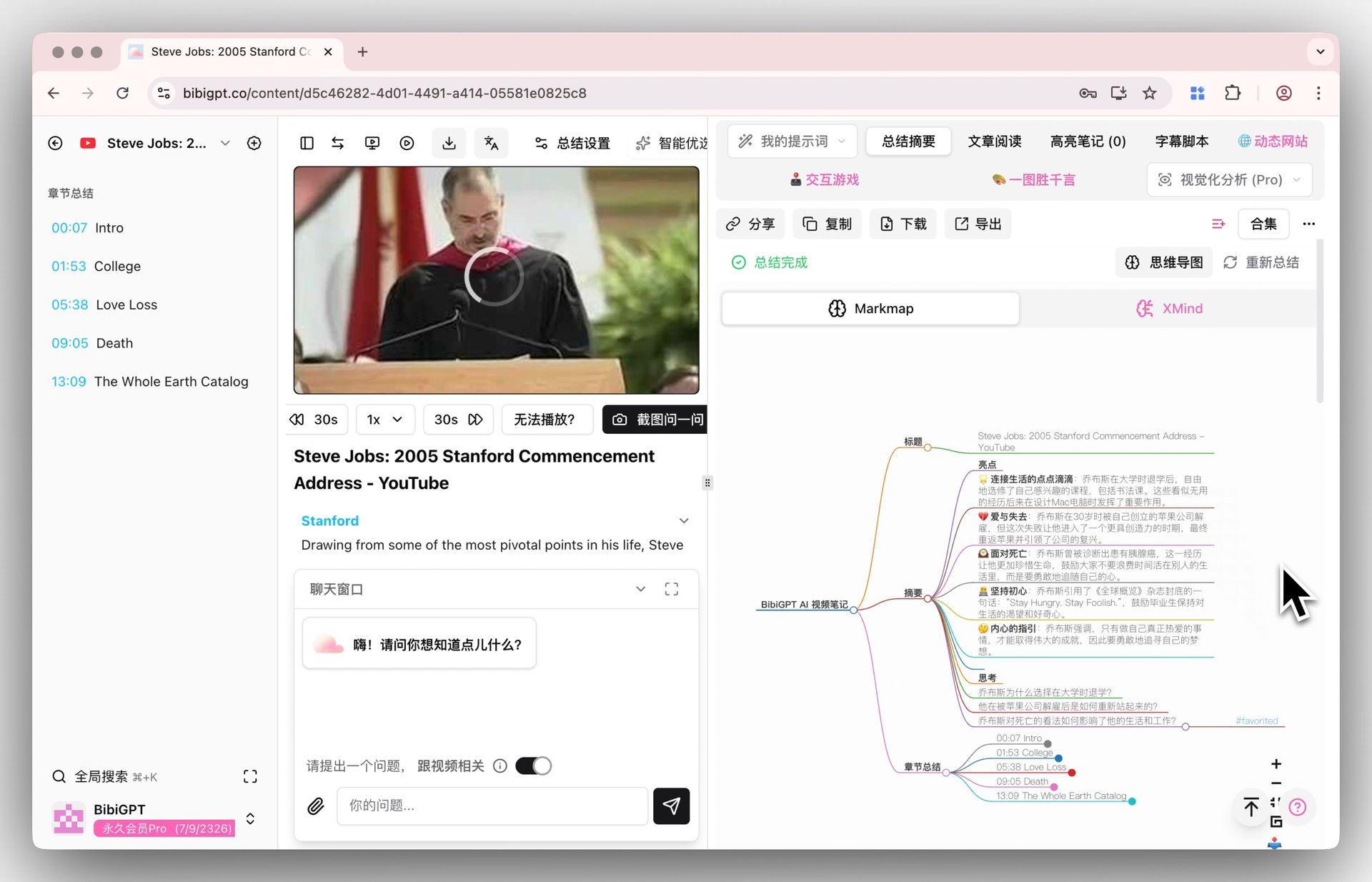 Mind map display
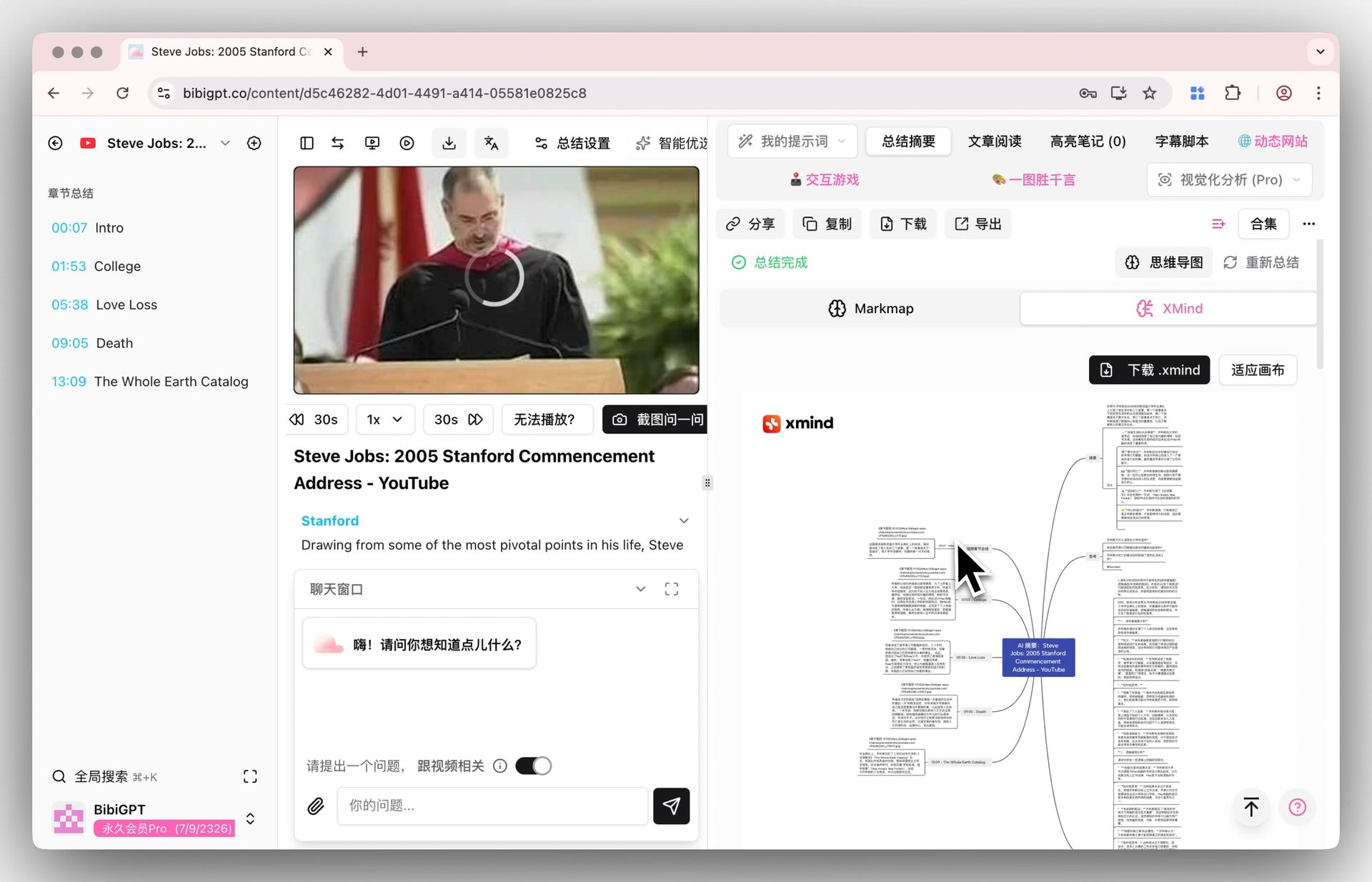 XMind display
🔍 Find Smarter: Highlight, Collect, Repeat
Highlighted Notes & Collections
Just like annotating an e-book, you can highlight any sentence in the summary to save it. Your selections are automatically gathered under a dedicated Highlights tab—no more copy/paste gymnastics.
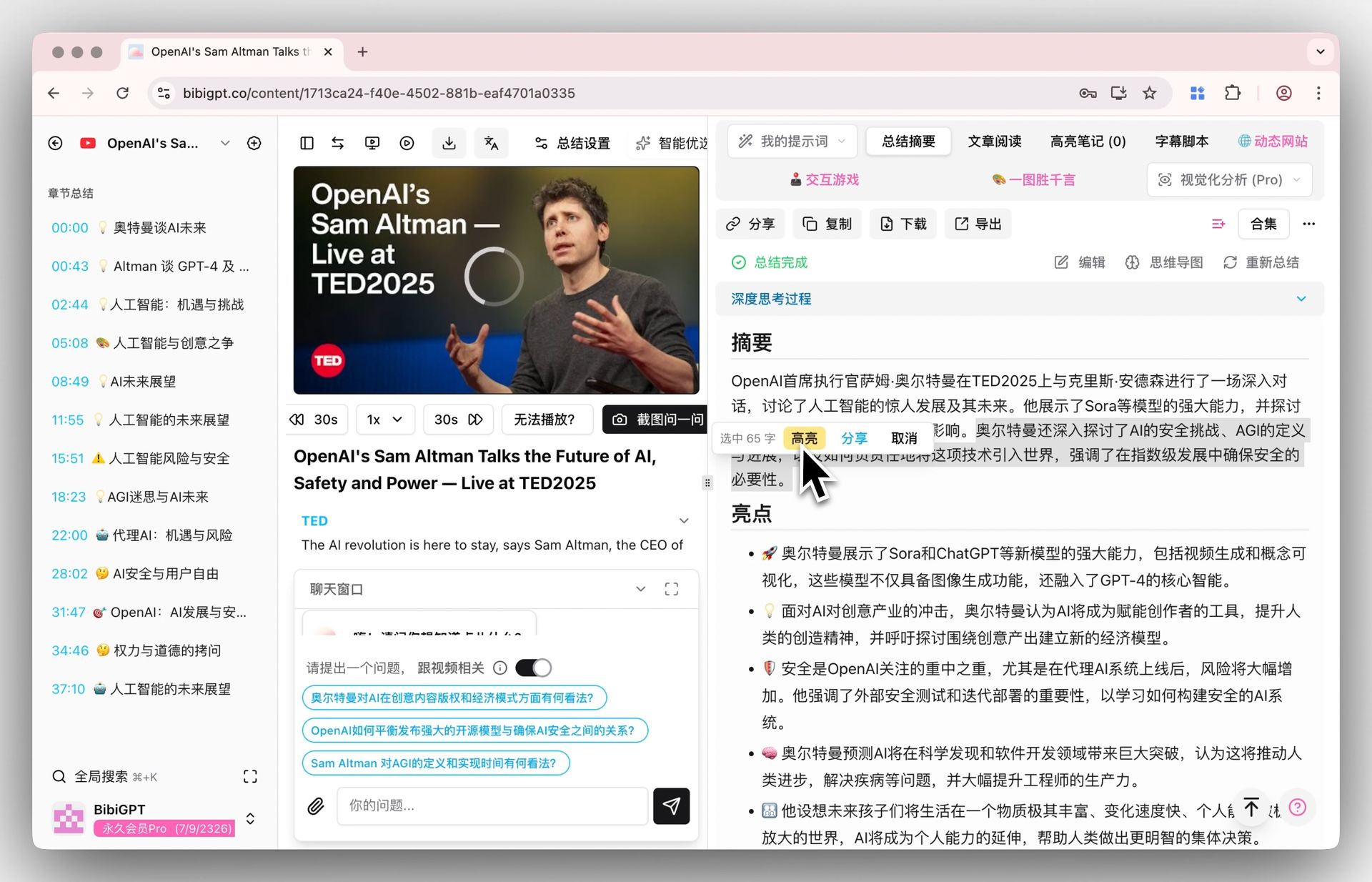 Highlight button
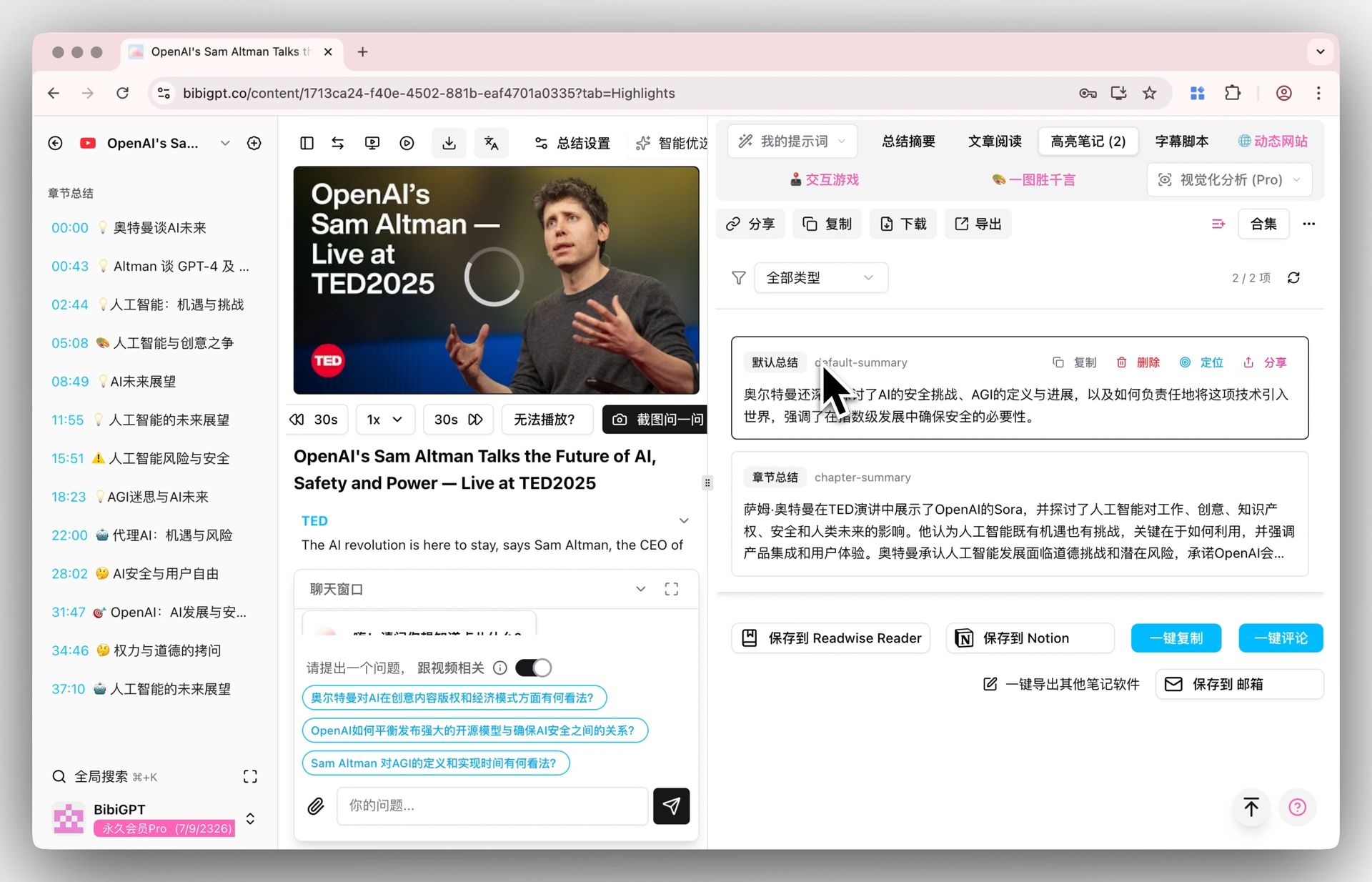 Highlights tab
Shareable Highlight Cards
Tap “Share” to instantly turn a highlight into a polished card—complete with custom colors, typography, and a video QR code for attribution. Perfect for social sharing or team updates.
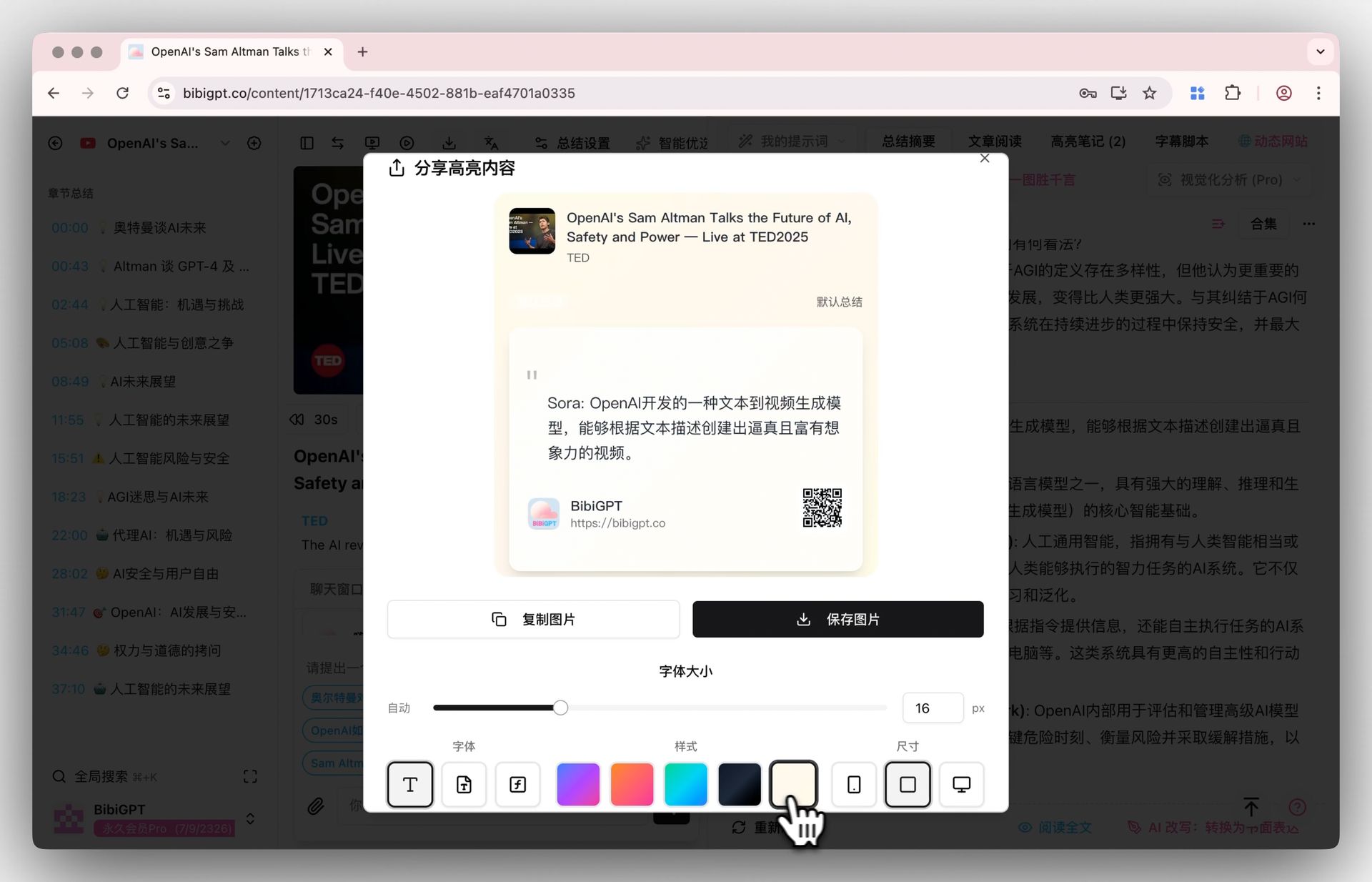 Highlight share
✨ Use Better: Export Knowledge Anywhere
Highlights aren’t useful if they get stuck in one app. You can now export highlighted notes separately with a single click.
- Send them to Notion, Readwise, Obsidian, and more.
- Download them as Markdown, PDF, or other formats for long-term storage.
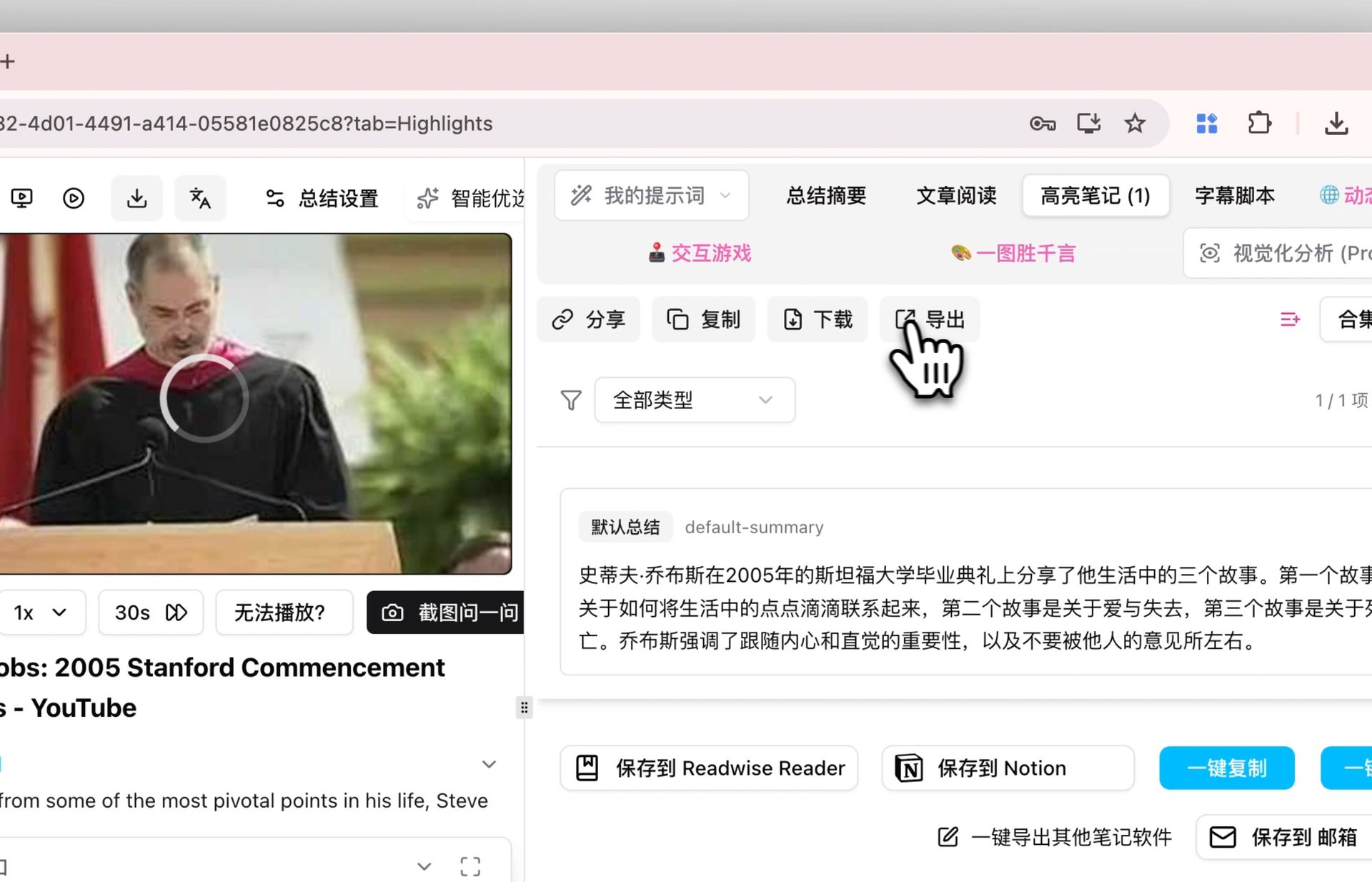 Export button
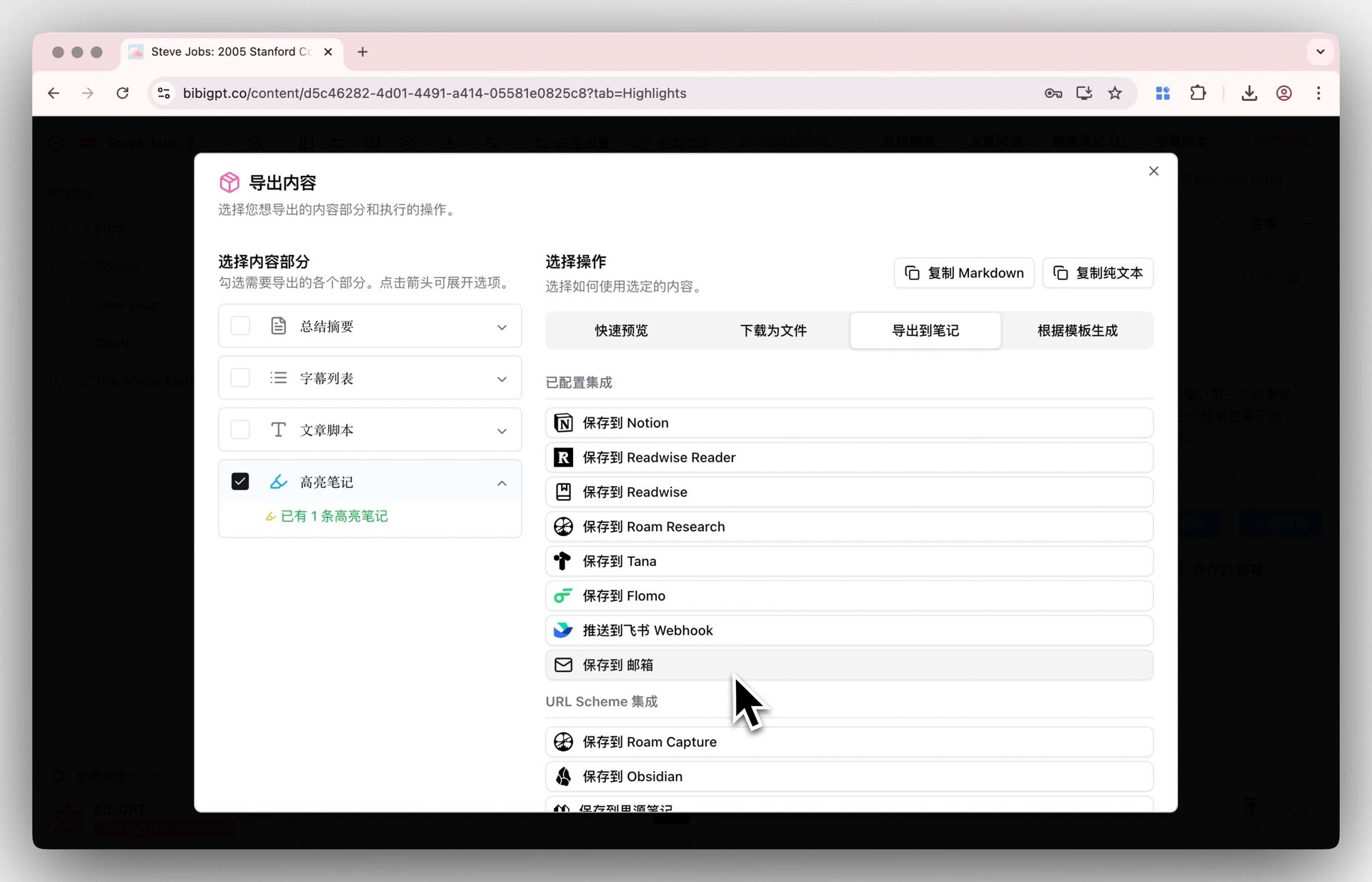 Export panel
Community Highlights
Thank you for the continuous love and encouragement across Bilibili, WeChat, and beyond. Your reviews keep us motivated—and we’re spotlighting a few heartfelt messages here as a token of appreciation.
 Feedback collage 1
 Feedback collage 2
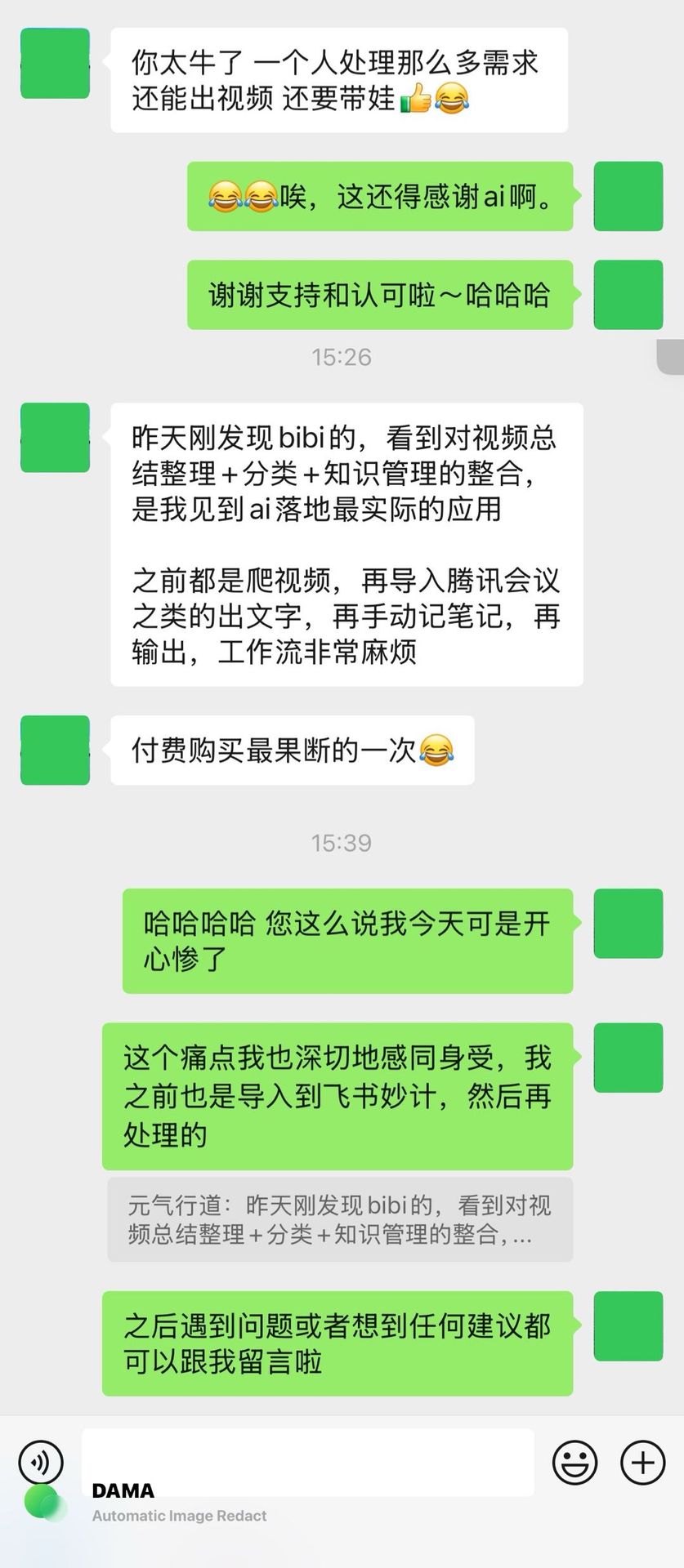 Feedback collage 3
Keep sharing your ideas—we’re listening.
Summary
Highlights from this release:
- Mind maps embedded in summaries for instant structural context.
- Highlighter capture and shareable cards to save and broadcast key insights.
- Dedicated highlight exports so knowledge flows into the tools you trust.
Ready to try it? Visit BibiGPT and take the upgraded workflow for a spin.
Happy summarizing!
The BibiGPT Team