NotebookLM Audio Overview Brief/Critique/Debate × BibiGPT Video Learning — 2026 New Interaction Paradigm Comparison
NotebookLM Audio Overview Brief/Critique/Debate × BibiGPT Video Learning
As of 2026-05-21: Google’s NotebookLM shipped three new Audio Overview formats (Brief, Critique, Debate) and Interactive Mode (users can interrupt the AI hosts). AI learning is shifting from “one-way summary” to “multi-angle + conversational.” What does this mean for users who learn primarily from video and podcasts?
Background: From Audio Overview 1.0 to Three Formats + Interruption
NotebookLM’s Audio Overview launched as a single format — two AI hosts discussing your uploaded material. The 2026-05 update splits it into three:
- Brief — 3-5 minutes, key points only, perfect for commuting or chores
- Critique — AI hosts critically dissect the material, calling out weak arguments and logical gaps
- Debate — Two hosts take opposing positions and argue, forcing you to form your own view
Practical rule: Already familiar with a topic? Pick Critique to find blind spots. New to it? Pick Brief to grab the spine. Topic itself is contested? Pick Debate to hear both sides.
Interactive Mode lets users interrupt like a real podcast — the AI host pauses and answers. NotebookLM is moving from “generative” to “conversational.”
According to Google Blog, this rollout covers 80 languages and is live on desktop.
What This Means for BibiGPT Users
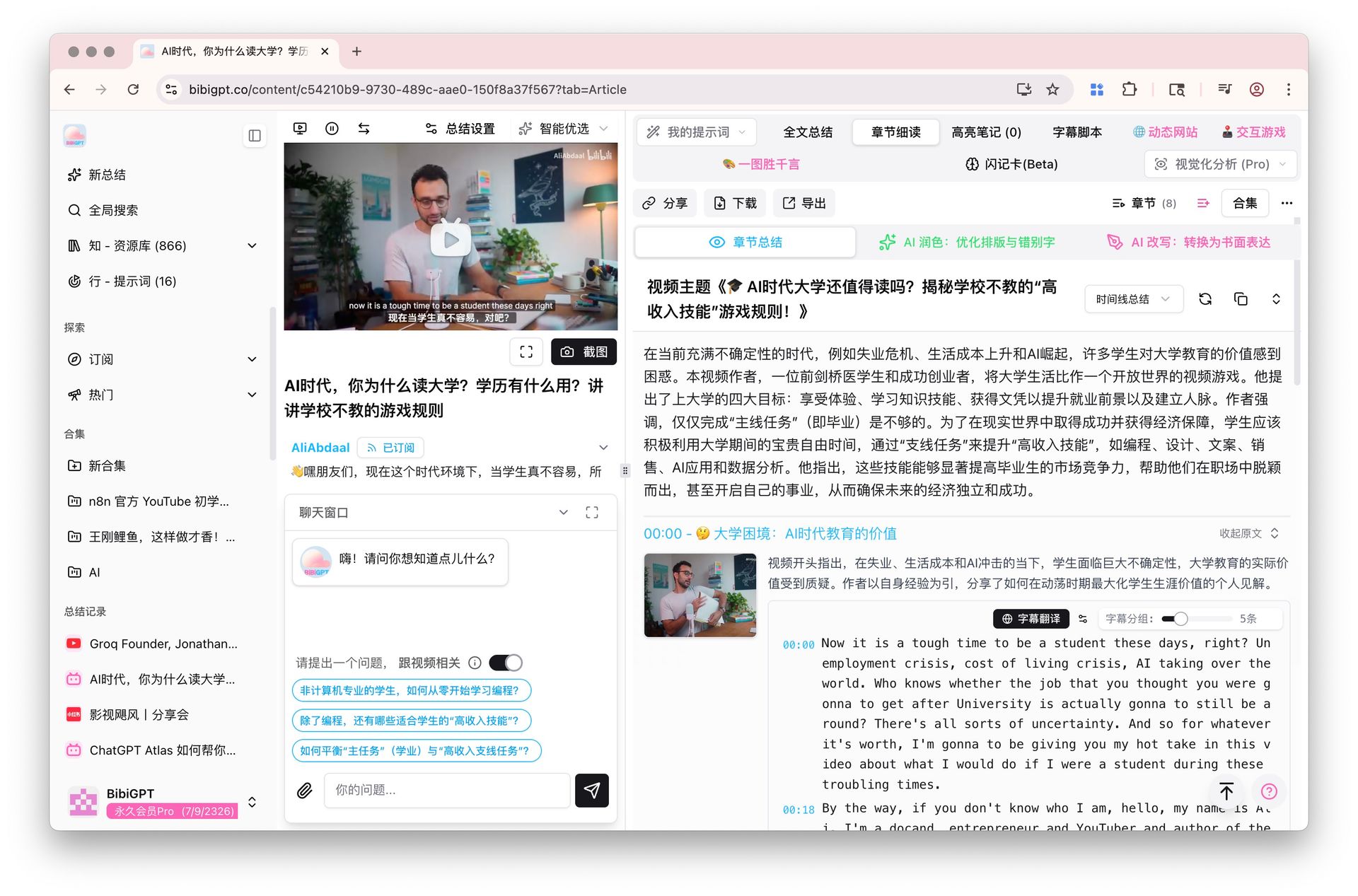
NotebookLM positions itself as a research assistant — upload docs/PDFs/links, get a research helper. BibiGPT positions itself as a video learning assistant — paste a YouTube, Bilibili, or podcast link and get a summary, transcript, and mindmap in seconds.
| Scenario | NotebookLM wins | BibiGPT wins |
|---|---|---|
| Research a PDF academic paper | ✅ Deep Research + three audio formats | Doesn’t accept direct PDF input |
| Paste a Bilibili / Xiaohongshu / TikTok link | ❌ Requires manual download first | ✅ One-click paste → summary |
| Chinese audio/video native support | ⚠️ Chinese podcast accuracy varies | ✅ Native support for 30+ Chinese platforms |
| Multi-angle conversational understanding | ✅ Brief/Critique/Debate | ❌ Single summary output |
| Browser extension to ask while watching | ❌ Must switch to NotebookLM | ✅ Built-in extension + desktop client |
Practical rule: Research PDFs → NotebookLM. Consume videos/podcasts → BibiGPT. They’re not competitors — they’re “academic” vs “daily” division of labor.
How BibiGPT Users Can Adopt the Three-Format Paradigm
NotebookLM’s Brief/Critique/Debate split is essentially slicing content by reasoning dimension. This can be back-ported to BibiGPT’s video workflow:
Workflow 1: Replicate Three Formats via Custom Prompts
BibiGPT’s AI Custom Prompt Summary lets you define your own summary templates. Build three:
- Brief: “Give me a 3-minute readout with 5 key facts”
- Critique: “Find the logical holes, unverified claims, and biases”
- Debate: “Argue 3 points for and 3 against the central claim”
Save them in your prompt library and switch between them on each new link.
Workflow 2: Cross-Video Debate via Collections
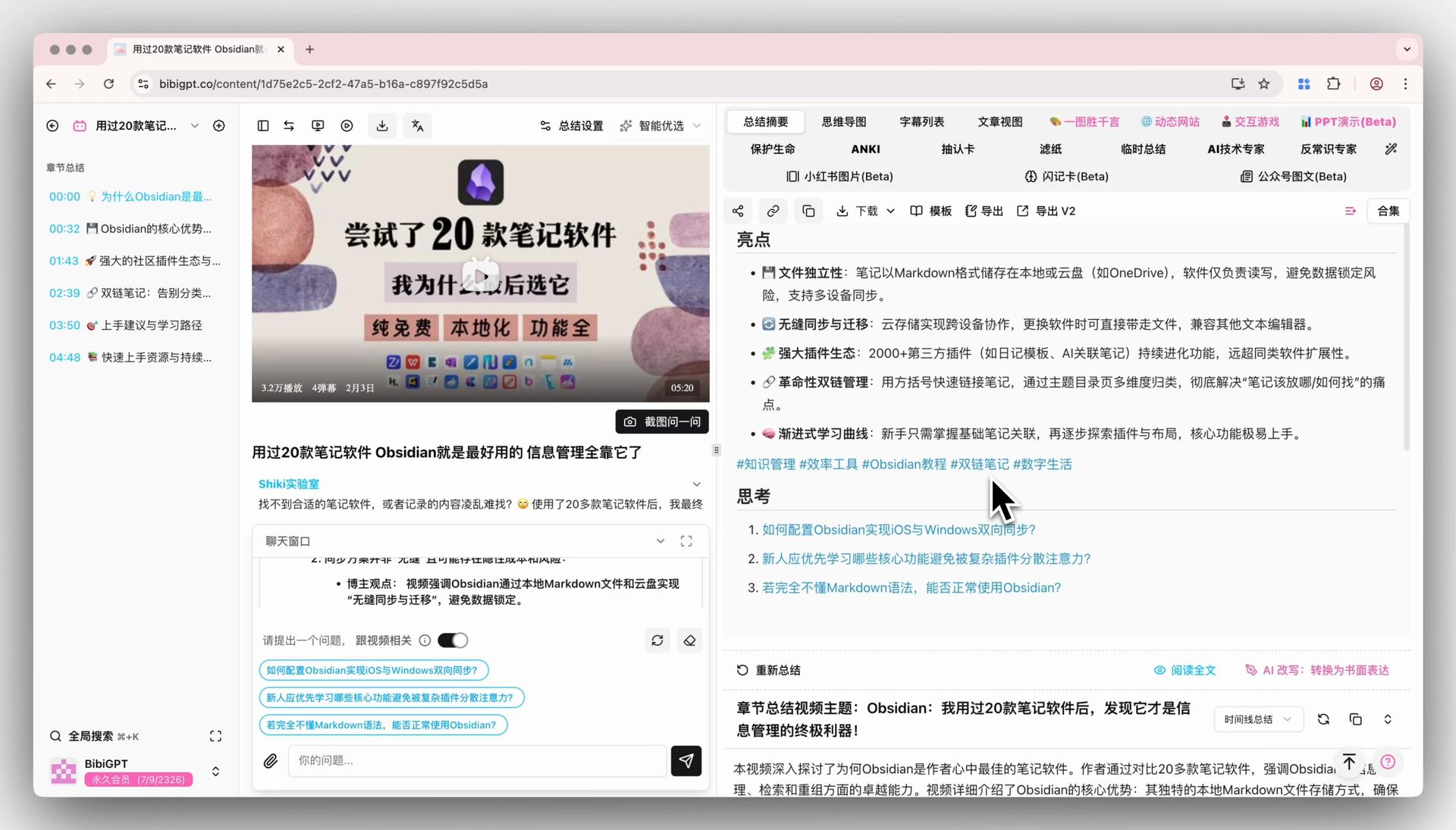
NotebookLM’s Debate is limited to one notebook’s contents. BibiGPT’s Collections AI Chat lets you pull 10 related videos into a collection, then prompt “have the AI debate topic X across these videos” — a multi-source cross-debate that NotebookLM currently can’t do.
Workflow 3: Use Chapter Deep Reading Instead of Interactive Mode
NotebookLM’s Interactive Mode is “interrupt mid-audio.” BibiGPT’s Chapter Deep Reading is “ask at any timestamp” — closer to precise lookup than voice chat. If you’re building written study notes, the timestamped structured output beats voice chat for note-taking.
Practical rule: Want immersive audio? NotebookLM. Want written output and precise retrieval? BibiGPT Chapter Deep Reading.
Forecast: Will Interactive AI Summary Become Standard?
Three observations:
- NotebookLM’s three formats = same content, multiple lenses: In the next 6 months, all major AI summary tools will copy this split (YouLearn, Snipd are already experimenting). BibiGPT’s answer is “custom prompt library” — N user-defined formats, not 3 platform presets.
- Interactive Mode won’t replace text summaries: Voice chat fits commuting and passive learning; text fits active search and note-taking. Both will coexist long-term.
- Multi-platform native support is BibiGPT’s moat: No matter how good three formats are, NotebookLM still requires manual material prep. BibiGPT’s “paste link → full output” experience is hard to replicate short-term.
FAQ
Q1: Does NotebookLM Audio Overview support Bilibili links? A: Not directly. You’d need a tool like BibiGPT to download captions first, then upload to NotebookLM. Or just use BibiGPT’s Bilibili Video to Text one-step.
Q2: Will BibiGPT add voice-based conversational summaries? A: BibiGPT’s product direction focuses on text/structured outputs for “watch fast, search well, use well.” Voice is not in the roadmap. Users wanting voice can feed BibiGPT text summaries into NotebookLM for Audio Overview.
Q3: Which of the three formats is best for learning? A: Depends on stage. New → Brief. Intermediate → Critique to find blind spots. Advanced → Debate to train judgment. BibiGPT custom prompts can mirror all three.
Q4: Does BibiGPT support real-time follow-up like Interactive Mode? A: Yes. After getting a summary, ask any follow-up in AI Chat — the AI answers grounded in that video’s content.
Q5: Can the two products work together? A: Absolutely. A typical workflow: “Use BibiGPT to turn 5 Chinese videos into structured notes → upload notes to NotebookLM for a Debate format Audio Overview → get a multi-source perspective.” This stacks both products’ strengths.
Closing: Use Both, Smartly
Practical rule: Decide by source material type. Video/podcast links → BibiGPT one-click. PDF/doc/webpage → NotebookLM’s three formats shine.
NotebookLM’s three-format update is a milestone in multi-angle AI learning, but it doesn’t change BibiGPT’s moat in multi-platform audio/video native support. The two tools handle different stages — best practice is to combine.
If you haven’t tried BibiGPT on video content yet, summarize your first video free on BibiGPT — one minute to feel the “paste link → AI summary + transcript + mindmap” full loop.
—— BibiGPT Team