
BibiGPT Subtitle Summaries: Turn Local SRT/VTT Files into Structured Insights in Minutes
Upload SRT, VTT, ASS, TXT, DOCX, MD, PDF, and more—BibiGPT auto-detects structure, highlights key points, builds chapter navigation, and exports clean summaries for faster learning and documentation.
BibiGPT Team
BibiGPT Subtitle Summaries: Intelligent Analysis for Local Files
Subtitles, meeting transcripts, interview notes—valuable but overwhelming. BibiGPT’s AI subtitle summary feature converts long-form text into structured insights with chapters, highlights, and timestamps.
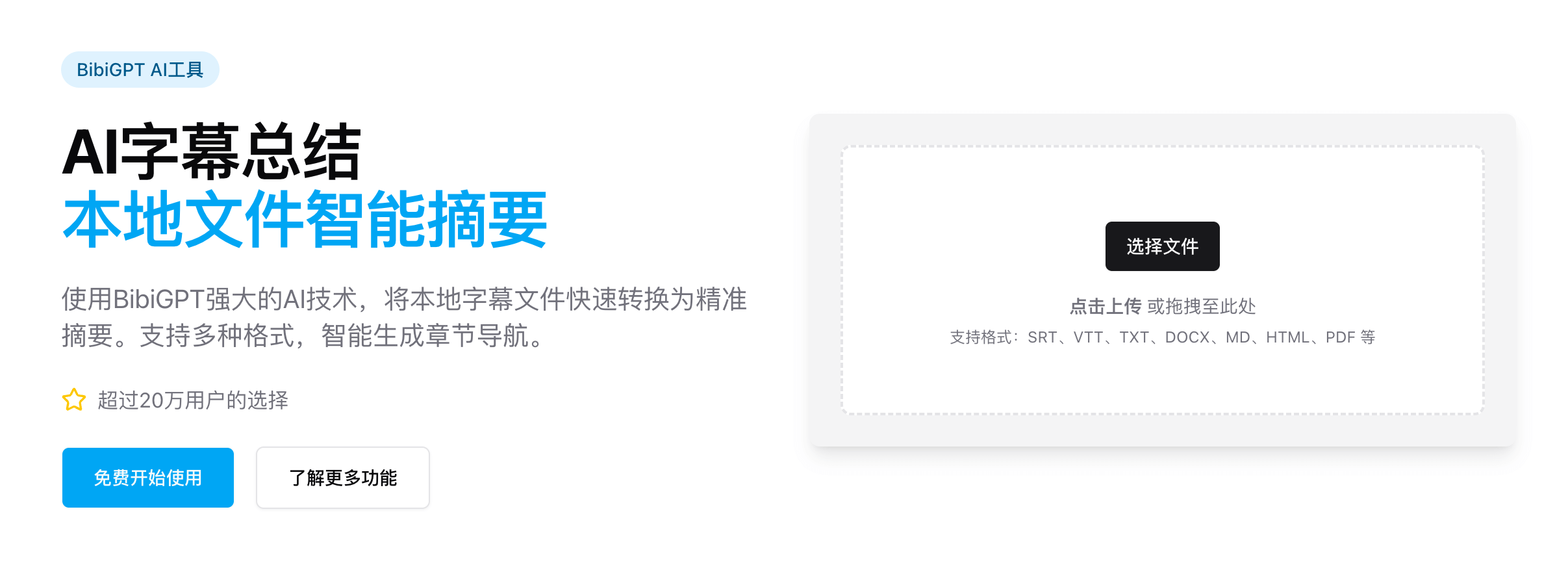 Interface
Highlights
- Format-agnostic – SRT, VTT, ASS, TXT, DOCX, MD, HTML, PDF, etc., detected automatically.
- AI chapter detection – Identifies topic shifts, titles sections, and preserves timestamps.
- Key point extraction – Highlights critical facts, data, and decisions for quick scanning.
- Export ready – Markdown, Word, PDF…easy to archive or share.
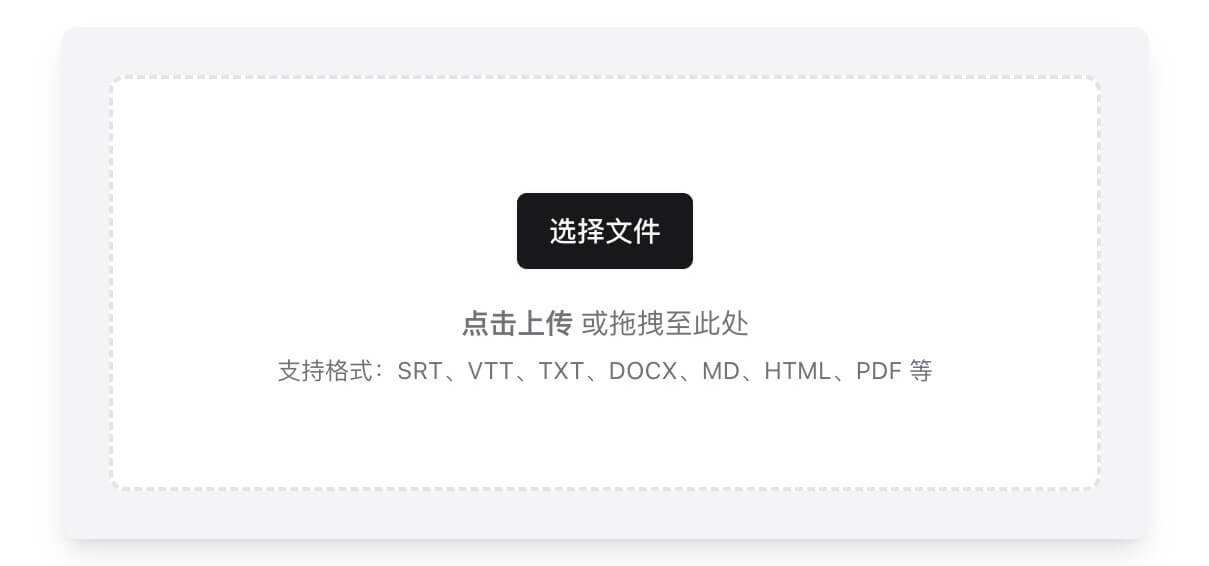 Formats
Three-Step Workflow
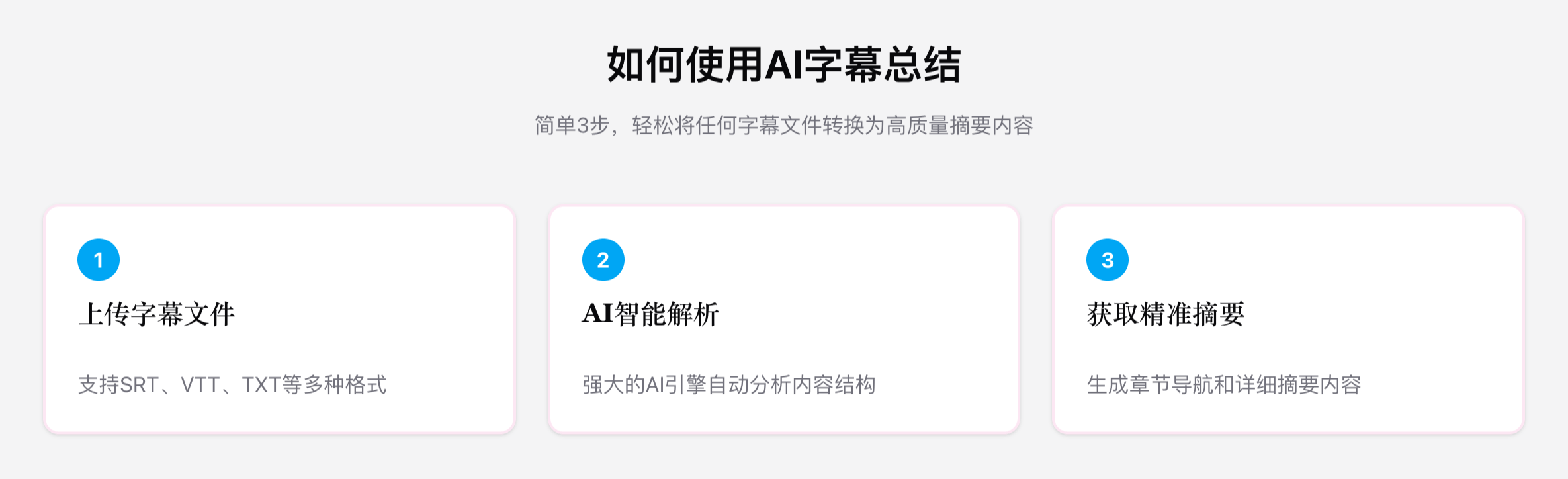 Steps
Steps
- Upload – Drag/drop or browse; instant preview appears.
- AI analysis – GPT-4, Claude, Gemini, and more interpret structure and timings.
- Review & export – Receive a navigable summary with chapter links and key insights.
Real-World Example: Meeting Minutes
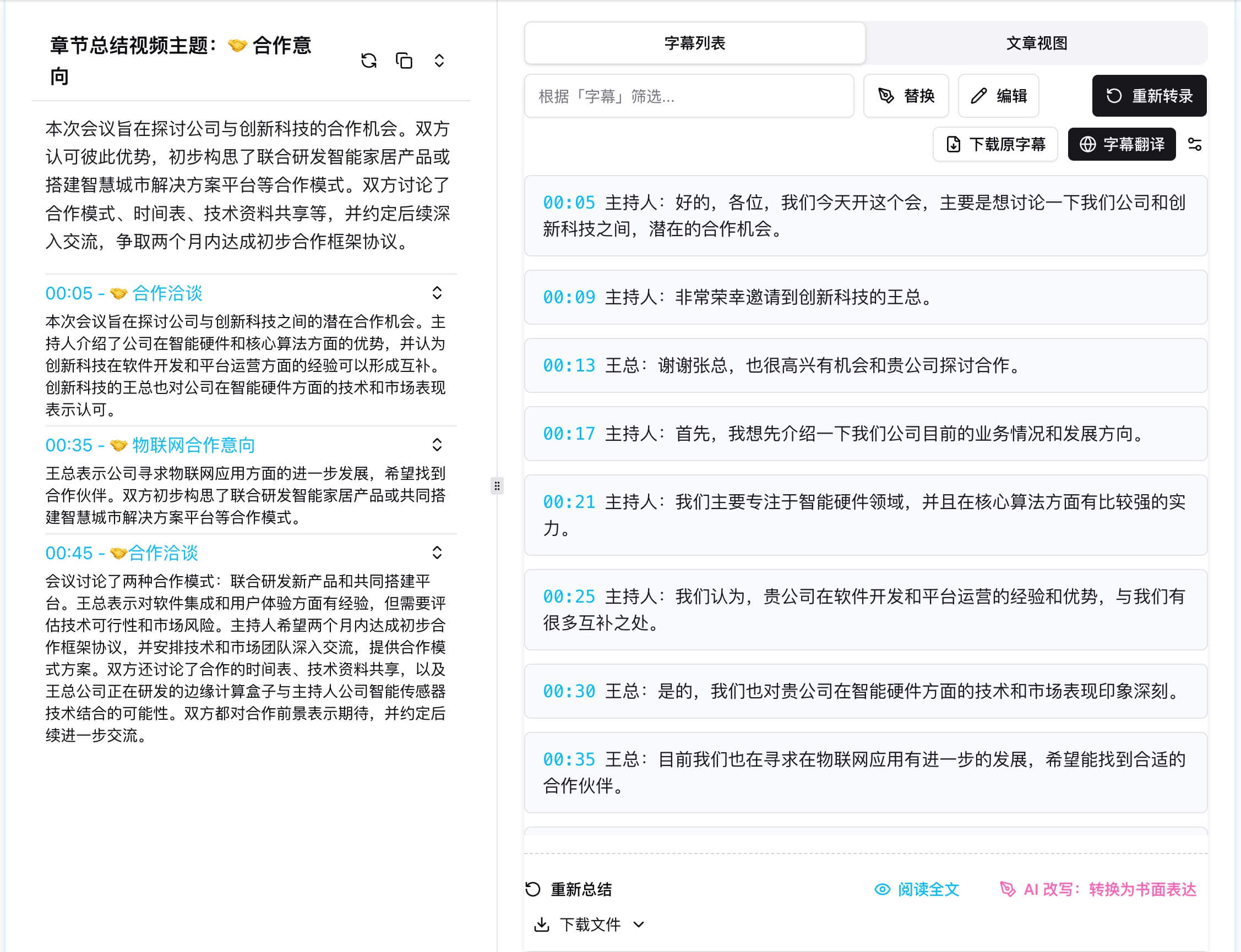 Meeting case
- Auto-generated agenda (Product Planning, Budget Discussion, Team Allocation).
- Each section includes decisions, action items, and time references.
- Perfect for cross-checking recordings or syncing with note apps.
Where It Shines
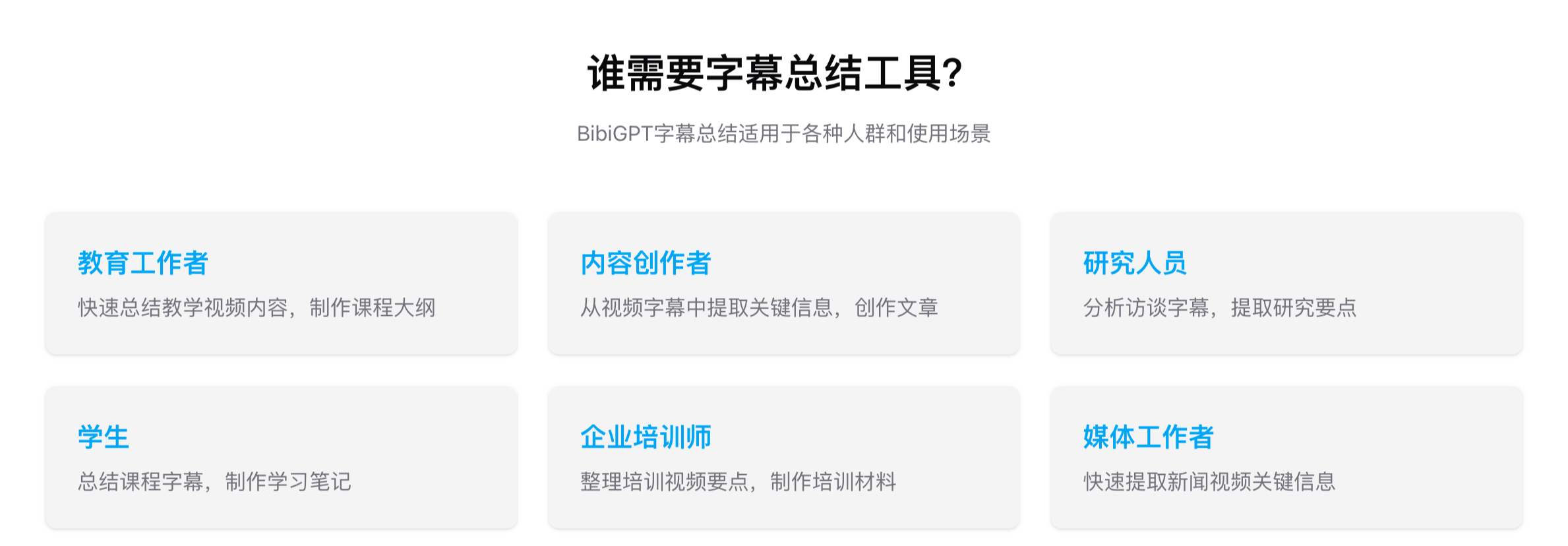
- Education – Turn lecture captions into study notes with knowledge frameworks.
- Business – Convert trainings, meetings, and customer interviews into actionable docs.
- Creators & Researchers – Repurpose transcripts into scripts, articles, or qualitative data.
- Academic fields – Structure field interviews, focus groups, or document analysis.
 Use cases
Why Choose BibiGPT
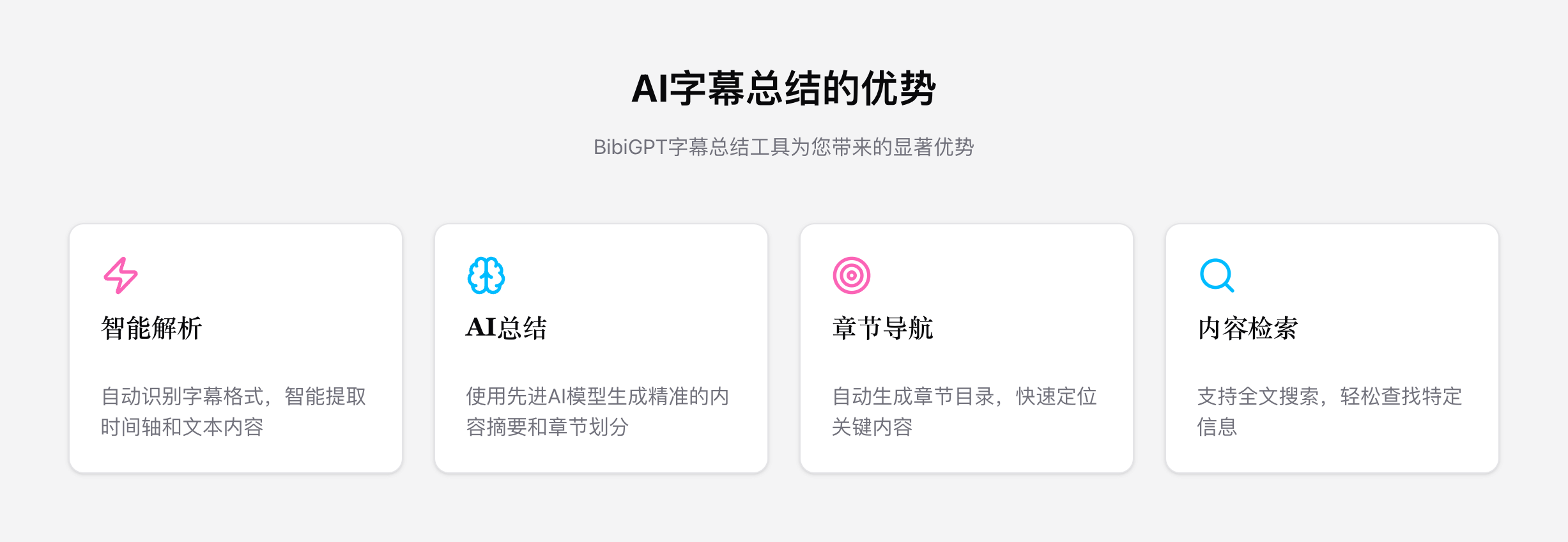
- Top-tier AI models (GPT-4, Claude, Gemini) tuned for structured text.
- Cloud-scale speed with distributed processing and batch handling.
- Privacy first – Local files aren’t stored; delete sessions anytime.
- Integrated exports – Sync to Notion, Readwise, etc., or fetch via API.
 Advantages
FAQ
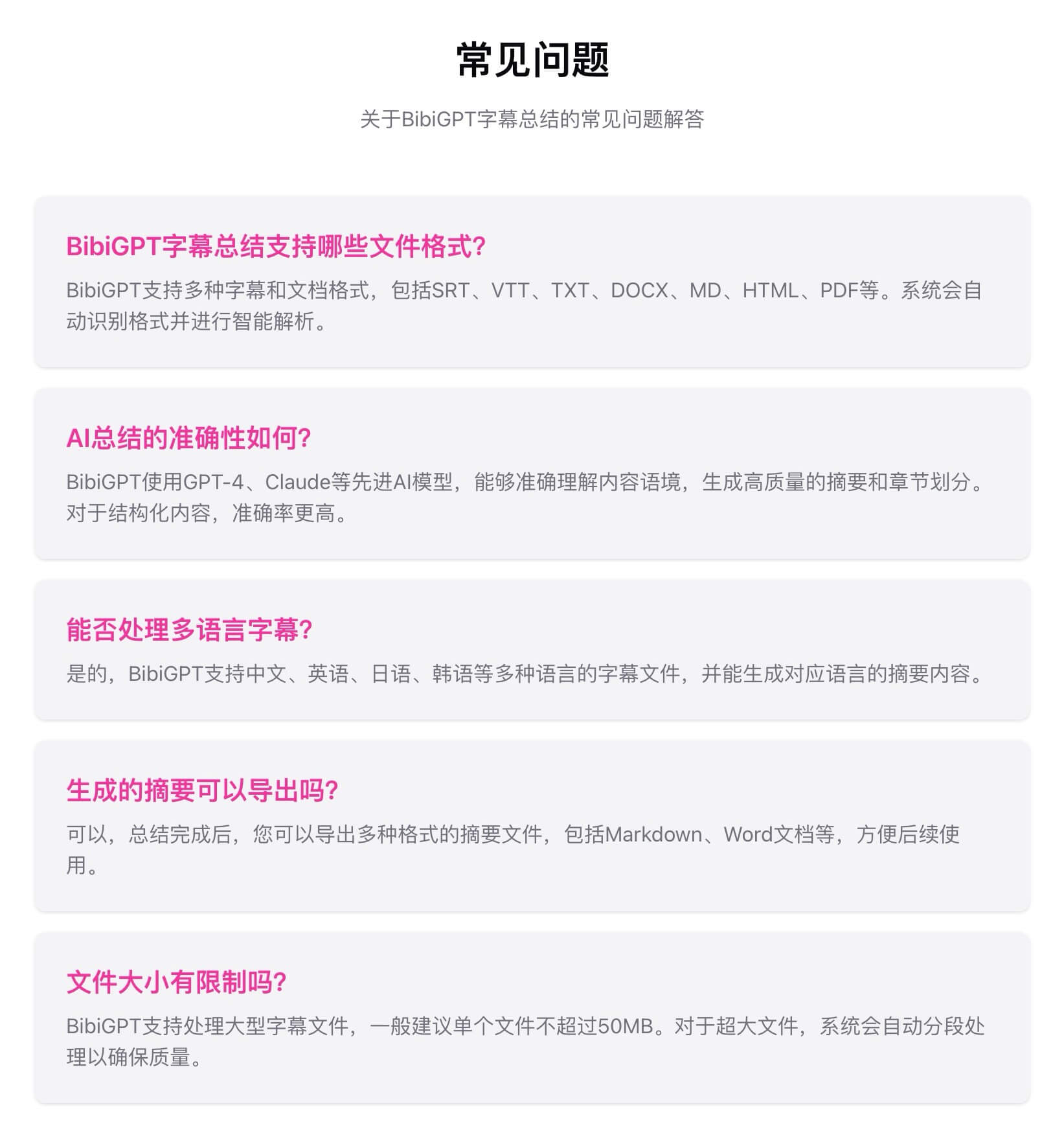
- Which formats are supported? SRT, VTT, ASS, TXT, DOCX, MD, HTML, PDF, and more.
- File size limits? Works best under 50 MB; larger files are auto-split for accuracy.
- Multilingual? Yes—Chinese, English, Japanese, Korean, and beyond.
- Can I export the results? Absolutely—Markdown, Word, PDF, and other formats.
- How long does it take? Most files process in a few minutes, depending on length.
- Is it free? You can explore subtitle summaries with BibiGPT’s free quota.
 FAQ
FAQ
Start Now
👉 Try BibiGPT Subtitle Summaries for Free
Pair it with:
- AI Speech-to-Text
- AI Video Summary Visual Content
- AI Meeting Video to Document
- AI Podcast to Article
Let BibiGPT turn raw transcripts into structured knowledge—and reclaim your time for deeper thinking.