
BibiGPT & PipiGPT Update · October 28, 2024 – New Shortcuts, Mind Map PNGs, Sync Upgrades
Windows shortcuts, PNG mind map exports, richer note syncing, internationalization tweaks, plus fresh features in PipiGPT—including AI blogs and celebrity persona chats.
BibiGPT Team
BibiGPT & PipiGPT Update · October 28, 2024 – New Shortcuts, Mind Map PNGs, Sync Upgrades
BibiGPT: Watch Faster, Use Better
Windows Shortcuts
- Shift + Ctrl + J – search your summary history instantly.
- Shift + Ctrl + K – add a new link or upload local media without touching the mouse.
Mind Map Export as PNG
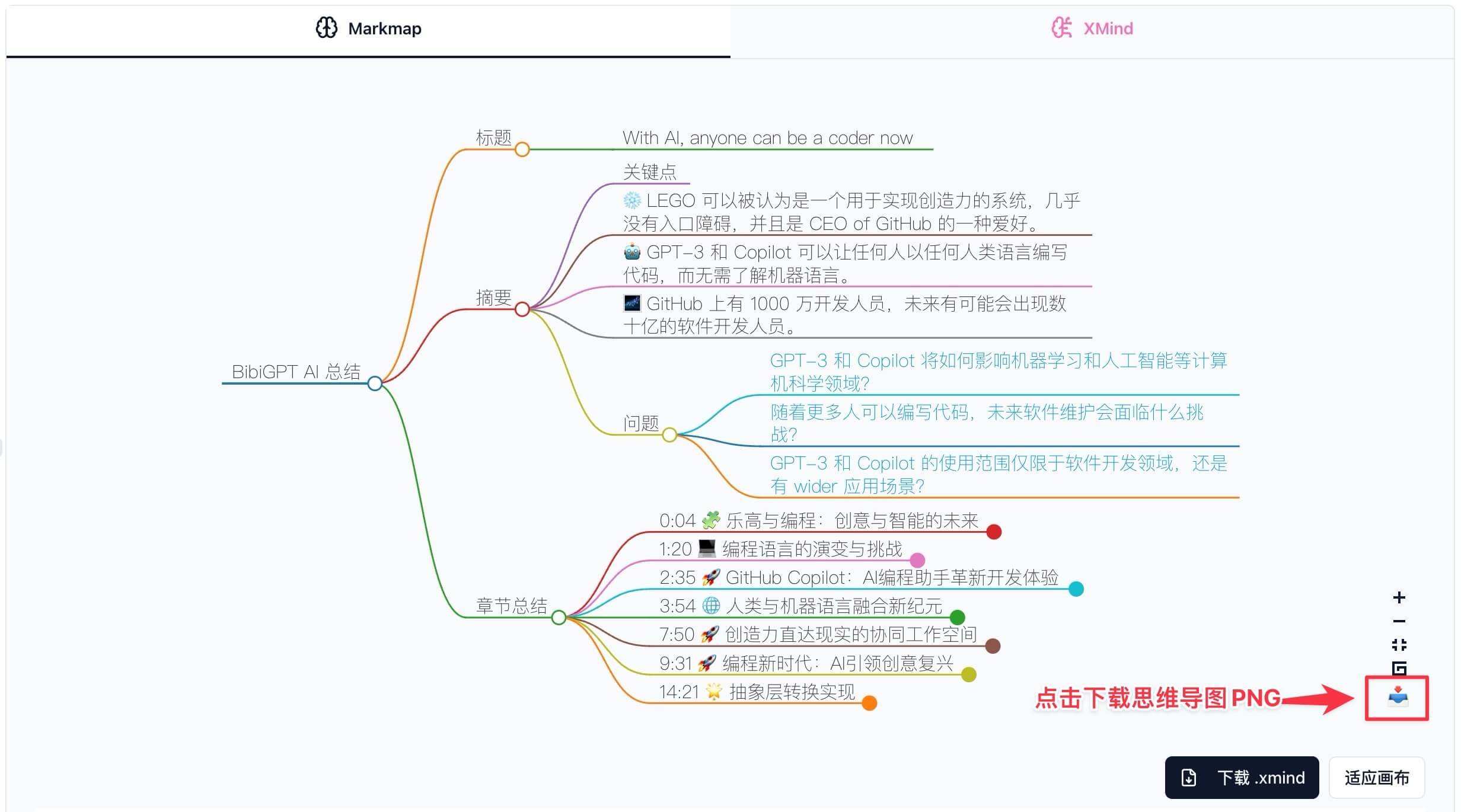
- Download high-resolution PNGs for presentations, reports, or social sharing.
- Preserve structure and styling for audiences who don’t use XMind.
Question Headlines → Instant Answers
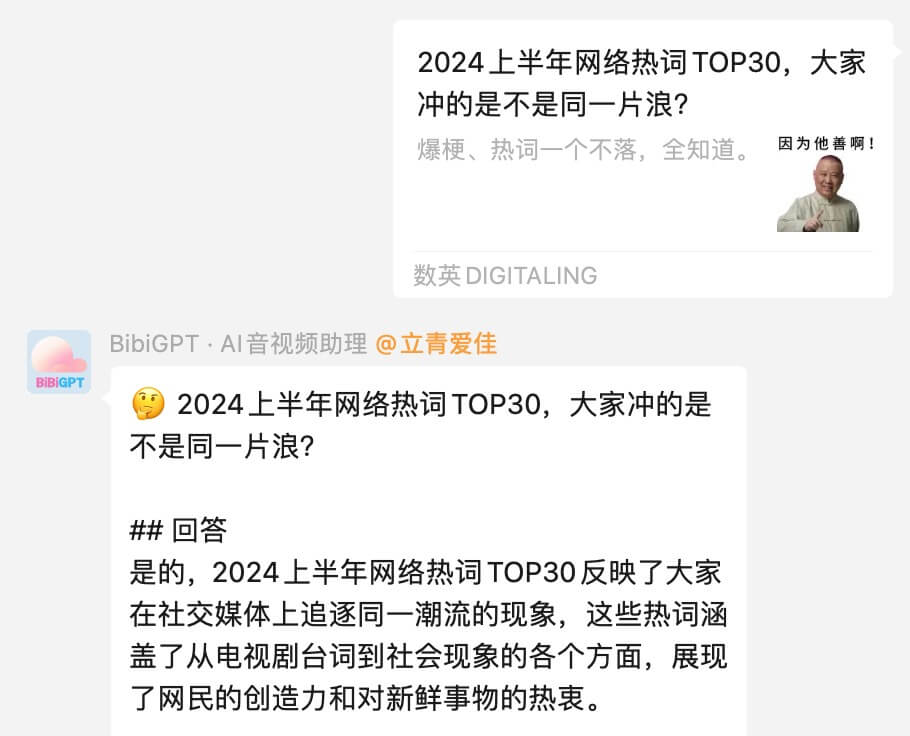
- When an article title ends with a question mark, BibiGPT surfaces a direct answer from the summary so you can dodge clickbait and save time.
Enhanced Note Syncing
- Save full transcripts and chapters—not just highlights.
- Synchronize to Notion, Readwise Reader, and more with richer metadata.
- See how it works in our guide: Sync BibiGPT summaries to 10+ platforms.
Onboarding & Internationalization
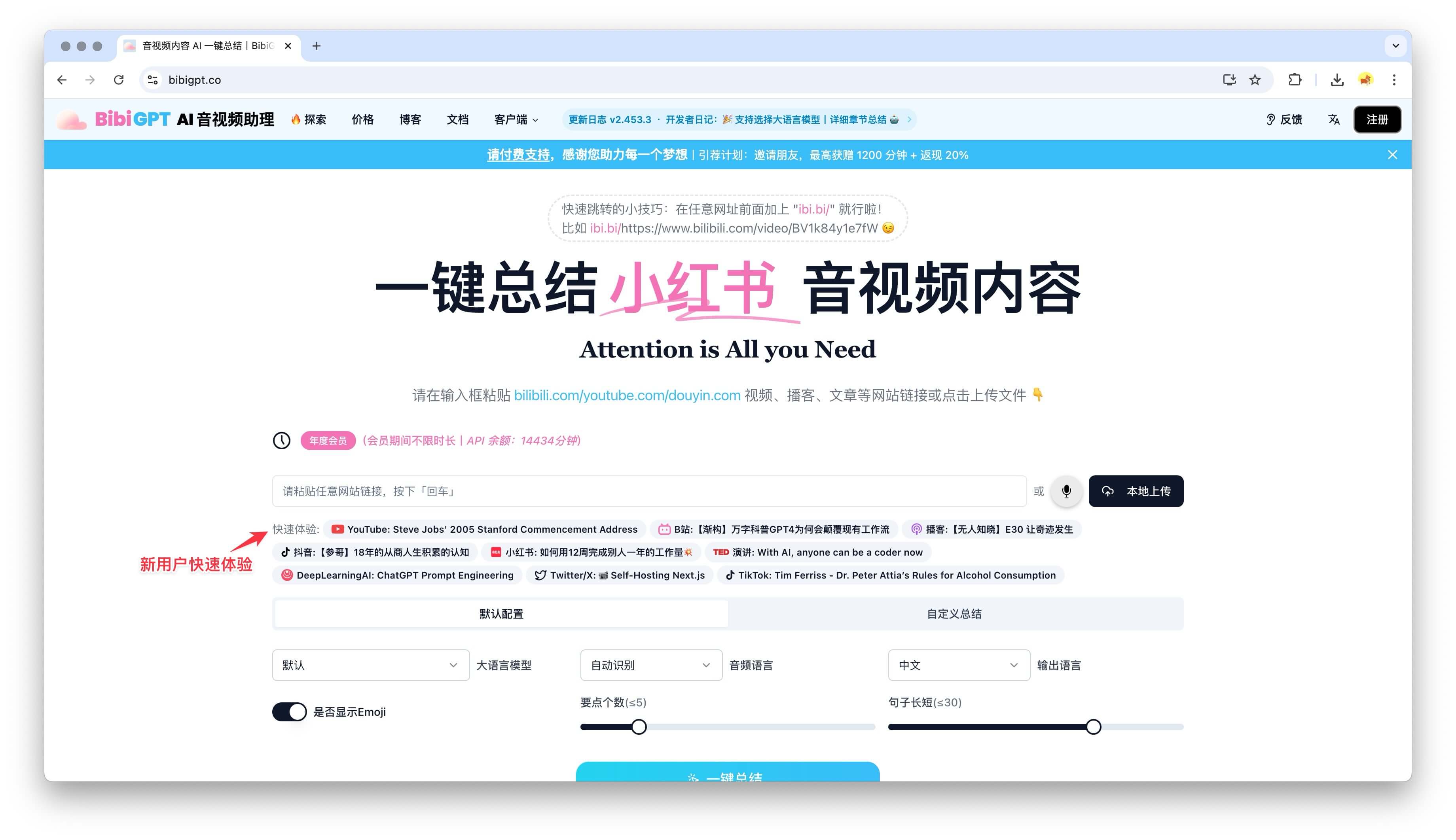
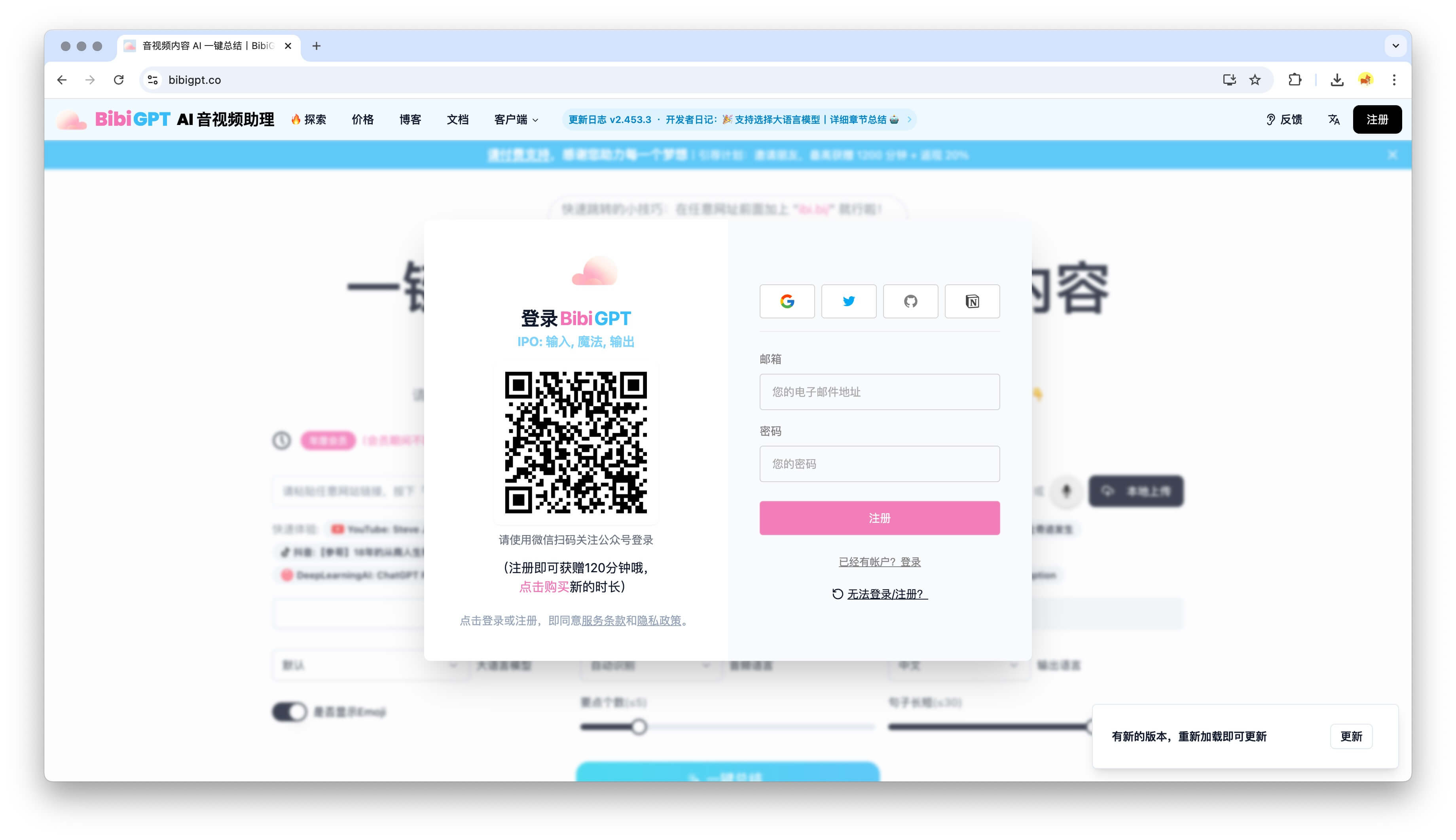
- New visitors can preview supported platform summaries without creating an account.
- Added WeChat Official Account login for faster access.
- Updated English translations and localized pricing/blog pages for global users.
PipiGPT: Fresh AI Experiences
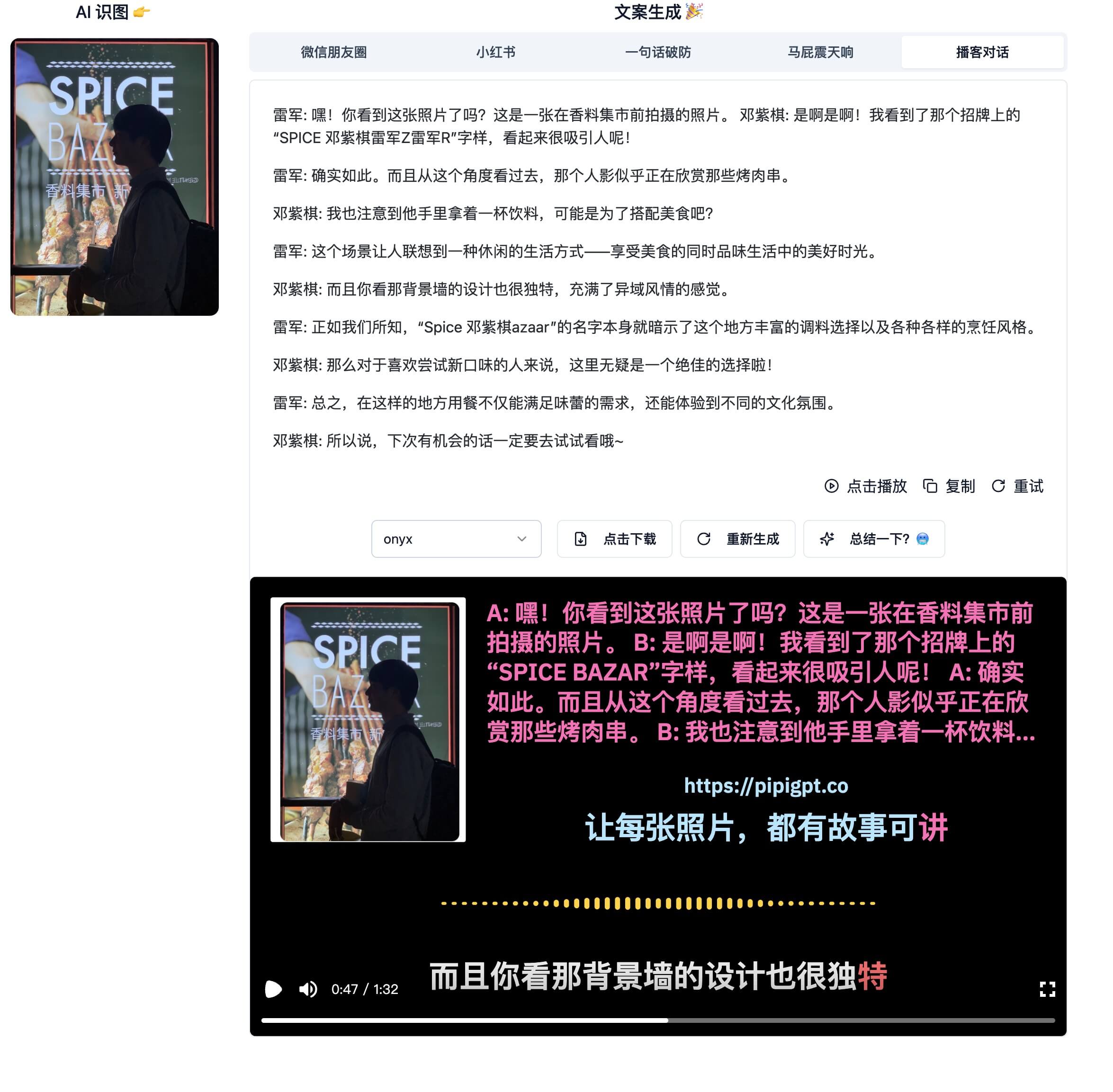
- AI Blogging – generate polished articles with a single prompt.
- Persona Conversations – chat with AI versions of Lei Jun, G.E.M., and more.
Demo: “Lei Jun & G.E.M. on coding speed” (Bilibili) - Explore at pipigpt.co.
Fixes & Stability
- Enterprise WeChat accounts are unblocked.
- The BibiGPT WeChat assistant is back online—enjoy summaries on the go.
More context in previous updates:
Thanks for staying on this journey with us. BibiGPT keeps your media fast to watch, easy to search, and fun to reuse.
— BibiGPT Team