
[BibiGPT Growth Series] Episode 7 | Learn with AI: Conversational Video Study on Bilibili
Revisit the early demo “Ask Bilibili Videos with AI”—how one-click summaries evolved into conversational learning, and why timestamps + dialogue make long videos easy to digest.
BibiGPT Team
[BibiGPT Growth Series] Episode 7 | Learn with AI: Conversational Video Study on Bilibili
This chapter distills the video “AI Chat with Bilibili Videos – Ask Your Favorite Creator, Let AI Answer.” Interfaces have changed since then, but the core ideas still guide us today.
One-Click Summary + Instant Dialogue
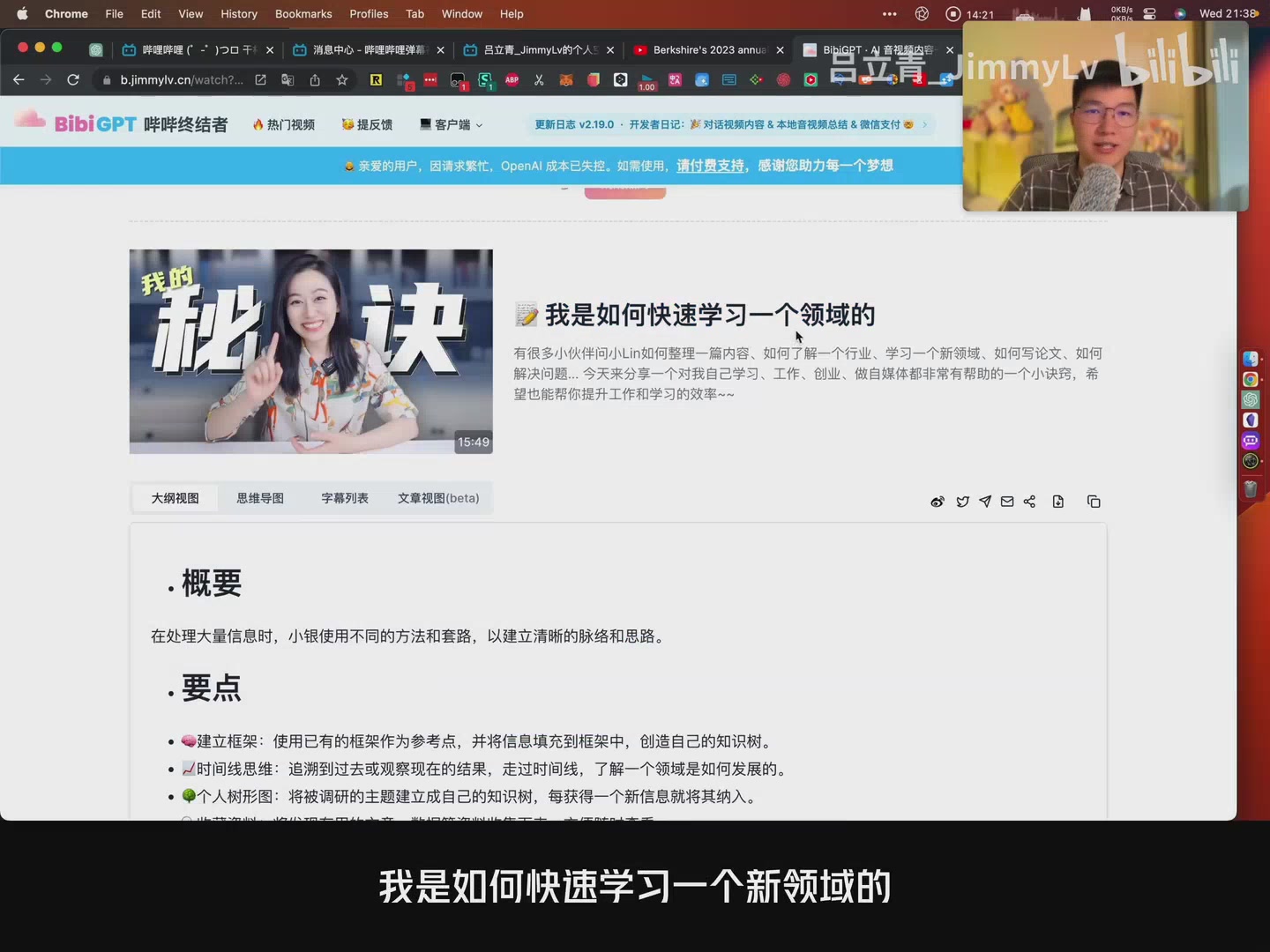 Summary interface
- Paste a Bilibili link, click Summarize, and see a structured outline of “Overview” and “Highlights.”
- Toggle Dialogue Mode so the chat input auto-focuses after each summary—no extra clicks between reading and asking.
Deep Dives with Timestamps
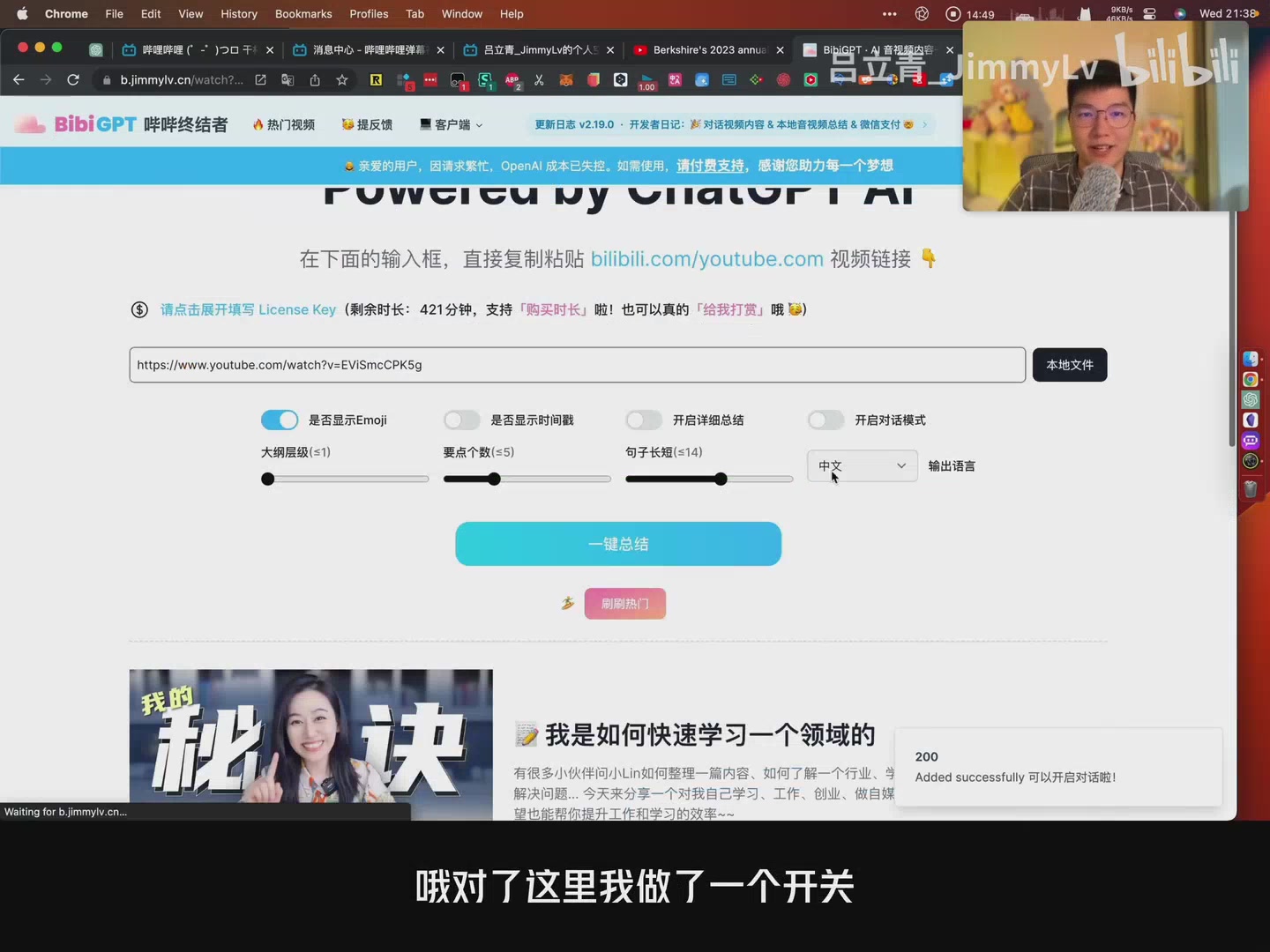 Dialogue toggle
- Every highlight includes a timestamp. Click it to jump straight into the video.
- Ask follow-up questions (“How do I build a framework?”) and BibiGPT responds with detailed answers plus source timestamps—so you can verify or watch the full context.
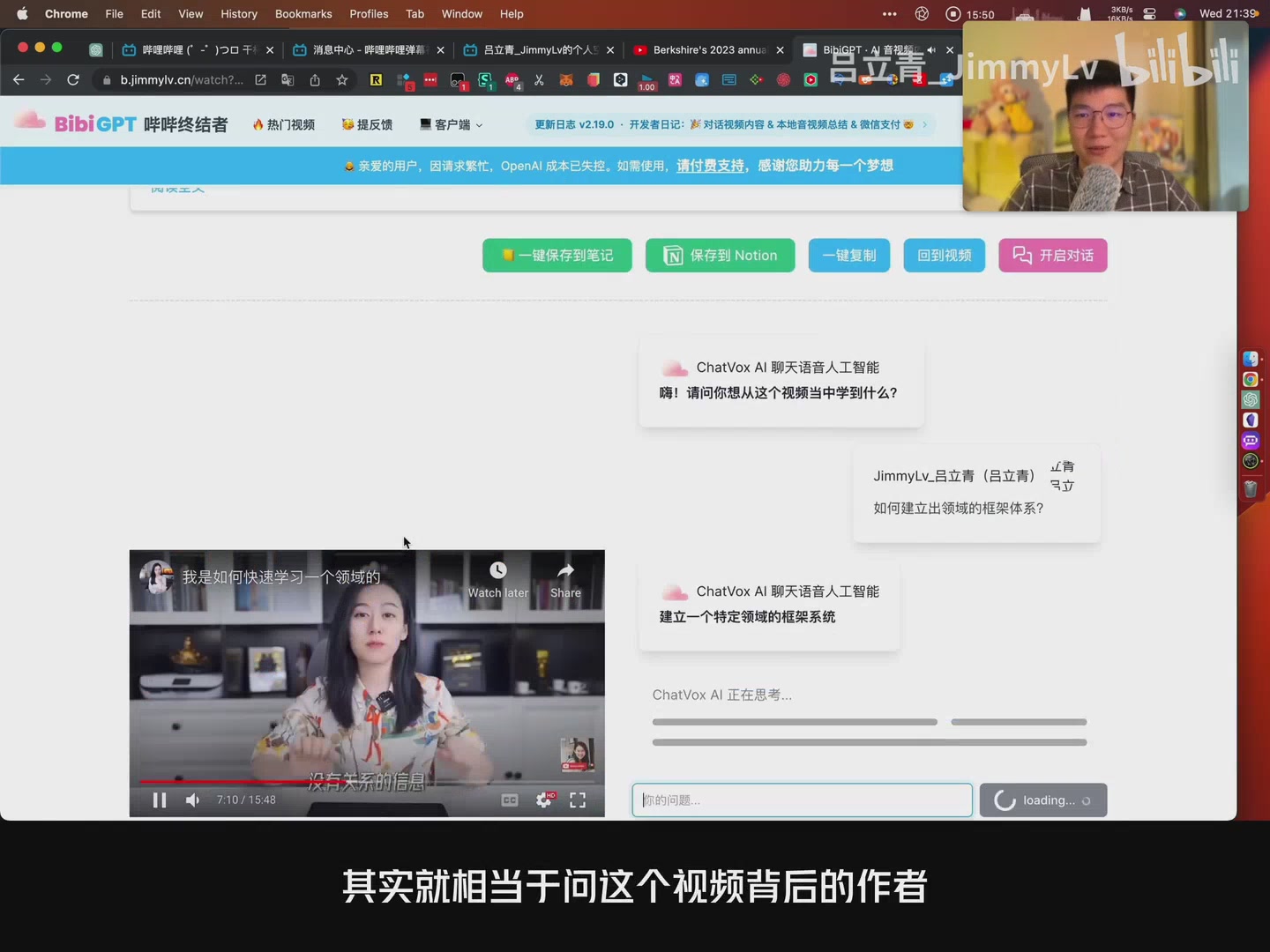 Answer with citations
Multi-Source Support
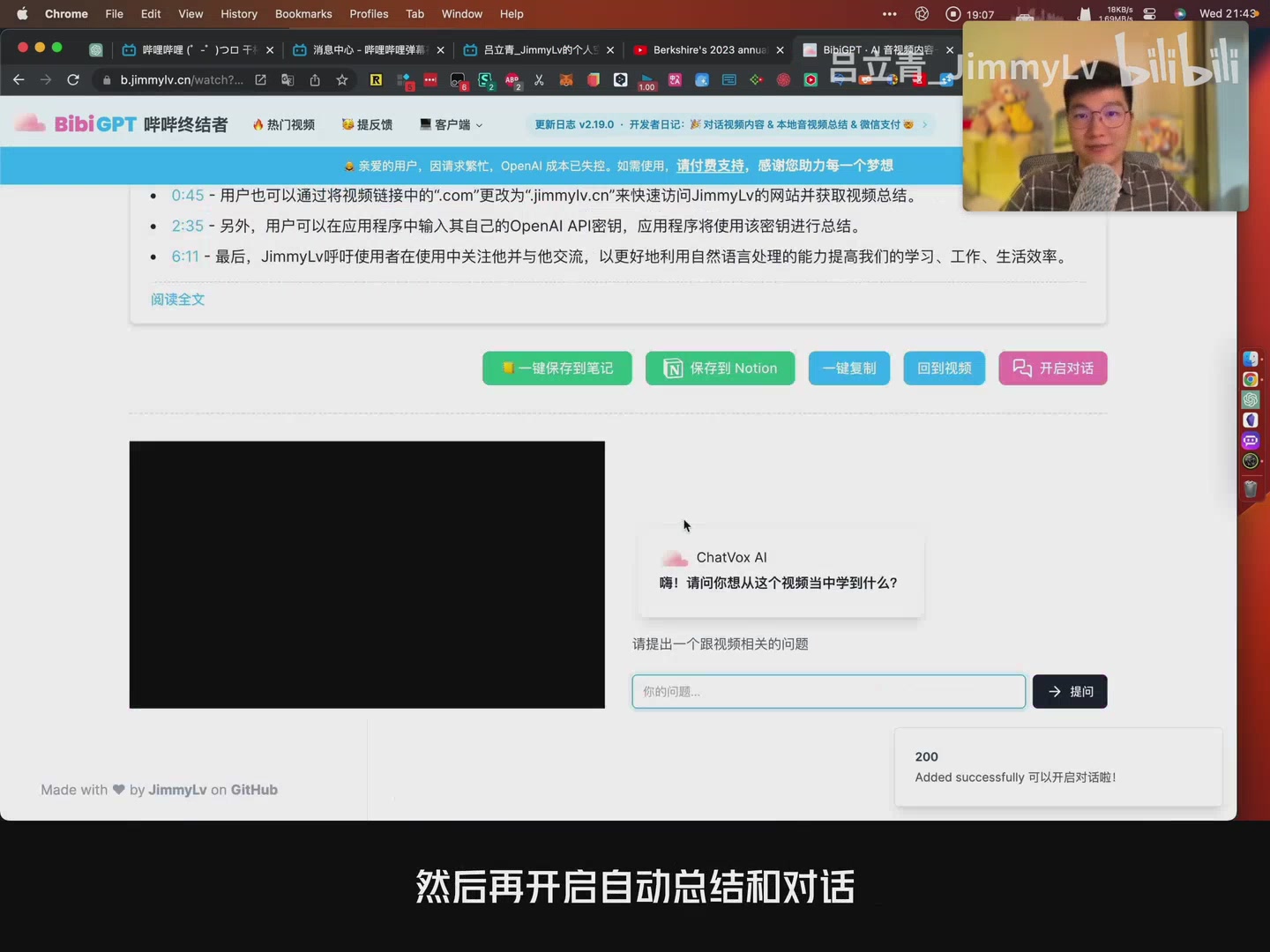 Bilibili chat demo
- Originally built for Bilibili, BibiGPT now supports YouTube and local files too.
- Quick tip: replace
.comin a Bilibili URL withjimmylv.cnto jump straight into BibiGPT. - Local uploads come with picture-in-picture playback so you can watch and chat simultaneously.
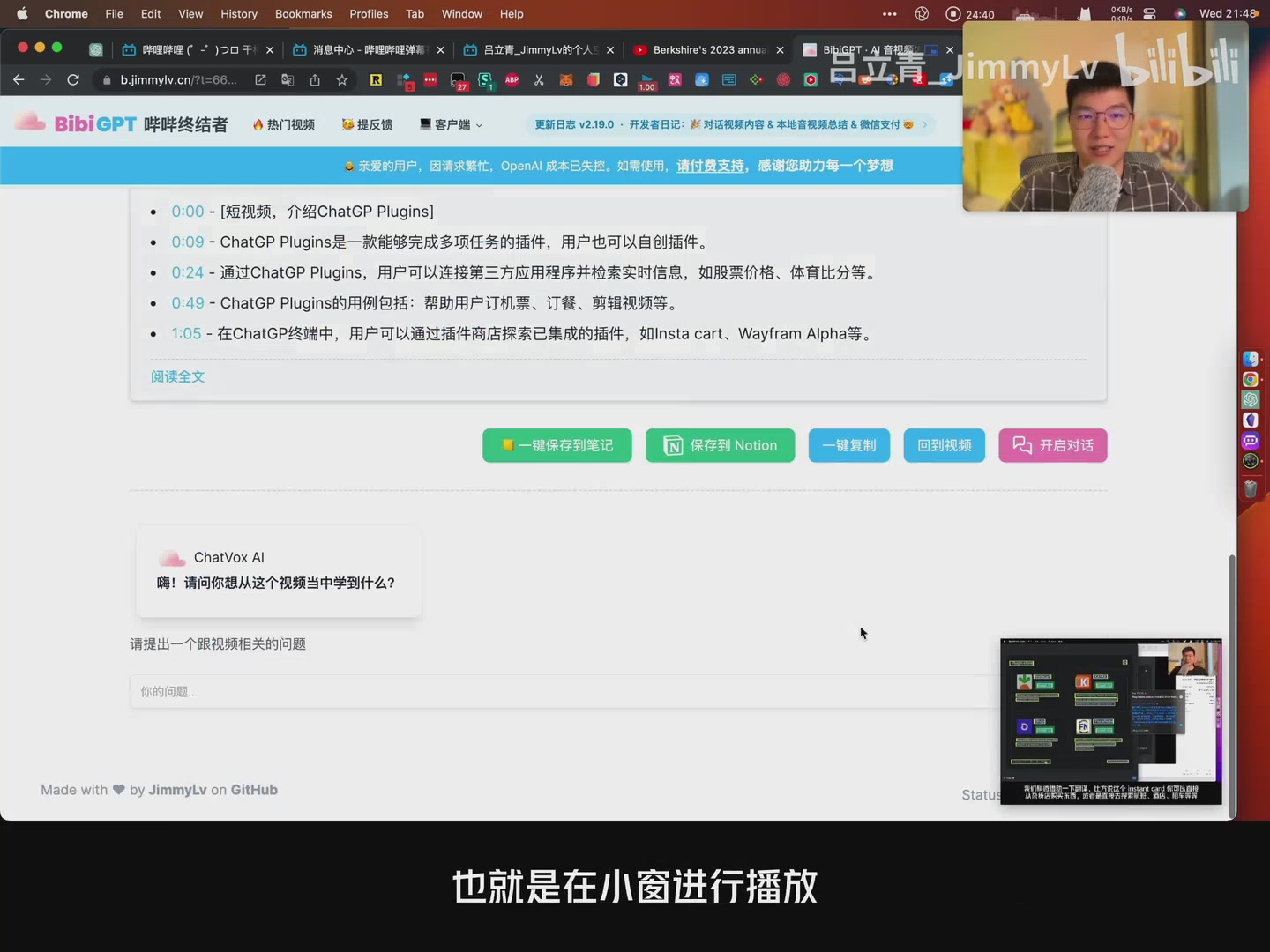 Local PiP
Case Study: ChatGPT Plugins
- Summarize a tutorial, then ask: “What are the key features?” “How can plugins retrieve real-time data?”
- AI answers with citations. Click a timecode to verify the explanation inside the original video.
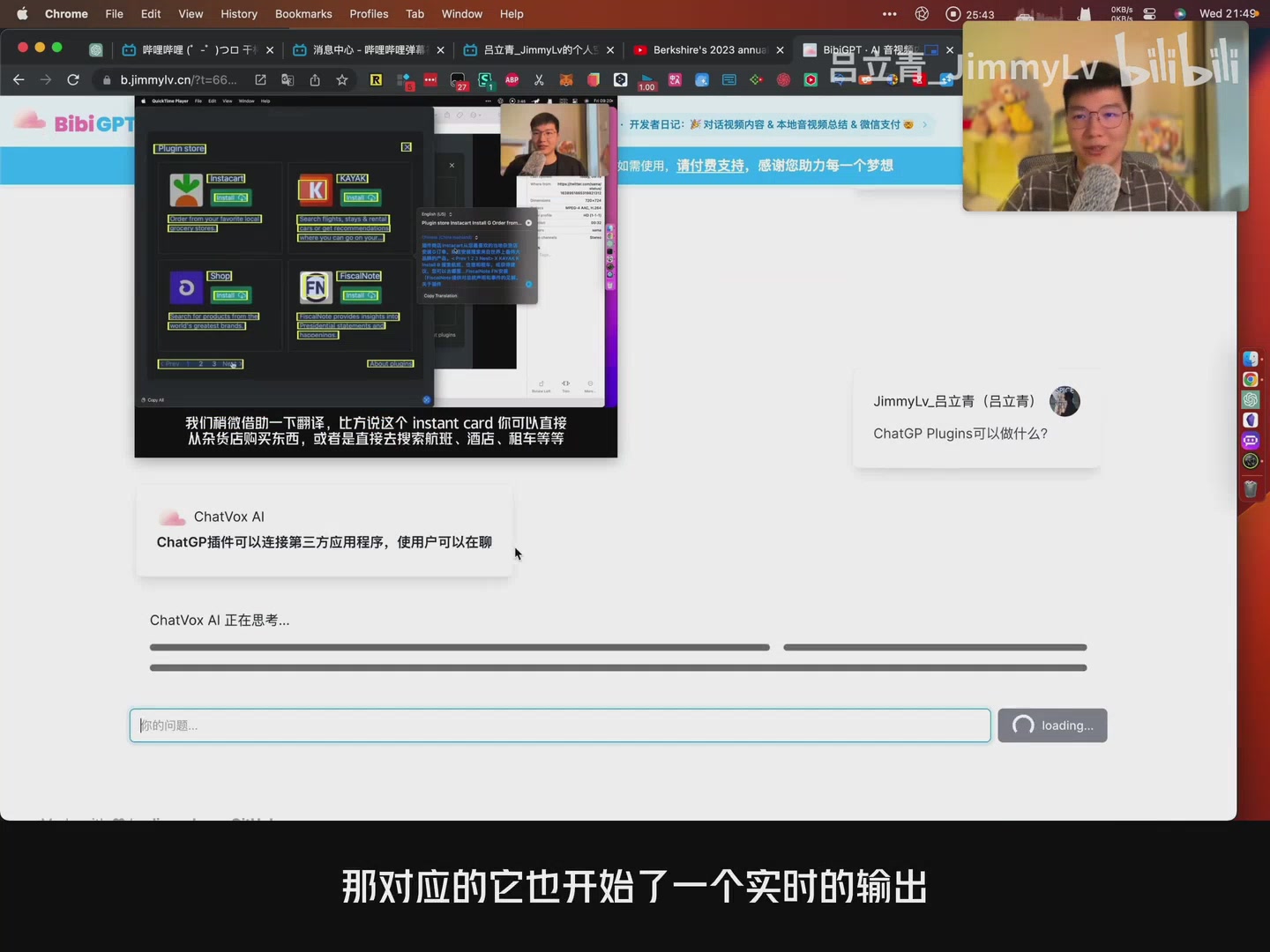 Plugin explanation
Takeaways
BibiGPT’s conversational layer transforms passive viewing into active learning:
- Get the big picture instantly
- Drill into any topic via natural language
- Jump to the exact moment in the video for validation
- Apply the same workflow to courses, meetings, or podcasts
Thanks for following the Growth Series—try conversational summaries yourself at bibigpt.co, and stay tuned for the next episode.