
GPT Image 2 Arrives in BibiGPT: OpenAI's Flagship with 99% Text Rendering and Native 4K
OpenAI's GPT Image 2 is here, and BibiGPT already integrated it. Near-perfect 99% text rendering, native 4K, best-in-class CJK character support — available right inside the xiaohongshu/MV image panel, no OpenAI API key required.
GPT Image 2 Arrives in BibiGPT: OpenAI's Flagship with 99% Text Rendering and Native 4K
After nearly six months of leaks and waitlists, OpenAI's GPT Image 2 is here — and BibiGPT has already integrated it. You can now pick GPT Image 2 from the model dropdown in the Xiaohongshu / MV image panel and generate posters, covers, and social images directly from any video — no OpenAI API key, no credit card, no setup.
Want the full AI video-to-Xiaohongshu-post pipeline? Load any video, switch to GPT Image 2 in the creation panel, 5-15 seconds to first image.
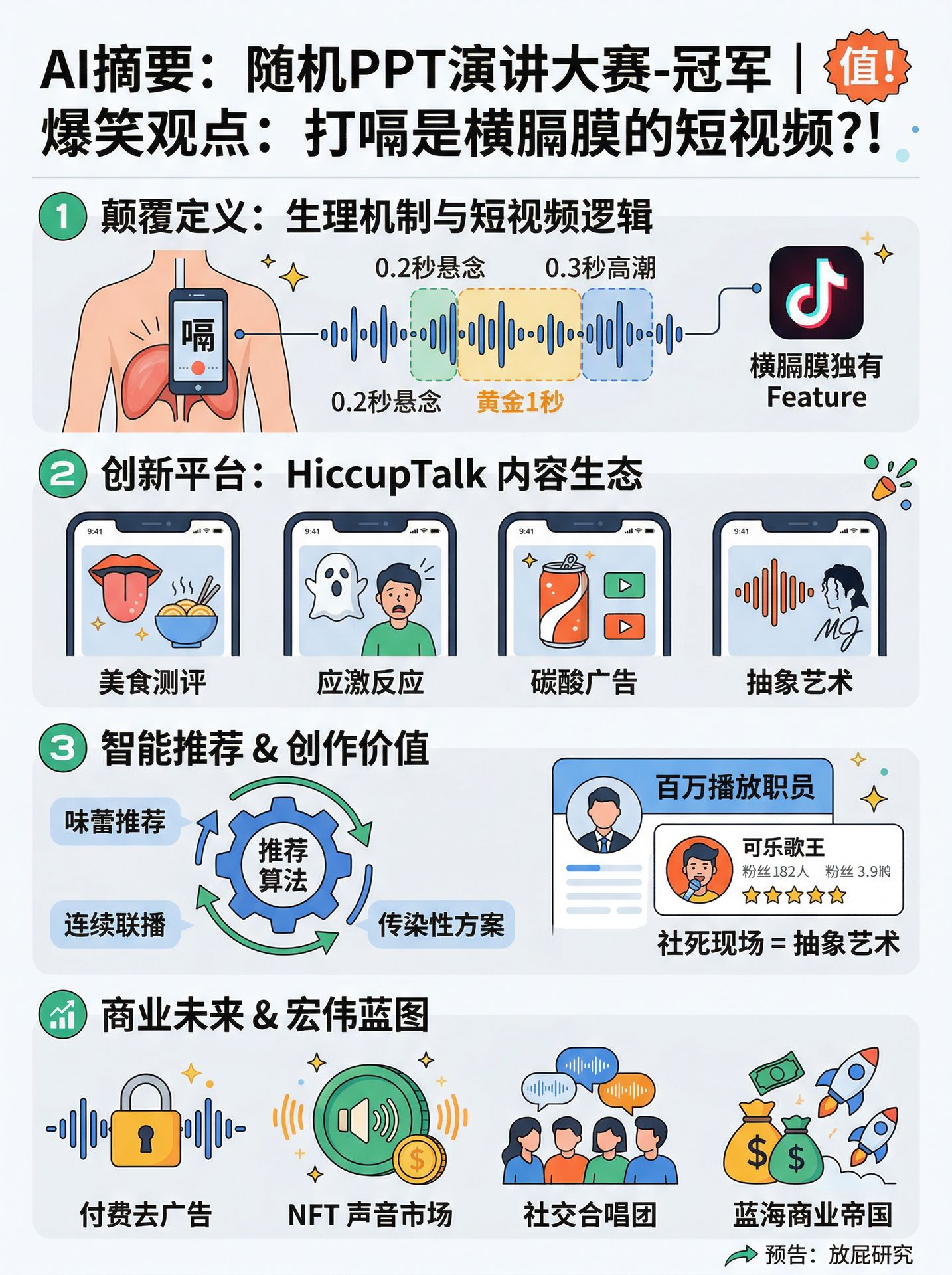 Switching to GPT Image 2 inside BibiGPT's image creation panel
What Is GPT Image 2? The Facts That Matter
GPT Image 2 is the third generation of OpenAI's image model family (gpt-image-1 → gpt-image-1.5 → gpt-image-2), competing head-on with Google's Nano Banana 2 and ByteDance's Seedream 5.0. It is currently the strongest mainstream commercial model for text-accurate image generation.
Technical highlights:
- 99% text rendering accuracy — up from 90-95% in gpt-image-1. Poster typography, UI screenshots, and brand wordmarks come out right the first time. It's the first OpenAI image model where you can ship typography-critical output without a human review loop.
- Native 4K — flexible dimensions from 512px to 3840px, aspect ratios up to 3:1, total pixel budget around 8.3M
- Excellent CJK + multilingual — Chinese, Japanese, Korean, and Arabic glyph accuracy jumped materially from the previous generation, making it viable for East-Asian creators for the first time
- Yellow-cast fixed — the infamous warm color bias of earlier OpenAI image models is gone; outputs are neutral and controllable
- Three quality tiers —
low / medium / high; medium hits sub-3-second inference, high gives best quality (BibiGPT defaults to high) - World knowledge — unlike pure diffusion models, GPT Image 2 handles multi-object scenes, spatial relationships, and brand semantics with clearly better context
How BibiGPT Integrated GPT Image 2
BibiGPT's Xiaohongshu / MV image panel was designed as a multi-model pool from day one. A new SOTA model lands, we add one entry to constants/imageGeneration.ts, the dropdown picks it up, and the backend routes it automatically. GPT Image 2 took the same path.
For developers:
- Model key:
gpt-image-2 - Route:
imageGenerationRouter.generateFromText→generateImageByFalModel - Defaults:
quality=high,output_format=png;image_sizederived from aspect-ratio presets (square_hd/portrait_4_3/landscape_16_9etc.) - Storage: outputs auto-saved to Cloudflare R2 under
gpt-image-2-images/
For end users:
- Open BibiGPT and load a Bilibili / YouTube / local video
- Wait for the AI summary and transcript; on the right panel, open the Xiaohongshu Image tab
- Pick GPT Image 2 (new) from the model dropdown
- Optional: style (minimalist / infographic / Apple-notes / etc.), aspect ratio (
1:1,3:4,16:9…), number of images - Click Generate — first image in 5-15 seconds
No API key, no quota juggling. BibiGPT handles the infrastructure, and the AI writes the prompt from your video's summary automatically.
GPT Image 2 vs. BibiGPT's Other Models: The Decision Matrix
BibiGPT's image panel ships with 11 models. Here's the simplest cheat sheet:
| Model | Strength | Speed | Best For |
|---|---|---|---|
| GPT Image 2 (new) | 99% text rendering, CJK-grade, neutral color | 5-15s | Poster typography, WeChat covers, infographics, multilingual posts |
| Nano Banana 2 | Pro quality at Flash speed, 14 aspect ratios, character consistency | 3-5s | Lyric MVs, YouTube thumbnails, character-driven content |
| Nano Banana Pro | Richest detail, editorial artistry | 8-12s | Premium illustration, magazine-style covers |
| Seedream 5.0 Lite | Chinese aesthetics, web search + multi-step reasoning | 6-10s | Xiaohongshu, traditional Chinese themes, trend-aware visuals |
| Seedream 4.5 | Strong social platform cover style | 6-10s | Short-video / Xiaohongshu covers |
| Flux 2 Flex | Open-source Western style, photorealistic | 4-6s | Concept art, experiments |
| Qwen Image 2.0 Pro | Qwen flagship with Chinese typography | 5-8s | Mixed Chinese text layouts |
| Wan 2.7 / Pro | Alibaba Tongyi Wanxiang, edit-capable | 5-10s | Bulk image editing |
| Hunyuan Image V3 | Stable, balanced image quality | 6-12s | Default safe fallback |
| Z Image Turbo | Ultra-fast | 2-4s | Rapid sketching / iteration |
Bottom line: If the image must contain readable text (titles, data, brand wordmarks, lyrics, multilingual content), pick GPT Image 2. For pure visual + speed, pick Nano Banana 2. For Chinese social-media aesthetics, pick Seedream 5.0 Lite.
Two Immediately Useful GPT Image 2 Workflows
Workflow 1: Video Summary → Typography-Heavy Newsletter Cover
- Paste a Bilibili podcast or YouTube talk URL into BibiGPT; wait for AI transcript + summary
- Switch to the Xiaohongshu Image panel and change the model to GPT Image 2
- Style: "infographic layout"; aspect ratio:
3:4(ideal for newsletter / WeChat) - The AI auto-writes a prompt from the summary — poster headlines stay legible, which is GPT Image 2's killer feature
- Download and plug straight into the AI video-to-WeChat-article workflow
Workflow 2: Multilingual Tutorial → Cross-Language Poster Set
Educators and cross-border creators have been blocked for years by one thing: non-English text in AI images usually came out as gibberish. GPT Image 2 pushes CJK + Arabic to usable quality:
- Upload a bilingual or Japanese/Korean tutorial video to BibiGPT
- In the creation panel, use custom style: "flat infographic, centered Japanese/Korean title text"
- Switch to GPT Image 2; generate both
9:16(vertical) and16:9(horizontal) sizes - Publish directly to Instagram, Xiaohongshu, LINE, and other platforms
FAQ
Q: How many credits per image with GPT Image 2? Free for members? A: 25 credits per image (OpenAI flagship pricing is higher than Seedream's 18). Pro/Plus members get a daily allowance; overage deducts credits.
Q: Does GPT Image 2 support image-to-image editing? A: The model's edit capability exists; BibiGPT's img2img panel will pick it up in the next release. Text-to-image works today.
Q: Can GPT Image 2 generate transparent PNGs? A: Not at launch. Use Nano Banana Pro or post-processing if you need transparency.
Q: How is this different from just drawing inside ChatGPT? A: ChatGPT cannot be piped into an automated "video summary → cover image" flow. BibiGPT embeds the raw model into your creative pipeline — the AI writes prompts from your video summary automatically, outputs land in your knowledge base, and the full chain is programmable.
Summary
GPT Image 2 is the first OpenAI image model where typography, 4K, and multilingual support all land at commercial quality simultaneously. BibiGPT users can start using it today, free of API-key friction.
Get started:
- 🌐 Website: https://aitodo.co
- 📱 Mobile: https://aitodo.co/app
- 💻 Desktop: https://aitodo.co/download/desktop
- ✨ All features: https://aitodo.co/features
BibiGPT Team