
How to Summarize YouTube Videos with ChatGPT + BibiGPT in 2024
Overcome video overload by pairing OpenAI’s ChatGPT with BibiGPT—capturing key points, timestamps, and insights in minutes. Ideal for students, creators, researchers, and busy professionals.
How to Summarize YouTube Videos with ChatGPT + BibiGPT
Why Summaries Matter
YouTube is a firehose—hour-long lectures, deep-dive interviews, Shorts, and more. AI-generated content accelerates, viewers drown. Summaries turn passive watching into targeted learning.
Why YouTube?
- Varied lengths – from 3-minute Shorts to 3-hour seminars.
- High information density – many tutorials pack research-level content.
- Productivity boost – students, pros, and creators need the gist fast.
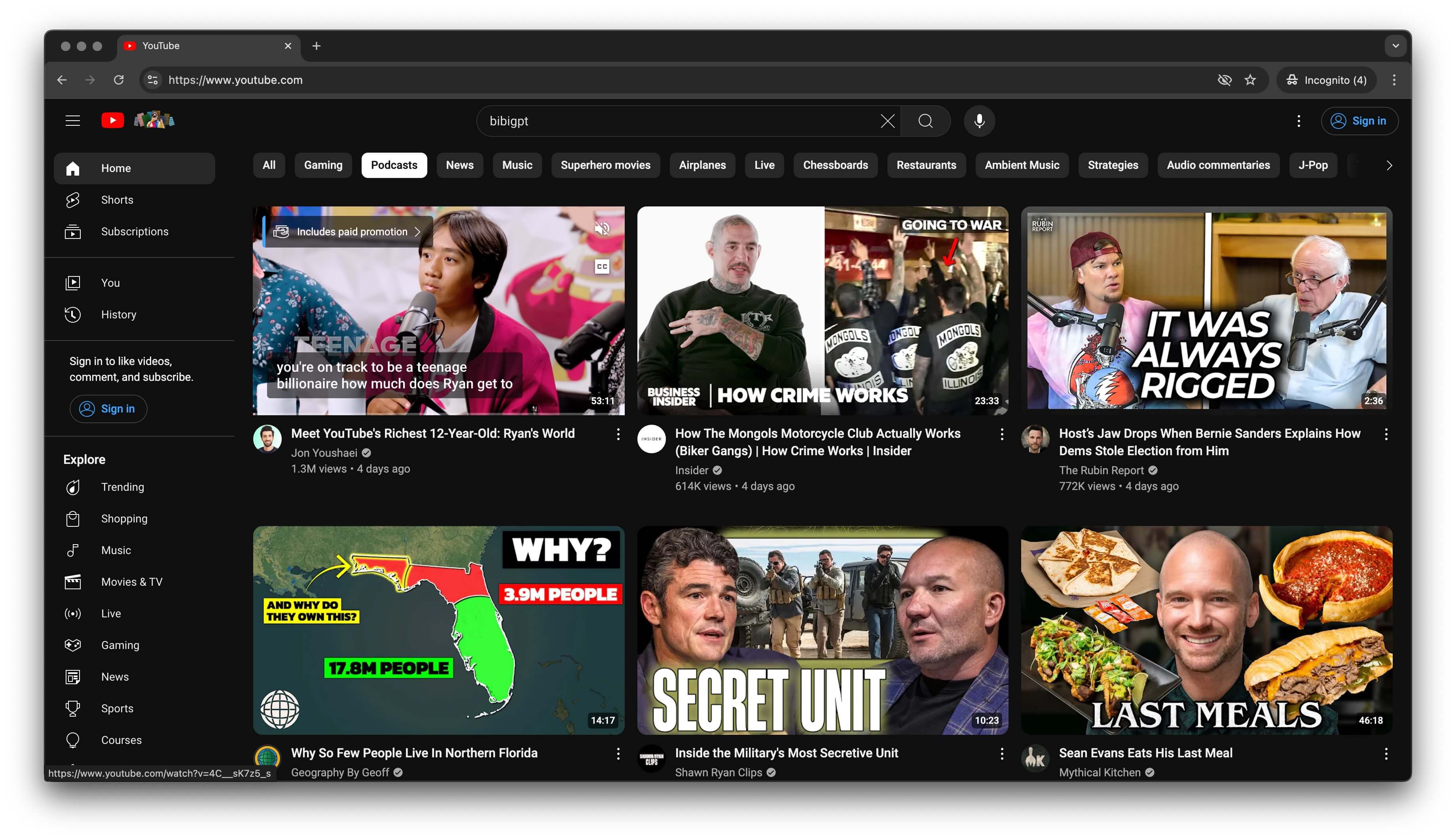 YouTube feed
Meet BibiGPT
BibiGPT is an AI media assistant built to make videos easier to watch, search, and reuse. It supports YouTube, Bilibili, Douyin, podcasts, meetings, local files, and more.
Why It Works
- Accurate – powered by models like GPT-4o, Claude 3.5, Gemini Pro.
- Context-aware – understands topics, structure, and nuance.
- User-friendly – browser-based, mobile shortcuts, WeChat assistant.
Step-by-Step: Summarize Any YouTube Video
- Copy the video link – from the address bar or Share menu.
- Open BibiGPT – paste the URL and click “Summarize.”
- Review the output – you’ll get:
- Outline view with key highlights
- Full transcript with timestamps
- Mind map, article rewrite, Q&A, and more
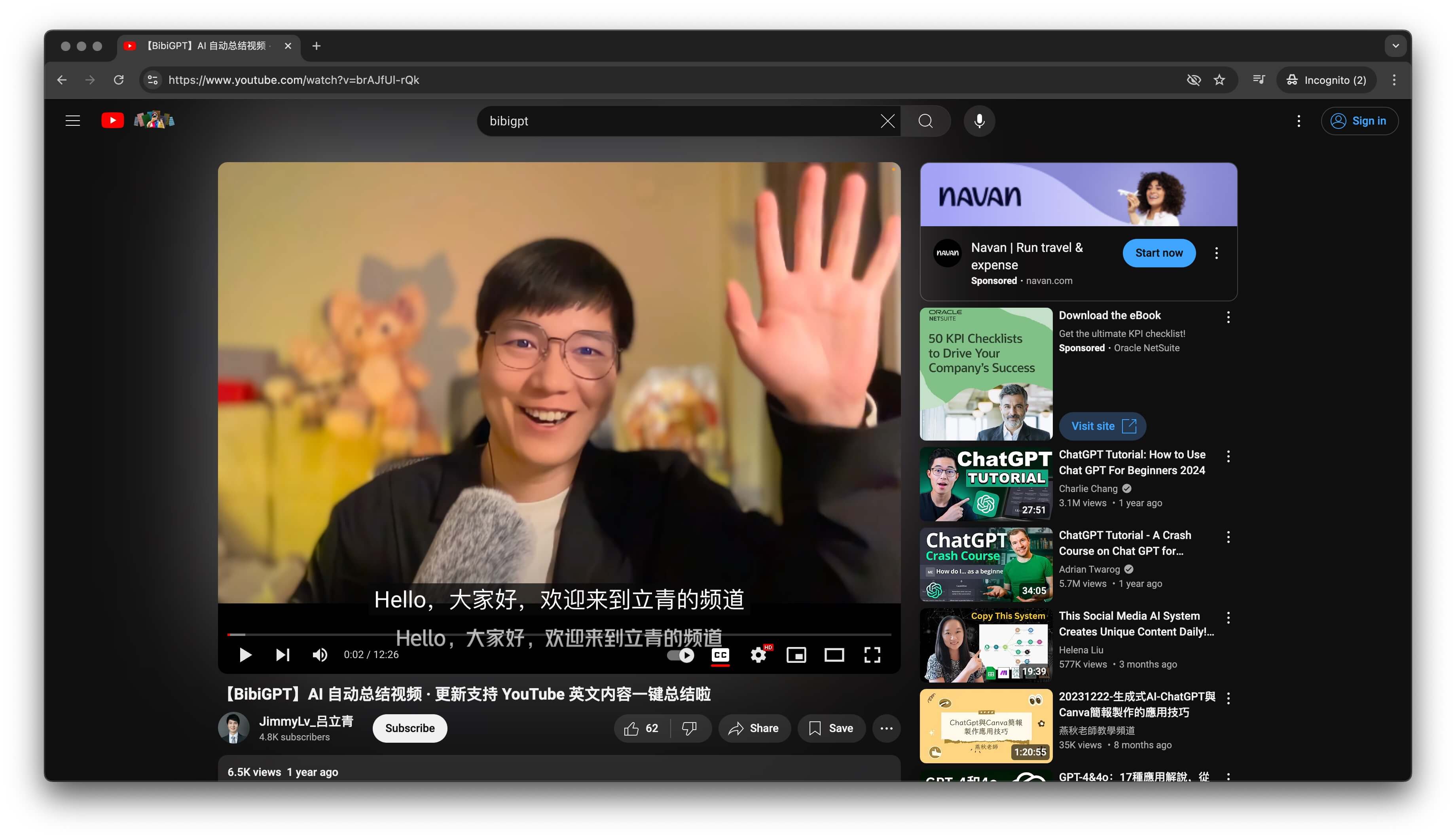 Summary interface
Real-World Feedback
- Students – convert lecture recordings into study notes, improving recall.
- Creators – extract insights quickly, plan scripts, or repurpose content.
- Teams – summarize meetings or webinars to keep everyone aligned.
Troubleshooting
- Inaccurate summary? Ensure the video has clear audio; re-run after YouTube captions are available.
- New to BibiGPT? See the Quick Start Guide.
- Need help? Submit requests via Feedback & Feature Board.
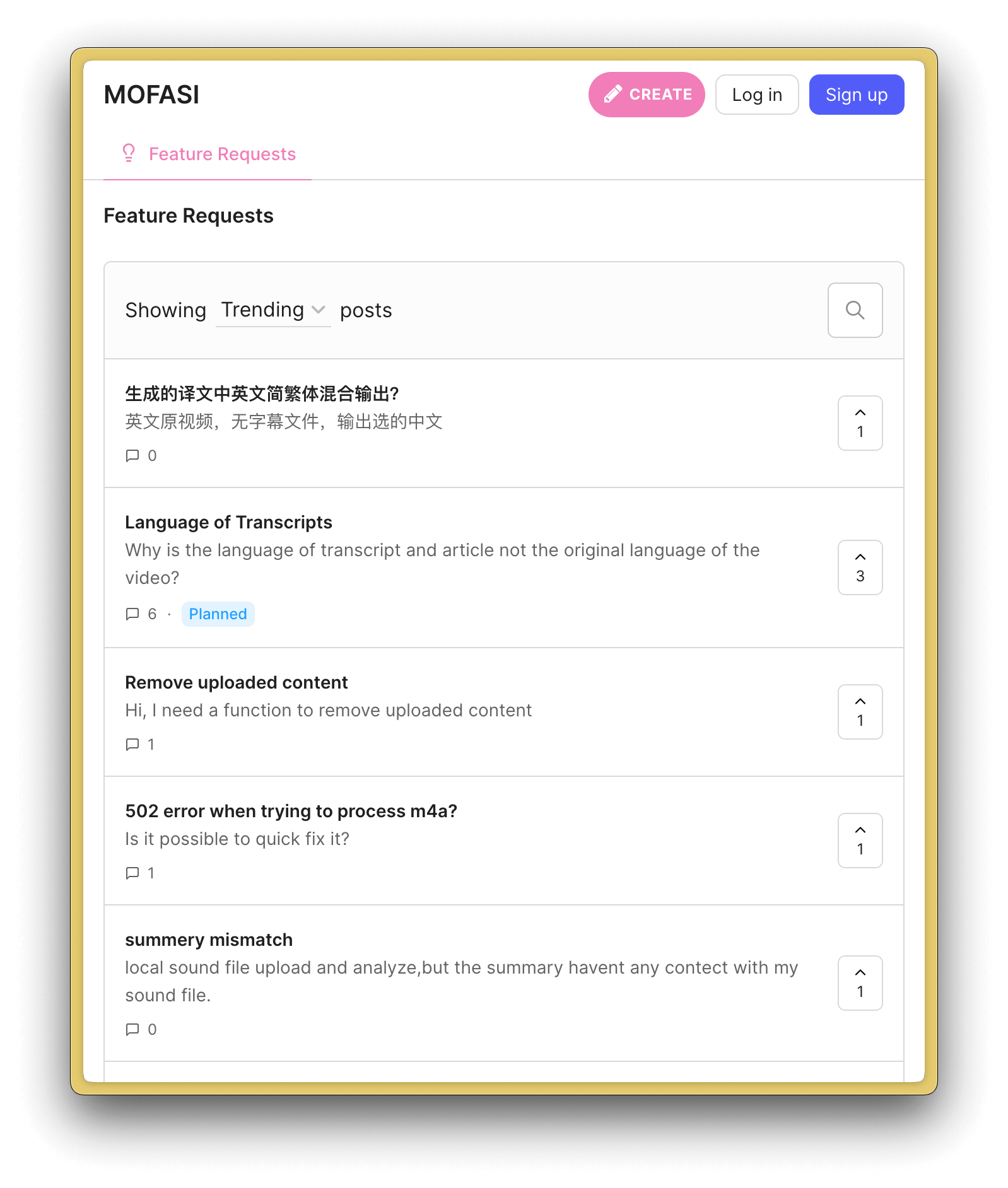 Feedback screenshot
FAQ
- Languages? Supports multilingual videos and outputs.
- Privacy? Data is encrypted; BibiGPT prioritizes user security.
- Cost? Free trial minutes, usage passes, and subscriptions available.
- Accuracy? High—especially with quality audio. Tie summaries to timestamps for verification.
Wrap-Up
ChatGPT + BibiGPT compress hours of YouTube into actionable insights. Whether you’re studying, researching, scripting, or strategizing, it’s the fastest way to “watch” more without watching everything.