
BibiGPT Weekly Update · September 27, 2024 – Player Controls, VideoSearch Upgrade, AI Chat Enhancements
Faster playback controls, smarter mind maps, a native VideoSearch for macOS, improved ⌘K discovery, saved AI chats, screenshot Q&A, new save destinations, and fresh LLM options.
BibiGPT Team
BibiGPT Weekly Update · September 27, 2024 – Player Controls, VideoSearch Upgrade, AI Chat Enhancements
Watch Faster
Player Improvements
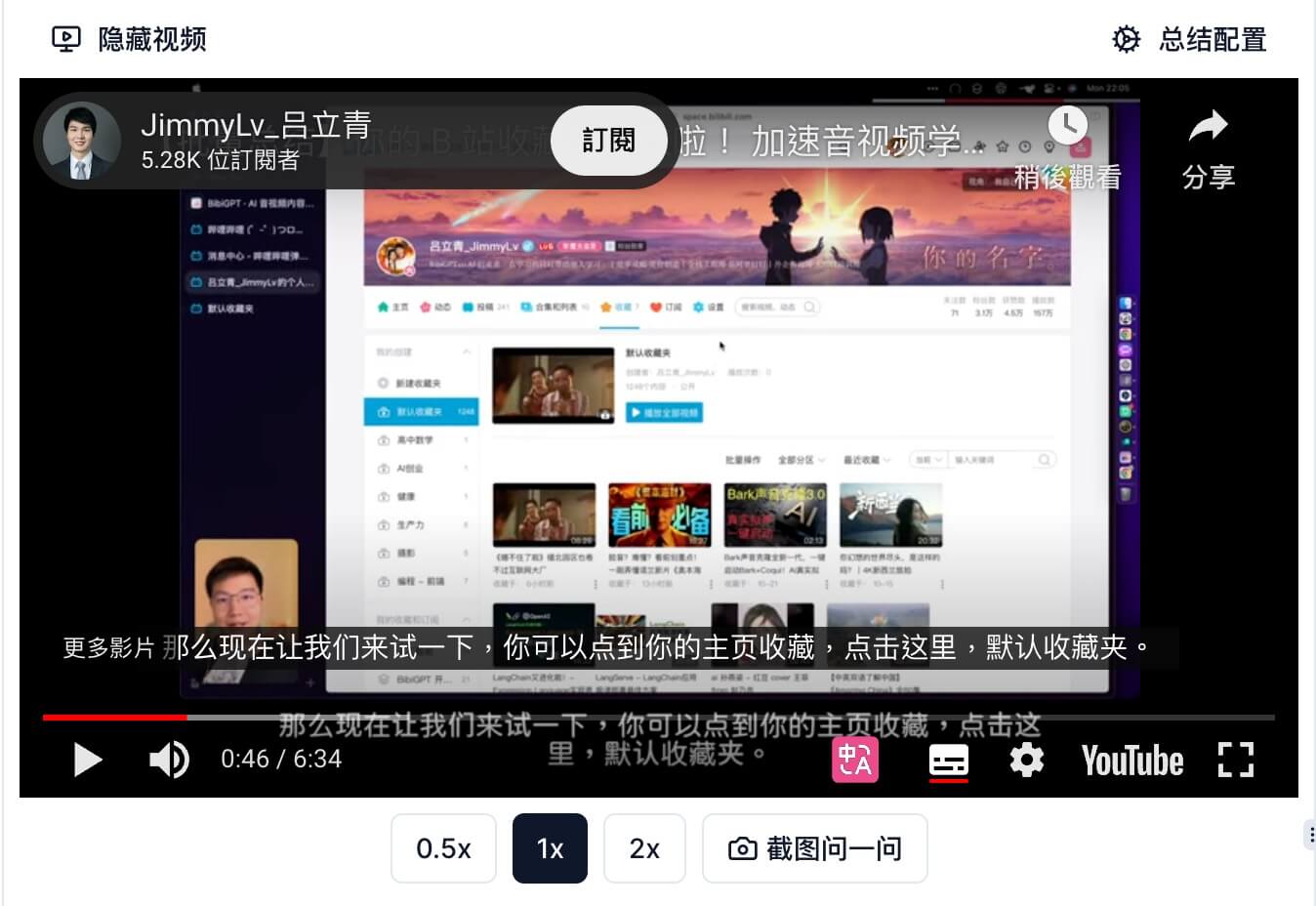
- Added skip forward/back and playback speed controls (YouTube + local support; Bilibili supports skipping for now).
- More responsive controls across platforms.
Mind Map Tweaks
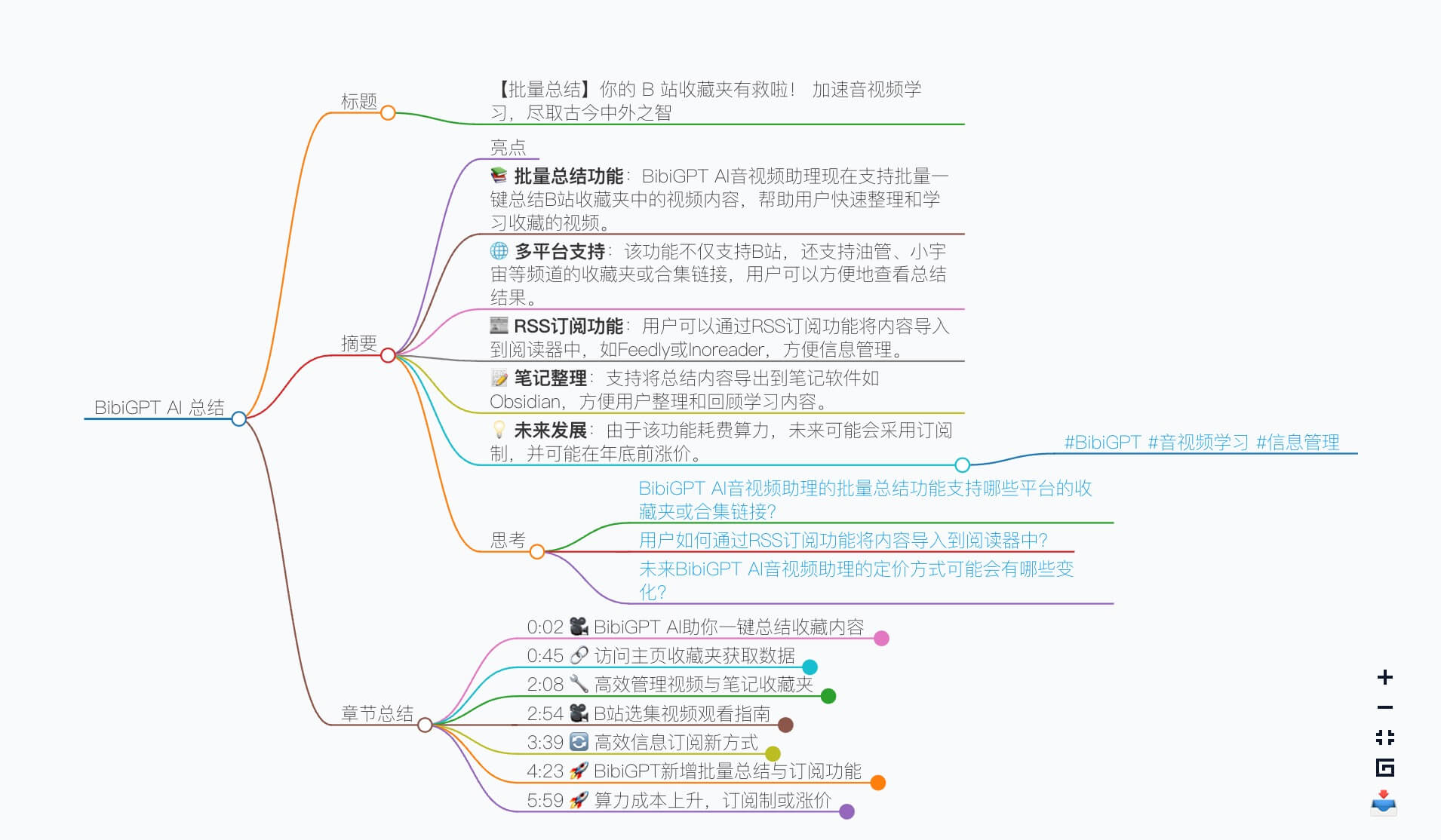
- Chapter summaries render cleaner inside Markmap.
- Nodes start collapsed so you can expand only what you need.
⌘J Modal Upgrade
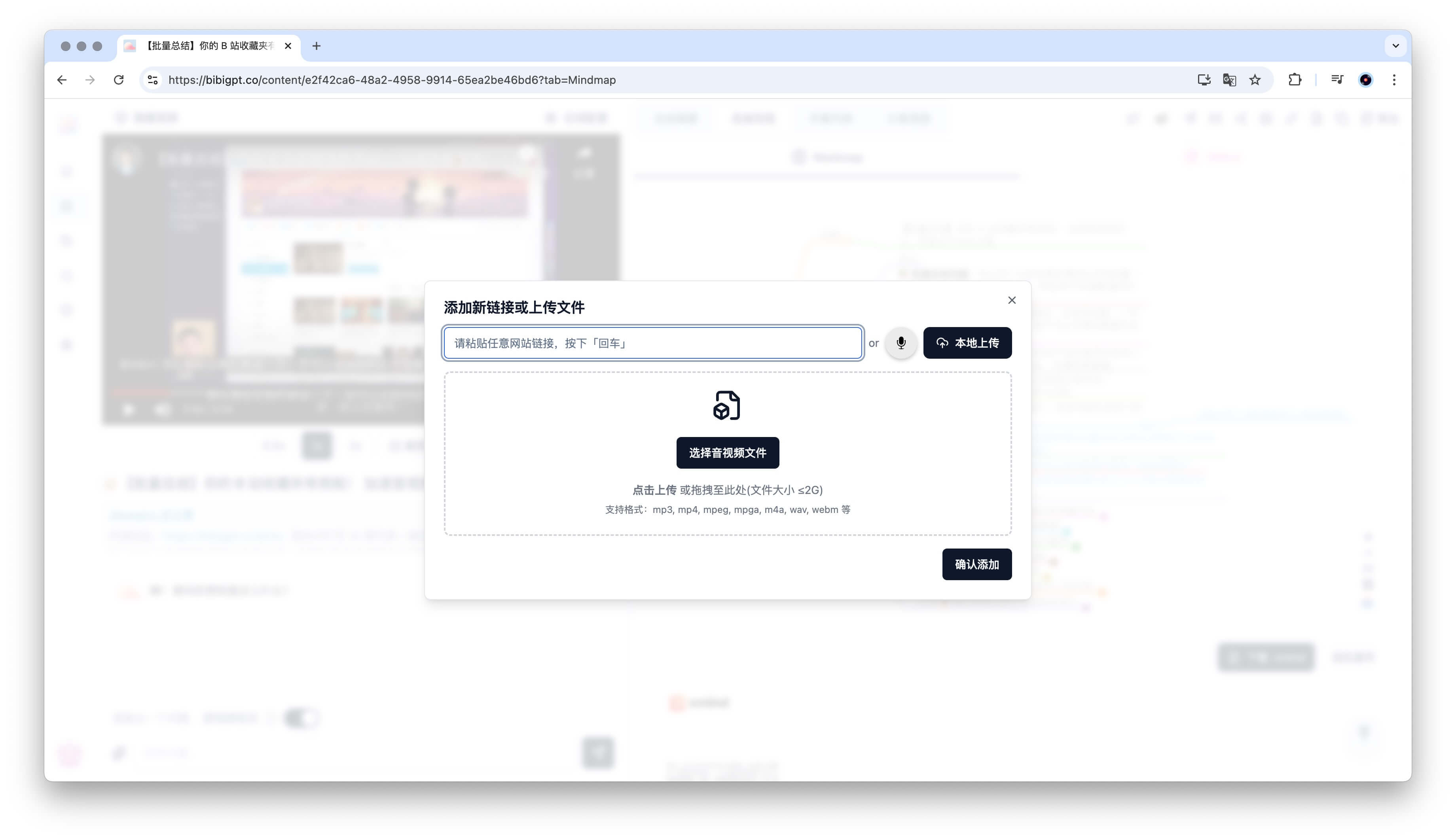
- Use the global shortcut to add links or upload local files/recordings from anywhere in the app.
Find Smarter
VideoSearch for macOS
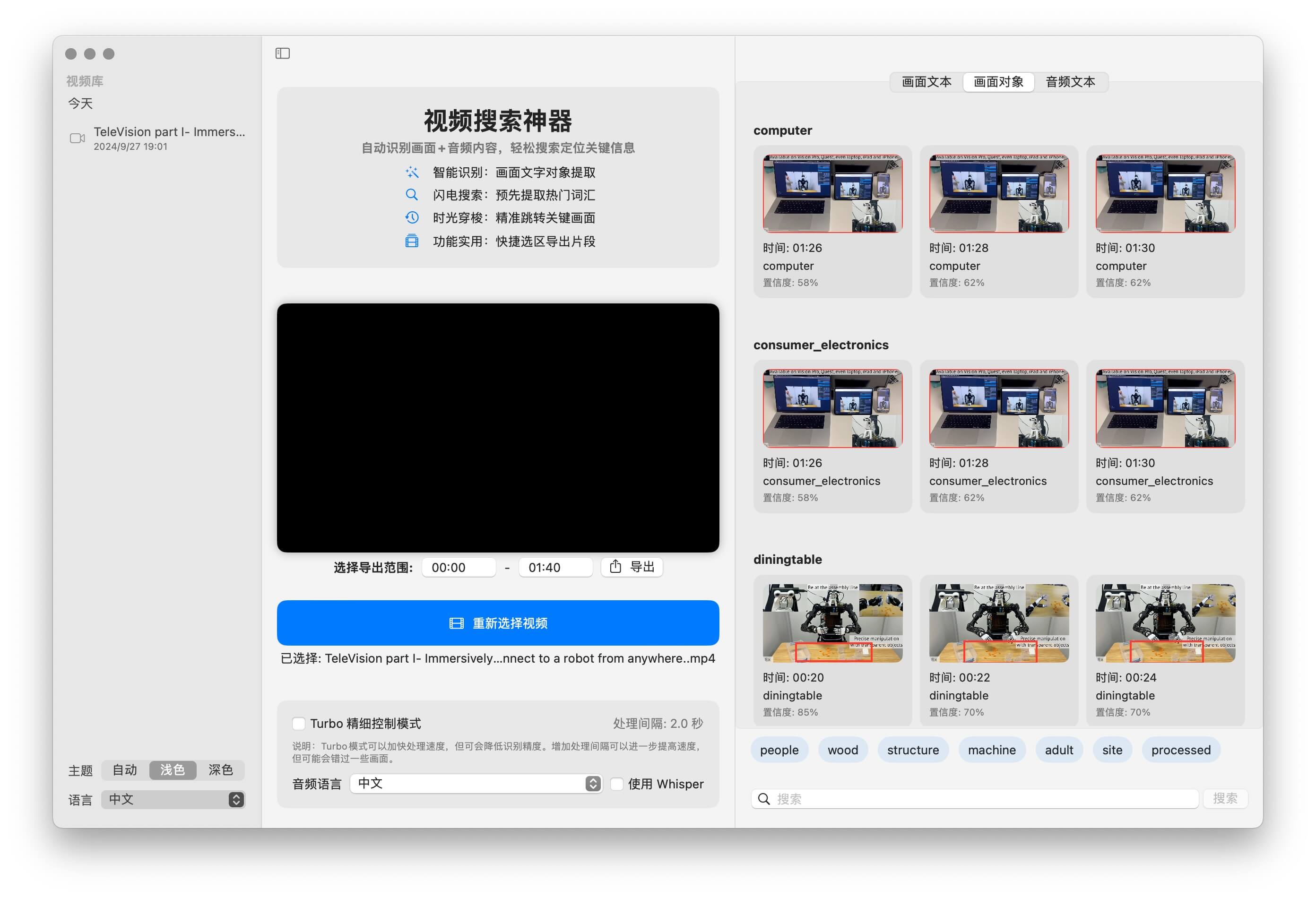
- Native app lets you search on-screen text, visual objects, and transcript keywords simultaneously.
- Available now on the Mac App Store—search “VideoSearch” to install.
⌘K Suggestions
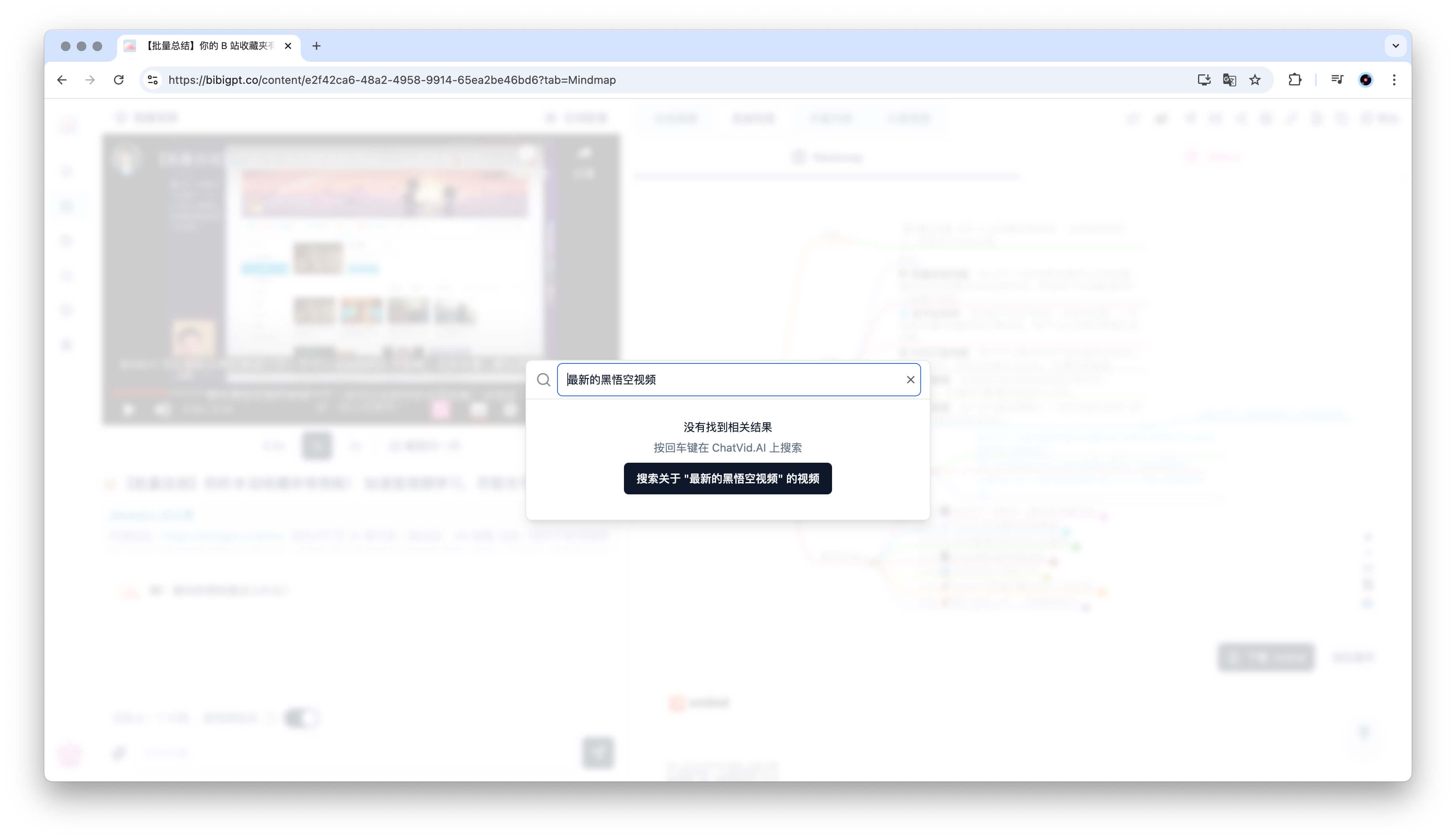
- If we can’t find a summary in your history, we recommend fresh videos to explore.
Use Better
AI Chat Enhancements
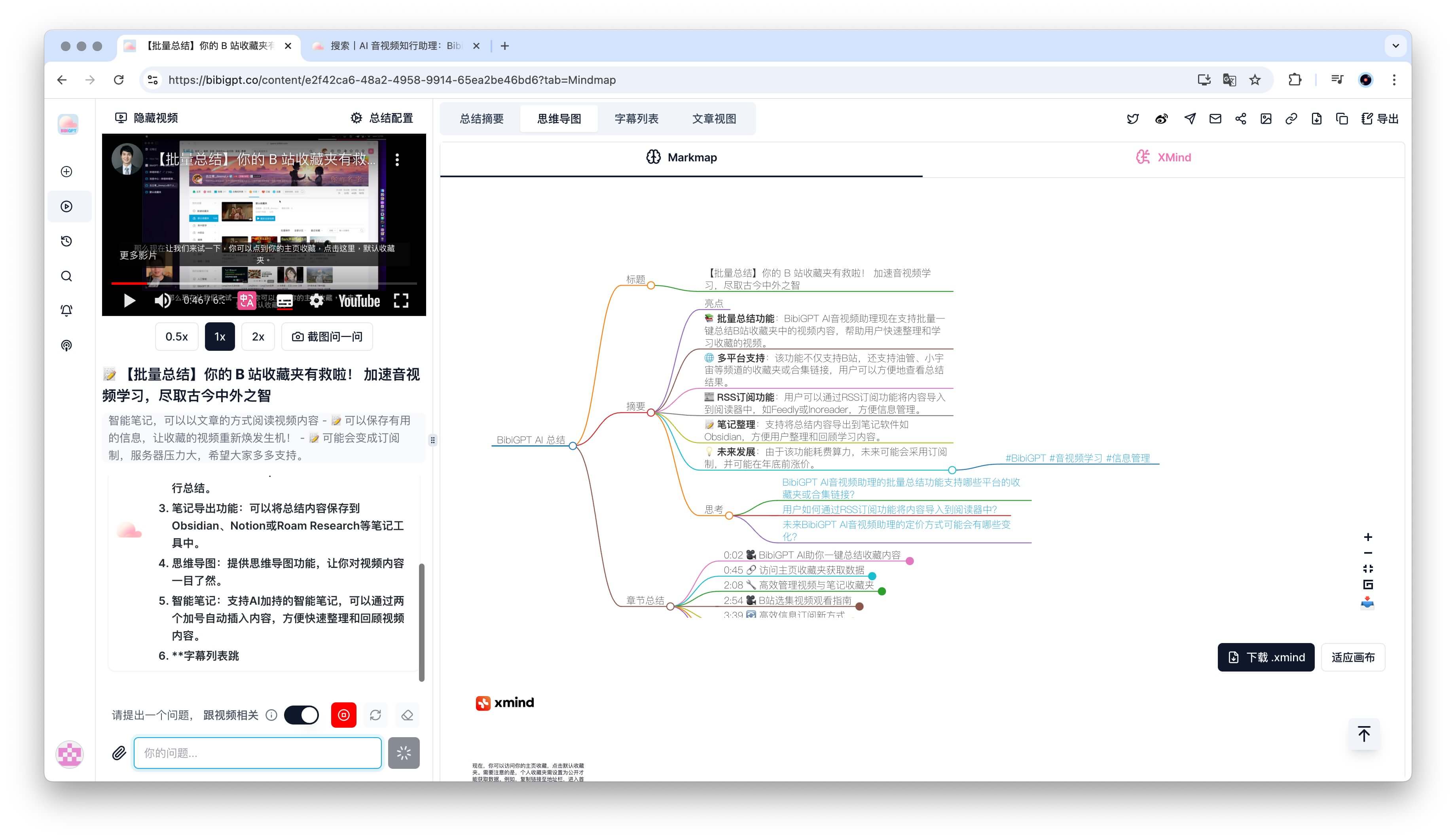
- Save conversation history and resume later.
- Streaming replies auto-scroll to the latest line.
Screenshot Q&A
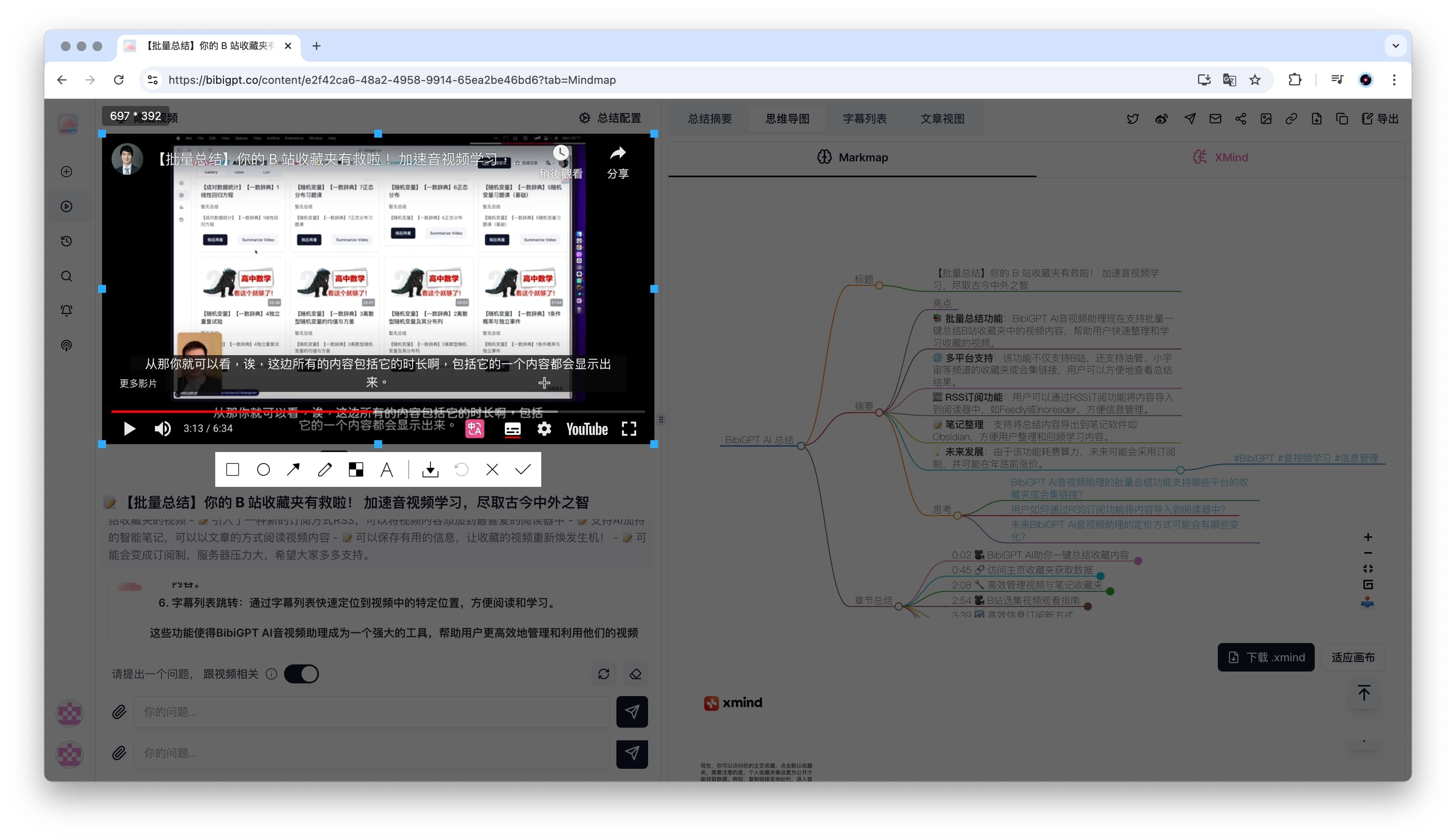
- Grab a frame from the video and ask follow-up questions about what you see.
New Save Destinations
- Send chapter summaries to Readwise Reader with one click.
- Choose custom folder paths when exporting to Obsidian.
New Model Options
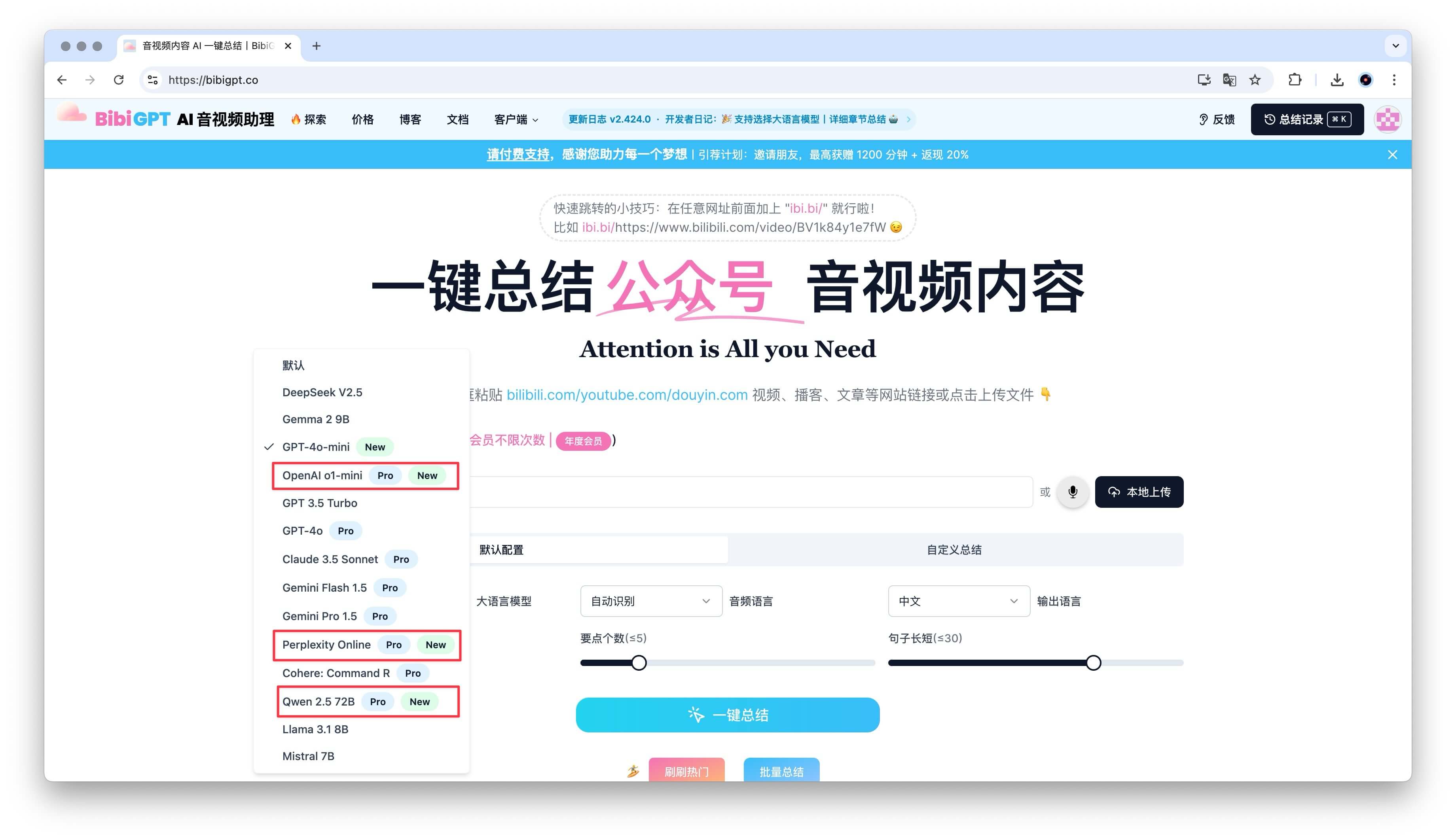
- Added OpenAI o1-mini, Perplexity-connected model, and Qwen 2.5.
- More styles, better accuracy, richer reasoning.
UX Polishing
- Improved onboarding flow for new signups.
- Cached data visible for quicker access.
- Trial credits increased to 120 minutes so you can explore longer.
Thanks for spending another week with BibiGPT. Keep the feedback coming—we’re building the future of media workflows together.
— BibiGPT Team