BibiGPT Blog
Free AI guides — summarize YouTube, Bilibili, podcasts & lectures in 30 seconds. Tool comparisons, hands-on tutorials, and BibiGPT release notes.
Explore by topic
- AI Video Summary Distil any video or podcast into a structured summary you can actually reuse — chapters, key points, and the workflows around them. 63 articles
- Video to Text Getting a clean text transcript out of a video — from any platform, any language, local file or link. 26 articles
- YouTube to Text Pulling transcripts and subtitles off YouTube: downloaders, extractors, and what to do when a video has no captions. 9 articles
- Audio & Podcast Podcasts and audio: transcription, summaries, highlights, and turning a long listen into notes worth keeping. 18 articles
- Meeting Notes Turn a meeting recording into minutes you can act on — transcripts, action items, and the tools that do it without a bot in the call. 19 articles
- Learning Methods Study workflows for video and podcast: Feynman, Cornell, spaced repetition, Zettelkasten, SQ3R, Pomodoro — and how to run them with AI notes. 38 articles
- Second Brain & PKM A personal knowledge system fed by video and podcast: Notion, Obsidian, mind maps, knowledge graphs, and the workflows that keep notes findable. 36 articles
- Model Updates What each major model release means for video notes — Gemini, GPT, Claude, Qwen, Sora and the rest — without turning the competitor roundup into a changelog. 43 articles
- Tool Comparisons Head-to-head reviews of the tools people actually compare — NotebookLM, NoteGPT, Otter, Monica, BiliNote and the rest. 52 articles
Featured
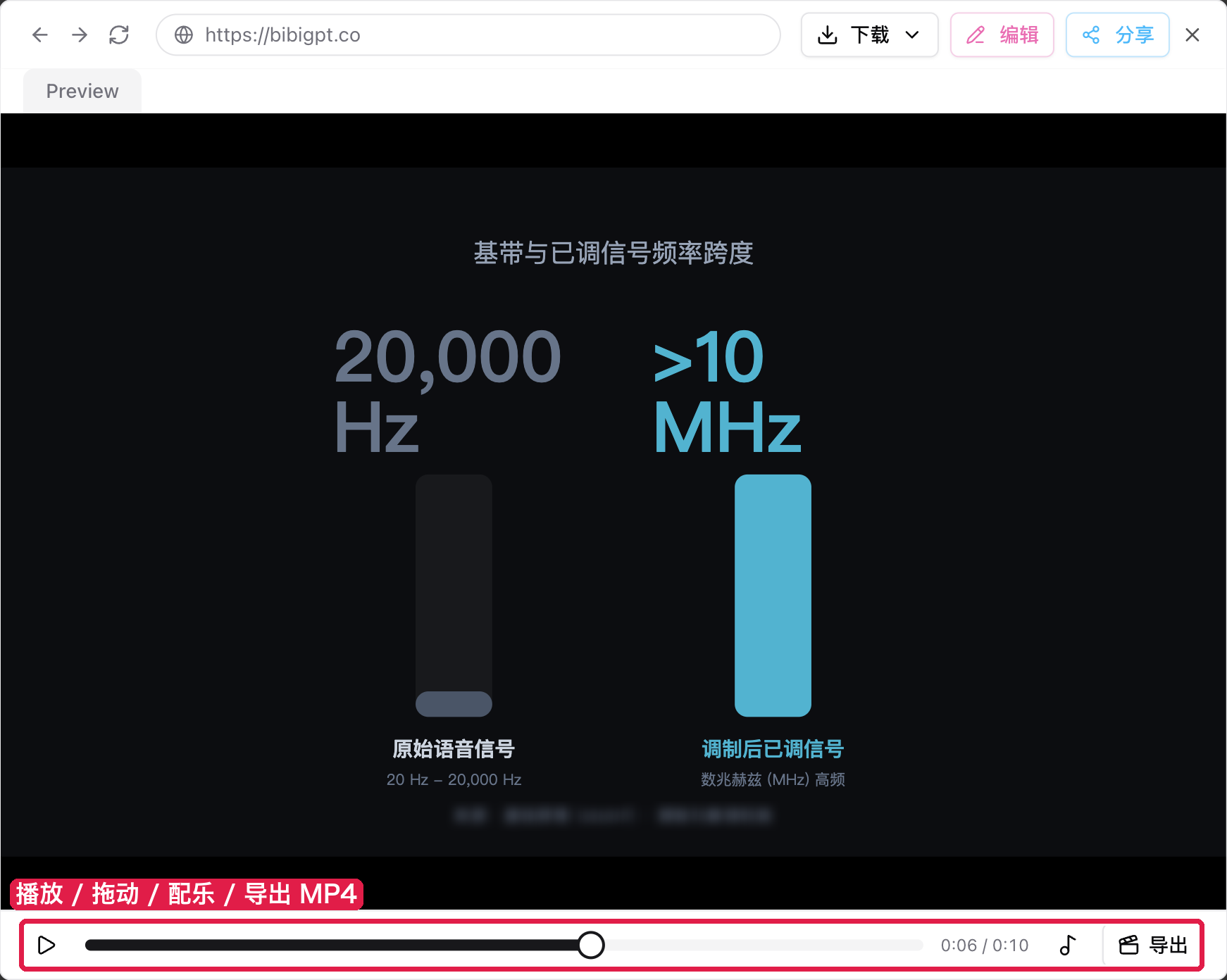
BibiGPT v4.758.0: Motion Chart and Motion graphic
Published
This issue's through-line is making the numbers in your summaries move. The new Motion Chart turns one number story from a video into a roughly 10-second animated chart you can play, scrub, add music to, and export as MP4 or GIF; Motion graphic turns the core comparison into an infographic that plays out in a few seconds. Audio/video summaries also add Kimi K3.1 Pro, and the library's gallery, masonry and list views have been rebuilt.
Read more →All posts
All posts →-
Reviews ·
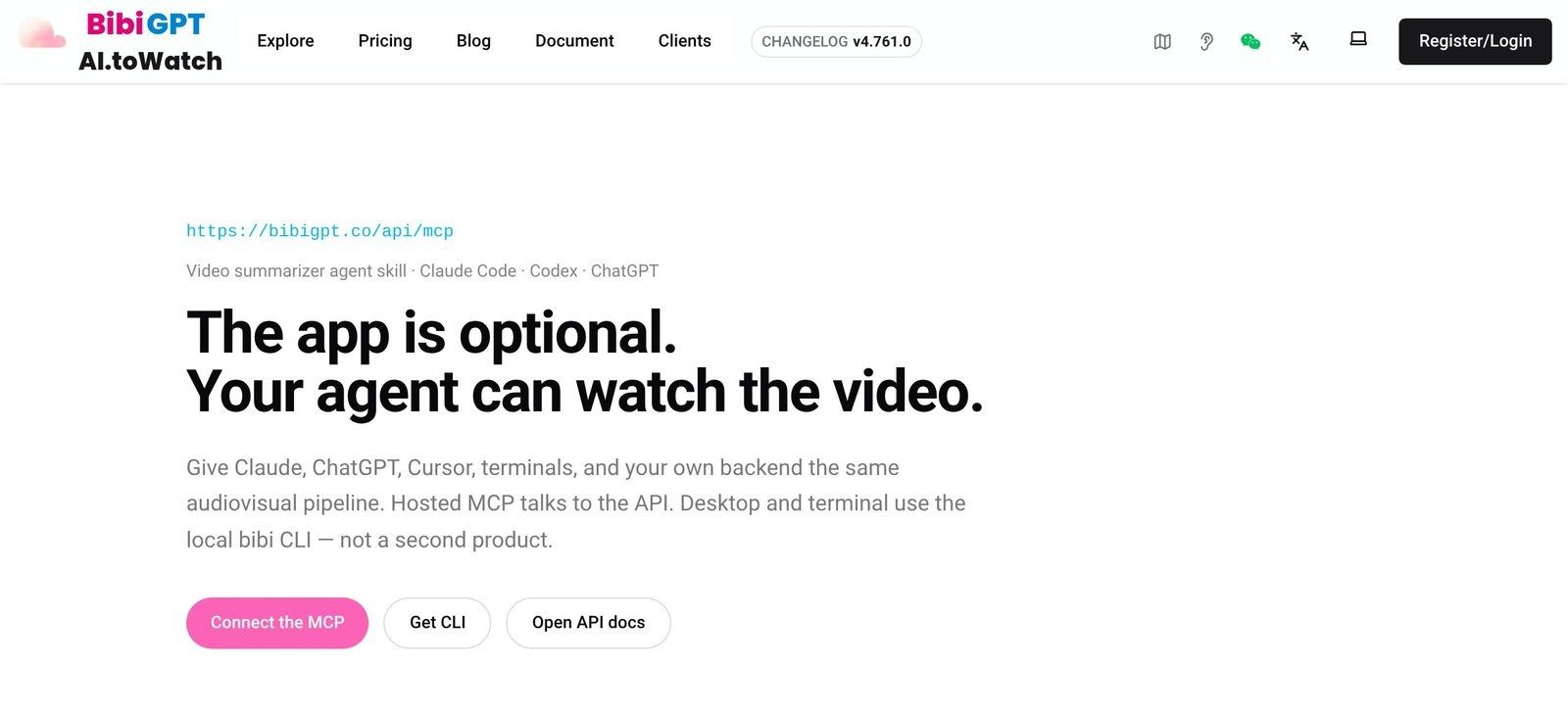
Best Video Summarizer & YouTube Transcript MCP Servers for AI Agents (2026)
We compared 10 YouTube transcript MCP and video summarizer MCP servers for Claude, Cursor and Codex: open-source local servers, hosted transcript APIs, and agent skills, with tools, auth, pricing and limits verified.
-
Trending ·
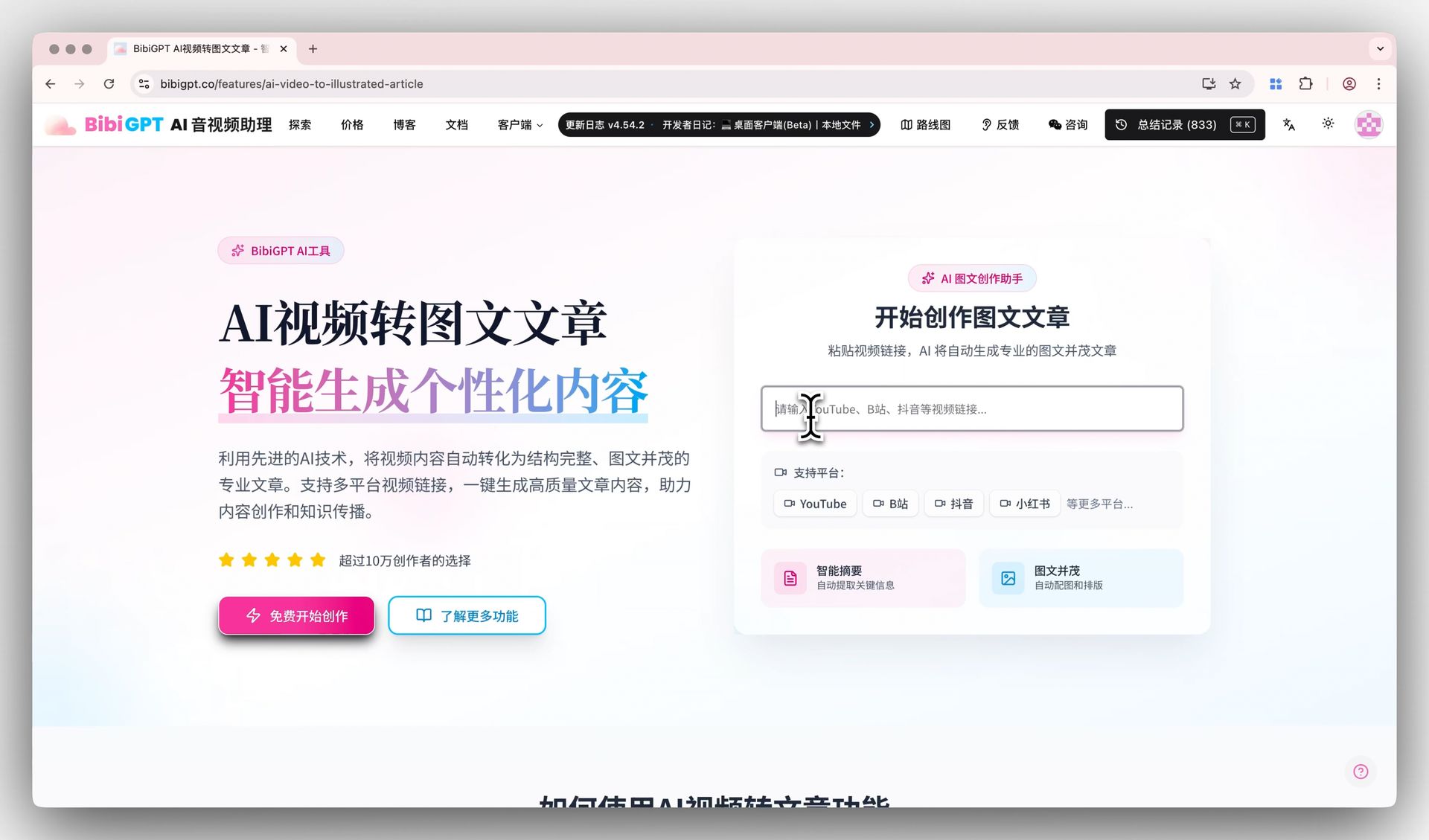
Can ChatGPT Watch Videos? What the CapCut ChatGPT Plugin Changes (2026)
CapCut's new ChatGPT plugin helps ChatGPT make videos. It does not help ChatGPT watch one. Here is what ChatGPT can and cannot do with a video link in 2026, and how to add a plugin that actually watches YouTube, Bilibili, and podcasts.
-
Release notes ·
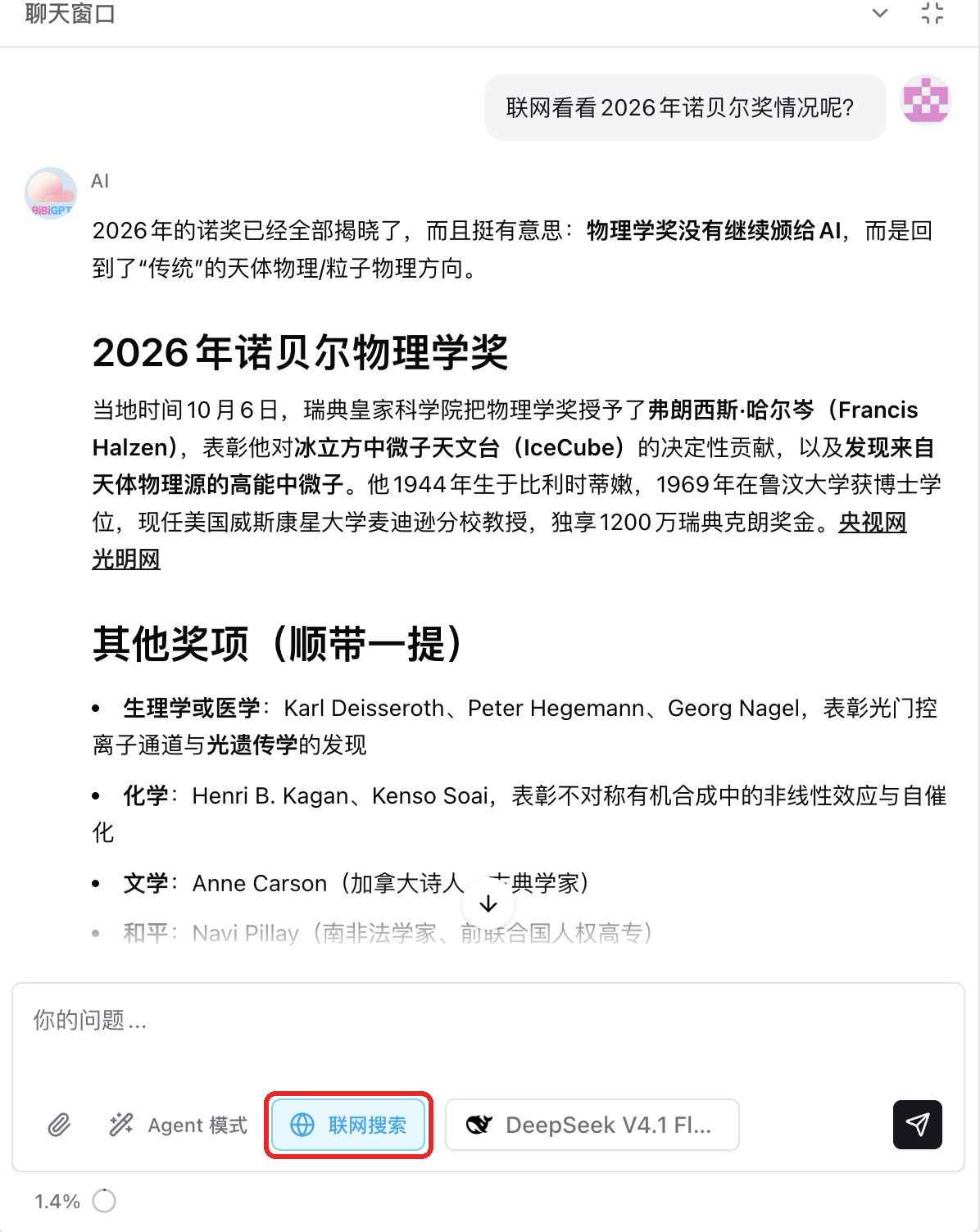
BibiGPT v4.737.0: AI chat web search and Course Notes
This issue's through-line is that AI chat can now search the web — for news and figures the video never covers, the AI searches first, then answers with source links. Custom summaries add a "Course Notes" template, themed PDFs are now real text, multi-part Bilibili videos can be summarized as a whole set in one go, and audio/video summaries add MiniMax M3.1 Flash.
-
Release notes ·
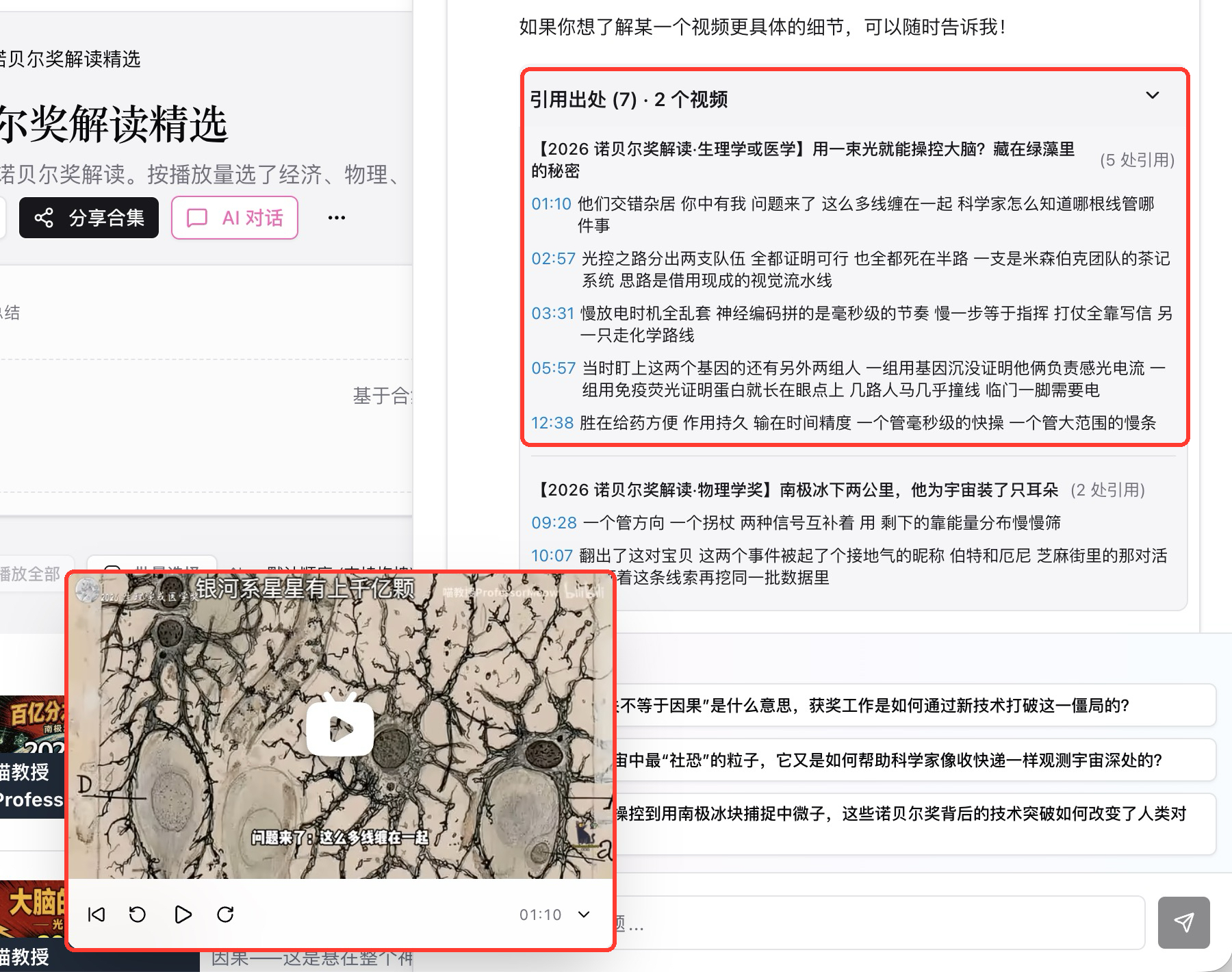
BibiGPT v4.710.0: collection citations and bilingual sizes
This issue's through-line is that citations and timestamps in a collection now jump straight to that exact moment in that episode, and bilingual burned-in subtitles let you size the original and the translation separately. Audio/video summaries add Qwen3.8 27B (fast), the China site signs you in mainly by phone number and WeChat, and the editor can cut a condensed version of a whole video in one go.
-
Release notes ·
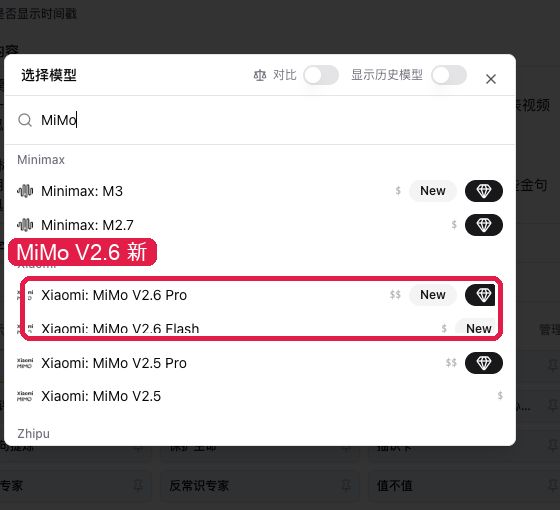
BibiGPT v4.663.0: MiMo for summaries and local privacy
This week's through-line is Xiaomi MiMo V2.6 on audio/video summaries, plus the local privacy app on the download page. Windows and Mac (Apple silicon) can install it now. Subscribed channel pages show a real creator bio, and you can keep a private note beside it. Export can hide video stills; transcription can switch to Qwen, Paraformer, or StepAudio.
-
Release notes ·
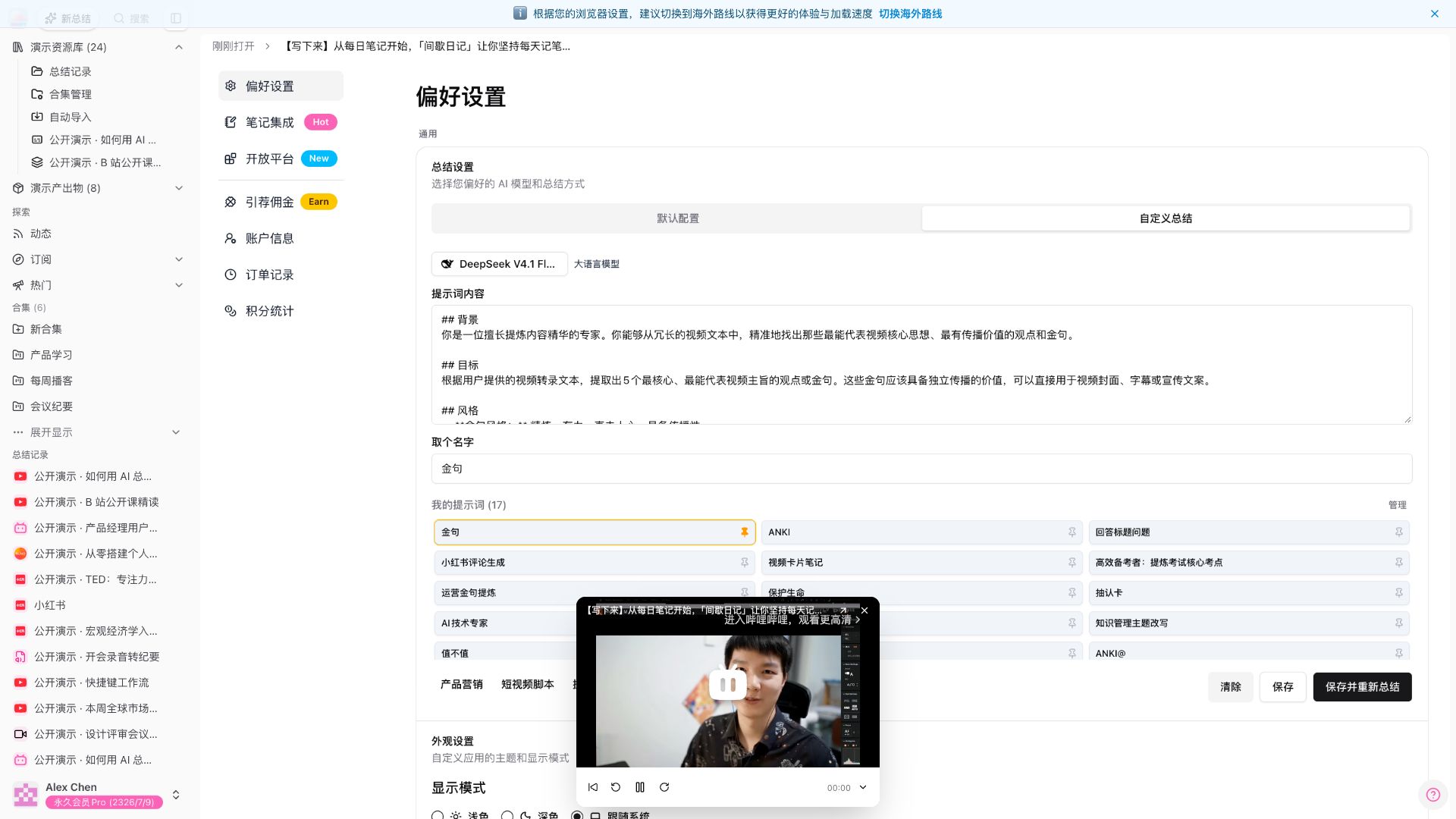
BibiGPT v4.651.0: Mini player across pages and channel filters
This week's through-line is the mini player that keeps going on Settings, plus narrowing subscribed channels by platform. The sidebar header fits on one row; channel headers are tighter; the avatar menu opens the changelog; Windows download cards spell out the two taps when system protection appears.
-
Reviews ·
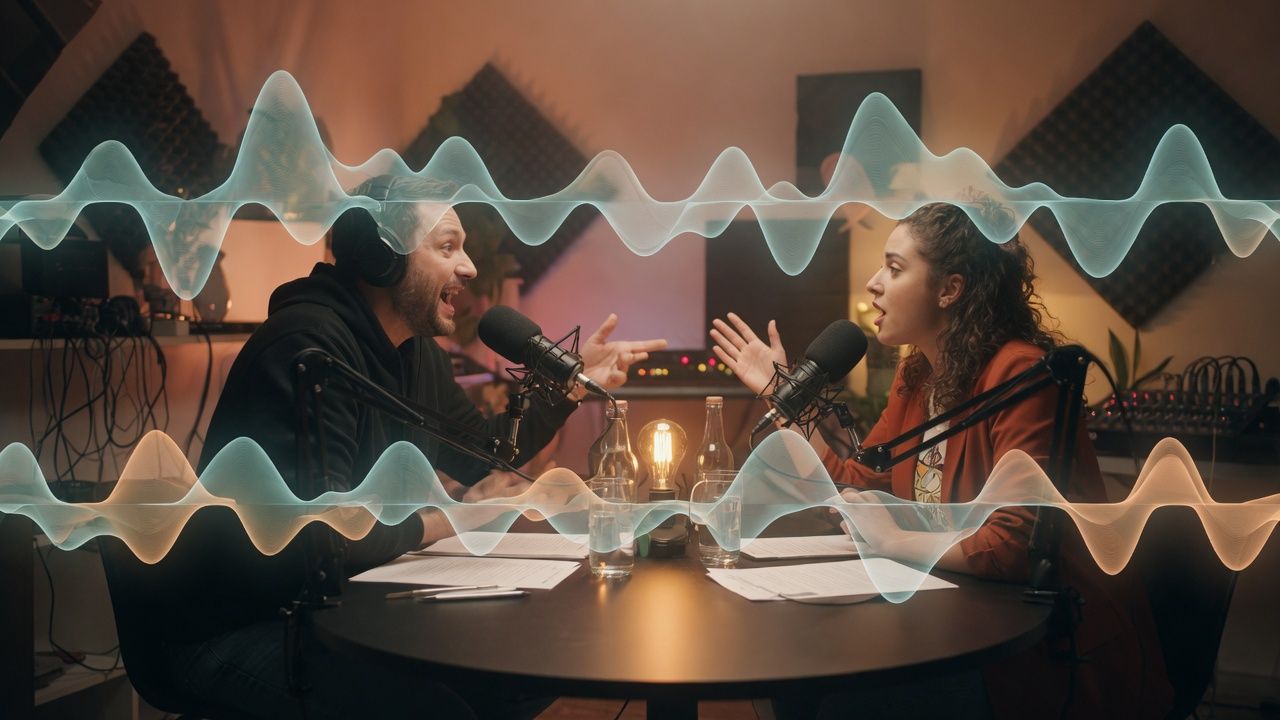
Gemini 3.8 Live vs GPT-Live-1: 10 Checks for Realtime Voice and Meeting Summary
Gemini 3.8 Live vs GPT-Live-1 is a realtime voice choice, not a Flash bake-off. Run 10 checks for duplex, vision, price, and meeting summary artifacts.
-
Release notes ·
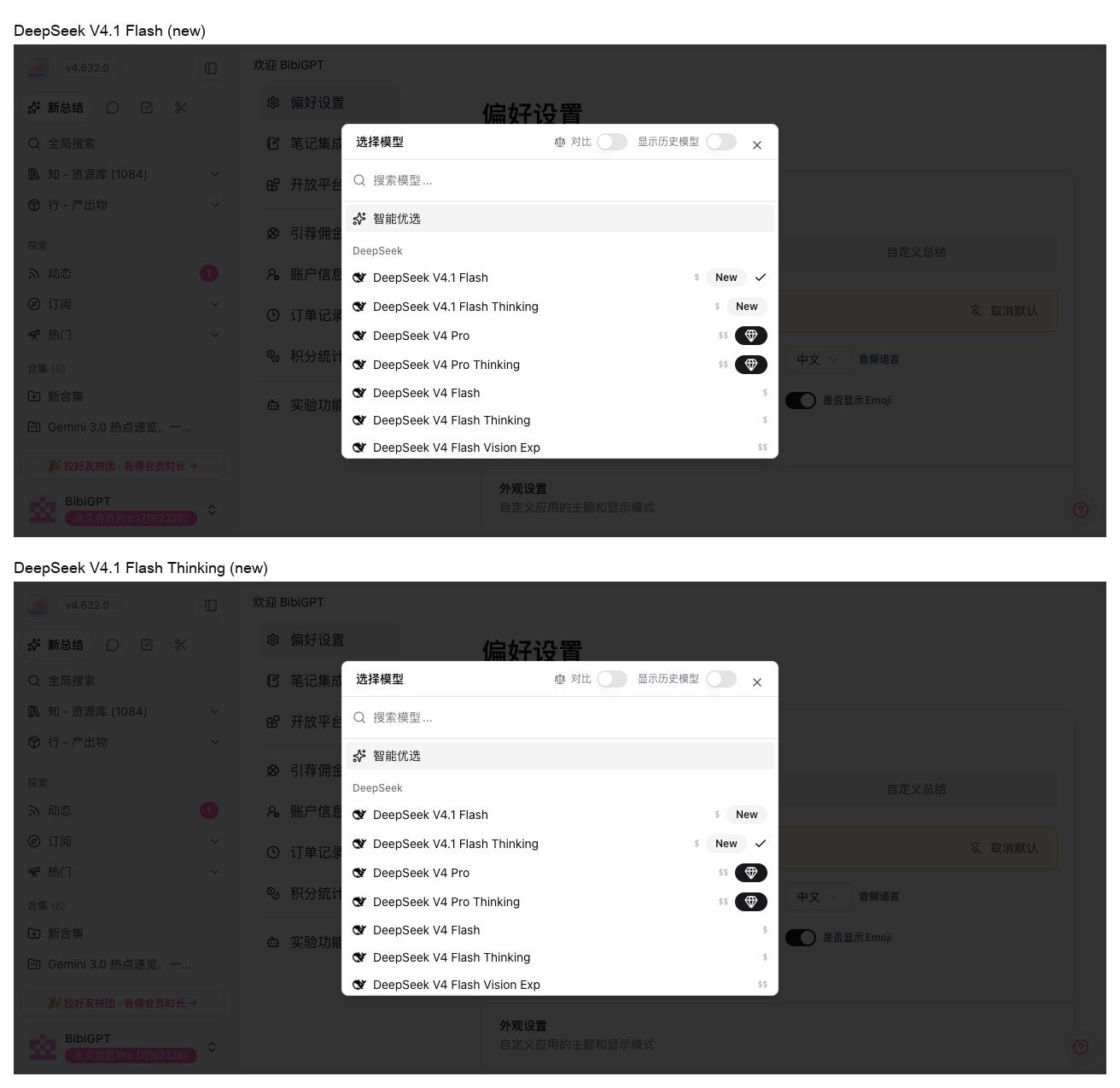
BibiGPT v4.632.0: DeepSeek V4.1 Flash and batch summary
This week's through-line is DeepSeek V4.1 Flash in the audio/video summary model picker, plus batch summary sitting right in the Library sidebar. The sign-in page got an interaction polish; MCP and Agent are split when you install a skill that can watch video.
Popular guides
- 01 AI Student Study Workflow 2026: Microsoft Study Agent + Laxu AI + BibiGPT Combo — 5 Steps From Lecture Video To Anki Flashcards
- 02 Bilibili AI Video Summary Tool: BibiGPT Summarizes 30+ Platforms Instantly (2026)
- 03 How to Install Skills in DeepSeek Harness: A Hands-On Guide to Teaching dsh to Watch Videos
- 04 Bilibili Transcript Tools Compared: Best Subtitle Extractors in 2026
- 05 Complete Guide to Bilibili Subtitle Extraction and Download: 5 Best Methods in 2026
Popular tools
About BibiGPT
BibiGPT is your AI assistant for understanding audio and video. It summarizes Bilibili, YouTube, podcasts, and local files, produces mind maps, transcript timelines, and long-form rewrites, and supports multiple large language models with personalized output styles.
Unlike typical summary tools, BibiGPT can reason about on-screen visuals, publish image-rich newsletter-style articles, and keeps you in "watch faster, search smarter, reuse better" mode alongside Notion, Obsidian, and other knowledge bases.
01
Watch faster
Skim long-form media without losing access to the full context.
02
Search smarter
Transcripts and highlights stay fully searchable with jump-back timestamps.
03
Use better
Chat with any media, draft target articles, and reuse insights without manual formatting.