
[BibiGPT Growth Series] Episode 4 | One-Click AI Summaries for Local Media: Hack Engine Hackathon Recap
Relive the Hack Engine Hackathon where the BibiGPT team demoed one-click AI summaries for local audio and video, sharing the origin story, feature set, and startup lessons from an early build.
[BibiGPT Growth Series] Episode 4 | One-Click AI Summaries for Local Media: Hack Engine Hackathon Recap
Welcome to episode 4 of the BibiGPT Growth Series. In this chapter we travel back to the Hack Engine Hackathon to revisit the first public demo of “Copilot for Video – BibiGPT.” The post expands on the talk [BibiGPT] One-Click AI Summary for Local Audio/Video | Hack Engine Hackathon Recording (With Easter Eggs) and captures how the product vision took shape long before today’s interface.
The screenshots and UI shown here are from 2023. The product looks very different now, but the intent—to compress rich media into reusable knowledge—remains unchanged.
Team “AI Creation”: Real + Virtual Partners
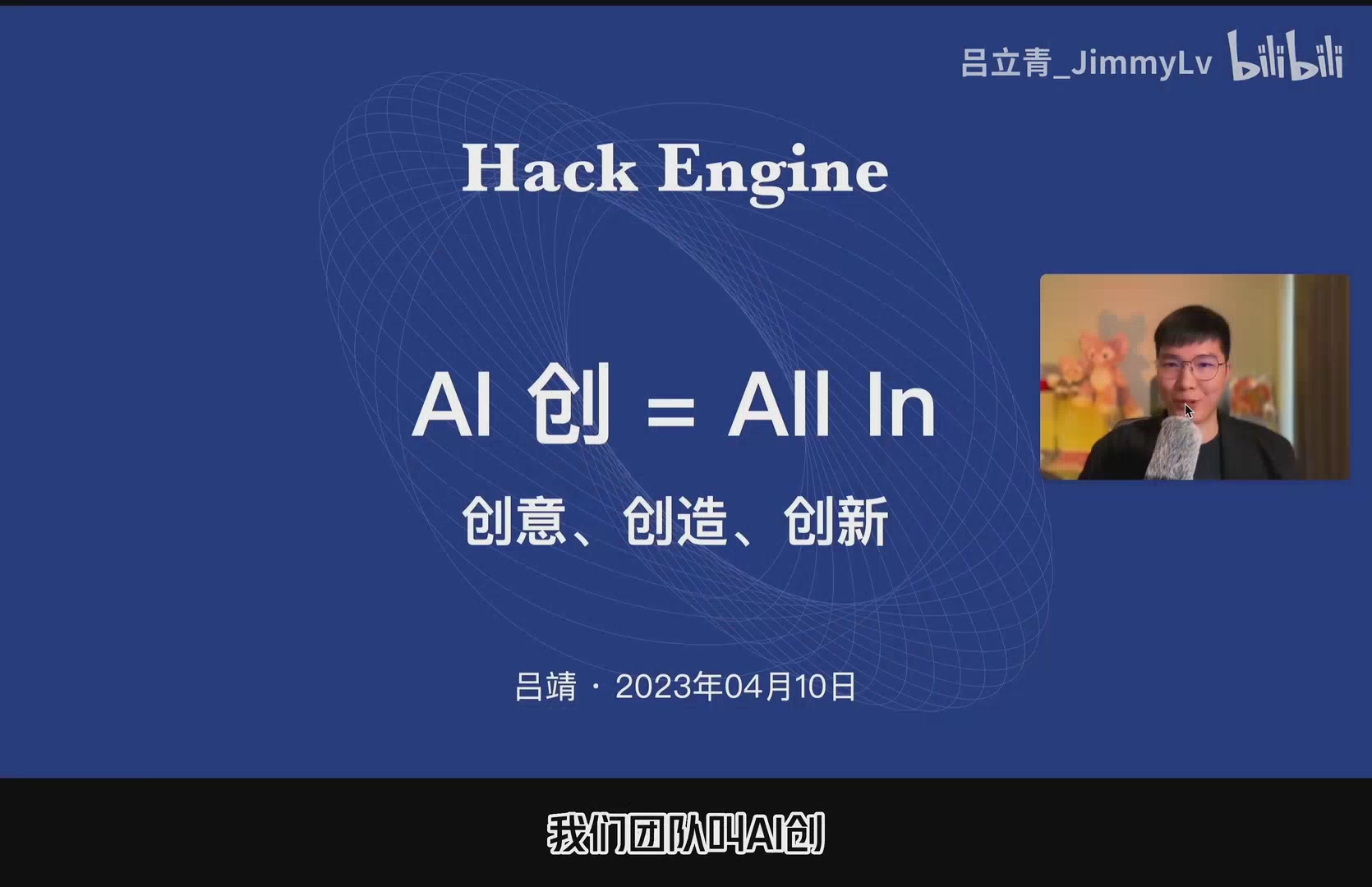 AI Creation = All In Concept
Our hackathon squad was called AI Creation—AI = All In on every step, and “Creation” to highlight imagination and making. The lineup mixed human teammates (Jimmy, Niko, Tantan) with a virtual taskforce of AI tools: ChatGPT for planning, Wrap.dev CLI and Cursor.so for scripts, GitHub Copilot for coding, plus AI services for copy, illustration, and logo design. Collaboration with AI has been in BibiGPT’s DNA since day one.
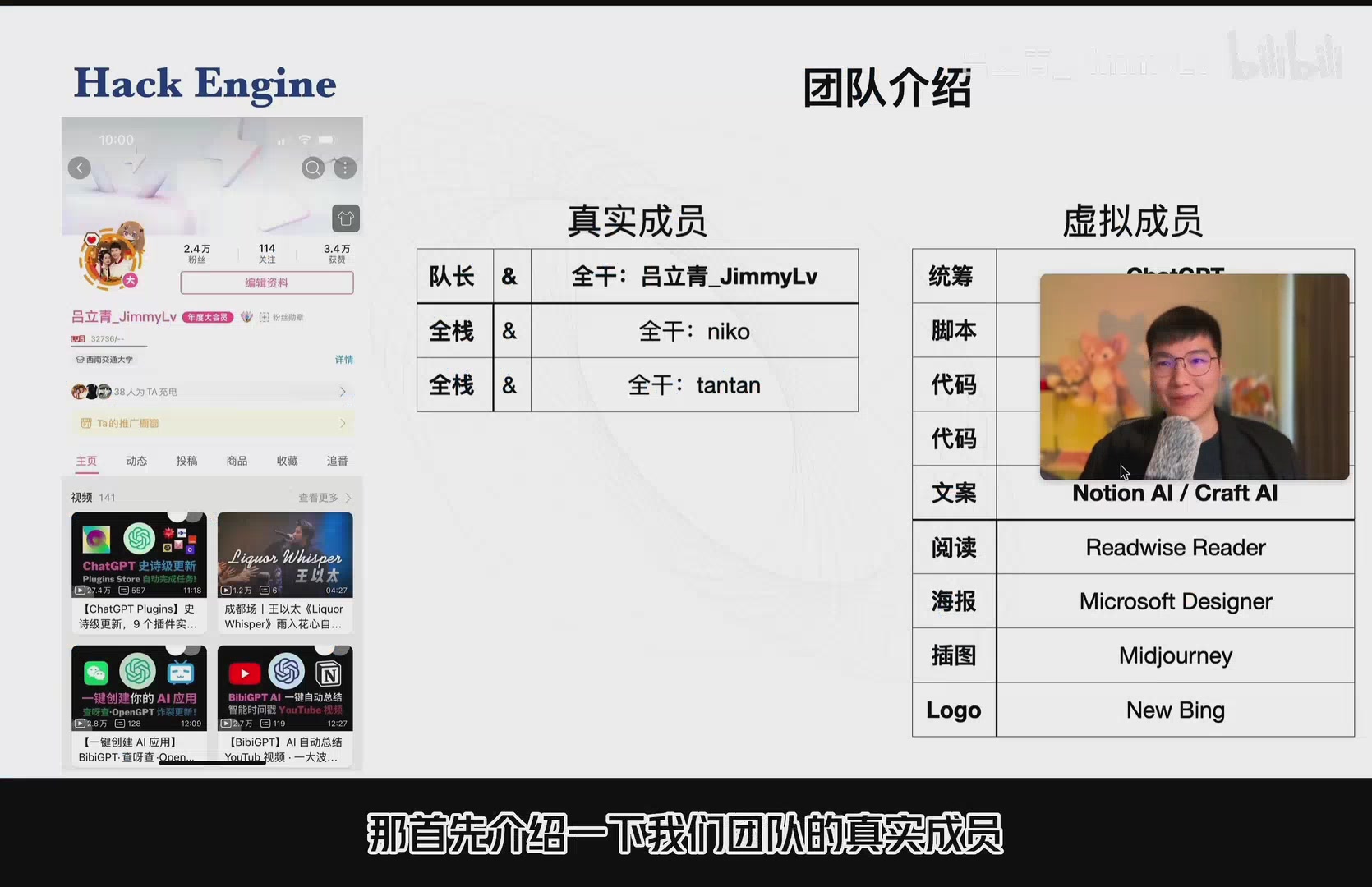 Team presentation slide
Product Thesis: One-Click Summaries for Any Link or File
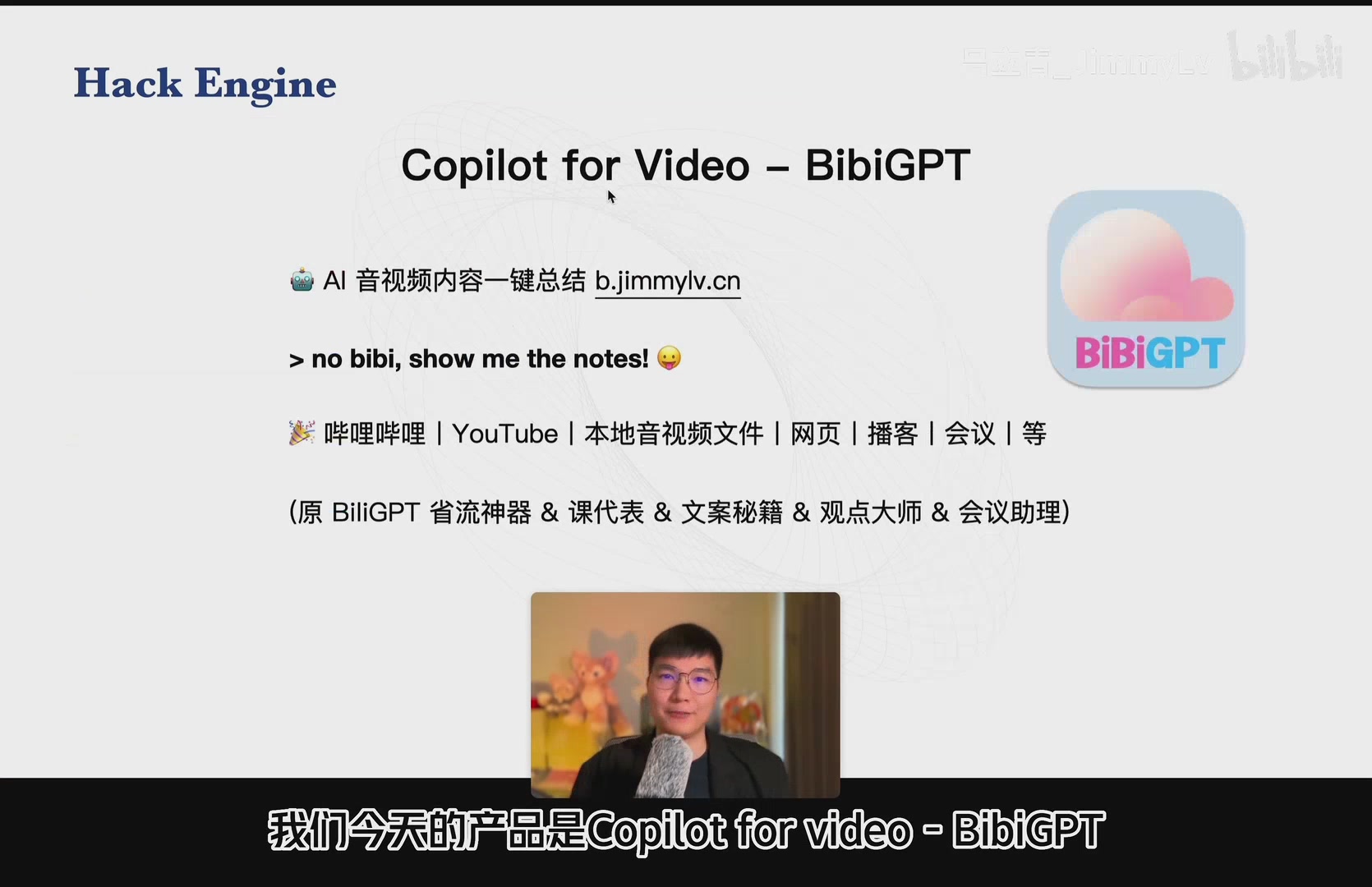 Product overview slide
The prototype was crystal clear about its promise: “No bibi, show me the notes!” Paste a Bilibili or YouTube link—or upload a local audio/video file—and receive an instant overview. Even the mascot logo was co-designed with New Bing in two caffeinated hours.
Users quickly coined nicknames such as “time-saver,” “class monitor,” “copywriter secret weapon,” and “meeting assistant.” The goal was simple: help anyone catch the essence of long-form media without watching at 1× speed.
Feature Snapshot from the Hackathon Build
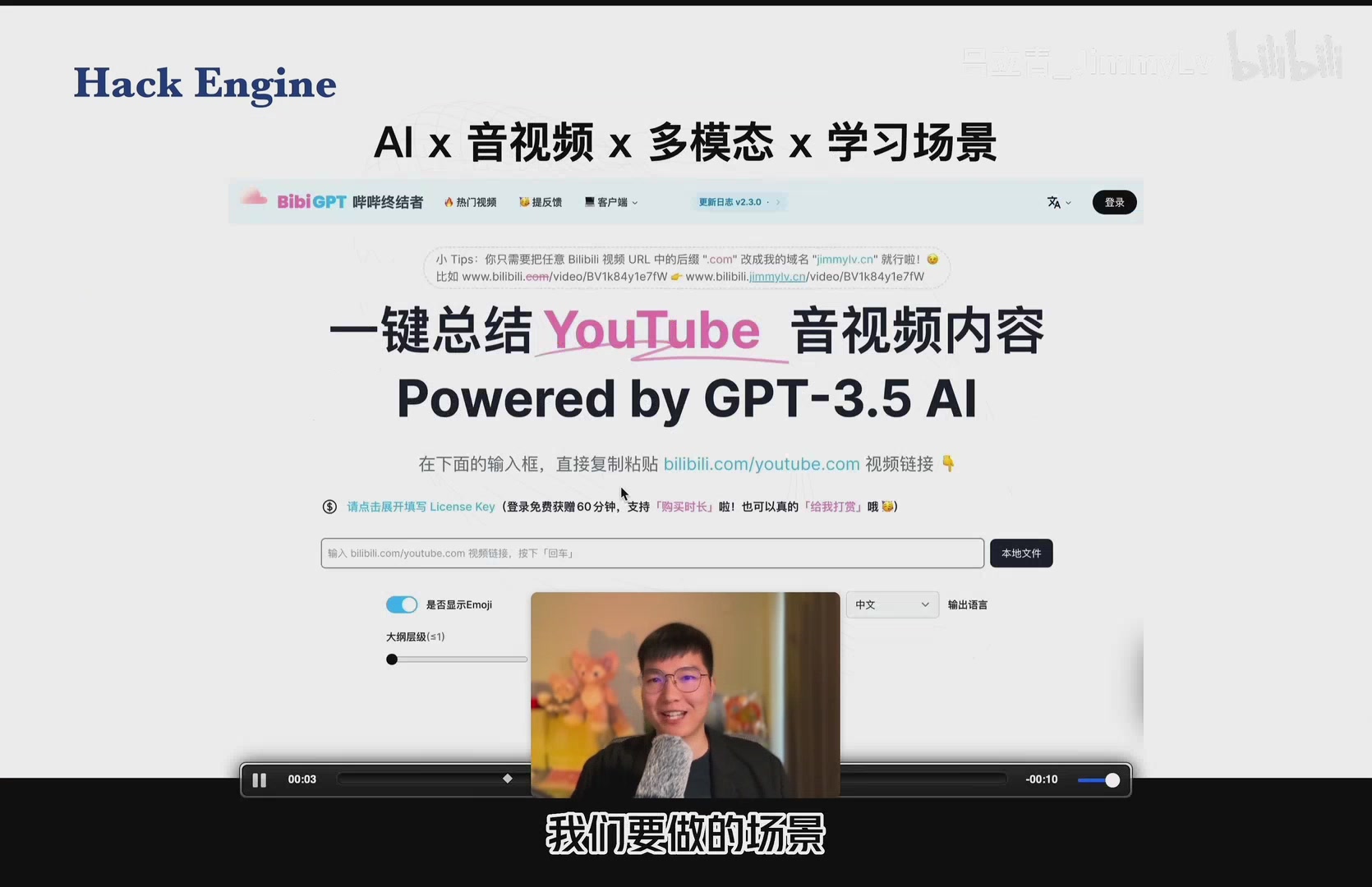 Feature overview slide
- Outline view – A structured recap with highlights after every upload.
- Segment jump – Automatic chaptering with clickable timestamps to hop back into the video.
- Subtitle timeline – Full transcripts arranged along the playback timeline.
- Mind map mode – Generate hierarchical diagrams to reveal concept relationships.
- History & workspace – Personal dashboards for past summaries.
- Note exports – One-click push to Notion, Roam Research, Obsidian, and Flomo.
- Browser extension – Trigger summaries while watching in the browser.
- Popular summaries – Subscribe to community picks for inspiration and comparison.
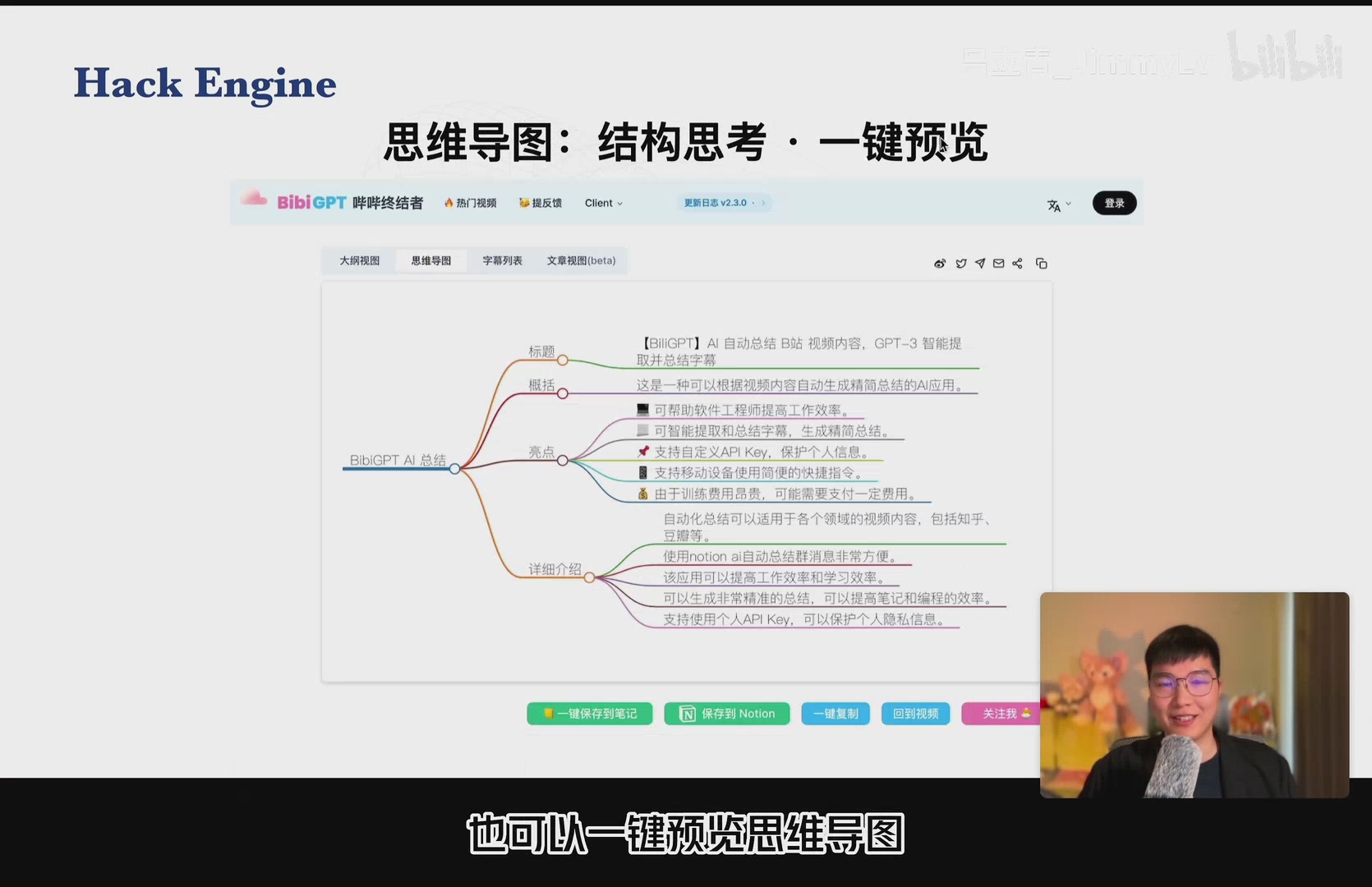 Mind map preview
Live Demos: From YouTube Streams to Local Files
During the hackathon pitch we walked through two scenarios:
- YouTube – Paste the URL, click “One-Click Summary,” and receive an English recap with timestamps. Toggle to Chinese or tweak emoji usage to match your note-taking style.
- Local files – Upload recordings directly. BibiGPT transcribed the audio, generated timeline snippets, mind maps, article rewrites, and even exported the results to Notion within seconds.
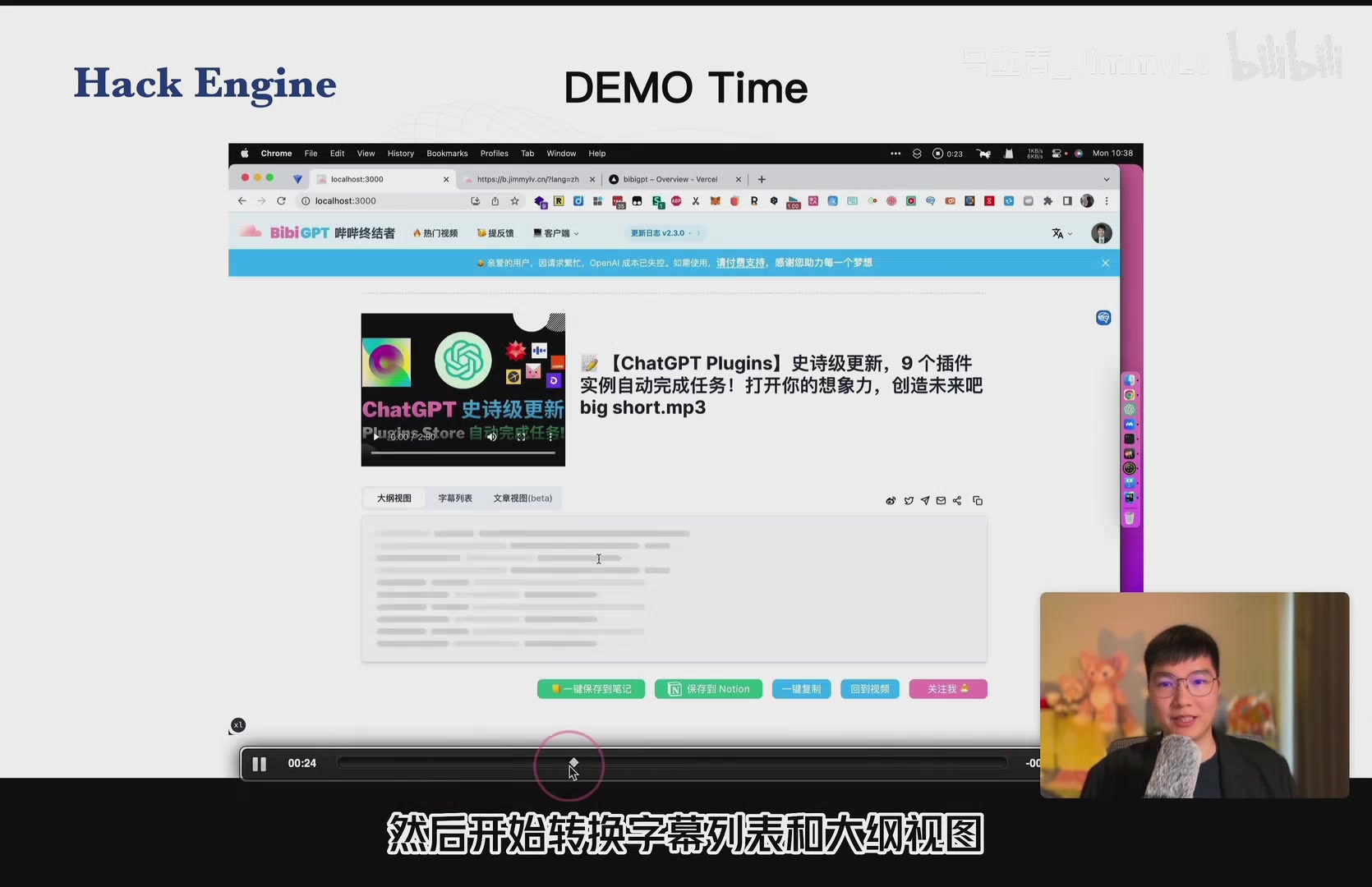 Local file demo screenshot
The accuracy surprised the crowd—even an internal walkthrough about ChatGPT Plugins (recorded days earlier) produced high-quality transcripts and well-organised highlights.
Startup Reflections and Next Steps
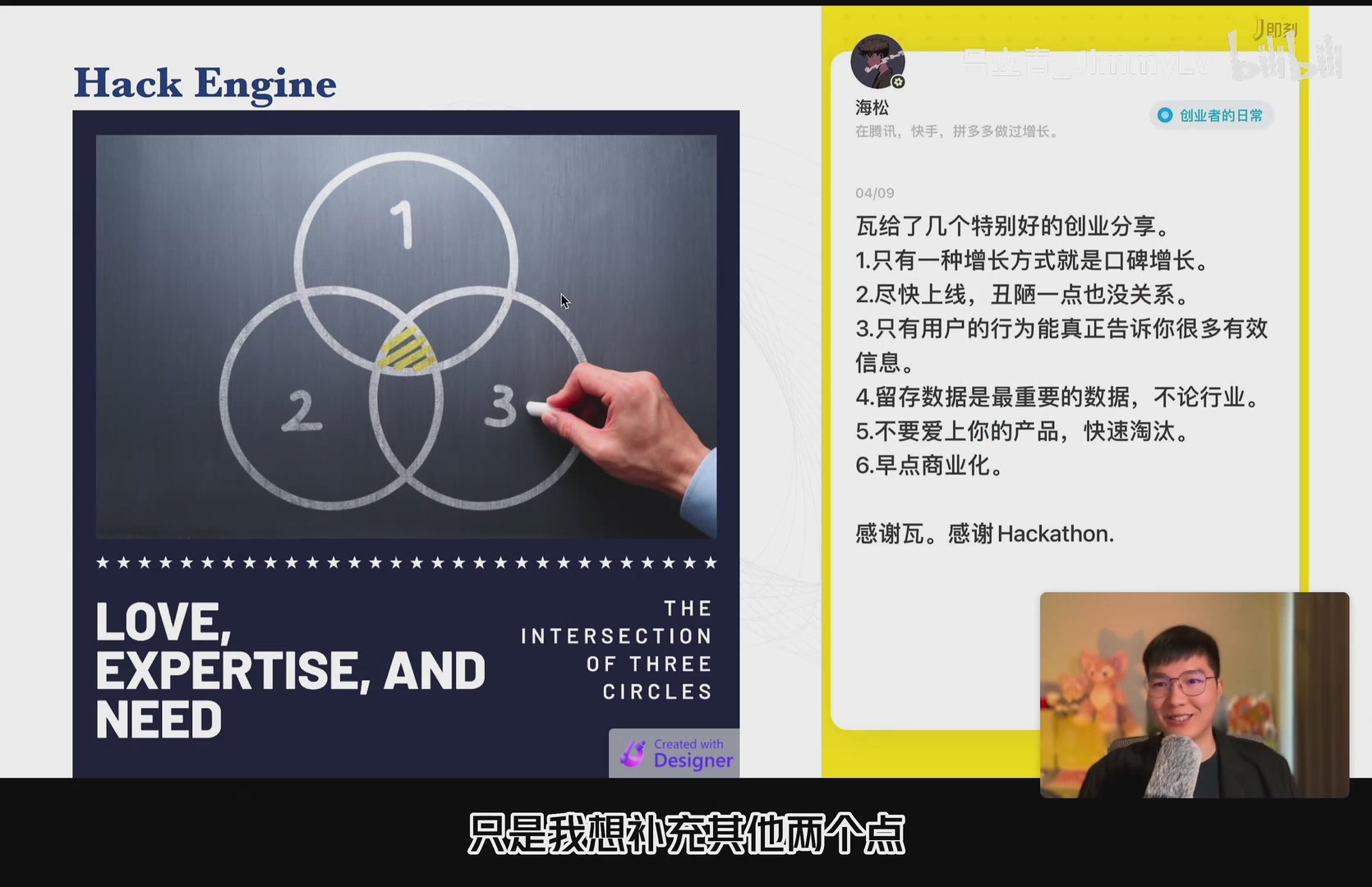 Startup philosophy slide
We wrapped the presentation by echoing maker Wawa’s startup principles: ship fast, obsess over retention, commercialise early. I added one more thought—love your product, but only when it sits at the intersection of passion, skill, and market need. That balance keeps a project worth fighting for.
Looking back, the Hack Engine Hackathon was scrappy, passionate, and messy in the best way. The surface UI has evolved drastically, yet the obsession with solving real pain points—turning long-form audio and video into ready-to-use knowledge—has stayed constant.
Thanks for coming along on this throwback. Stay tuned for the next Growth Series episode as we continue documenting the journey.