
BibiGPT v4.100.0: Global Paste Summaries, Immersive Mode, and Centralized Highlights
BibiGPT v4.100.0 introduces faster workflows, focused study tools, and better highlight management—featuring global paste-to-summarize, immersive viewing, and a unified highlight library.
BibiGPT v4.100.0: Global Paste Summaries, Immersive Mode, and Centralized Highlights
Hello BibiGPT users,
Thank you for the feedback that keeps us building. Version 4.100.0 focuses on three pillars—speed, focus, and knowledge management—so you can continue to watch faster, find smarter, and use better.
Experience BibiGPT now
Ready to try these powerful features? Visit BibiGPT and start your intelligent audio/video summarization journey!
Get startedWatch Faster
Global Paste Summaries
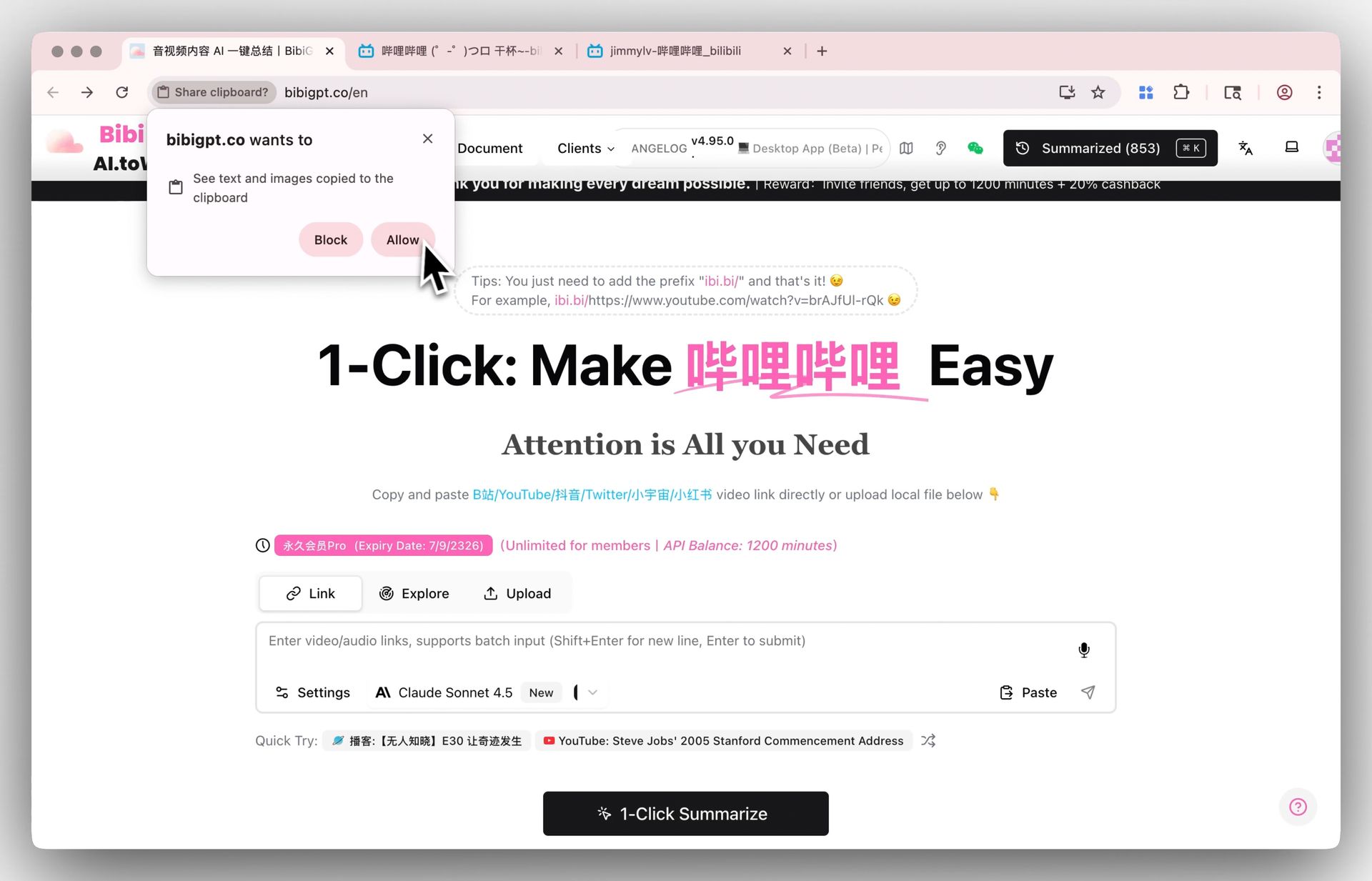 Global paste setup
No input box required: press Ctrl+V or Cmd+V anywhere on BibiGPT and we’ll detect the video link, then launch a summary automatically.
Tip: The first time you paste, your browser will request permission to read the clipboard. Click Allow to enable global paste and enjoy the streamlined flow from copy to summary.
Immersive Mode
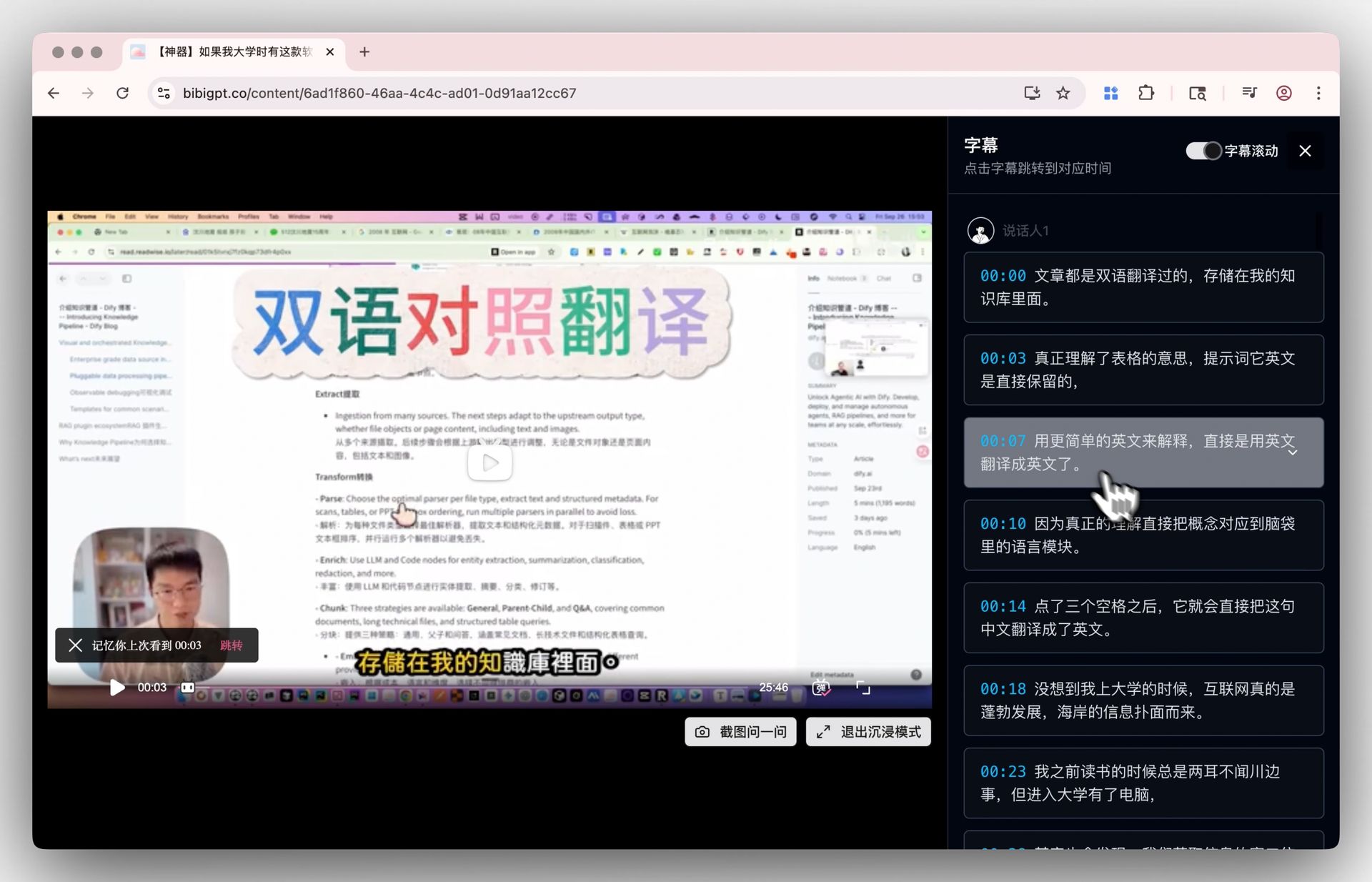 Immersive mode
Enter a distraction-free layout with video and transcript side by side. Click any line to jump precisely to that moment in the video—a perfect setup for deep study sessions.
Article Screenshot Toggle
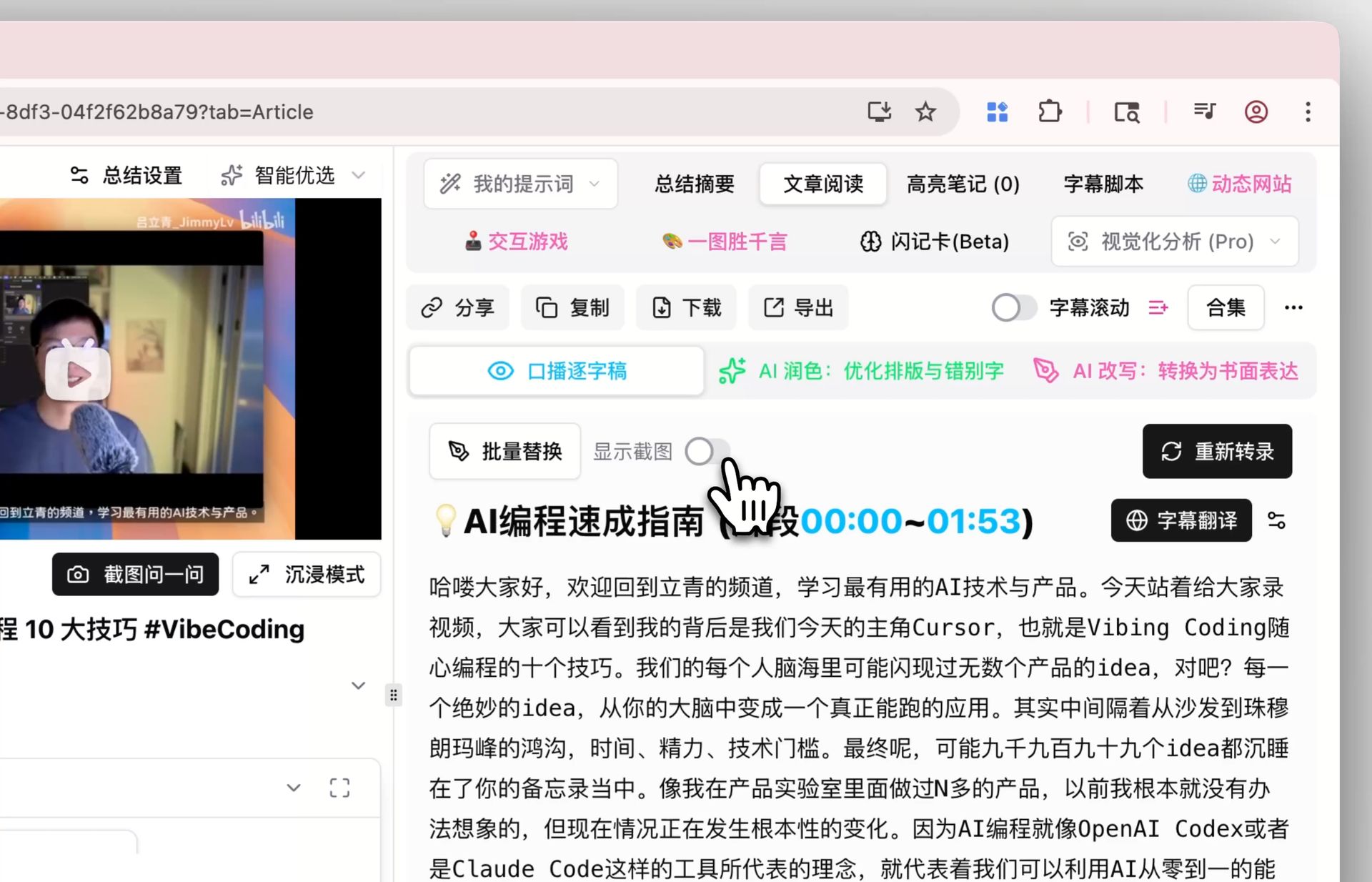 Screenshot toggle
Prefer pure text? Switch off screenshots in the Article view and focus on long-form transcripts without visual clutter.
Find Smarter
Centralized Highlight Library
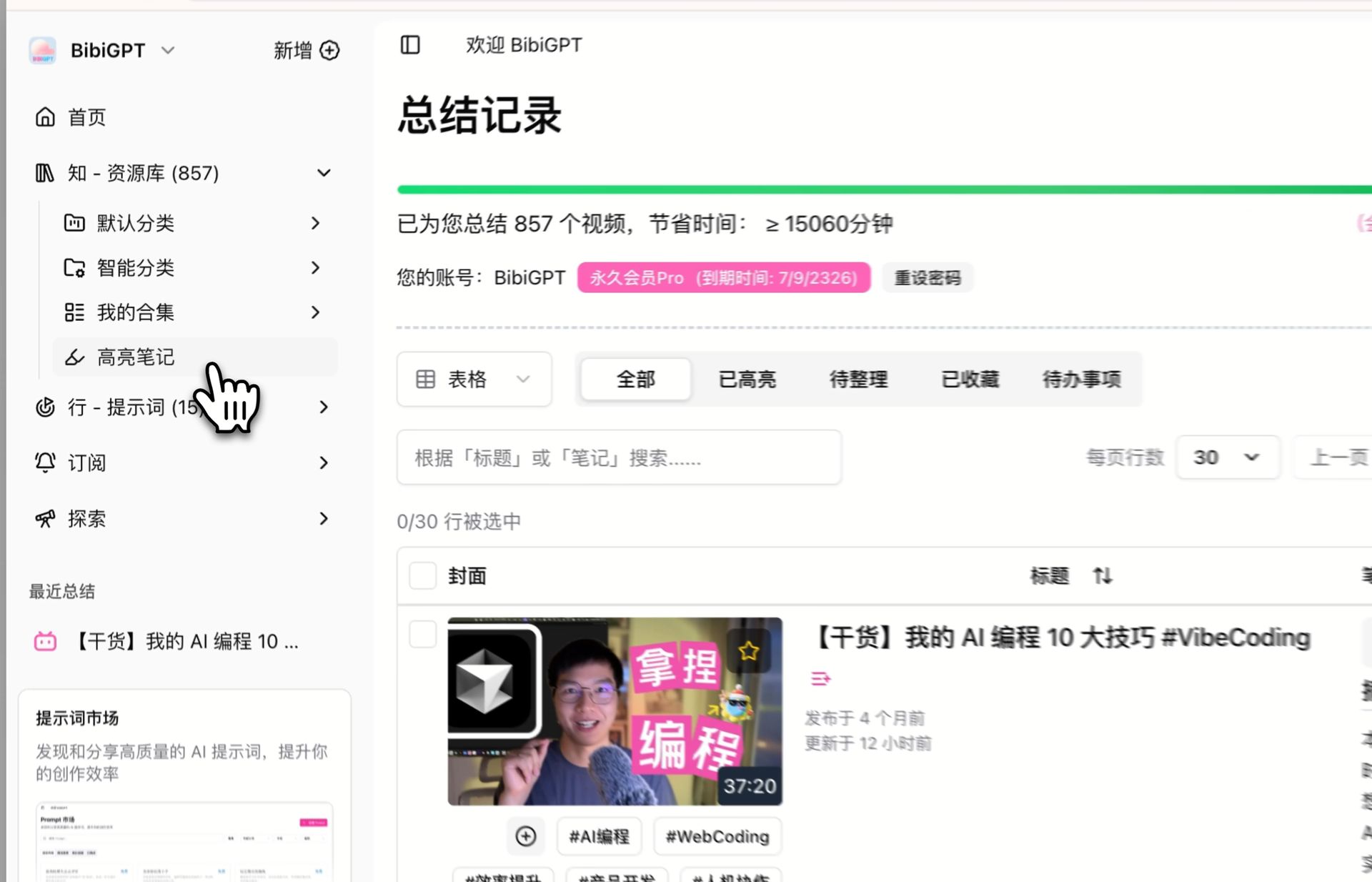 Highlight hub
The Library sidebar now includes a dedicated Highlights section. Every highlight you create across videos lands here automatically—making review and spaced repetition much easier.
Blog Navigation Component
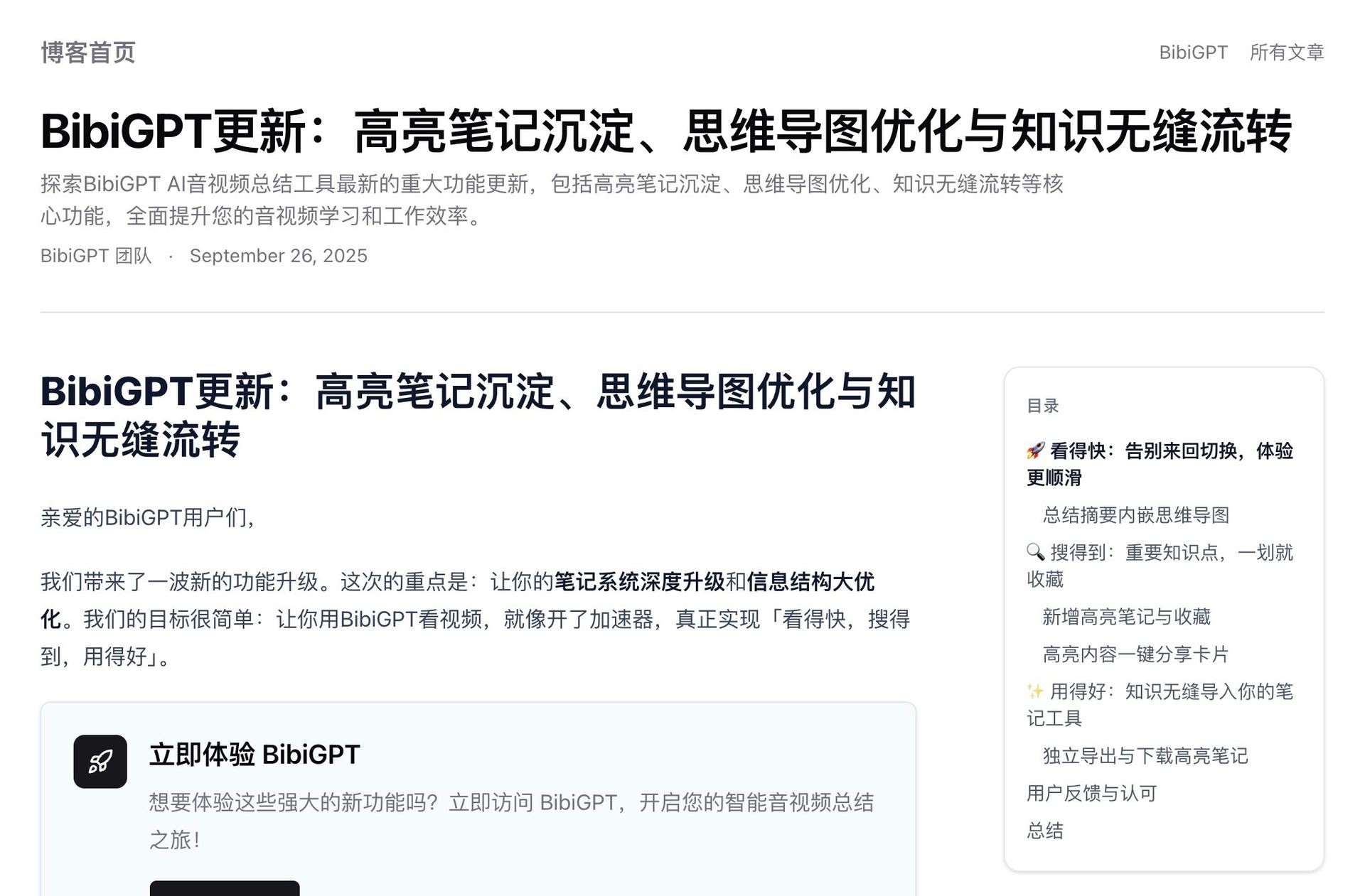 Blog navigation
Long-form posts on the BibiGPT blog now feature an inline table of contents so you can jump directly to the sections you care about.
Use Better
Expanded Model Gallery
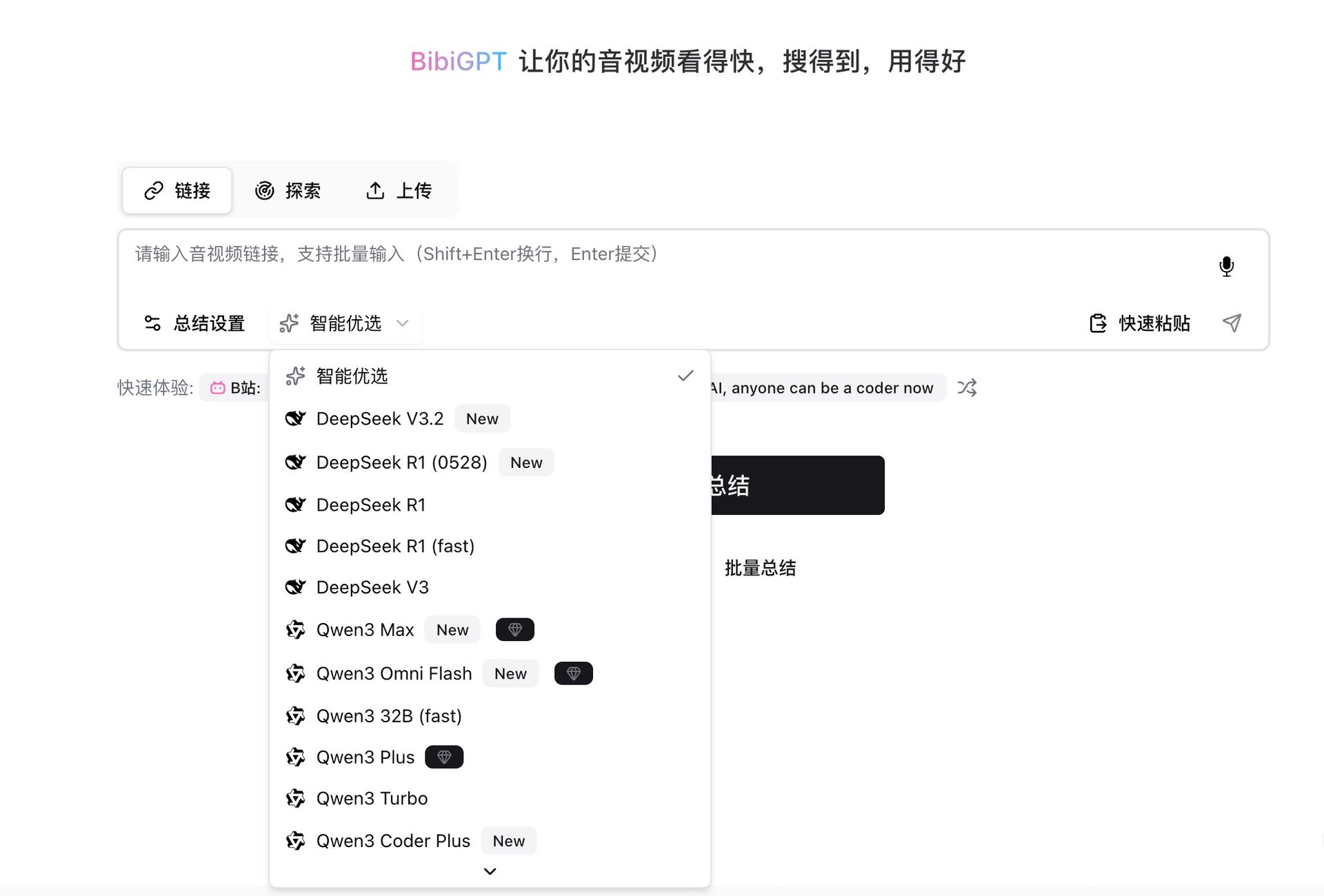 More models
We added more large language models for power users who like to experiment. Not sure which one to choose? Stick with Smart Select—our tuned configuration for balanced accuracy and speed.
More Reliable YouTube Summaries
Under-the-hood improvements increase success rates for YouTube tasks, especially longer videos or high-traffic URLs.
Have feedback or ideas?
We value your input! If you encounter issues or have suggestions, please let us know anytime.
Submit feedbackSummary
Version 4.100.0 brings:
- Copy → paste → summarize anywhere on the page.
- Immersive mode for focused study.
- Highlight hub to review key insights in one place.
- Better model options and stronger YouTube reliability.
Ready to try it? Visit https://bibigpt.co and put the new features to work.
Happy learning!
Experience BibiGPT now
Ready to try these powerful features? Visit BibiGPT and start your intelligent audio/video summarization journey!
Get startedThe BibiGPT Team