
[BibiGPT Growth Series] Episode 6 | Chatting with Buffett & Munger: Inside AI Video Dialogue
Learn how BibiGPT evolved from one-click summaries to interactive AI video dialogue—so you can ask long-form videos anything and jump straight to the answer.
[BibiGPT Growth Series] Episode 6 | Chatting with Buffett & Munger: Inside AI Video Dialogue
This episode revisits the video “BibiGPT AI Video Dialogue—Let Buffett & Munger Answer Your Questions” and the thinking behind our interactive Q&A feature. Screens may have changed since then, but the lessons remain.
Why Long Videos Hurt
Warren Buffett’s 2023 Berkshire meeting runs 5+ hours. Even with good subtitles, it’s a slog to surface key insights. Our goal: let users get answers without scrubbing or watching at 2x speed.
From Summaries to Dialogue
 BibiGPT summary interface
BibiGPT started with one-click outlines, highlights, and translations. But passive summaries weren’t enough—so we built AI Video Dialogue: ask a question, get an answer grounded in the video, plus timestamps you can click to verify.
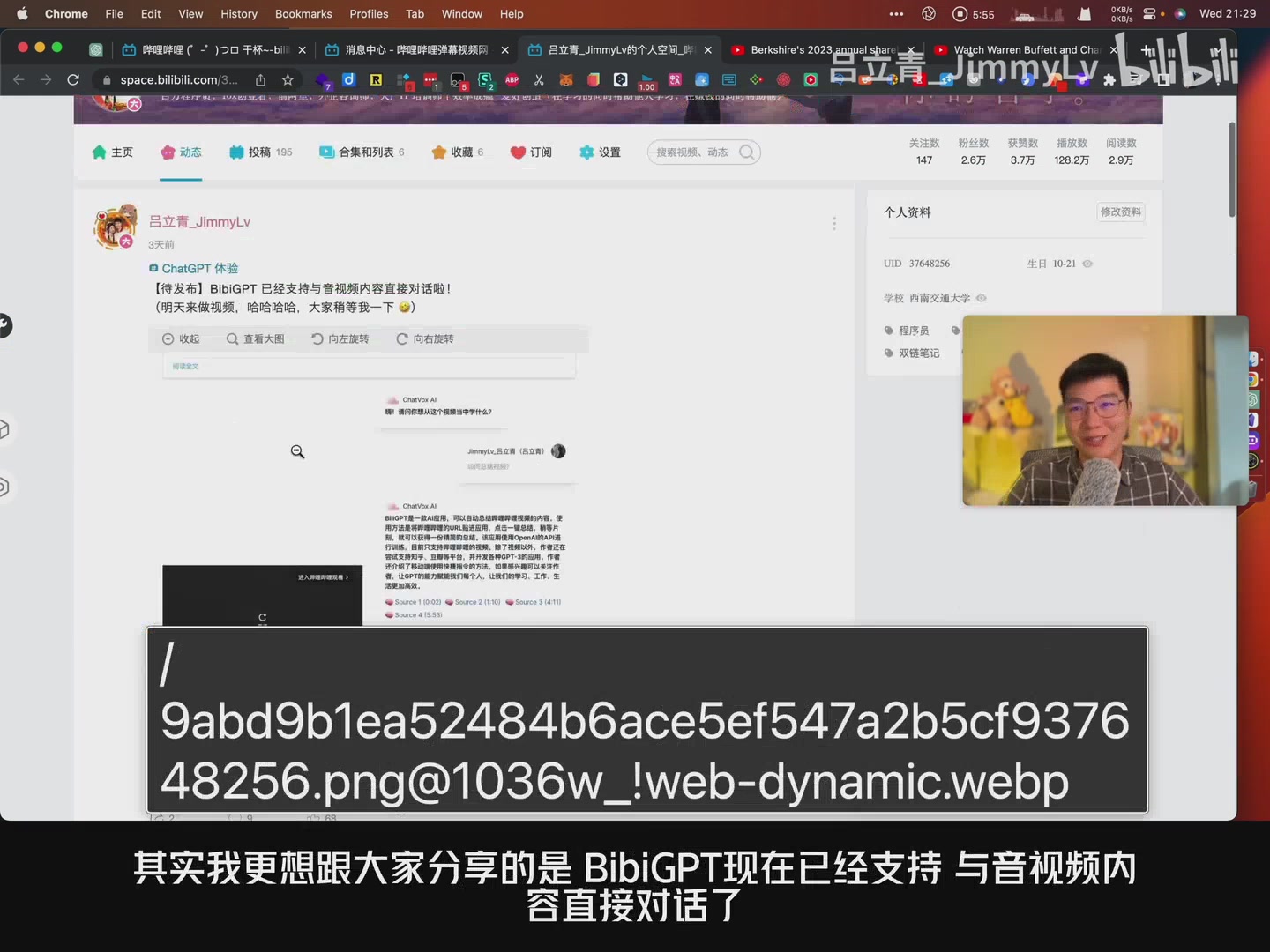 Dialogue feature
How It Works
- Summarize or upload a video.
- Hit Start Dialogue.
- Ask questions like “What did Buffett say about US–China relations?” or “How does BYD use AI?”
- BibiGPT (via ChatVox AI) answers with citations—click the timestamps to jump back into the footage.
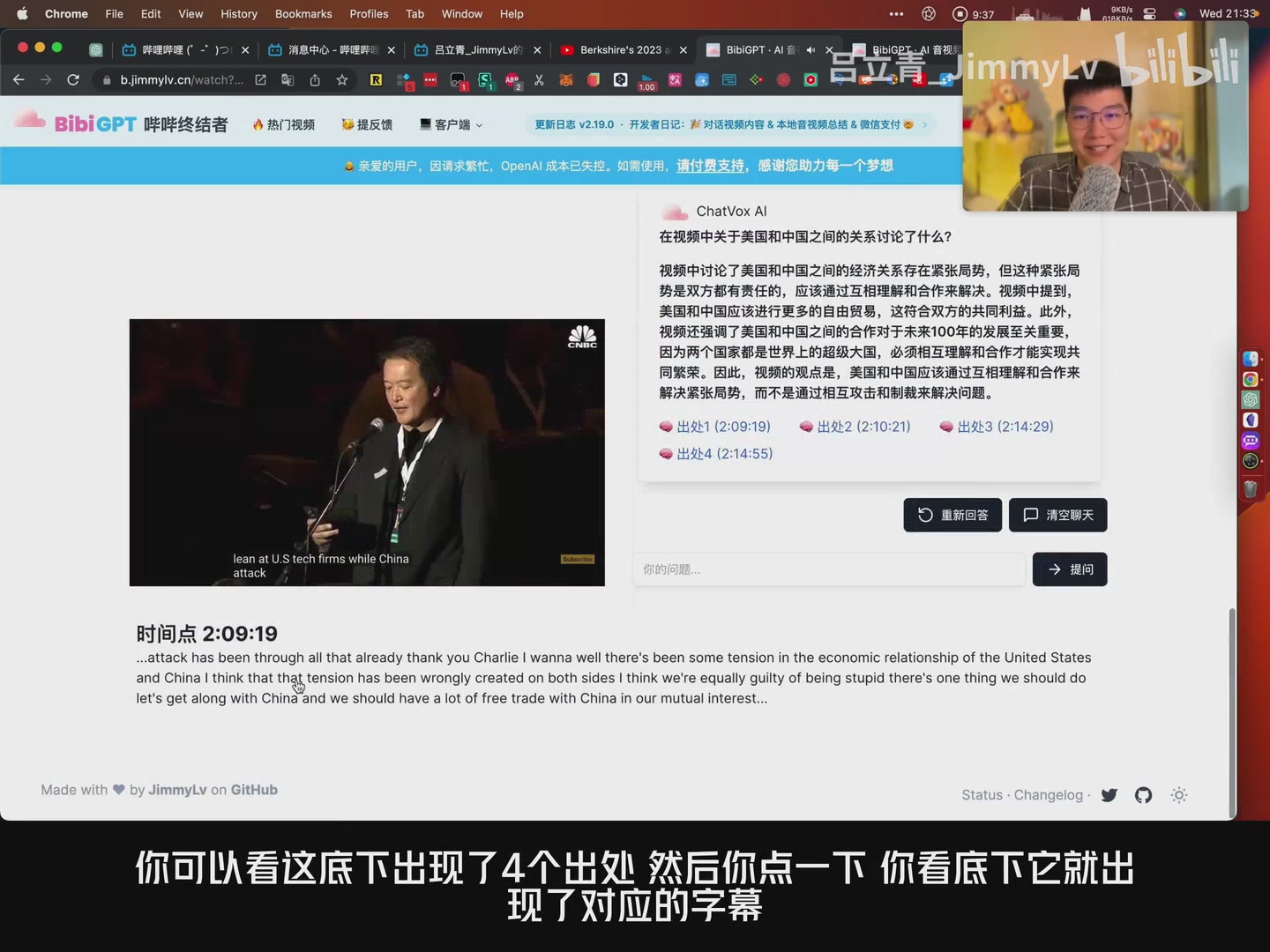 Chat example
Follow-up questions drill deeper, just like interviewing the speakers yourself.
Try It Yourself
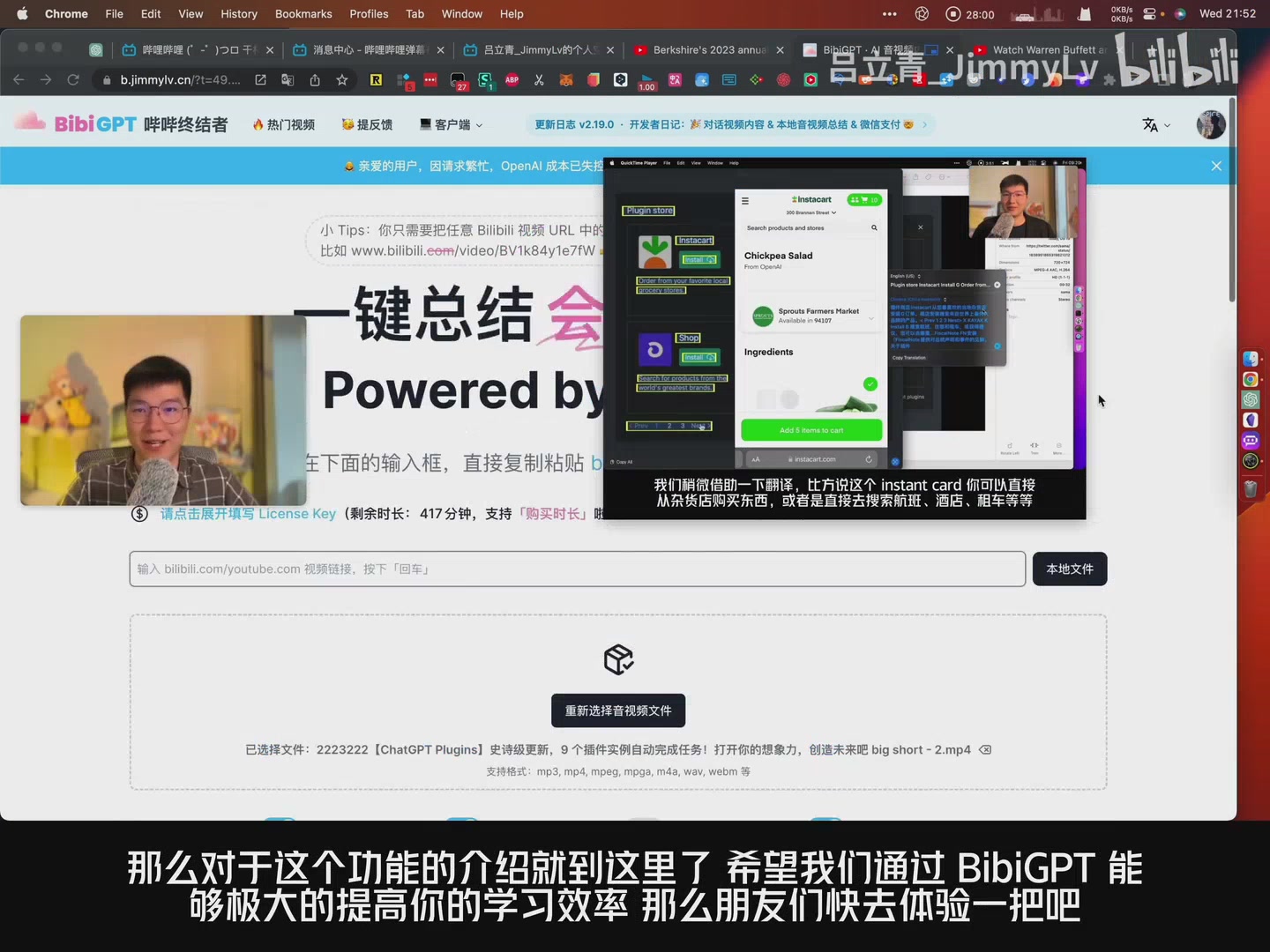 Free minutes
New accounts include free dialogue minutes; heavy users can top up anytime. Experience BibiGPT at bibigpt.co and turn hours of content into instant answers.
Takeaways
AI video dialogue:
- Finds answers instantly
- Links every response to its source timestamp
- Encourages deeper exploration instead of passive watching
- Saves countless hours across lectures, meetings, and podcasts
That’s it for Episode 6. Stay tuned as we continue documenting BibiGPT’s evolution—and keep the questions coming. 🚀