
Blog Post
Build an AI-Driven Video Learning System
In today’s information-heavy world, video learning dominates—but traditional note-taking can’t keep up. BibiGPT + Notion delivers an intelligent workflow that turns raw video content into organized knowledge you can reuse.
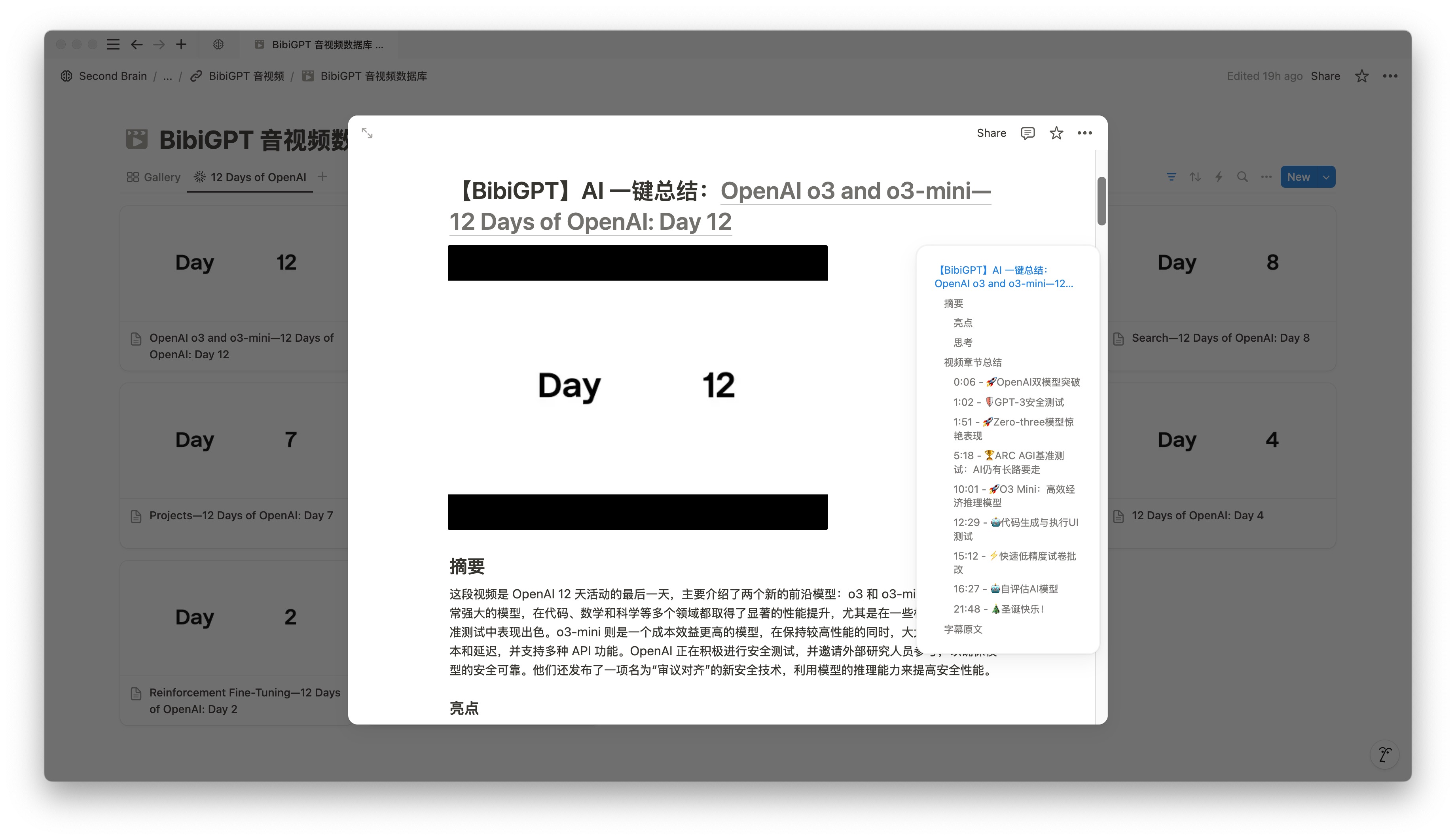
BibiGPT extracts structure from videos automatically, while Notion provides a flexible, collaborative home for your knowledge base.
Complete Workflow Guide
1. Quick Setup
Bind your BibiGPT and Notion accounts. Two options:
One-Click Binding
- Visit the BibiGPT account page and press Bind Notion.
- Watch the setup video if you need a walkthrough.
Custom Configuration
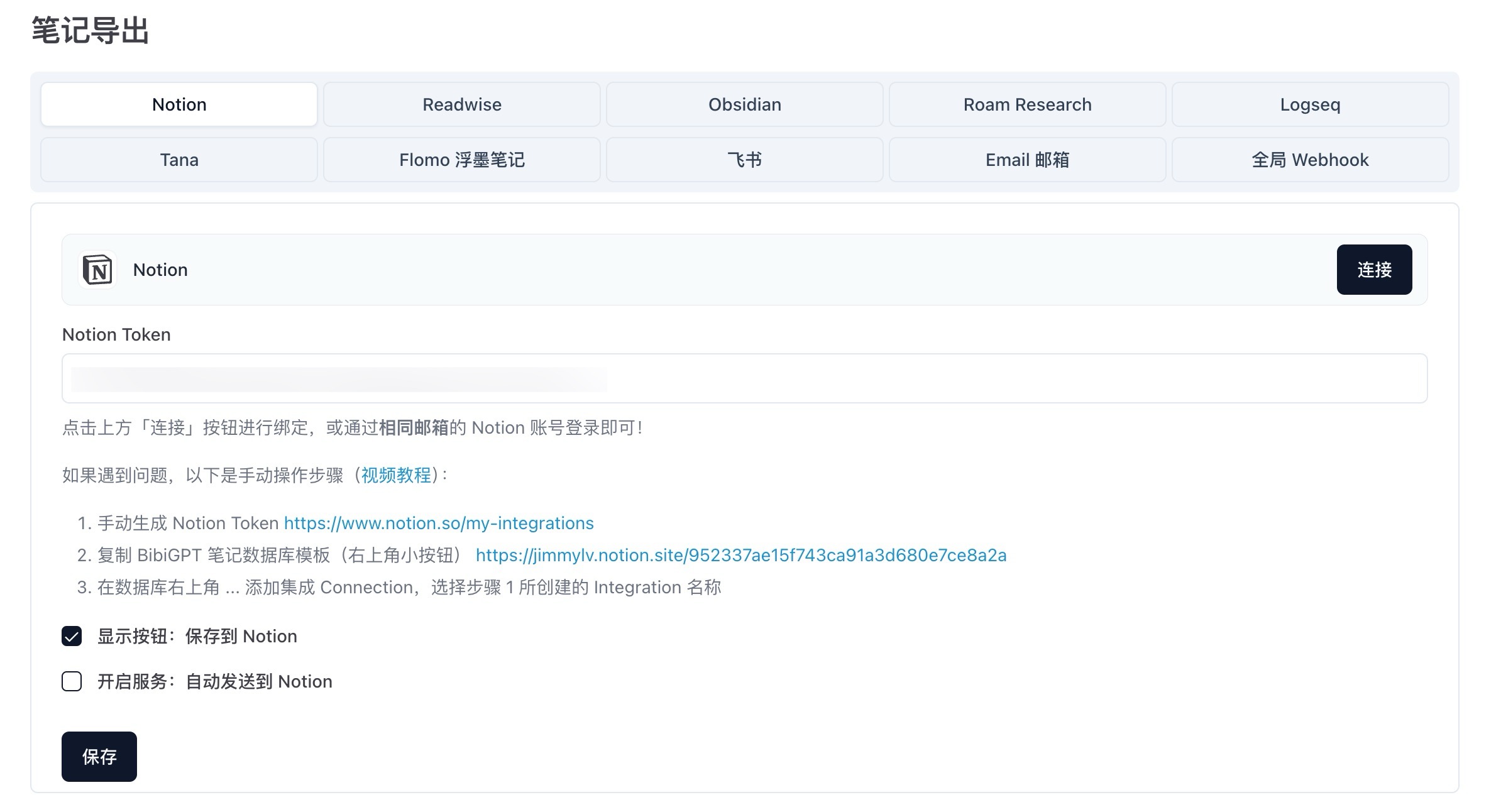
Use this mode if your email addresses differ:
- Create a Notion integration
- Go to My connections and create an internal integration (avoid naming it “Notion”).
- Authenticate
- Copy the integration token and paste it into BibiGPT’s configuration panel.
- Initialize the database
- Import the official template, authorize the integration, and confirm permissions.
Once connected, BibiGPT will push video metadata, covers, tags, and structured summaries into Notion automatically.
2. Smart Sync Strategies
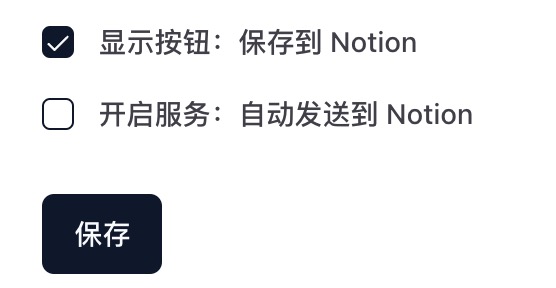
BibiGPT supports two sync modes:
Precision Control
- Preview and edit summaries before saving
- Manually select high-value notes
- Decide exactly when to sync
Full Automation
- Let BibiGPT sync everything in the background
- Maintain a complete learning archive with zero friction
Choose the mode that matches your learning style. Prefer curation? Use precision control. Want maximum speed? Turn on auto-sync.
Need more destinations? BibiGPT also syncs to Feishu, Obsidian, Yuque, and beyond. See the multi-platform sync guide, and if you love Obsidian, dig into our Obsidian + BibiGPT workflow.
3. Build a Smart Knowledge Ecosystem
BibiGPT turns video content into structured notes—solving the biggest bottleneck in video learning. Within Notion, you can:
- Link notes across topics for deeper associations
- Apply tags and properties for layered organization
- Enrich AI-generated notes with personal insights, references, or team discussions
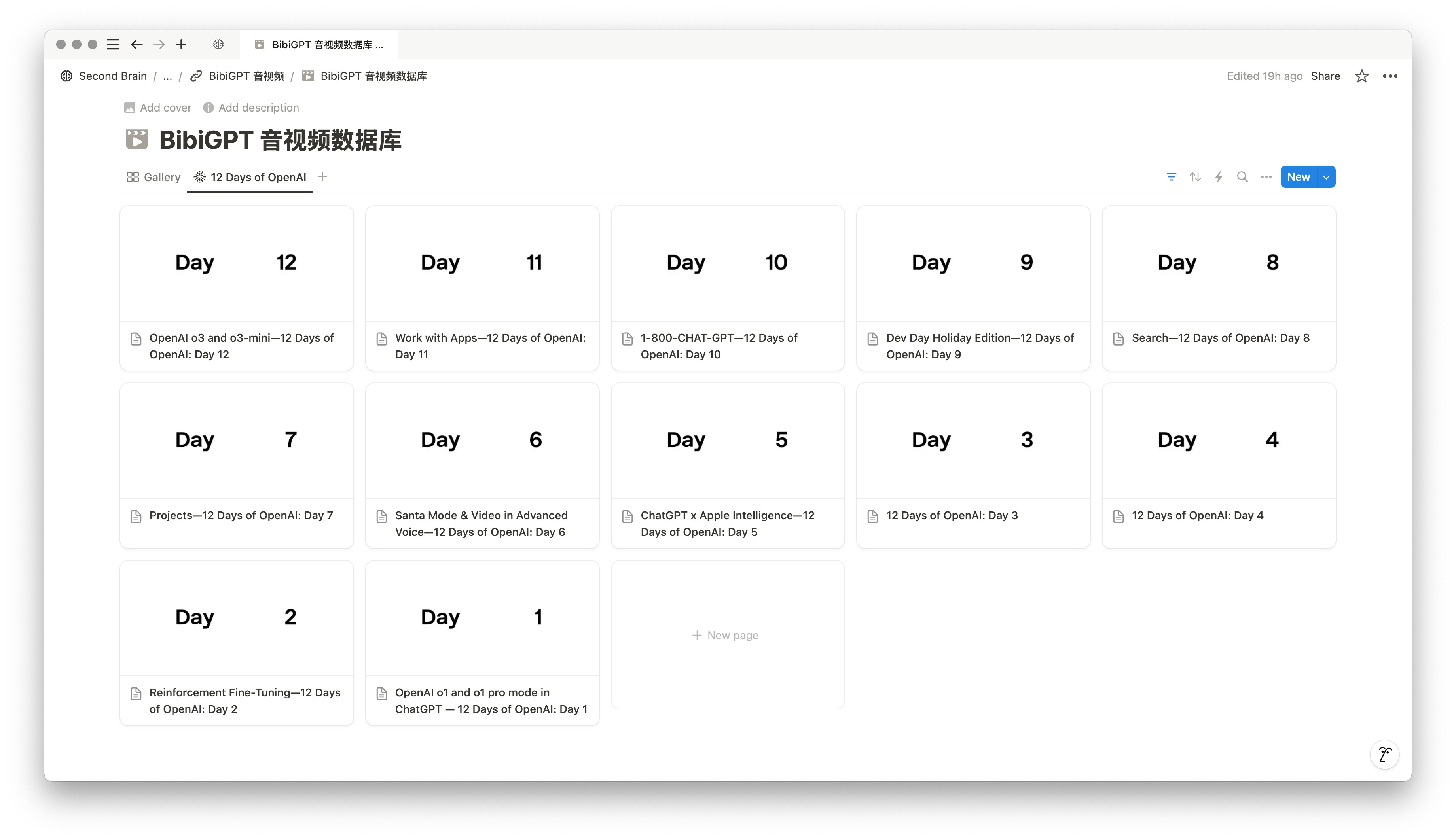
The result is a media-rich knowledge base that keeps your learning loop intact: capture → summarize → connect → apply.