
Blog Post
How to Summarize Bilibili Videos with Claude + BibiGPT
Why Summaries Matter
AI has lowered the cost of video creation. Bilibili is now packed with multi-hour courses, interviews, and explainers across every niche. Viewers struggle to find the signal. Summaries let you screen long videos, jump to relevant chapters, and build knowledge faster.
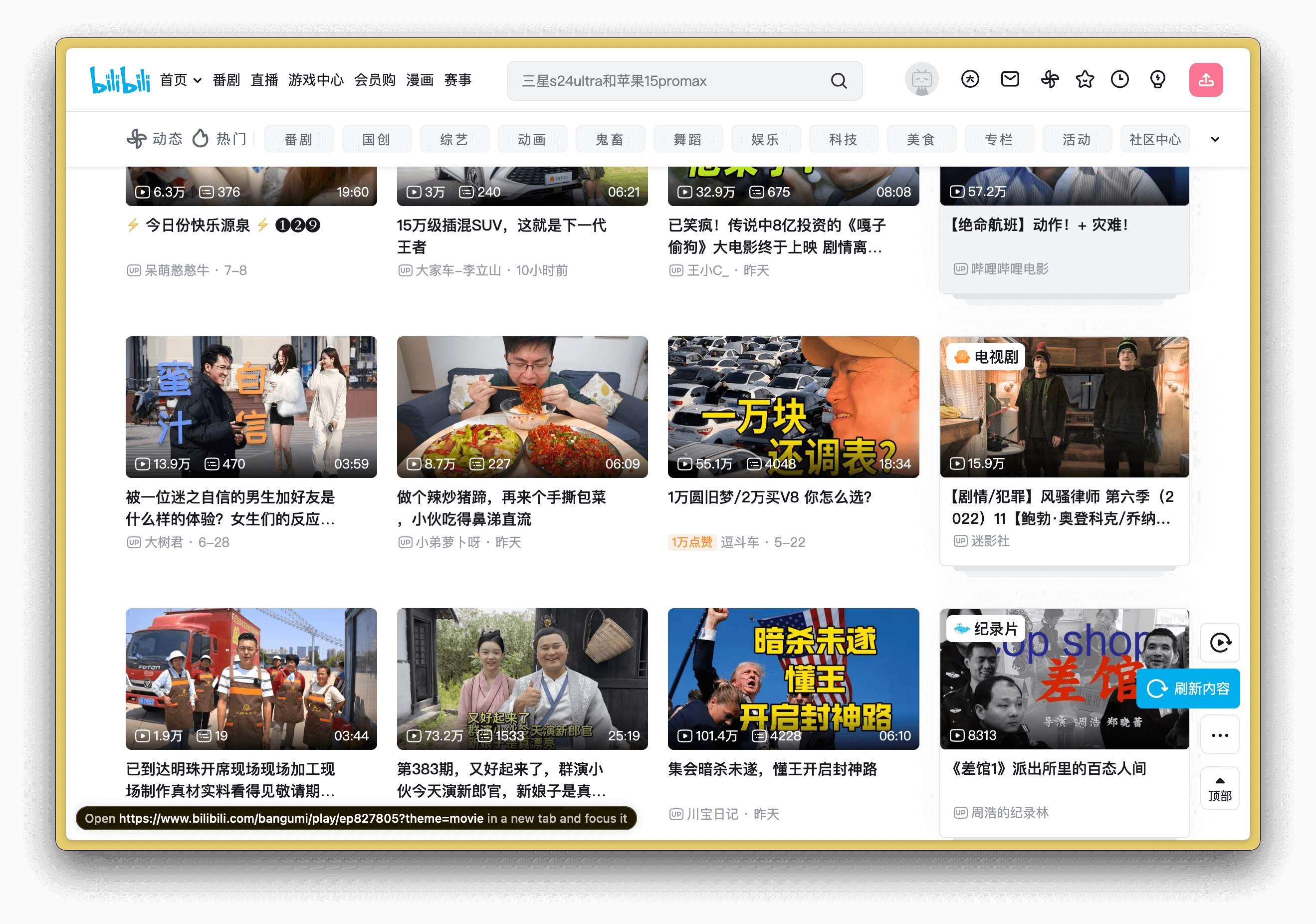
Why Focus on Bilibili?
- Mixed lengths – deep dives coexist with bite-size shorts, so you need tools that handle both.
- High-density knowledge – STEM lectures, maker tutorials, and conference recaps deliver insight per minute.
- Learning efficiency – students, creators, and researchers gain time back when they can skim first.
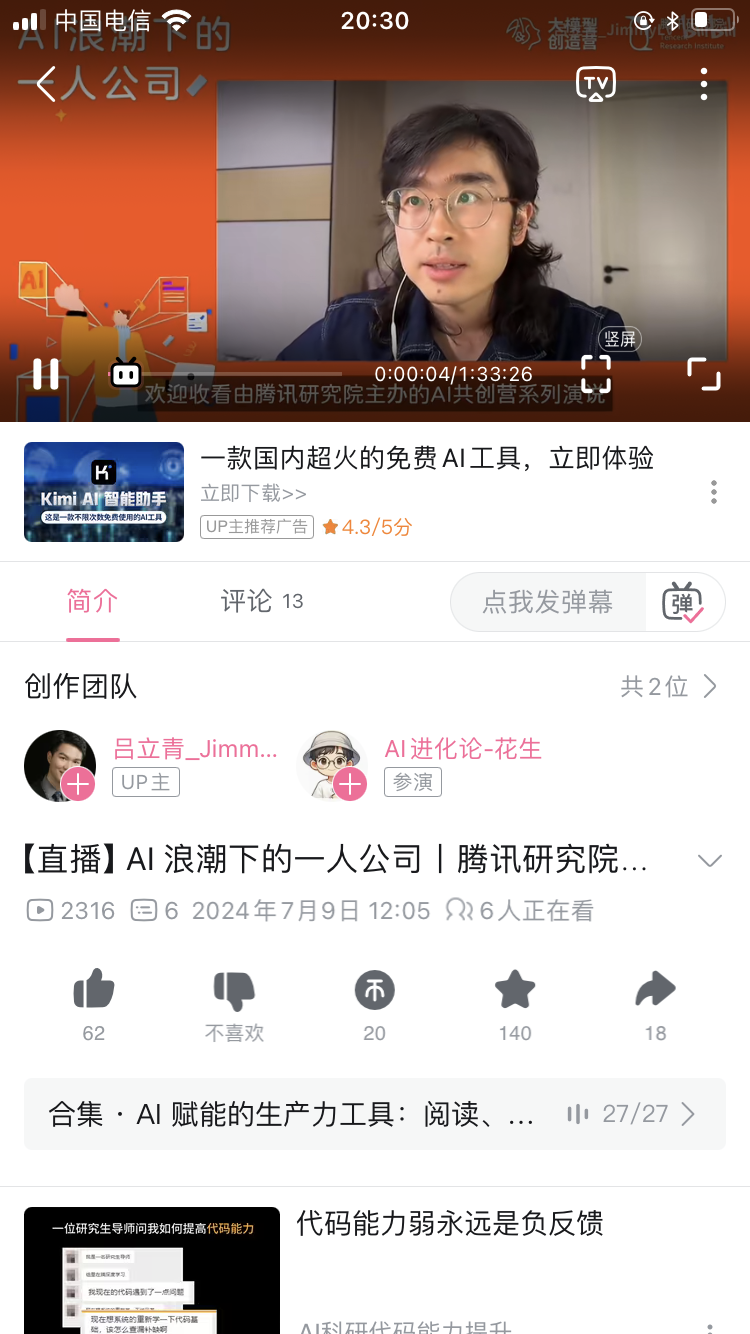
Why Choose Claude for Bilibili Content
Anthropic’s Claude 3.5 Sonnet shines when nuance, reasoning, and bilingual output are required. It handles Chinese idioms, code-switching, and technical jargon gracefully. Combined with BibiGPT’s precise transcripts, Claude produces summaries that feel human-edited.
Meet BibiGPT
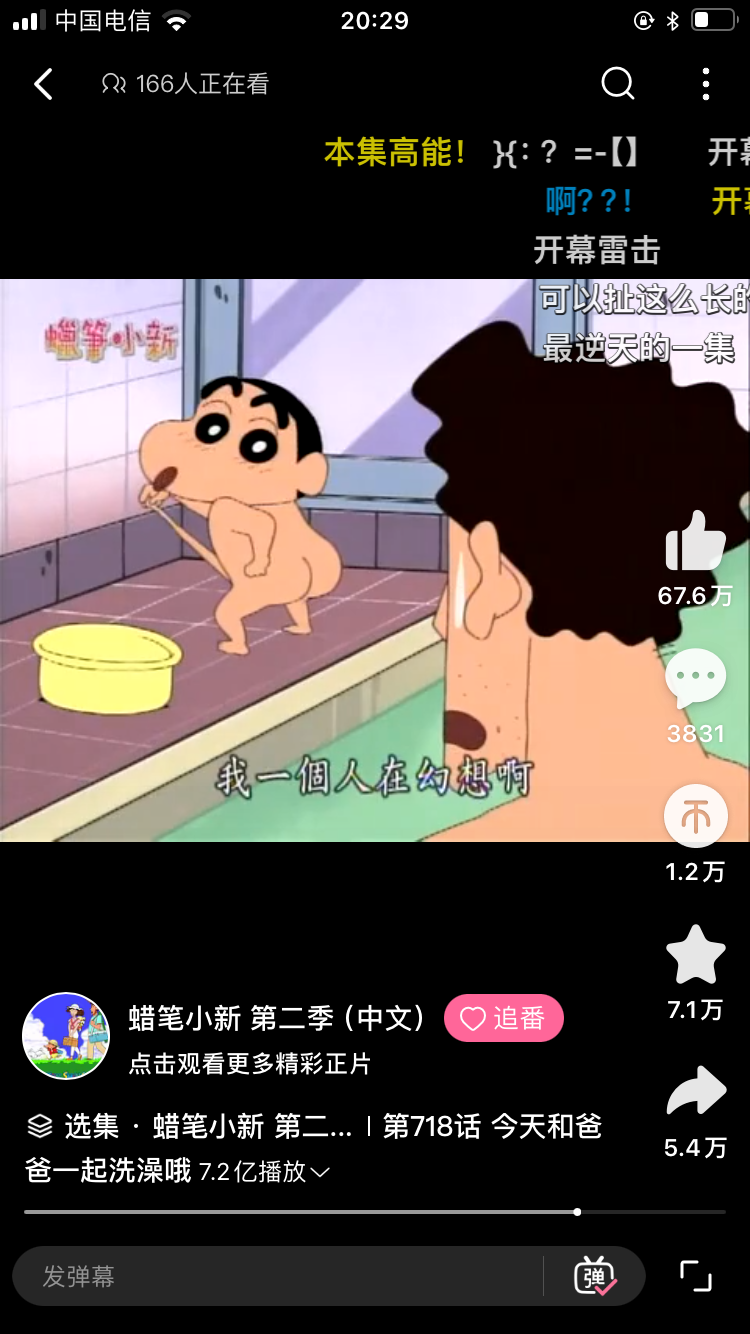
BibiGPT is an AI assistant for long-form media. It supports Bilibili, YouTube, Douyin, Xiaohongshu, podcasts, meetings, and local files. Inside the app you can switch between Claude, GPT-4o, Gemini, and other frontier models depending on your needs.
Why Users Love It
- Accurate – high-fidelity speech recognition plus top-tier language models.
- Context aware – understands sections, speakers, and narrative arcs.
- Friendly – web app, desktop client, extensions, and WeChat assistant keep access simple.
Step-by-Step Workflow
1. Copy the Bilibili URL
Open the video on desktop or mobile and copy the address.
2. Paste into BibiGPT
Visit BibiGPT, paste the link, choose Claude 3.5 Sonnet, and click Summarize.
3. Review the Output
- Highlights – bullet points grouped by topic with optional emojis.
- Detailed outline – multi-level summary with timestamps for fast jumping.
- Transcript – bilingual text you can search or quote.
- Mind map & article modes – alternate formats for presentations or publication-ready notes.
Need the content in English or Chinese? Toggle the language switch. Prefer markdown or Notion blocks? Use the export buttons along the footer.
Results & Feedback
- Students turn lectures into review packs that slot into Notion or Anki.
- Creators distil interviews to script new videos or newsletters.
- Teams capture meeting action items without replaying recordings.
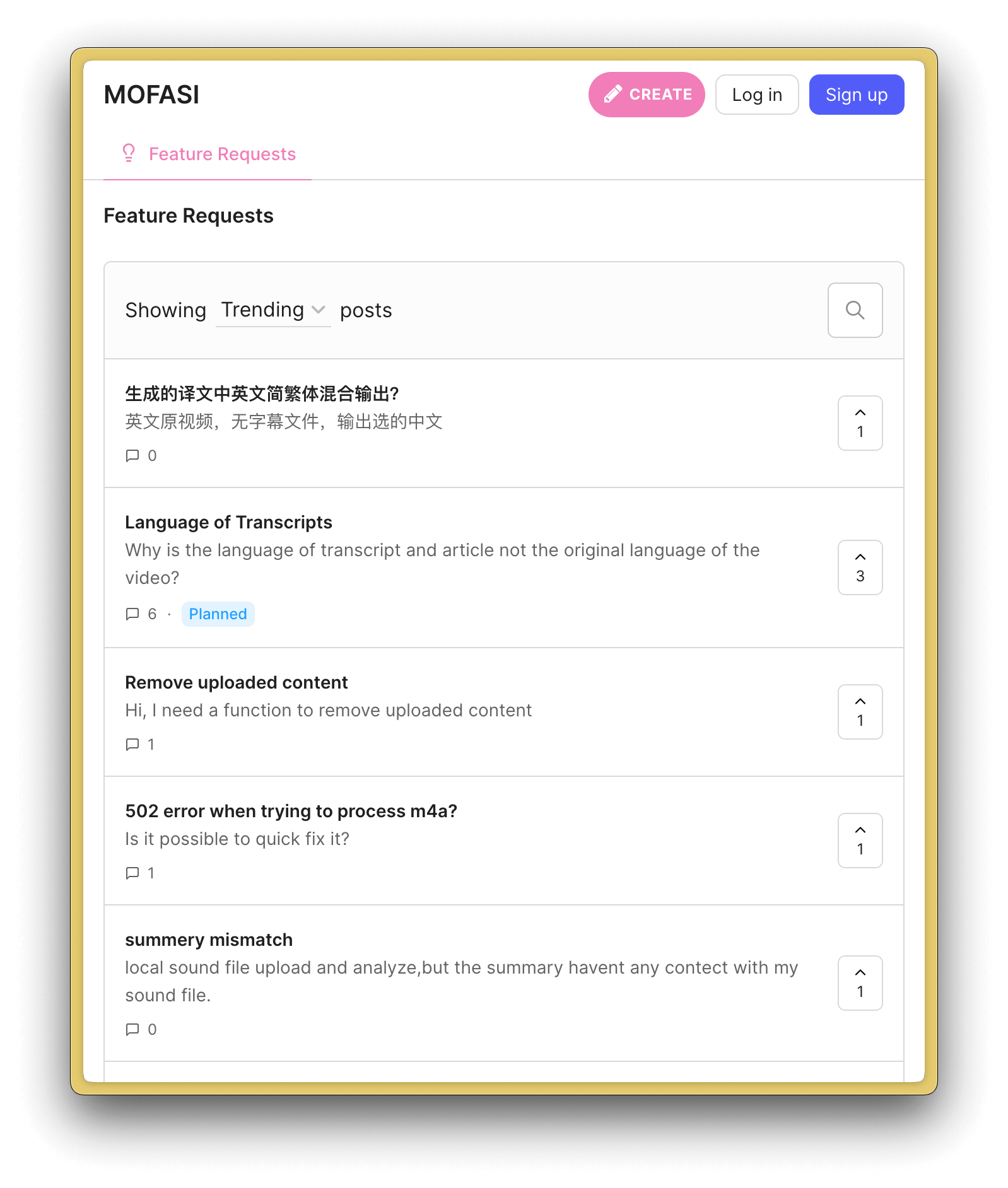
Troubleshooting Tips
- If audio quality is poor, wait for official subtitles or upload a cleaner file.
- For private or local recordings, use the desktop app with secure local processing.
- Need specific prompts? Create a custom preset like “Summarize as a UX researcher” to change tone and detail.
FAQ
- Languages supported? Chinese, English, and multilingual mixes.
- Is my data safe? BibiGPT encrypts uploads and lets you delete records anytime.
- Pricing? Free trial minutes plus pay-as-you-go and subscription plans.
- Accuracy? High when audio is clear; timestamps let you verify instantly.
Wrap-Up
Claude 3.5 + BibiGPT is the fastest way to digest Bilibili videos. Rather than watching hours of footage, you get precise transcripts, outlines, and knowledge exports in minutes. Try it on your next playlist and keep learning momentum high.