
Turn Xiaohongshu Videos into Notes with BibiGPT: Stop Letting Your Favorites Collect Dust
Learn how BibiGPT converts Xiaohongshu videos into searchable text and exports them to your note-taking tools so every “save for later” becomes real learning.
Turn Xiaohongshu Videos into Notes with BibiGPT: Stop Letting Your Favorites Collect Dust
If you’re like most Xiaohongshu users, every valuable tutorial, buying guide, or productivity hack ends up in your Favorites—never to be opened again. Your “save” habit is strong; the follow-through isn’t. Time to break the cycle with BibiGPT, the AI assistant that transforms Xiaohongshu videos into editable text and structured notes in one click.
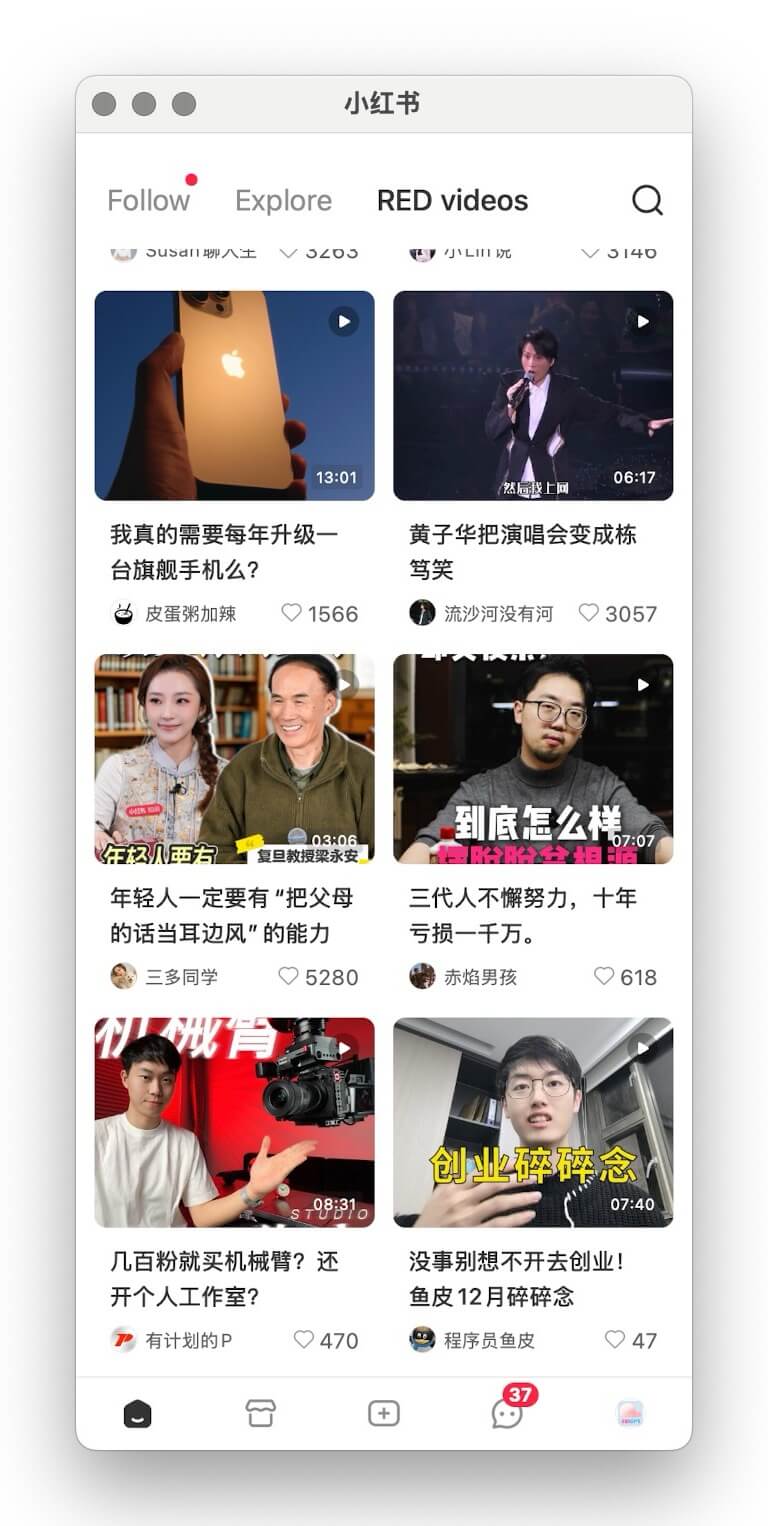 BibiGPT tutorial image
The “Dusty Favorites” Problem
- Fragmented time – Modern life happens in snippets, making it hard to rewatch long clips.
- Endless feeds – Fresh content buries what you planned to revisit.
- Low replay rate – The more you save, the less you review—creating a guilt-inducing backlog.
Your Favorites tab becomes a graveyard of missed learning opportunities.
Why Video Knowledge Stays Locked
- High replay cost – Scrubbing through a video to find one insight wastes time.
- Hard to capture – Manual transcription is slow and error-prone.
- No structure – Audio-heavy formats don’t map naturally into your knowledge system.
- Low momentum – Overwhelming queues trigger procrastination.
Meet BibiGPT: AI-Powered Xiaohongshu Summaries
We built BibiGPT precisely for this pain. By combining advanced speech-to-text with multilingual models you can:
- Batch transcribe Xiaohongshu video URLs in seconds.
- Get precise transcripts with minimal manual cleanup.
- Export everywhere – Notion, Obsidian, Roam, Readwise, email, Markdown—it’s your choice.
- Support multiple languages – Chinese, English, and beyond for bilingual learning.
Four Benefits You’ll Notice Immediately
- Free your Favorites – Process dozens of videos at once and convert them into readable notes.
- Lower learning cost – Text is easier to scan, highlight, search, and repurpose.
- Build a system – Tie videos into your knowledge base with tags, backlinks, and spaced repetition.
- Shift from passive to active – Collection becomes action: read, annotate, and implement.
See BibiGPT's AI Summary in Action

Bilibili: GPT-4 & Workflow Revolution
A deep-dive explainer on how GPT-4 transforms work, covering model internals, training stages, and the societal shift ahead.
Want to summarize your own videos?
BibiGPT supports YouTube, Bilibili, TikTok and 30+ platforms with one-click AI summaries
Try BibiGPT FreeThree Steps to Rescue Your Xiaohongshu Queue
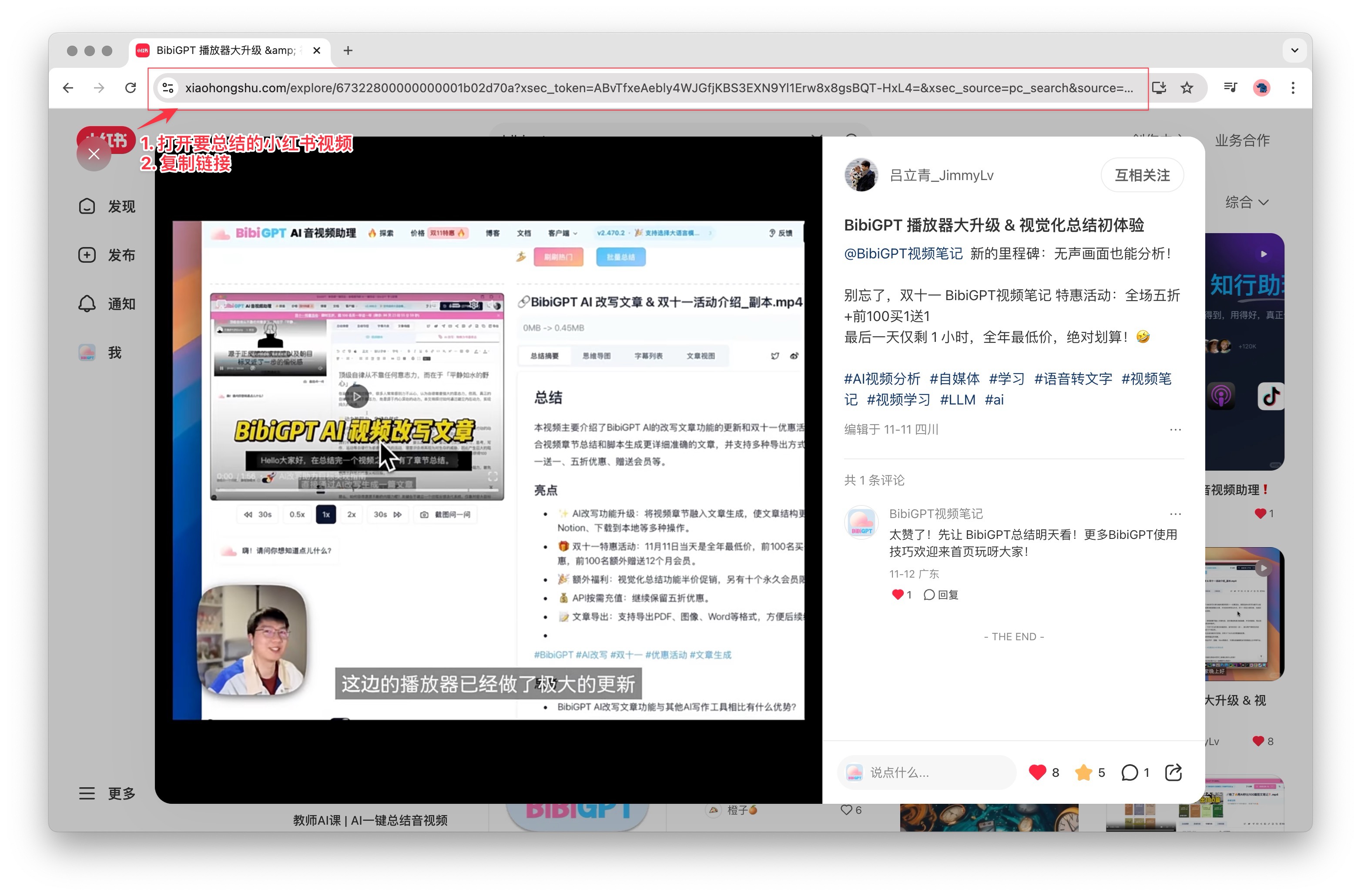 Copy link tutorial
Try pasting your video link
Supports YouTube, Bilibili, TikTok, Xiaohongshu and 30+ platforms
- Grab the link – Copy the share URL from the Xiaohongshu app or web interface.
- Paste into BibiGPT – Drop it into the dashboard and hit Summarise.
- Review results – BibiGPT returns transcripts, chapter highlights, and keywords you can edit or export.
Find the complete walkthrough in our official docs.
Supported Platforms
BibiGPT isn’t limited to Xiaohongshu. It handles:
- Short video – Douyin, TikTok, Kuaishou, Xiaohongshu
- Long-form video – Bilibili, YouTube, Vimeo
- Audio – Spotify, Apple Podcasts, Xiaoyuzhou FM
- Social clips – Twitter/X videos
- Online courses – Including DeepLearning.AI and other MOOC providers
Stuck with an unsupported source? Try the advanced workflow: AI Video Download & Summary Power Tips.
What Users Are Saying
“I ask the chatbot about key moments, get structured answers, and export straight to Notion. It saves hours.” — @Rubywang.eth
“Video summary is its own workflow. With the browser extension, BibiGPT covers it end-to-end.” — @balconychy
“Bought 400 minutes to support the team. It’s a joy to use—please add quick export for chat-with-video next!” — @Lucas Yan
Stop Hoarding, Start Learning
Your Xiaohongshu favorites should be a launchpad, not a graveyard. BibiGPT unlocks the knowledge you’ve already curated so every saved video turns into searchable notes, checklists, and inspiration.
Try BibiGPT today and watch your “save for later” list evolve into a personal knowledge engine.