Fathom vs BibiGPT 2026 Deep Comparison: Meeting Recording AI vs Cross-Platform Audio-Video AI — Which Fits Your Workflow?
Fathom vs BibiGPT 2026 Deep Comparison: Meeting Recording AI vs Cross-Platform Audio-Video AI — Which Fits Your Workflow?
TL;DR: Fathom is a meeting-focused AI note-taker that turns Zoom / Meet / Teams calls into action items. BibiGPT is a cross-platform AI assistant covering meetings + 30+ audio-video sources. If 100% of your work comes from English meetings, Fathom is clean and effective. If your workflow also includes YouTube / Bilibili / podcasts / local training videos / multilingual content, BibiGPT is the better fit for the Chinese / APAC market — over 1 million users served, 4 languages native.
As of 2026-05-05 | Both products’ feature matrices re-checked from official websites.
Why Compare Them in 2026
2026 is the explosion year for meeting AI: Granola raised Series C, Otter / Tactiq / Fireflies all saw valuation bumps, Fathom’s mindshare on Product Hunt / Reddit keeps climbing. For individual users, the question is no longer “should I use AI notes” — it’s “which one to pick.”
Many users miss something important: meetings are just one form of audio-video content. A typical knowledge worker per week consumes:
- 5-10 Zoom / Meet / Teams calls (Fathom’s home turf);
- 3-5 YouTube industry talks / courses (Fathom doesn’t support);
- 2-3 podcast interviews (Fathom doesn’t support);
- 1-2 Bilibili / TikTok / Xiaohongshu content research streams (Fathom doesn’t support);
- Several local training recordings / customer demo screen captures (partial Fathom support).
Use Fathom alone and 70-80% of your content consumption needs another tool. That’s exactly the gap BibiGPT fills — single entry point.
At a Glance: Fathom vs BibiGPT
| Dimension | Fathom | BibiGPT |
|---|---|---|
| Core positioning | Meeting recording AI (Zoom / Meet / Teams) | Cross-platform audio-video AI assistant |
| Source coverage | English meetings on the big three | 30+ platforms (meeting + video + podcast + local + cloud drive) |
| AI summary depth | Summary + action items + key moments | Summary + action items + chapters + mind map + AI dialogue (with traceable citations) |
| Native multilingual | English-first, partial translation | ZH / EN / JA / KO native |
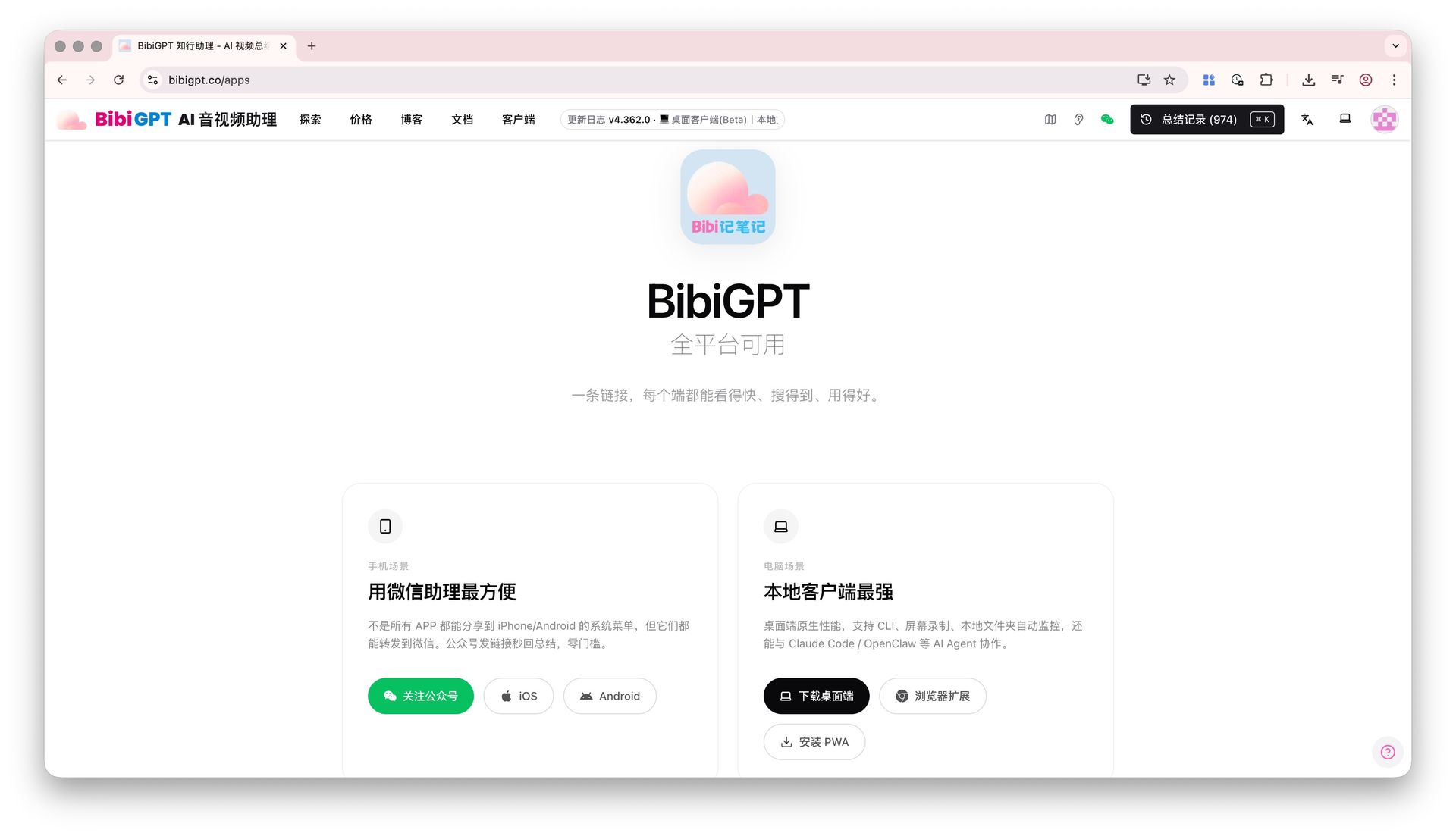
| Clients | Desktop (macOS / Windows) + Chrome extension | Web + macOS / Windows desktop + iOS / Android + browser extension |
| Privacy mode | Cloud-first | Optional Local Privacy Mode (browser-only) |
| PKM integrations | Notion / Slack / Salesforce / HubSpot | Notion / Obsidian / Readwise / Cubox / SiYuan |
| Second-stage creation | Summary / highlight export | Video to Article, PPT, flashcards, mind map |
| API / Agent | Some enterprise API | BibiGPT Agent Skill (open to AI agents) |
| Target market | North-American English-speaking knowledge workers | Global, especially APAC |
| User scale | Not publicly disclosed | 1M+ cumulative users, 5M+ AI summaries |
| Pricing | Free tier + Premium / Team subscriptions | Free tier + Plus / Pro subscriptions + pay-as-you-go |
Dimension 1: Source Coverage — “Meeting” vs “Audio-Video”
Key difference: Fathom treats “meeting” as the product boundary; BibiGPT treats “audio-video” as the product boundary.
Fathom Coverage
- ✅ Zoom (core);
- ✅ Google Meet;
- ✅ Microsoft Teams;
- ⚠️ Browser extension can record other web audio, but UX optimized for the three above;
- ❌ No direct support for YouTube / Bilibili links;
- ❌ No direct podcast RSS / Apple Podcasts / Spotify support.
BibiGPT Coverage
- ✅ Zoom / Meet / Teams meeting recordings (file upload);
- ✅ YouTube videos (paste link);
- ✅ Bilibili videos;
- ✅ TikTok / Xiaohongshu shorts;
- ✅ Apple Podcasts / Spotify / Xiaoyuzhou;
- ✅ Local mp3 / mp4 / wav and more;
- ✅ Baidu Cloud / Aliyun Cloud / Dropbox auto-sync (Cloud Drive Integration);
- ✅ Browser extension assist (AI Watch Later).
Bottom line: Meetings only? Fathom suffices. Multi-platform, multi-content workflow? BibiGPT consolidates everything.
Dimension 2: AI Summary Depth — Action Items vs Knowledge Structure
Fathom Output
- Meeting summary (core discussion points);
- Action items (auto-extracted to-dos);
- Key moments (clip-shareable highlights);
- Speaker labels.
Excellent for “5 minutes after the call, you have a structured recap” — meeting attendees get what they need.
BibiGPT Output
- Full transcript summary + chapter splits + timestamps;
- Mindmap (clickable jumps, Markdown export);
- AI Video Dialogue (with source tracing — every answer carries a timestamp);
- Custom Prompt Summary (tailor to learning / writing / research scenarios);
- Collection Summary (cross-video thematic synthesis);
- Flashcards (auto Q&A cards with Anki export);
- Video to Article (one-click long-form for blog / Substack).
Bottom line: Fathom helps you “complete the meeting note.” BibiGPT helps you “turn any audio-video into structured knowledge.” The latter has a wider reuse surface.
Dimension 3: Multilingual — English-First vs 4 Native Languages
Fathom’s localization mainly serves North American English meetings. Constraints for Chinese / Korean / Japanese users:
- Chinese meeting transcription quality varies (some scenarios need engine swap);
- UI not officially Chinese-localized;
- Action item extraction in Chinese is weaker;
- Code-mixed Chinese-English meetings (common in APAC) see meaningful quality drop.
BibiGPT invests heavily in multilingual:
- 4-language native UI: ZH / EN / JA / KO;
- Custom Transcription Engine: switch between OpenAI Whisper / ElevenLabs Scribe;
- Code-mixed meetings: auto detect speaker language switching;
- Output language is independent (Chinese meeting → English summary).
Bottom line: Bilingual knowledge workers, international teams, Korean / Japanese learners → BibiGPT is the more reliable baseline.
Dimension 4: PKM and Second-Stage Creation — After the Meeting Note, Then What?
Fathom’s downstream is collaboration: Slack / Salesforce / HubSpot / Linear. Great for sales / customer success teams turning meetings into CRM actions.
BibiGPT’s downstream is the full PKM + content creation pipeline:
- Obsidian Auto-Save (bidirectional notes);
- Cubox Integration (one-click archive);
- Note Export with Subtitles (academic citation);
- Bulk Export EPUB (cross-video e-book);
- Video to Article (long-form for blog / Substack);
- Mind Map Markdown Export (Obsidian / Logseq).
Bottom line: Sales / CS workflow → Fathom flows better. Research / learning / content creation → BibiGPT flows better.
Dimension 5: Pricing — Free Tier and Pro Lever
Pricing reflects 2026-05 official sites; check live pages for the latest.
Fathom
- Free: basic recording + basic summaries;
- Premium: individual subscription, unlocks advanced summaries / CRM auto-sync;
- Team: per-seat pricing.
Pricing skews toward sales / CS use cases — team seats are the main revenue.
BibiGPT
- Free: limited daily summaries;
- Plus / Pro subscription: unlock batch, long-form, collection knowledge base, custom models;
- Pay-as-you-go: API customers, batch scenarios, irregular heavy users;
- Student / gift card: BibiGPT Gift Card lets you gift membership.
Bottom line: Fathom pricing is simple (subscription); BibiGPT is flexible (subscription + PAYG), accommodating irregular usage rhythms.
Selection Guide
- Sales / CS / customer success: meetings are core production — Fathom is reasonable. Chinese sales teams flip to BibiGPT.
- PMs / researchers / content creators: meetings are one consumption surface — BibiGPT covers more.
- Learners / students: cross YouTube / Bilibili / course recordings / paper talks — BibiGPT is single entry.
- International teams: multilingual native → BibiGPT.
- Heavy PKM users: Obsidian / Notion / Cubox integration → BibiGPT.
- Minimalists, Zoom-only: Fathom opens and works smoothly.
FAQ
Q1: Can BibiGPT process Zoom meeting recordings?
Yes. BibiGPT supports local audio-video file upload — drag in the Zoom mp4 / m4a. For Zoom Cloud Recording, use Desktop Drag & Drop Upload or Folder Monitoring Auto-Import for near-automated UX.
Q2: Can Fathom process YouTube / podcasts?
No. Fathom is designed for meeting recording — no first-class support for link-based content like YouTube / podcasts / Bilibili. Cross-platform workflow needs an extra tool like BibiGPT.
Q3: Can both tools coexist?
Yes — many users do exactly this: Fathom for meetings, BibiGPT for YouTube / Bilibili / podcasts / training videos. But if one tool can cover all scenarios, BibiGPT is more economical — meetings plus everything else for one subscription.
Q4: Is BibiGPT more reliable for privacy-sensitive scenarios (legal / medical / internal)?
Local Privacy Mode is BibiGPT’s differentiator — audio-video processed in-browser, no server upload. Fathom’s flow is mostly cloud-based.
Q5: Whose action item extraction is more accurate?
English meetings: Fathom slight edge (years of focus + native model alignment). Chinese meetings: BibiGPT wins. Code-mixed Chinese-English meetings: Custom Prompt Summary gets BibiGPT to output to-dos in your exact format.
Q6: Can AI agents call these tools directly?
BibiGPT exposes Agent Skill (daily free quota) — agents can tool-use video summaries directly. Fathom doesn’t publicly offer a similar Agent SDK.
Related Reading
- Same lane: Granola vs BibiGPT Meeting Notes 2026
- Same lane: AI Haoji vs BibiGPT Meeting Notes AI 2026
- Same lane: Tactiq vs Fireflies vs BibiGPT Meeting Transcription 2026
- Tooling: BibiGPT Complete Guide 2026
If you’re already on Fathom for Zoom meetings, keep going. If your workflow also needs YouTube / Bilibili / podcasts / training videos, try BibiGPT now — paste any video link and see results in 30 seconds.
— BibiGPT Team