NotebookLM Deep Research vs BibiGPT Workflow 2026: A Selection Guide for Serious Research
NotebookLM Deep Research vs BibiGPT Workflow 2026: A Selection Guide for Serious Research
Table of Contents
- Background: NotebookLM’s double upgrade on May 6, 2026
- Deep analysis: three shifts the upgrade brings to research workflows
- The BibiGPT workflow: links + local files + transcripts
- What this means for BibiGPT users: researchers, students, enterprises
- Combined workflow: NotebookLM as “reader,” BibiGPT as “viewer”
- Outlook: three forks in the research-tooling road
- FAQ
TL;DR (as of 2026-05-19): Google’s NotebookLM official update page confirmed two simultaneous launches on May 6, 2026: Deep Research mode going GA (auto-browsing 100+ websites to synthesize a research report) and new source types — Google Sheets, .docx, Drive URLs, PDFs, and images. The differentiation is now sharper than ever: NotebookLM is going deep on documents; BibiGPT is going wide on audio/video. They complement each other inside a serious research workflow rather than substitute for each other.
Practical rule: Any take that says “NotebookLM upgrade = BibiGPT obsolete” is too simple. The right question is: “Which workflow bottleneck just moved to where?”
Background: NotebookLM’s double upgrade on May 6, 2026
Timeline through 2026-05-19:
- September 2024: NotebookLM launches, focused on “upload PDFs/docs, generate notes and Audio Overview”
- Late 2025: Cinematic Video Overviews (Gemini 3 + Veo 3 generate narrative video summaries), Interactive Audio Mode (interruptible podcast-style dialogue)
- May 6, 2026: Deep Research GA — auto-browses 100+ websites to synthesize a long-form report
- May 6, 2026 (same day): New data source types — Google Sheets /
.docx/ Drive URLs / PDFs / images - May 12, 2026: NotebookLM integrated into Workspace Studio at full rollout — notebooks become AI-grounded knowledge sources
Practical rule: When a tool simultaneously upgrades the input side (more source types) and the processing side (auto-browsing 100+ sites), it’s transitioning from “passive document library” to “active researcher.” That’s a category jump, not a feature bump.
At Google Cloud Next 2026, Google positioned NotebookLM as the enterprise research entry point. On top of the original “upload docs → podcast overview” loop, Deep Research now accepts a research question (e.g. “GenAI in medical imaging — last 6 months progress”), auto-crawls 100-300 websites, and returns a 5,000-15,000-word structured report.
Deep analysis: three shifts the upgrade brings to research workflows
Technical shift: from “uploaded docs” to “active research”
NotebookLM 2024’s core interaction was RAG (retrieval-augmented generation) — users uploaded a few dozen PDFs/webpages and the AI Q&A’d against that fixed corpus. Deep Research inverts the paradigm: users provide a question, and the AI goes out and crawls 100-300 webpages to produce the corpus, then synthesizes the report.
This is a paradigm leap for research tooling — from “answer using the corpus you handed me” to “go build the corpus, then answer.” But the boundary is sharp: it can only read web pages. Anything not indexed by Google Search — YouTube videos, podcast audio, Bilibili long-form, internal MP4 recordings, Twitter Spaces recordings — is invisible to it.
Market shift: research-tool ecosystem is now bipolar
From Perplexity Deep Research to ChatGPT Deep Research to NotebookLM Deep Research, at least five top AI companies launched “auto-deep-research” features in H1 2026. They all share one premise: document-centric. Web pages and PDFs are still the primary data source.
The other half of serious research data — audio and video — is currently served almost entirely by verticals like BibiGPT, Otter.ai, Memories.ai. The market is now visibly bipolar:
| Data source | Dominant tools | Typical use cases |
|---|---|---|
| Webpages / PDFs / docs | NotebookLM / Perplexity / ChatGPT Deep Research | Industry research, academic literature reviews |
| YouTube / podcasts / long-form video / local MP4 | BibiGPT / Memories.ai | Guest interviews, lecture digestion, meeting recordings |
| Meeting recordings / transcripts | Otter.ai / Granola.ai | Real-time meeting minutes |
Ecosystem shift: where do research outputs live?
NotebookLM’s outputs live by default inside Google’s ecosystem — notebooks, Audio Overviews, Deep Research reports all sit in Google Drive and Workspace. Great for Google, bad for researchers who want tool neutrality — your research material gets permanently bound to one platform.
BibiGPT outputs are intentionally neutral: every result exports cleanly to Markdown and syncs natively to Notion, Obsidian, Lark, or a local folder. This isn’t a product preference — it’s an ethics call for research tools: your notes should outlive the AI model that helped produce them.
Practical rule: The first criterion when picking a research tool is output portability. AI models cycle every few years; your research notes should follow you forever.
The BibiGPT workflow: links + local files + transcripts
BibiGPT’s research workflow has three entry points, each mapping to a class of research material:
Entry 1: Links (30+ major platforms)
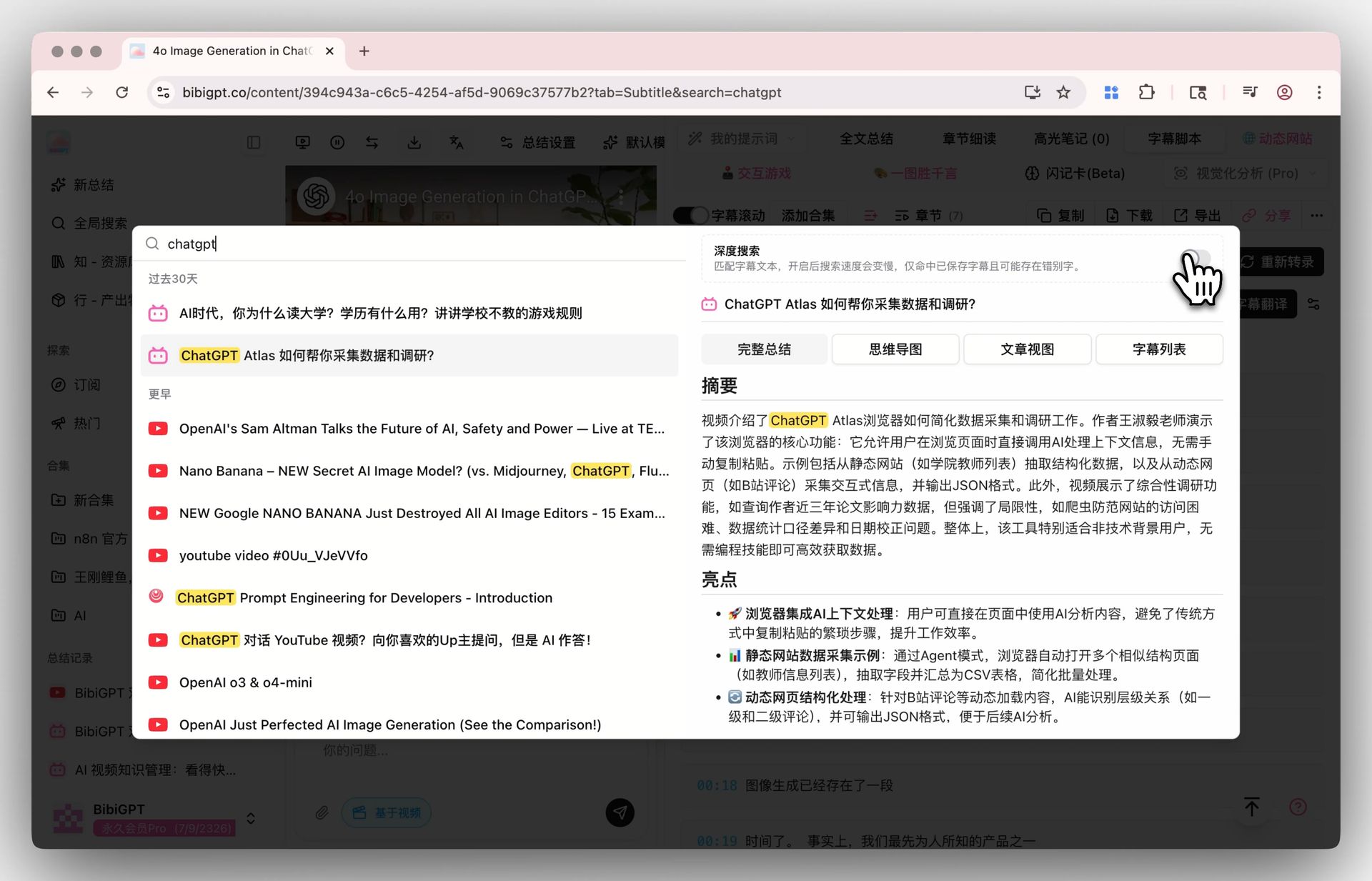
Paste any link from YouTube, Bilibili, Xiaoyuzhou, Apple Podcasts, TikTok, Xiaohongshu, TED, Coursera, and 30+ others. In 60 seconds you get a transcript + chapters + mind map + quote cards.
This is researchers’ most-used entry — most industry conferences, expert interviews, academic lectures first appear on YouTube or Bilibili, and NotebookLM Deep Research cannot see them (it only scrapes what Google Search can index).
Entry 2: Local files (single file up to 2GB)
Internal company recordings, downloaded paid courses, field-research audio, raw podcast MP3s — none of this is public, NotebookLM Deep Research can never reach it, and yet this is the most valuable first-party data in serious research.
BibiGPT desktop processes audio fully locally; transcription and summarization run on your machine without uploading any file to the cloud. See the BibiGPT desktop overview.
Entry 3: Custom transcription engine
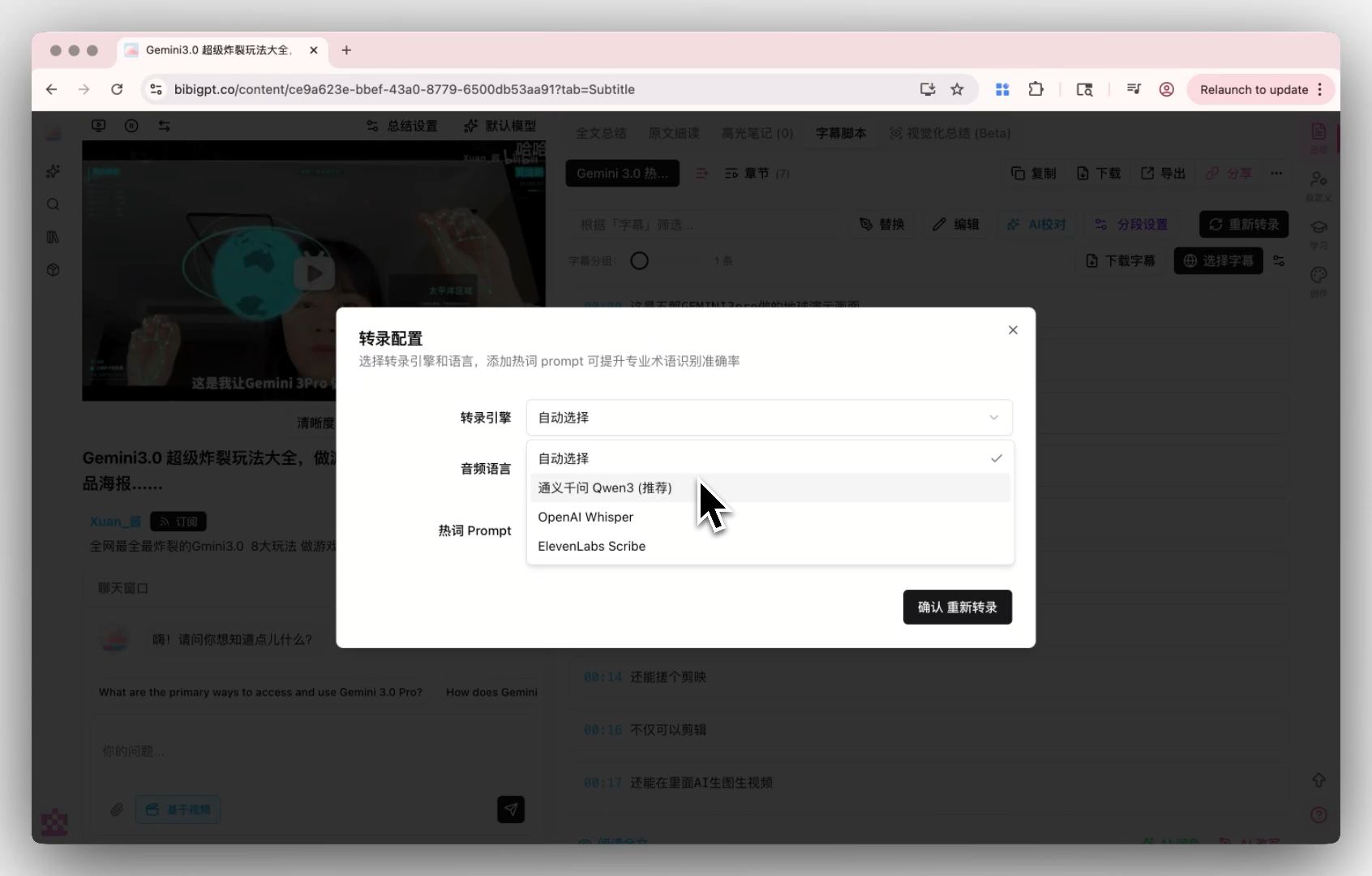
For audio with unusual conditions (medical interviews, legal depositions, technical deep-dives), BibiGPT’s Custom Transcription Engine lets you pick a transcription model that matches your material — a level of precision no one-size-fits-all tool can offer.
What this means for BibiGPT users: researchers, students, enterprises
1. Academic researchers: dual-tool parallel is the new best practice
For the next 24 months, the optimal workflow for a serious literature review is:
- NotebookLM Deep Research — published papers, government reports, industry white papers (anything webpage-based)
- BibiGPT — academic podcasts (Conversations with Tyler), academic YouTube channels (3Blue1Brown, Two Minute Papers), conference recordings
The rarest material in a literature review is often not the paper, but the paper’s author’s “unpublished views” expressed in a podcast or lecture — only BibiGPT can reach those.
2. Students: NotebookLM for syllabi, BibiGPT for lecture recordings
The Google AI Educator Series trained 6M K-12 teachers in 2026 for free; Gemini integrated into Moodle LMS at full rollout in May 2026. More syllabi, exam outlines, and reading materials will now ship in NotebookLM-friendly formats.
But lecture recordings (a 90-minute professor talk on video) remain BibiGPT’s home turf — combined with Chapter Deep Reading and a Feynman-style review loop, you compress the lecture into 9 minutes of focused reading + 3 self-test questions.
3. Enterprise knowledge bases: sensitive material runs on BibiGPT desktop
Once NotebookLM is in Google Workspace Studio, it becomes the default “document AI entry point” inside enterprises. But many enterprises absolutely cannot upload internal meeting recordings, training videos, or customer interviews to Google’s cloud — BibiGPT desktop’s fully-local processing is the only compliant path for that material.
Combined workflow: NotebookLM as “reader,” BibiGPT as “viewer”
The four-step workflow below is how to stitch NotebookLM Deep Research and BibiGPT into a genuinely complete industry research report.
Step 1 — Generate a document baseline with NotebookLM Deep Research
Pose a research question to NotebookLM (e.g. “GenAI in medical imaging — last 6 months progress”), let Deep Research crawl 100-300 webpages, and produce a foundational report.
Step 2 — Extract key audio/video sources
The NotebookLM report will reference key individuals (scholars, founders, regulators). Open YouTube, search the past 6 months of those individuals’ interviews / talks / podcast appearances. You’ll typically collect 10-30 relevant video links.
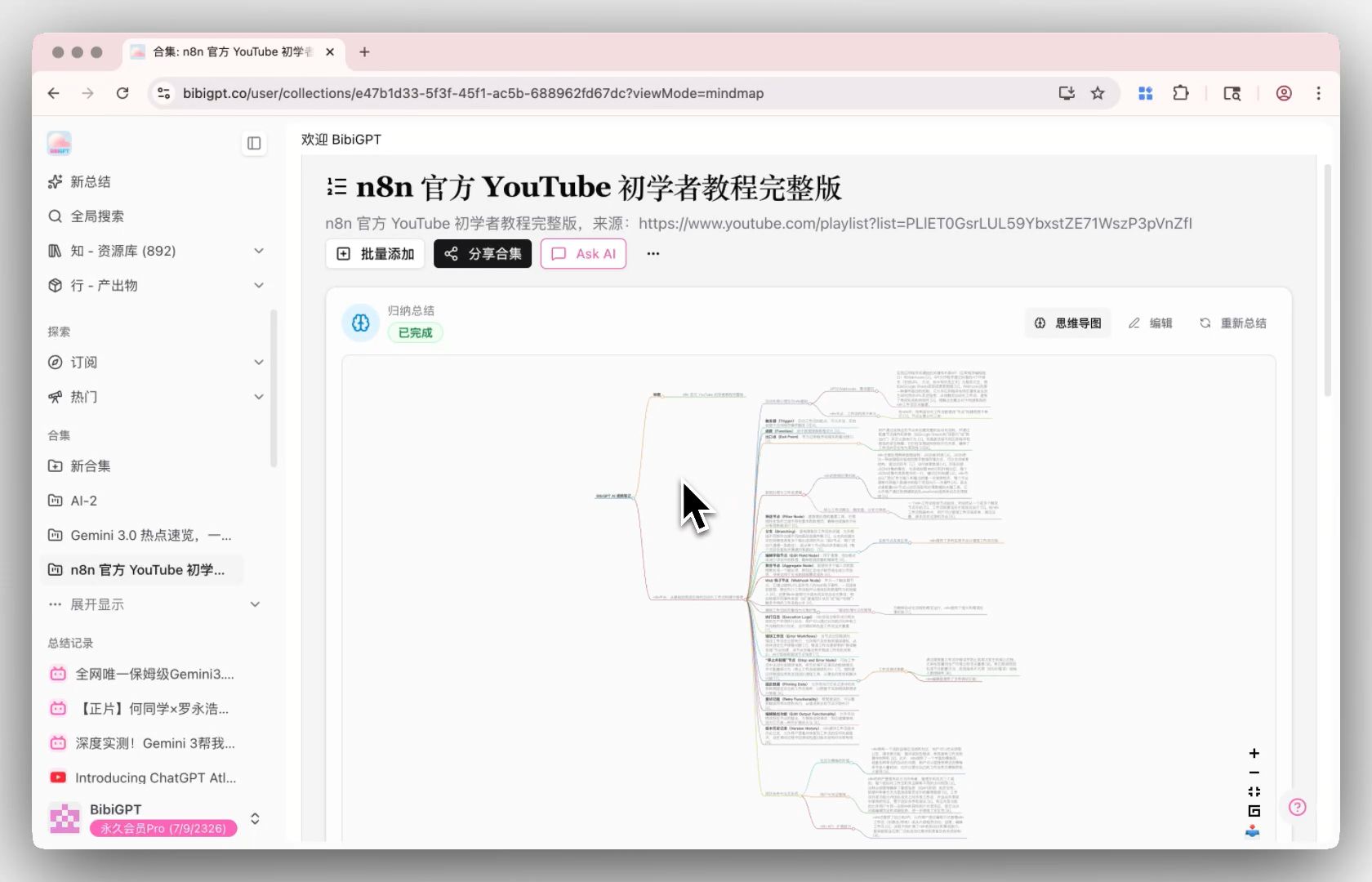
Step 3 — Run a BibiGPT Collection Summary
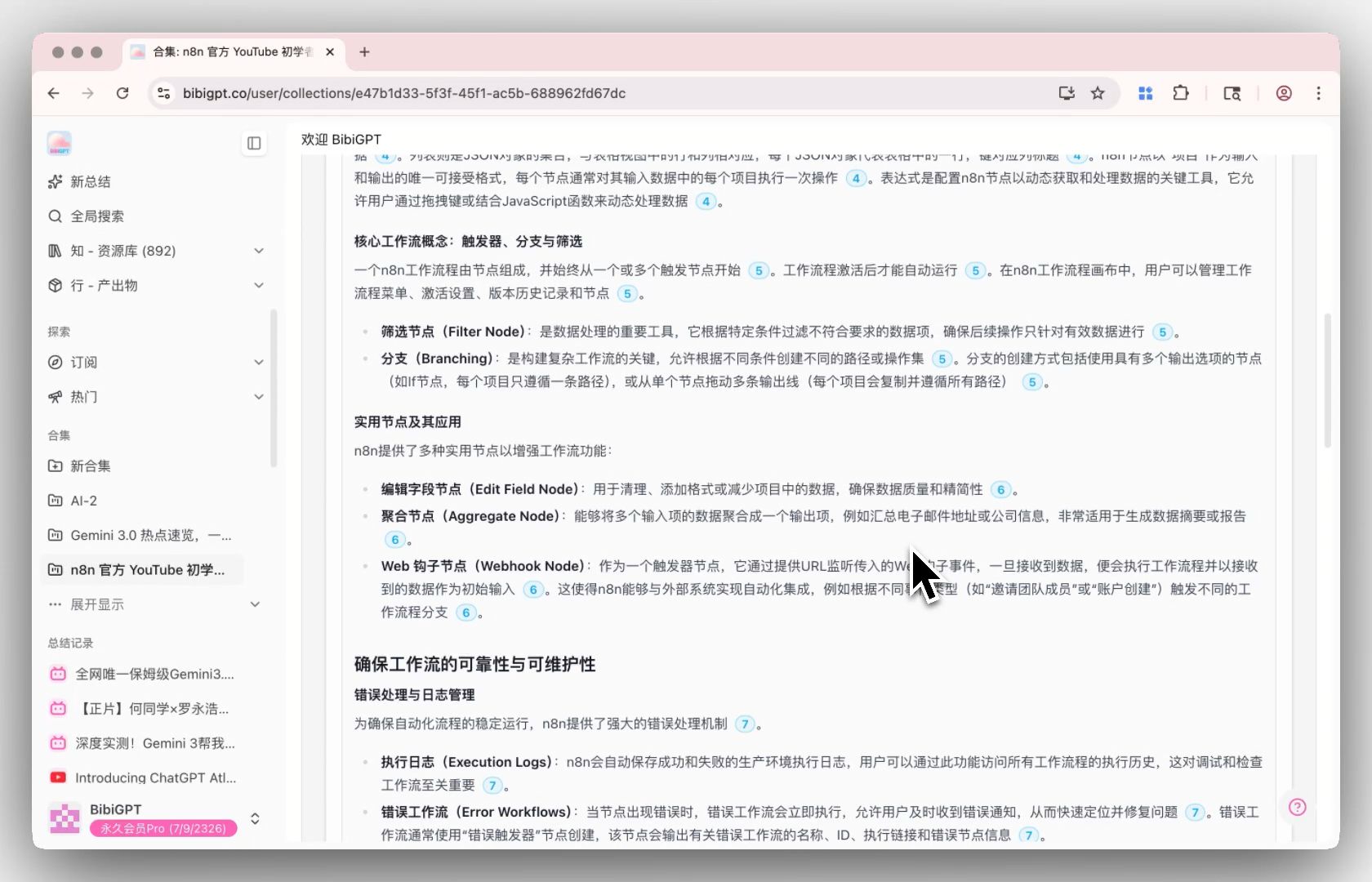
Drop those 10-30 video links into BibiGPT’s Collection Summary. The AI doesn’t just summarize each video individually — it generates cross-video themes like “21 of 30 interviews mentioned new FDA pathway challenges.” This kind of cross-source theme mining is impossible inside NotebookLM Deep Research (which only sees static documents).
Step 4 — Merge into a final report
Combine NotebookLM’s document report with BibiGPT’s audio/video collection report into a single Notion or Obsidian note:
- Documentary evidence → NotebookLM’s paper/report citations
- First-person perspectives → quote cards from BibiGPT’s key-person interviews
- Cross-source trends → BibiGPT collection-level theme analysis
- Timeline → manually integrated
This is the 2026 baseline for a defensible research report — dual-source (document + audio/video), portable, and verifiable.
Practical rule: Serious research is fundamentally about source diversity. Any workflow that touches only one source type (docs only, or videos only) is structurally incomplete.
Outlook: three forks in the research-tooling road
Over the next 12 months, the research-tool market will diverge along three axes:
- Document side gets red-ocean competitive: NotebookLM, Perplexity Deep Research, ChatGPT Deep Research will commoditize each other into Google AI Overviews-style price wars.
- Audio/video side expands fast: BibiGPT, Memories.ai, InfiniteTalk AI will diverge meaningfully on source coverage breadth and depth.
- Cross-source research IDEs will emerge: Sometime in the next 12-18 months we’ll see “native cross-source research IDEs” that consume docs and audio/video natively. BibiGPT is already moving in that direction — see BibiGPT Agent Skill, which lets agent runtimes like Claude Code invoke BibiGPT for cross-video research.
FAQ
1. Why not just go all-in on NotebookLM? It’s Google after all.
NotebookLM Deep Research cannot see content on YouTube / Bilibili / Xiaoyuzhou / TikTok (even if it finds the video page, it only reads the surrounding meta-text, not the video itself). For serious researchers, that’s losing an entire dimension of sources. BibiGPT fills that gap.
2. Can NotebookLM’s Audio Overview replace BibiGPT’s podcast summarizer?
No. Audio Overview is NotebookLM generating a two-host podcast from the documents it read — i.e. “AI created a new audio.” BibiGPT does the opposite — you provide a 90-minute existing podcast, AI compresses it into transcript + chapters + quote cards + mind map. Completely different operations.
3. After NotebookLM enters Workspace Studio, will BibiGPT get marginalized?
No. Workspace Studio is Google’s internal channel pushing NotebookLM to G Suite enterprises — it solves “Workspace-using enterprises want AI on their Google Docs.” It does nothing for “Chinese users processing Xiaoyuzhou podcasts” / “researchers processing YouTube academic interviews” / “creators processing Bilibili long-form video” — all of which are BibiGPT’s home turf.
4. What does NotebookLM’s new image source type signal?
It means NotebookLM finally treats PowerPoint screenshots, infographics, paper figures as data — something BibiGPT has been doing in its AI Video Visual Analysis for a while. Read this as “NotebookLM catching up to BibiGPT’s multimodal capability,” not “NotebookLM swallowing everything.”
5. Should I subscribe to both NotebookLM Pro and BibiGPT Plus?
If you process 10+ document research items + 10+ audio/video research items weekly, yes. If you’re only on one side — purely students reading syllabi, or purely creators consuming YouTube — one tool is enough.
Get started: combine NotebookLM and BibiGPT in your research stack
- On bibigpt.co, run a Collection Summary on the 10 key videos in your current research topic
- On notebooklm.google.com, run Deep Research on the same topic
- Read both reports side-by-side and find “document sources say X, video sources say Y” gaps — those gaps are often the most valuable research entry points
Further reading:
- Collection Summary: compressing 30 sources into one cross-source theme map
- BibiGPT desktop privacy processing — deep dive
- Cornell Method: from raw video to publishable article
—— BibiGPT Team