Qwen Video Summary vs BibiGPT 2026: Strong Multimodal, But Professional Enough?
Qwen Video Summary vs BibiGPT 2026: Strong Multimodal, But Professional Enough?
100-word answer: As of 2026-05, Alibaba’s Qwen multimodal models can indeed “understand” video — Qwen2-VL can analyze 20+ minute videos and answer related questions, and the newer Qwen3.5-Omni can break down long videos scene by scene. But “a model that can watch video” and “a good video summary tool” are two different things. If you want to paste a Bilibili/YouTube/podcast link and get structured notes, with timestamp jumping and batch collection processing, BibiGPT is a complete workflow built around that.
Want the comparison with the general chat product Qwen Chat (chat.qwen.ai) uploading video for analysis? See our Qwen Chat vs BibiGPT deep review. This article focuses on Qwen’s video model capabilities themselves.
First, the Facts: How Strong Is Qwen’s Video Capability?
Qwen has advanced rapidly in multimodal over the past two years. On video, a few verified facts:
- Qwen2-VL: Per VentureBeat, it can analyze videos over 20 minutes, summarize content, answer related questions, and support real-time conversation.
- Qwen3.5-Omni: Per MarkTechPost, it’s a native multimodal model unifying text, image, audio, and video in one architecture, and can break down a three-minute documentary scene by scene.
- Unified multimodal: A single prompt can reference an uploaded document, screenshot, video clip, and text context at once.
The conclusion is clear: Qwen’s video understanding is real, and not weak. So this comparison isn’t here to dismiss Qwen — it’s to answer a more practical question: can “a model that can watch video” be used directly as “a video summary tool”?
Six-Dimension Comparison
Dimension 1: Platform coverage
This is the most direct gap.
Qwen’s video capability typically takes a video file you upload or material the model API can process as input. But students, creators, and professionals consume video on platforms every day — Bilibili, YouTube, TikTok, Xiaohongshu, podcasts. Making you download from a platform and re-upload is itself a drop-off step.
BibiGPT takes the link directly: paste a Bilibili or YouTube URL and it starts summarizing, covering 30+ platforms — no download, no upload.
Practical rule: To judge whether a video tool is usable, first check whether it takes links from your common platforms directly. One that makes you download then upload is a dead end for daily use.
Dimension 2: Structured output
Asking a general model to “summarize this video” typically gets you a paragraph. BibiGPT’s Smart Deep Summary gives structured output: core summary, key highlights, thought Q&A, term explanations — ready for review, notes, and writing.
Dimension 3: Timestamps and source tracking
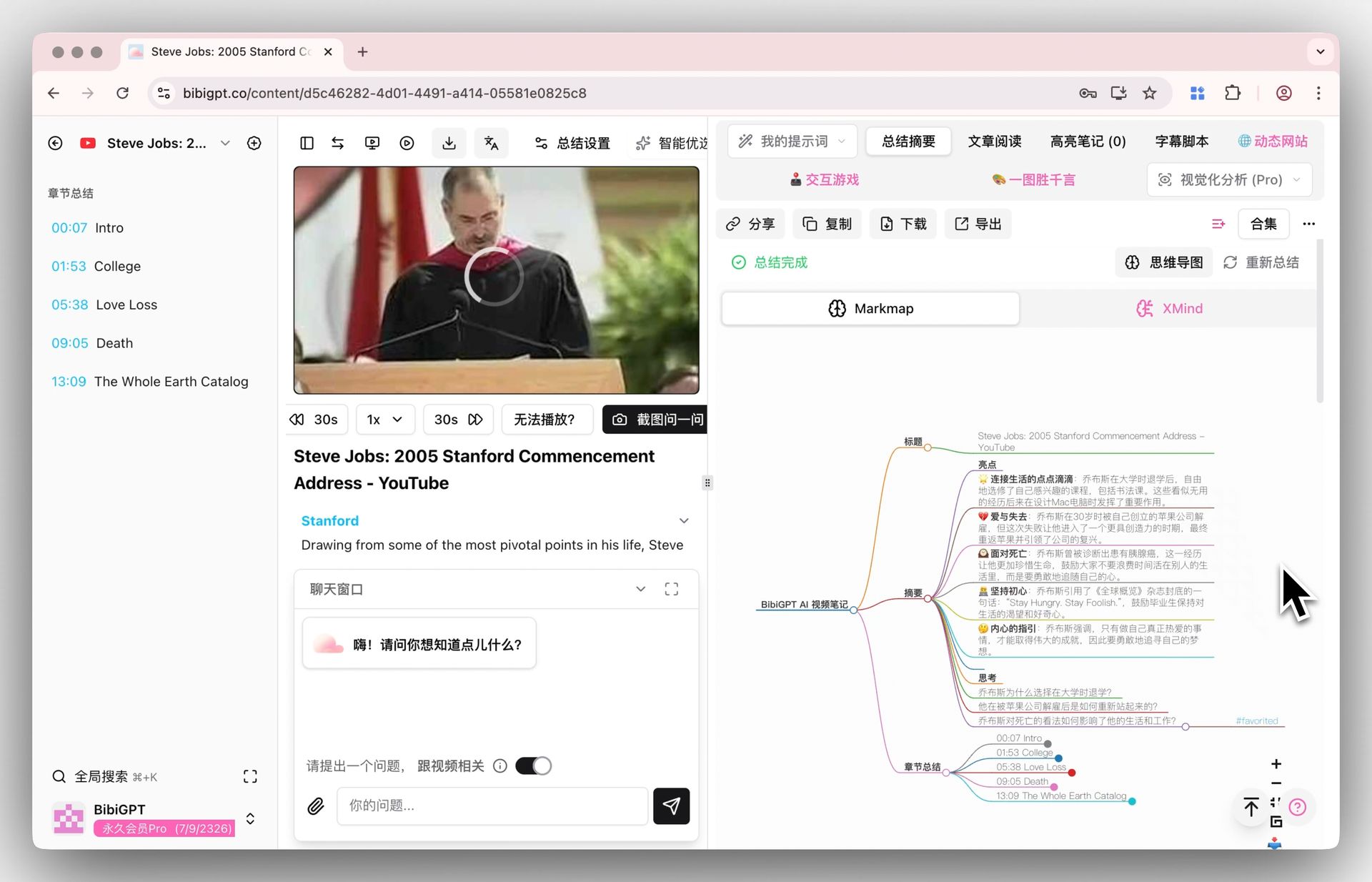
This is a hard feature of professional video tools. BibiGPT’s summaries and mind maps carry timestamps — click to jump back to the corresponding clip. AI follow-ups also trace to a specific timestamp, so you verify the original words rather than a secondhand paraphrase. A general model’s summary can hardly achieve “this conclusion comes from minute 23 of the video” precision.
Dimension 4: Collection summarization and batch processing
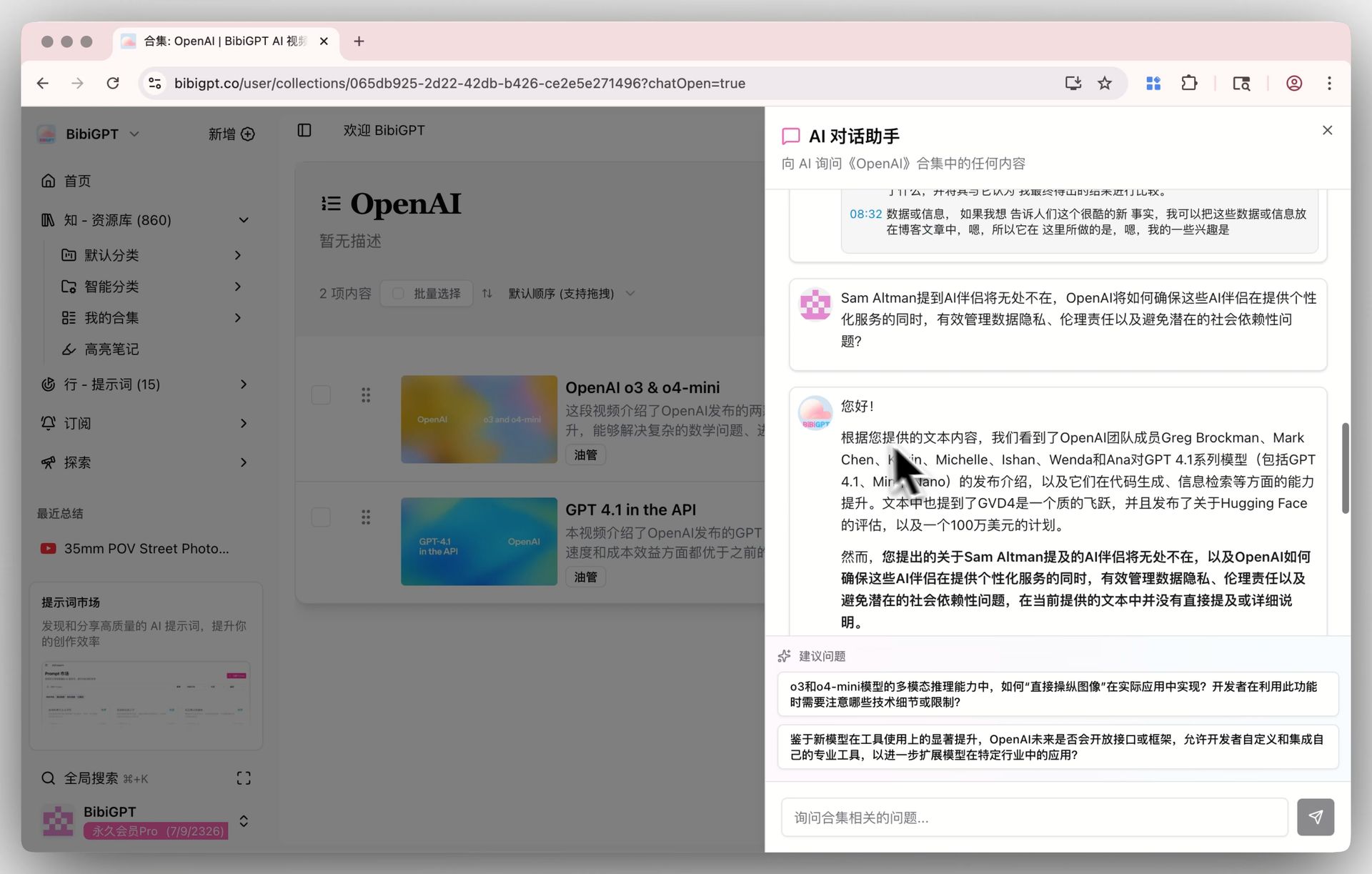
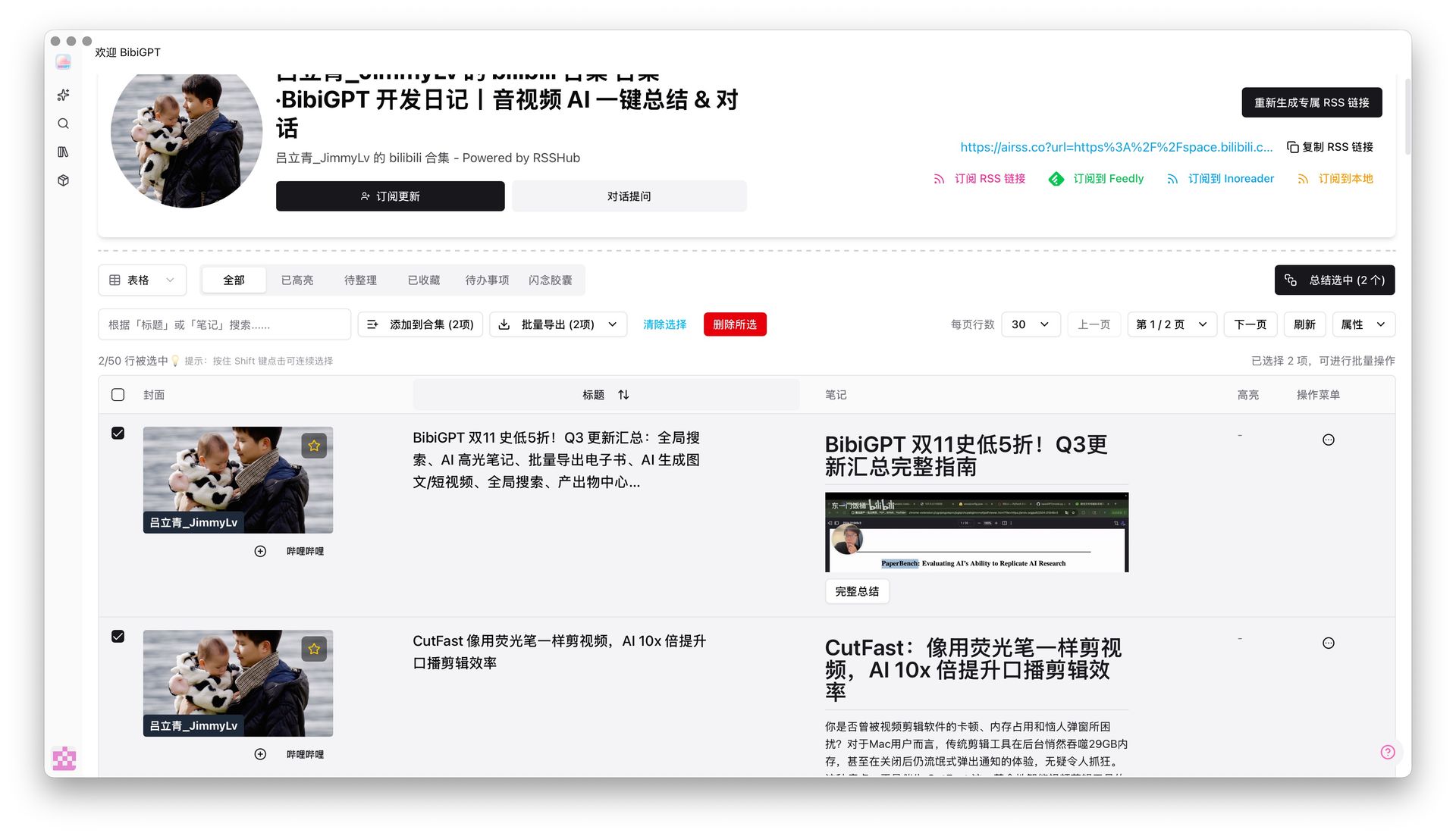
Tracking a course series, a podcast, or a batch of earnings videos by manually feeding the model one at a time isn’t realistic. BibiGPT’s selective playlist summary lets you tick videos in a collection and batch-generate notes, and Collections AI Chat enables cross-video Q&A — “What do the methods across these episodes have in common?” answered in one question.
Dimension 5: Multilingual and localization
BibiGPT supports output in Chinese, English, Japanese, and Korean — English videos summarize into your language directly. Qwen is equally strong in Chinese scenarios, but BibiGPT is productized around the specific need of “digesting video across languages.”
Dimension 6: Output and export
Watching isn’t the end. BibiGPT exports notes as Markdown into a knowledge base, or one-click rewrites them into articles — from “watching video” to “producing content,” end to end. That’s tool-layer engineering, not something the model layer gives directly.
Comparison Table
| Dimension | Qwen video capability | BibiGPT |
|---|---|---|
| Input method | Uploaded file / API material | Paste link directly, 30+ platforms |
| Output form | A paragraph summary | Structured summary + mind map |
| Timestamp jump | Weak | Built-in, click to jump to original |
| Source tracking | Weak | AI follow-up traces to a timestamp |
| Collection batch | Manual one by one | Tick to batch + cross-video Q&A |
| Export output | Organize it yourself | One-click Markdown / article rewrite |
Practical rule: A general multimodal model solves “can it understand video”; a professional video tool solves “how to make watching video faster and cheaper.” The former is capability, the latter is workflow — what you need daily is the latter.
How to Choose
- If you’re a developer wanting to call a model for video understanding in your own app → Qwen’s multimodal API is a great capability foundation.
- If you occasionally analyze an uploaded short video → a general model is enough.
- If you digest platform videos daily (Bilibili/YouTube/podcasts/lecture recordings), needing timestamps, batch, and export → BibiGPT is the professional tool built around that.
BibiGPT serves over 1 million users, has generated over 5 million AI summaries, and supports 30+ platforms. It isn’t just another model wrapper, but a complete pipeline layered on top of the model, built specifically for “rapidly digesting long content.”
FAQ
Q1: Can Qwen directly summarize Bilibili/YouTube videos? Qwen’s model can understand a video file you upload, but it isn’t a tool designed around “paste a platform link, get a summary.” To take Bilibili/YouTube links directly, a dedicated video summarizer (like BibiGPT) is smoother.
Q2: Which model does BibiGPT use? BibiGPT’s value is the video-processing pipeline layered on top of the model (platform access, timestamps, collection summarization, source tracking); for users, the point is paste a link and get structured results — the model is just one part.
Q3: Do Qwen’s video capability and BibiGPT conflict? No. Model capability is the foundation, the tool is the application layer. They target different needs — one builds capability for developers, one delivers efficiency to users.
Q4: Which suits students watching online classes better? To directly process platform videos like Zoom recordings, Coursera, and YouTube open courses, with summaries and timestamps, BibiGPT’s workflow fits better.
Try It Now
Paste a Bilibili or YouTube link and get a structured, timestamped summary in seconds — feel for yourself the difference between “a model that can watch video” and “a good video tool.”
Paste a video link and compare
BibiGPT Team