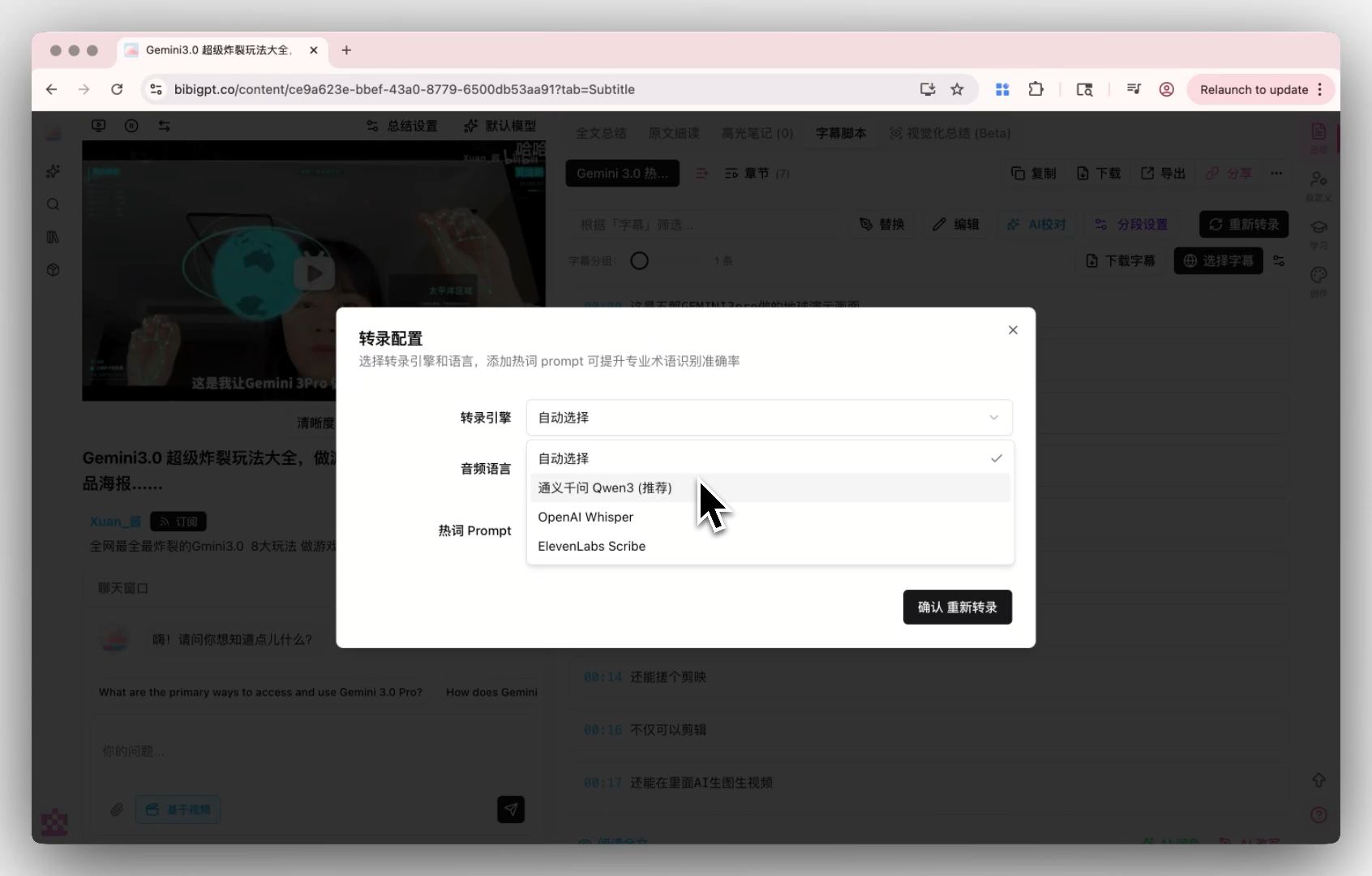
What More Accurate AI Subtitles Really Mean: Turn Hard-to-Hear Lectures, Podcasts, and Music Videos Into Text Instantly (2026)
What More Accurate AI Subtitles Really Mean: Turn Hard-to-Hear Lectures, Podcasts, and Music Videos Into Text Instantly (2026)
You’ve probably hit this kind of video: a professor with a heavy accent, a mic placed too far away, or a live talk layered over background music. You want to turn it into text, but a typical tool spits out a screen full of garbage—wrong terms, mangled names, and pure gibberish wherever music plays. So you give up and grind through the whole thing by ear.
In the first half of 2026, AI speech recognition moved forward again: accuracy improved noticeably for mixed-language speech, accents, background noise, and even content with background music. This technical-sounding shift actually decides a very everyday experience—whether the hard-to-hear video you drop in becomes clean, readable, searchable text on the first try.
This isn’t about specs or benchmarks. We answer the one question an ordinary user cares about: now that subtitles are more accurate, which previously “untranscribable” content finally became usable? And how do you apply this to your own lectures, podcasts, and videos?
100-word answer: The more accurate the subtitles, the more reliable everything downstream—summary, search, translation—because they all build on “turning sound into the right text” first. After that step clearly improved in 2026, heavily accented lectures, noisy meeting recordings, and music-backed live videos can now mostly be transcribed into usable text on the first pass. To try it directly, paste a link into BibiGPT and get subtitles plus a summary.
1. Why Subtitle Accuracy Is the Foundation of Everything
Many people assume the core of an AI video tool is “how good the summary reads.” It isn’t. The real foundation is step one: turning sound into the right text.
One Wrong Word, and the Rest Falls Apart
AI summary, AI translation, AI follow-up questions—all of them are “reading” the transcript that was produced. If step one hears “insulin” as “in salon,” misspells a name, or drops a key term, then no matter how polished the summary, it’s built on wrong content. Subtitle accuracy is the ceiling for every downstream feature.
In the interactive demo below, pick a sample video and see what the full “transcribe accurately first, then summarize” result looks like:
Summarize any video in seconds
Pick a sample below to see the AI summary — TL;DR, key points, and jump-to timestamps.
TL;DR: Karpathy builds a GPT-style language model from scratch in code, explaining every piece — from a tiny character-level model up to the full Transformer.
Key points
- Start with a bigram model, then add self-attention so tokens can "talk" to each other
- A Transformer block = multi-head attention + feed-forward + residual connections + layer norm
- Training is just predicting the next token; scale and data do the rest
- The same architecture behind nanoGPT is what scales up to ChatGPT
Jump to
- 00:07 Why build GPT from scratch
- 08:23 Self-attention, intuitively
- 1:00:00 Assembling the Transformer block
- 1:35:00 From nanoGPT to ChatGPT
Practical rule: When judging an AI video tool, don’t start with how pretty the summary layout is—start with how accurately it transcribes your “hard-to-hear” content. That’s the foundation.
The Biggest Winners Are “Hard Content”
For studio-clean, crisply enunciated speech, almost every tool transcribes well. The gap shows up in real-world hard content: large lectures recorded from a distance, accented interviews, live scenes with background music, multi-speaker meetings with crosstalk. This round of 2026 improvements is precisely where that gap widened on these “hard” cases.
2. Three Kinds of Content That Used to Fail, and Now Work
To make the point concrete, the sketch below lays out the moving parts:
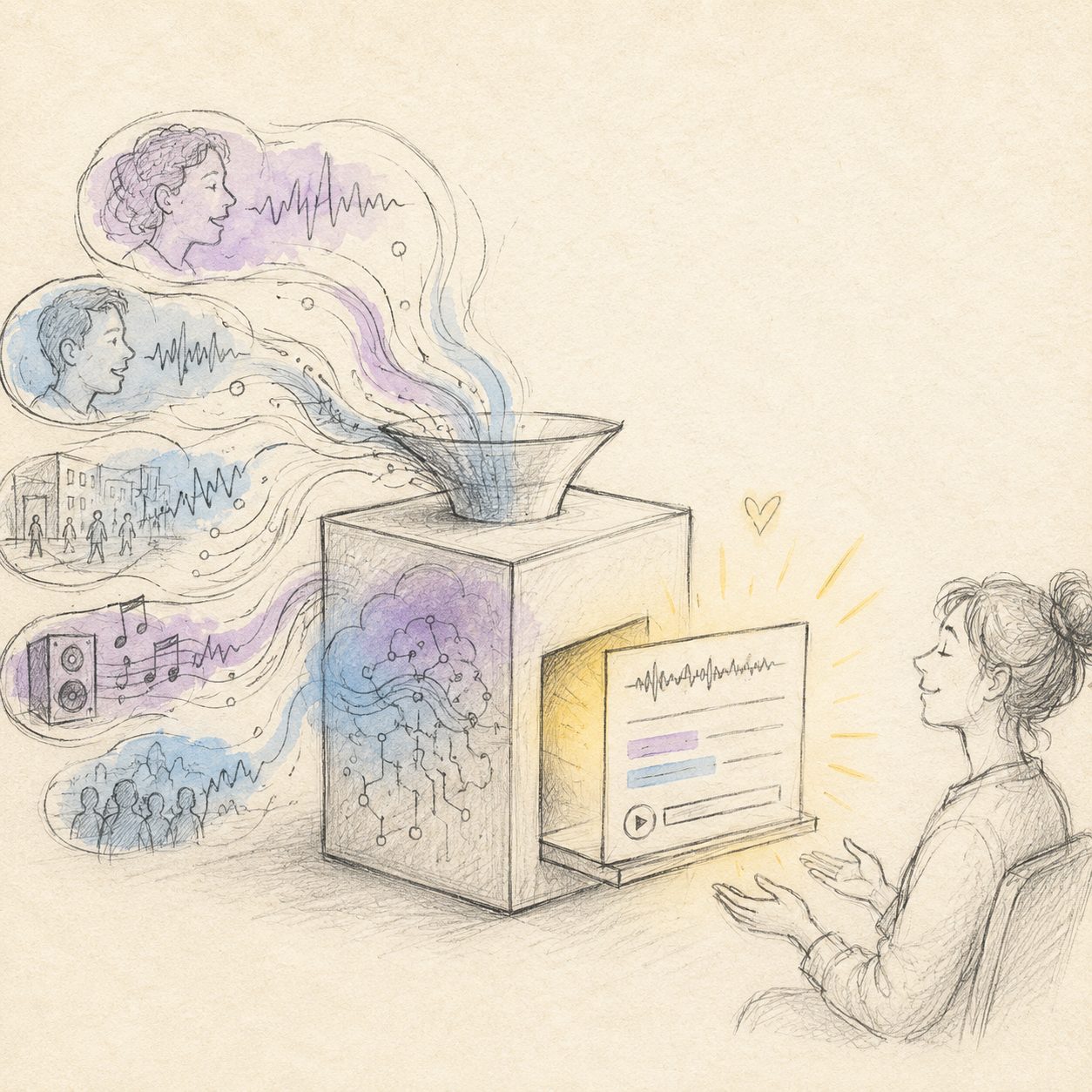
Illustration: drawn by the BibiGPT team
In daily life, these three kinds of content feel the change from “more accurate subtitles” the most.
Hard-to-Hear Lectures and Large Class Recordings
Heavy accents, echoey classrooms, mics far from the podium—this is the nightmare scenario for international students and online learners. Transcripts used to be so error-ridden they were useless as notes. With more stable recognition, a 90-minute lecture recording now produces a basically readable transcript; pair it with an AI summary, and you can read the key points first, then decide which parts to re-listen to.
Source: YouTube · Speech-to-text accuracy demo
Noisy, Accented Meetings and Interviews
Coughs, paper shuffling, and AC hum in the room, plus casual crosstalk in interviews, used to throw recognition off. With more robust recognition, these “very live” recordings now transcribe into usable text, making it easy to search later for “who said that key conclusion, and where.”
Live Videos With Background Music and Lyrics
This was historically the hardest category—any background music and many tools produced full gibberish. Among 2026’s gains, transcribing full content with background music was a specifically optimized direction. That means scored talks, live vlogs, and even song clips with vocals now have a far better chance of being transcribed correctly.
Practical rule: If you have a piece of hard content that “used to come out as gibberish,” it’s worth trying again now—this year’s recognition gains land hardest exactly on that kind of content.
3. What It Actually Means for Everyday Users: You Don’t Need the Tech, Just the Result
Here’s how BibiGPT handles the same thing — see the screenshot below:
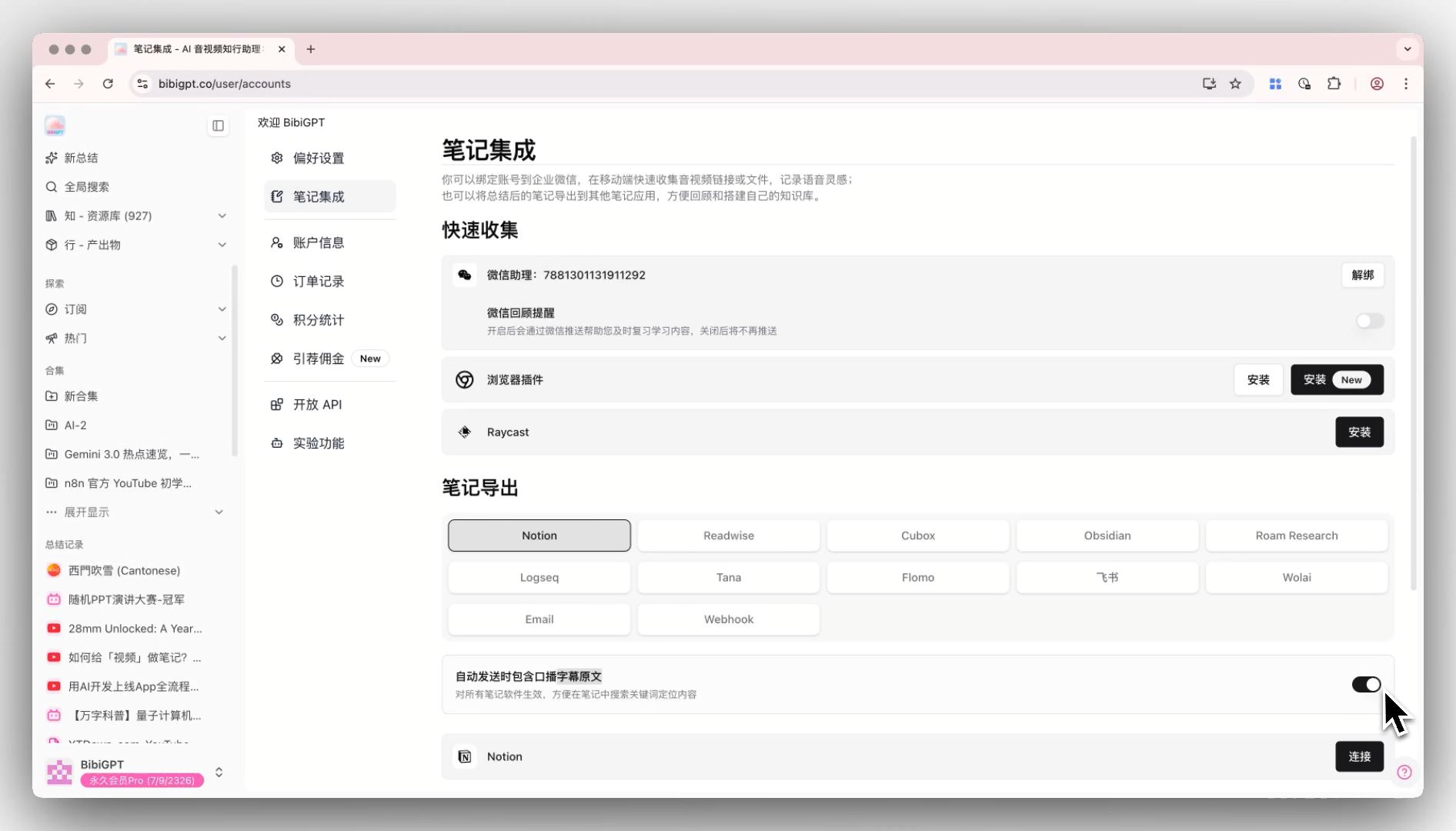
Screenshot: BibiGPT
More accurate subtitles mean different kinds of relief for different people.
- Students / international students: English lectures you can’t follow and accented seminars can now be turned into text first, then a summary—doubling review efficiency.
- Professionals: No more replaying meeting recordings sentence by sentence; transcript + summary lets you grasp an hour of key decisions in 3 minutes.
- Creators: For on-site interviews and music-backed footage, more accurate transcription means less rework when editing, writing copy, or making subtitles.
- Researchers / learners: Podcasts, open courses, interviews—once transcribed, you can full-text search them: “which minute did that point appear?” becomes one search.
You don’t need to care what technology runs underneath. You just drop in a hard-to-hear video or audio file and get text you can read, search, and summarize.
Further reading: to handle Bilibili, YouTube, podcasts, and more from one entry, see the cross-platform AI video summary guide; students who want Chinese subtitles on English courses can read add subtitles and summarize English MOOC courses.
4. How to Put “More Accurate Subtitles” to Work: A 3-Step Workflow
Using BibiGPT as an example, turning a piece of hard content into usable text plus a summary usually takes 3 steps:
- Paste a link or upload a file: Supports pasting links from 30+ platforms like YouTube, Bilibili, Douyin, TikTok, Xiaohongshu, and podcasts; local audio/video files can be uploaded too.
- Auto transcribe + summarize: The system first turns sound into a timestamped transcript, then generates a structured summary (TL;DR + bullet points). For anything unclear, click the timestamp to jump back to the original video and verify.
- Translate / export as needed: English lectures can be turned into another language in one click; transcripts and summaries can both be exported to Markdown, text, and more for your note-taking app.
If your content is in English and you want bilingual subtitles to compare, the translation demo below shows the effect first:
Translate captions into your language
Original and translation, line by line, with timestamps. Great for foreign-language talks.
| 00:07 | We're going to build GPT from scratch, together. | Vamos a construir GPT desde cero, juntos. |
| 08:23 | Self-attention is the heart of the Transformer. | La autoatención es el corazón del Transformer. |
| 45:10 | Each token emits a query and a key. | Cada token emite una consulta y una clave. |
| 1:35:00 | At its core, this is the same model behind ChatGPT. | En esencia, es el mismo modelo detrás de ChatGPT. |
Practical rule: The right way to handle hard content is “transcribe first, verify with timestamps, then summarize”—not expecting AI to nail it in one shot. Being able to jump back to the source is the mark of a trustworthy summary.
BibiGPT has generated over 5 million AI summaries for more than 1 million users across 30+ platforms—built precisely for turning audio and video into consumable text quickly and accurately.
5. Frequently Asked Questions (FAQ)
Q1: Can videos with background music really be transcribed accurately? A: Markedly better than a year or two ago. Pure speech is naturally the most accurate; content with background music can now mostly be transcribed into usable text, though extremely noisy scenes may still have minor errors—verify key segments with timestamps.
Q2: Can heavily accented English lectures be transcribed? A: Yes. Robustness to accents was a key improvement this year. After transcription you can generate a summary in another language with one click—especially useful for students who can’t follow all-English classes.
Q3: Do I need to install software or understand any settings? A: No. Just paste a link or upload a file; transcription, summary, and translation all happen automatically—you only see the result.
Q4: Can the transcribed text be searched and exported? A: Yes. The transcript carries timestamps for full-text search and jump-to-location, and both summaries and transcripts export to Markdown, text, and more.
Q5: Which content is most worth retrying with this? A: The hard content that “used to come out as gibberish”—distantly recorded lectures, accented interviews, music-backed live videos are the types that benefit most from this round of gains.
Want to turn a hard-to-hear lecture, podcast, or music-backed video into clean, readable, summarizable text in one pass? Paste a link into BibiGPT smart transcription and summary and see the result before you decide.
BibiGPT Team