
Best NoteGPT Alternatives 2026: Top 7 AI Video Summary Tools
The best NoteGPT alternatives in 2026 are BibiGPT, Otter.ai, Monica, Notion AI, ScreenApp, WayinVideo, and Coconote. Compare features, pricing, and free tiers in our hands-on review.
Best NoteGPT Alternatives 2026: Top 7 AI Video Summary Tools
Last Updated: April 16, 2026
You have a 40-minute industry analysis video but only need the 3 minutes about market projections. Or maybe you have saved dozens of YouTube tutorials and podcast episodes that keep piling up in your "Watch Later" list. You need a reliable AI tool to extract key insights from audio and video fast -- but NoteGPT, the tool you were using, is starting to let you down.
The best NoteGPT alternatives in 2026 are BibiGPT, Otter.ai, Monica, Notion AI, ScreenApp, WayinVideo, and Coconote. BibiGPT leads the pack for audio/video summarization -- it supports 30+ platforms (YouTube, Bilibili, podcasts, and more), offers mind maps, AI Q&A follow-ups, and structured notes, and is trusted by over 1 million users worldwide.
If you're looking for an audio/video summarization tool with broader platform support and better multilingual capabilities, here are 7 tested alternatives with a comparison table and free trial links.
💡 Try in 30 seconds: Paste any YouTube or Bilibili link below to see AI summarization in action (no signup required):
试试粘贴你的视频链接
支持 YouTube、B站、抖音、小红书等 30+ 平台
Quick Picks (by use case):
- BibiGPT — Best for YouTube/Bilibili/podcast deep summarization
- Otter.ai — Best for real-time meeting transcription
- Monica — Best for in-browser web page processing
- Notion AI — Best for Notion-native knowledge workflows
- ScreenApp — Best for screen recording + team collaboration
- WayinVideo — Best for caption-free lecture videos with multimodal analysis
- Coconote — Best for AI note-taking with transcripts, quizzes, and flashcards
Quick Comparison Table
| Tool | Best For | Multilingual Support | Free Tier Details | Price |
|---|---|---|---|---|
| BibiGPT | YouTube/Bilibili/Podcast deep summary | Native Chinese, English, Japanese, Korean | Core summarization free, no credit card required | Free + membership |
| ScreenApp | Screen recording + team collaboration | Basic multilingual UI | Limited free recording time | $10+/mo |
| Monica | In-browser web processing | Multi-language web processing | Limited daily uses | $9.9/mo |
| Notion AI | Knowledge base writing enhancement | Multi-language input/output | ~20 uses/mo for free users | $10/mo |
| Otter.ai | Real-time meeting transcription | Primarily English-optimized | 300 min/mo | $10+/mo |
| WayinVideo | Lecture/course multimodal video analysis | Chinese audio analysis supported | Limited free uses | $12/mo |
| Coconote | AI note-taking for courses/meetings/videos | 100+ languages including Chinese | Free tier with basic transcription | $9.99/mo |
Why Look Beyond NoteGPT?
Different users hit different pain points. Here are the most common reasons we hear from people switching away:
- Billing issues: NoteGPT's Trustpilot rating has dropped to 2.3/5, with users reporting unauthorized charges and difficulty canceling subscriptions
- Shrinking free tier: Features that used to be free now require payment, and quotas get reduced without warning -- disrupting existing workflows
- Limited non-English platform support: No native support for Bilibili, Xiaohongshu, or Douyin -- a dealbreaker if your content diet includes these platforms
- Shallow video understanding: For hour-long lectures or technical talks, a simple text summary isn't enough -- you need chapter navigation, mind maps, and the ability to ask follow-up questions about specific details
Meanwhile, modern learning and creative workflows increasingly center on audio and video: structured long-video search, podcast transcription with chapter navigation, cross-language subtitles and concept maps. These demands call for AI summarizer tools built specifically for deep audio/video understanding.
For deeper comparisons with specific tools, see: NotebookLM vs BibiGPT, Snipd vs BibiGPT, and Summify vs BibiGPT.
看看 BibiGPT 的 AI 总结效果

Bilibili: GPT-4 & Workflow Revolution
A deep-dive explainer on how GPT-4 transforms work, covering model internals, training stages, and the societal shift ahead.
Detailed Comparison of 7 NoteGPT Alternatives
1. BibiGPT — AI-Powered Audio/Video Learning Assistant (Recommended)
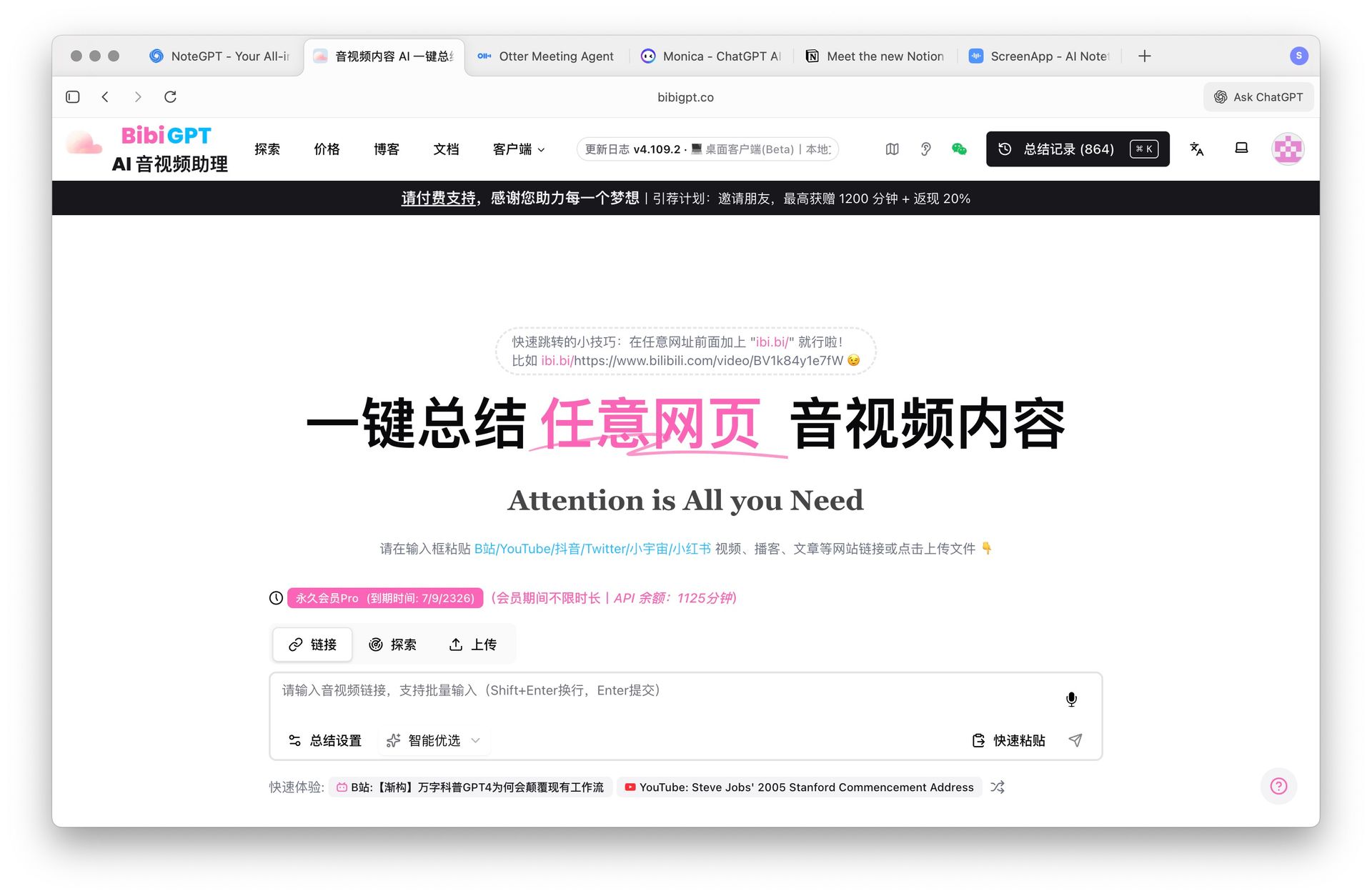 BibiGPT AI audio video summary interface
Core Highlights:
- Cross-platform audio/video support: YouTube, Bilibili, Xiaohongshu, Douyin, podcasts, and local files — one-click subtitles, summaries, mind maps, and key point cards
- Multimodal understanding: Combines visual and audio for structured extraction, ideal for knowledge-intensive long videos with "quick overview + precise review"
- AI Q&A follow-up: Ask follow-up questions after reading the summary to dig deeper into video content
- AI Agent integration: Use bibigpt-skill to let Claude Code, OpenClaw, and other AI Agents invoke video summarization directly
- Practice-oriented output: Export to presentations and structured notes, integrating with Notion, Obsidian, Readwise, and more
- Pricing: Core features free, membership unlocks advanced capabilities. See all features →
Real-World Example:
A content creator who consumes 5-8 industry analysis videos daily on YouTube and Bilibili uses BibiGPT to paste each link and instantly get structured summaries with chapter navigation. They then use AI Q&A to verify key data points before exporting everything to Notion as content research material -- cutting their daily research time from 3 hours to 40 minutes.
Typical Use Cases:
- YouTube video summarization: Timestamp navigation + key point extraction
- Bilibili video summarization: Chinese-friendly, precise chapter location
- Podcast smart summarization: Transcription + search + playback
- Local speech-to-text: Local asset management
- Free video summarizer: Zero-barrier online experience
💡 Paste any video link to try AI summarization instantly:
试试粘贴你的视频链接
支持 YouTube、B站、抖音、小红书等 30+ 平台
2. ScreenApp — Screen Recording + Team Collaboration
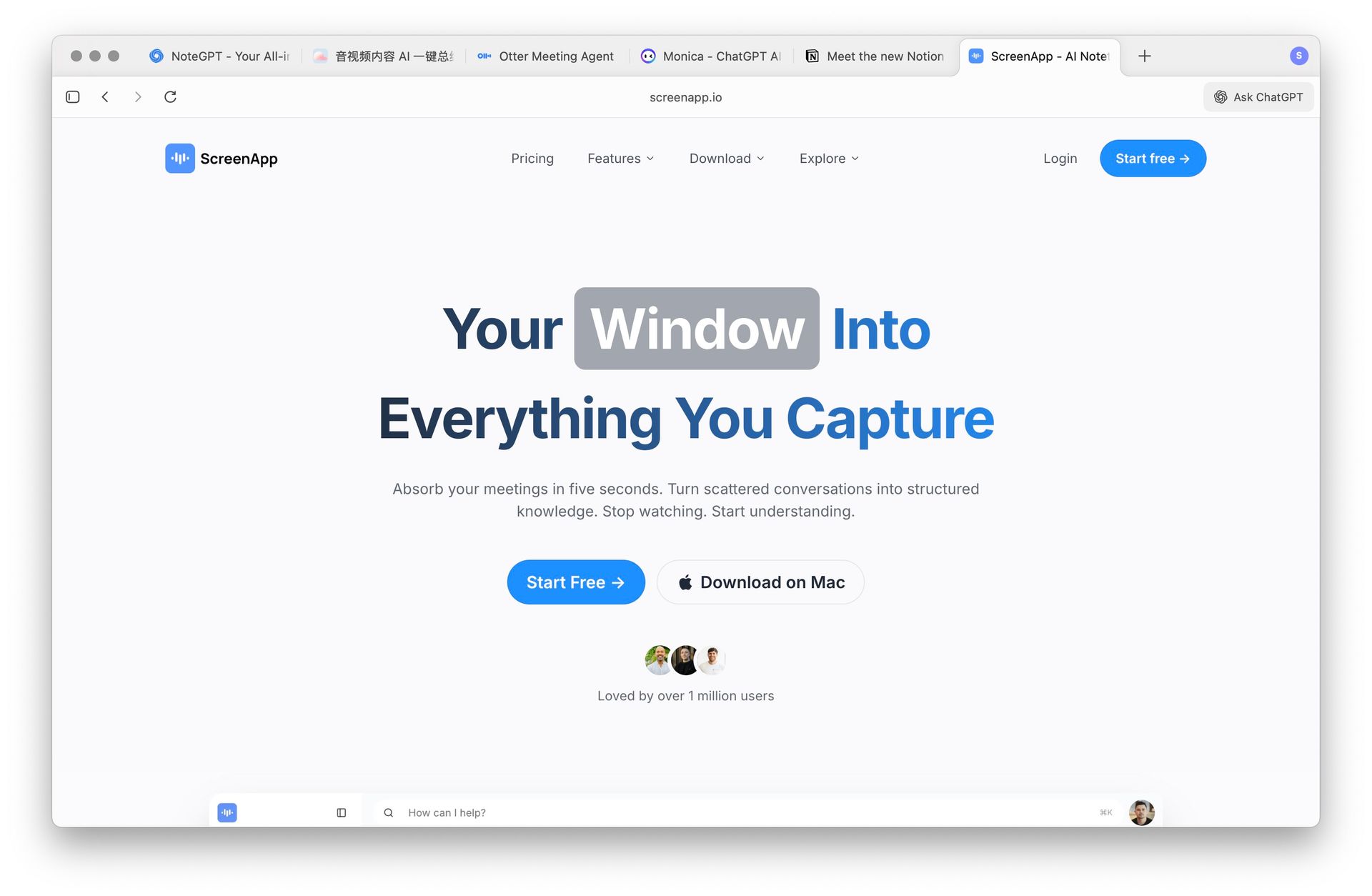 ScreenApp screen recording and summary interface
Core Highlights: "Create while recording" — integrates screen recording, meeting notes, and summarization. Great for tutorial creation, team collaboration, and training review.
Is it right for you? If your core need is quickly distilling real-time activities into knowledge documents, ScreenApp is a solid choice. However, it doesn't support Bilibili, Xiaohongshu, or other Chinese platforms.
Pricing: Limited free version, paid $10+/mo.
3. Monica — Multi-Scenario Browser Assistant
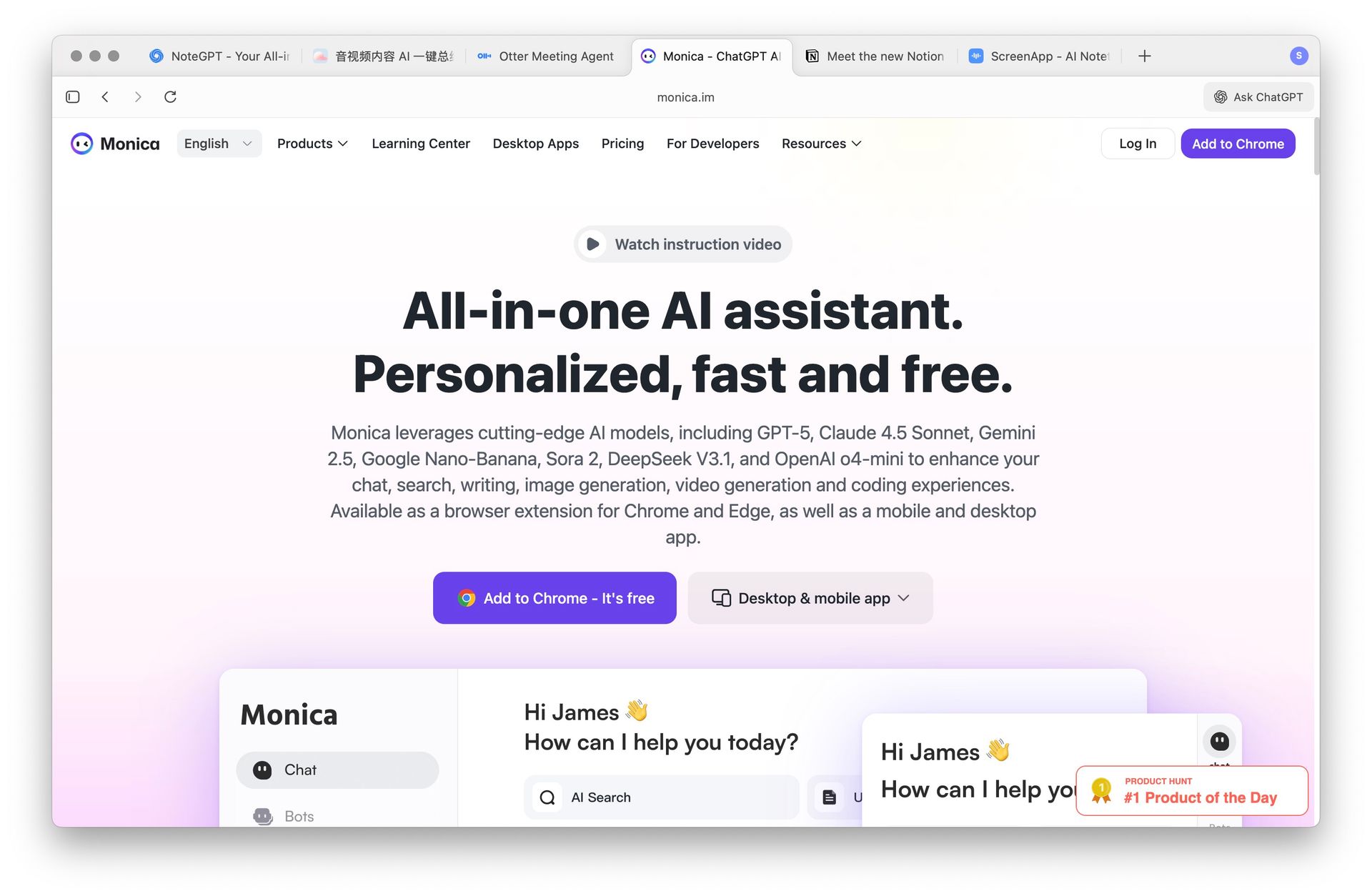 Monica browser extension interface
Core Highlights: Chrome sidebar access to summarization, rewriting, translation, and more — covering lightweight processing of web articles, emails, and temporary materials.
Is it right for you? If you primarily process web content (not audio/video), Monica's "what you see is what you get" workflow is smooth. But its video content understanding is limited.
Pricing: Limited free, paid $9.9/mo.
4. Notion AI — Integrated Knowledge Base Writing
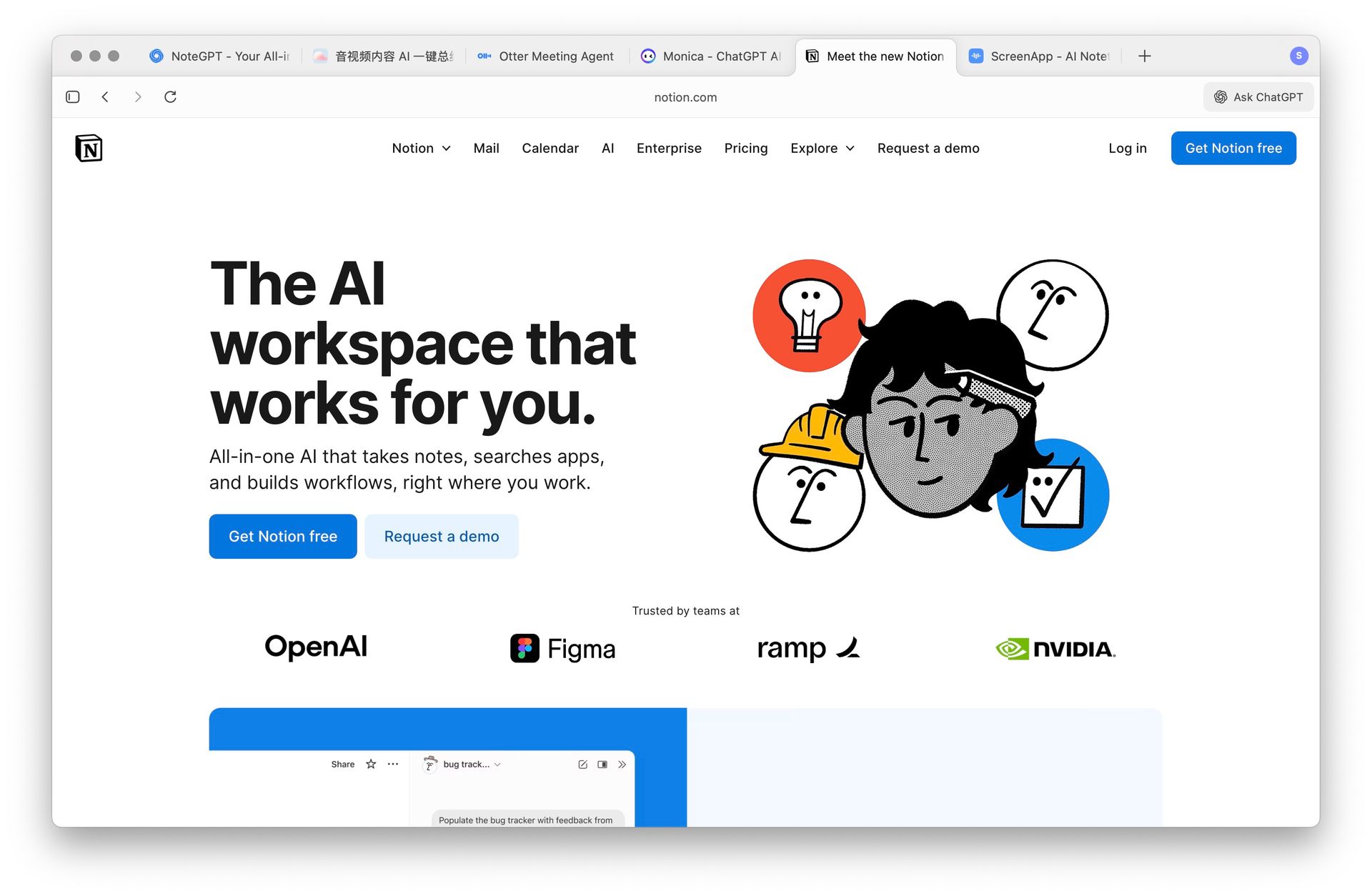 Notion AI knowledge base writing interface
Core Highlights: Writing enhancement, meeting minutes, and task organization within the Notion knowledge base environment. Ideal for teams already deep into the Notion ecosystem.
Is it right for you? If your "material sedimentation and collaborative editing" workflow lives in Notion, Notion AI's seamless integration is compelling. But it's not a dedicated audio/video tool.
Pricing: Limited for free Notion users, full version $10/mo.
5. Otter.ai — Real-Time Transcription & Meeting Notes
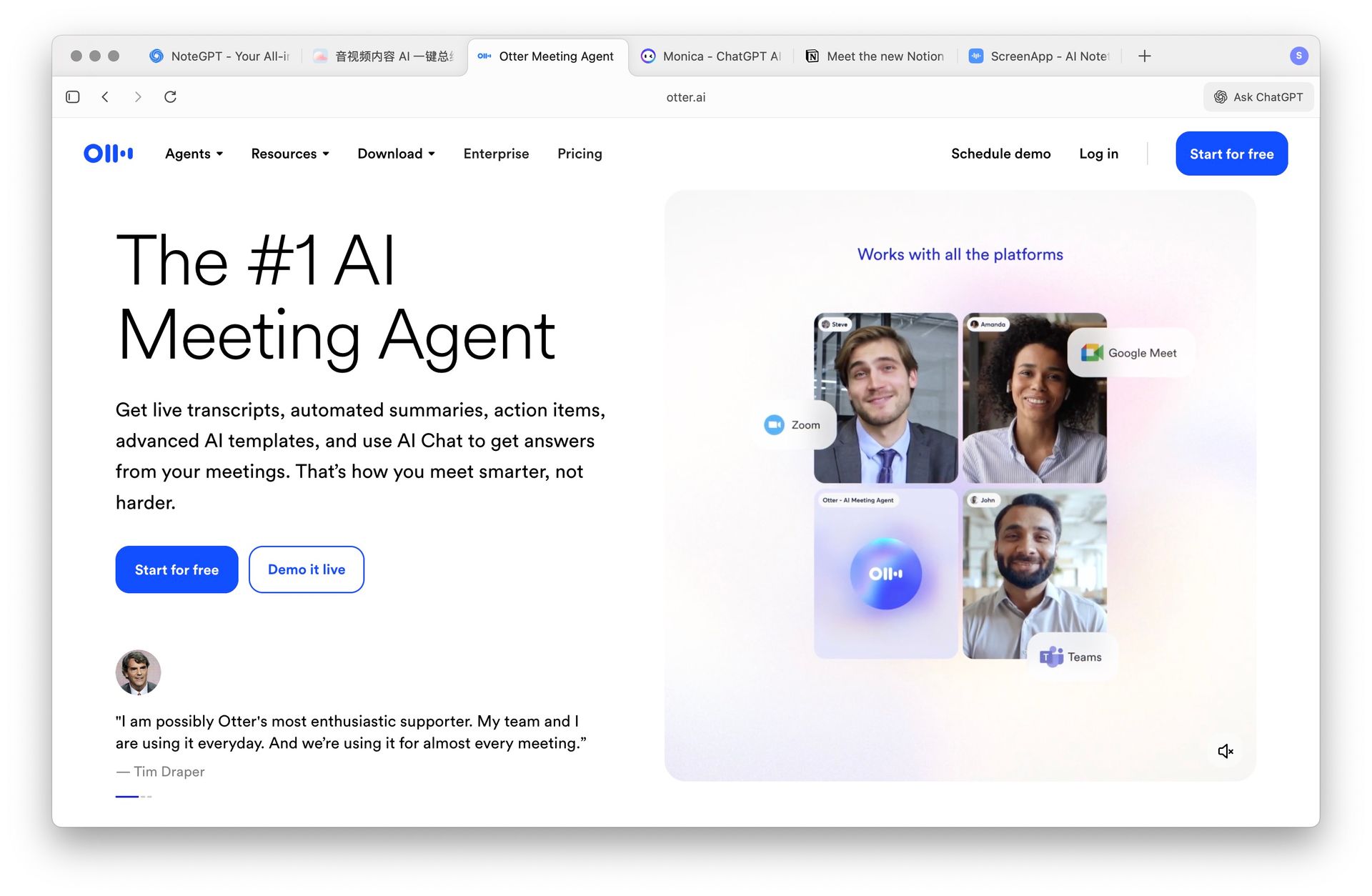 Otter.ai real-time transcription interface
Core Highlights: Multi-speaker recognition + real-time transcription, suitable for online meetings, classrooms, and interviews.
Is it right for you? If your core focus is accurate meeting minutes capture and collaboration, Otter.ai excels. But its support for pre-recorded videos and Chinese platforms is limited. For more AI meeting transcription tools, see Best AI Meeting Transcription Tools.
Pricing: Free 300 min/mo, paid $10+/mo.
6. WayinVideo — Multimodal Video Analysis Engine
Core Highlights: WayinVideo uses a multimodal engine that analyzes audio and visual content simultaneously (slides, whiteboard notes, diagrams) without relying on captions or automatic speech recognition. This means it can accurately extract key information even from videos with no subtitles or poor-quality captions.
Is it right for you? If you frequently watch caption-free lecture recordings, academic presentations, or technical demos, WayinVideo's visual understanding capability is its biggest differentiator. However, its platform coverage is narrower than BibiGPT's -- it doesn't support direct URL paste for Bilibili, Xiaohongshu, or other Chinese platforms.
Pricing: Limited free uses, paid $12/mo.
7. Coconote — AI Course Notes & Flashcard Generator
Core Highlights: Coconote specializes in AI note-taking for courses and meetings, supporting automatic transcription in 100+ languages. On top of transcription, it generates quizzes, flashcards, and structured notes -- perfect for students and professionals who need a "learn + review" loop.
Is it right for you? If your core pain point is "I watch videos but can't retain the information," Coconote's flashcard and quiz features can help reinforce learning. However, it's more education-focused and offers limited support for content creators' deeper analysis needs (like mind maps or article rewriting).
Pricing: Free tier with basic transcription, paid $9.99/mo.
Use Case Matching Guide
| Your Core Scenario | Recommended Tool | Why | Ideal For |
|---|---|---|---|
| YouTube/Bilibili/Podcast learning & research | BibiGPT | Chapter-based understanding, concept maps, AI Q&A, multi-platform | Content creators, students, knowledge workers |
| Real-time meeting recording | Otter.ai | Speaker recognition, real-time transcription, team collaboration | Product managers, team leads |
| In-browser web & document processing | Monica | Sidebar one-click operations, multi-scenario coverage | Heavy web readers, researchers |
| Notion-based knowledge management | Notion AI | Seamless integration, collaborative editing | Notion power users, teams |
| Screen recording + training | ScreenApp | Recording + summarization in one | Trainers, tutorial creators |
| Caption-free lectures & presentations | WayinVideo | Multimodal visual analysis, no caption dependency | Academic researchers, online course learners |
| Course learning + study reinforcement | Coconote | Auto transcription + quizzes + flashcards, learning loop | College students, exam preppers, lifelong learners |
Further Reading:
- NotebookLM vs BibiGPT · Snipd vs BibiGPT · Summify vs BibiGPT
- NoteLM vs BibiGPT · Mapify vs BibiGPT · BiliNote vs BibiGPT
- Best YouTube AI Summarizer Chrome Extensions · How to Summarize YouTube Videos
- AI Video Summary Guide · Best Podcast Summarizer Tools · AI Summarizer Tools
- Best AI Podcast Transcription Tools 2026: Voxtral vs Fish Audio vs BibiGPT
Recommended BibiGPT Features
Based on this article, we recommend the most relevant AI audio/video processing tools
Frequently Asked Questions (FAQ)
Q: What is the biggest difference between NoteGPT and BibiGPT? A: NoteGPT focuses on cross-format text summarization (PDFs, web pages, videos), while BibiGPT specializes in deep audio/video understanding — supporting YouTube, Bilibili, Xiaohongshu, Douyin and more, with mind maps, AI Q&A follow-ups, and highlight notes designed specifically for video content.
Q: What makes dedicated audio/video tools fundamentally different from NoteGPT? A: NoteGPT is a cross-format summarizer (PDFs, web pages, video). Dedicated tools like BibiGPT focus specifically on deep audio/video understanding — offering chapter navigation, mind maps, and AI Q&A follow-ups that NoteGPT doesn't provide. If most of your content is video or podcasts, a specialized tool delivers a significantly better experience.
Q: Are there free NoteGPT alternatives? A: BibiGPT offers a free tier with core summarization features — no credit card required. You can try the free video summarizer right now. Otter.ai provides 300 free minutes per month. Notion AI offers limited credits for free Notion users. For advanced features, check BibiGPT pricing.
Q: Which tool is best for non-English audio/video content? A: BibiGPT has the most comprehensive support for non-English audio/video, natively supporting direct URL paste-and-summarize for Bilibili, Xiaohongshu, Douyin, and Xiao Universe (Chinese podcast platform). Other tools generally lack support for these platforms.
Q: How do prices compare across these tools? A: BibiGPT's core features are free; ScreenApp, Notion AI, and Otter.ai cost approximately $10/mo each; Monica is about $9.9/mo; WayinVideo is about $12/mo; Coconote is about $9.99/mo. For overall features and multilingual support, BibiGPT offers the best value.
Q: Can I try before I commit? A: Yes. BibiGPT lets you use core features for free — no credit card required. Just paste a video link to experience the full AI summarization workflow. Try it free →
Conclusion
Which tool is right for you depends on your core use case. If your primary materials are video and audio, and you want to go beyond summarization to generate presentations, structured notes, and searchable knowledge bases, BibiGPT is the best fit. Over 1 million users trust BibiGPT for their audio and video content.
Start your AI efficient learning journey now:
- 🌐 Official Website: https://bibigpt.co
- 📱 Mobile Download: https://bibigpt.co/app
- 💻 Desktop Download: https://bibigpt.co/download/desktop
- ✨ Learn More Features: https://bibigpt.co/features
BibiGPT Team