
Google Vids Free AI Video Generator 2026: How BibiGPT Helps You Learn from Every Video
Google Vids now offers free AI video generation powered by Veo 3.1, with 10 free clips per month. But how do you efficiently understand and summarize all these AI-generated videos? BibiGPT summarizes videos from 30+ platforms in one click.
Google Vids Free AI Video Generator 2026: How BibiGPT Helps You Learn from Every Video
Table of Contents
- Google Vids + Veo 3.1: Free AI Video Generation Is Here
- How to Use Google Vids: Complete Step-by-Step Guide
- Free AI Video Generator Comparison 2026
- The Real Problem: Understanding AI-Generated Videos
- BibiGPT: The Perfect Companion for AI Video Summarization
- Workflow: Summarize AI-Generated Videos with BibiGPT
- FAQ
- Conclusion
AI video generators are exploding in 2026, but the flood of video content is impossible to watch and retain. You need more than a tool to "create videos" — you need an assistant to help you "understand videos." BibiGPT summarizes audio and video from 30+ platforms with one click, extracting the knowledge that matters.
试试粘贴你的视频链接
支持 YouTube、B站、抖音、小红书等 30+ 平台
Google Vids + Veo 3.1: Free AI Video Generation Is Here
On April 2, 2026, Google officially announced that its latest Veo 3.1 video generation model is now free inside Google Vids. Any user with a standard Google account can now create AI videos at zero cost — no credit card, no subscription required.
Key Features at a Glance
| Feature | Free Tier | AI Pro | AI Ultra |
|---|---|---|---|
| Monthly video generations | 10 | 50 | 1,000 |
| Resolution | 720p | 720p | 720p |
| Max clip length | 8 seconds | 8 seconds | 8 seconds |
| Veo 3.1 video generation | Yes | Yes | Yes |
| Lyria 3 music generation | No | Yes (up to 3 min) | Yes (up to 3 min) |
| AI avatars | No | Yes | Yes |
| Direct YouTube publishing | Yes | Yes | Yes |
Google Vids is now one of the first major productivity tools to bundle AI video generation, music creation, and controllable avatars into a single platform with a free starting tier.
Why This Matters
- Zero barrier to entry: Just a standard Gmail account gets you started
- Deep Google Workspace integration: Create videos directly within your existing workflow
- Lyria 3 music generation: AI Pro and above users can generate custom tracks from 30 seconds to 3 minutes
- Chrome screen recording extension: Record your screen and edit directly in Google Vids
How to Use Google Vids: Complete Step-by-Step Guide
Step 1: Access Google Vids
Sign in to Google Vids at vids.google.com with your Google account. No separate registration needed.
Step 2: Choose Your Creation Method
Google Vids offers multiple creation paths:
- Text to video: Type a prompt and Veo 3.1 generates video clips automatically
- Image to video: Upload a reference photo for AI to animate into motion
- Template quick-start: Pick from preset templates and assemble your video fast
Step 3: Edit and Export
In the Google Vids editor, you can:
- Arrange clip order and adjust timing
- Add AI-generated background music (AI Pro required)
- Use AI avatars for narration (AI Pro required)
- Publish directly to YouTube or download
Free AI Video Generator Comparison 2026
Google Vids is not the only free option. Here is how the major free AI video generators stack up in 2026:
| Tool | Free Quota | Clip Length | Resolution | Standout Feature |
|---|---|---|---|---|
| Google Vids (Veo 3.1) | 10/month | 8 sec | 720p | Workspace integration, music gen |
| Kling AI | Limited free | 5-10 sec | 720p | Fine-grained motion control |
| Pika | Limited free | 4 sec | 720p | Diverse style options |
| Runway Gen-4 | Limited free | 5-10 sec | 720p-1080p | Professional-level controls |
| Hailuo AI | Limited free | 6 sec | 720p | Optimized for Chinese context |
Every tool has its strengths, but there is a question nobody is asking: When AI video content grows exponentially, how do we efficiently consume and learn from all these videos?
The Real Problem: Understanding AI-Generated Videos
AI video generators have reduced the creation barrier to zero. But this also creates a new challenge:
- AI-generated videos on YouTube, TikTok, and Bilibili are growing at an staggering rate
- Tutorials, product demos, knowledge sharing — content types are multiplying
- A 10-minute video takes 30+ minutes to manually extract key takeaways
This is exactly the problem BibiGPT was built to solve — not to help you "make videos," but to help you "understand videos."
For a deep dive into AI-powered video learning methods, check out our guide: How to Use AI to Learn from Videos Efficiently, which covers the Feynman technique combined with AI video summarization.
BibiGPT: The Perfect Companion for AI Video Summarization
BibiGPT has served 1,000,000+ users, completed 5,000,000+ audio/video summaries across 30+ platforms including YouTube, Bilibili, TikTok, and more.
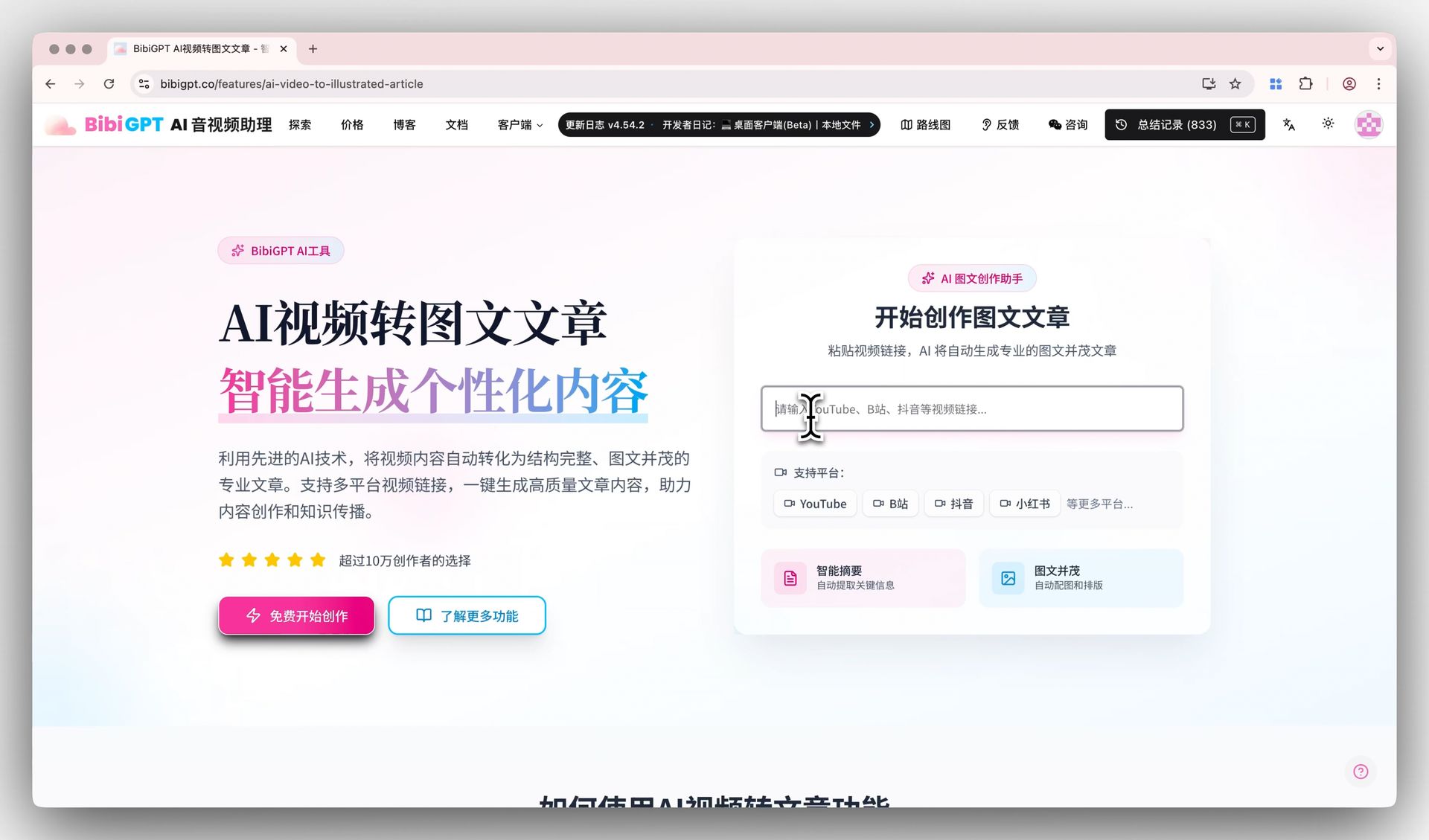 BibiGPT AI video summary demo
Why Google Vids Users Need BibiGPT
Google Vids creates videos. BibiGPT understands videos. Together, they form a complete loop:
- One-click summarization across 30+ platforms: Paste a YouTube, Bilibili, or TikTok link and advanced AI automatically extracts subtitles and generates structured summaries
- AI chat with video: Got questions about the content? Ask directly — AI answers with clickable timestamps that trace back to the exact source in the video
- Video to article: Automatically convert video content into richly illustrated articles, exportable as HTML, PDF, or Markdown
- Mind map generation: Transform complex video content into visual knowledge structures with one click
- Multi-language subtitle translation: Support for Chinese, English, Japanese, Korean, and more — learn across languages effortlessly
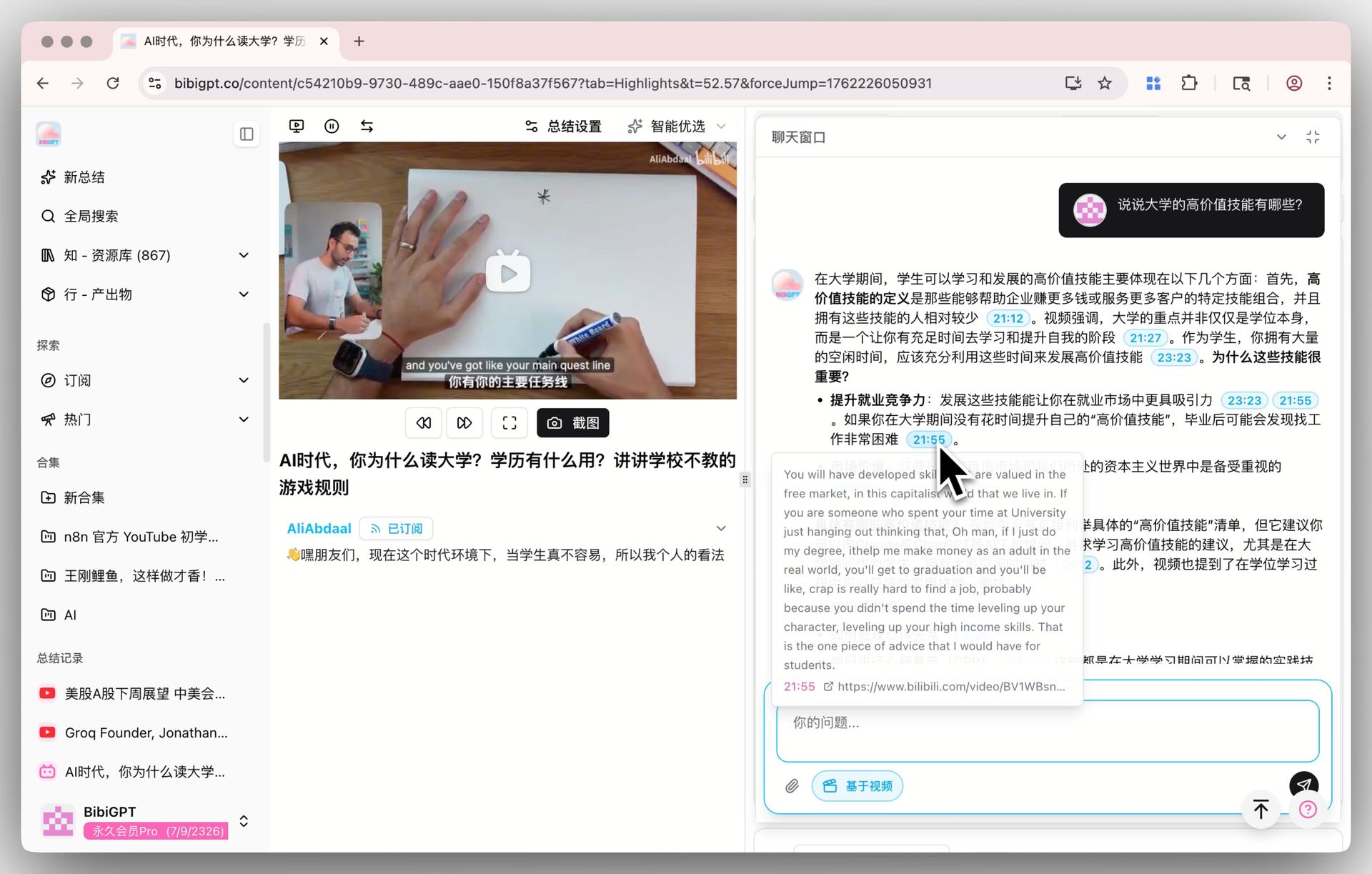 BibiGPT AI video dialogue with source tracing
How BibiGPT Compares to Other AI Note-Taking Tools
Curious about how BibiGPT stacks up against NotebookLM and similar tools? Read our detailed comparison: NotebookLM Cinematic Video vs BibiGPT Video Summary 2026.
For YouTube-specific video summarization, BibiGPT offers the most comprehensive AI YouTube video summarization experience available today.
Workflow: Summarize AI-Generated Videos with BibiGPT
Say you discover a 15-minute YouTube review of Google Vids new features. Instead of watching the whole thing, use BibiGPT in 3 steps:
Step 1: Copy the Video Link
Grab the video URL from YouTube, Bilibili, TikTok, or any supported platform.
Step 2: Paste into BibiGPT
Open aitodo.co and paste the link into the input box.
Step 3: Get Your AI Summary
Advanced AI automatically extracts subtitles, generates a structured summary with key insights, and creates a mind map. You can then chat with the AI to ask follow-up questions about specific details.
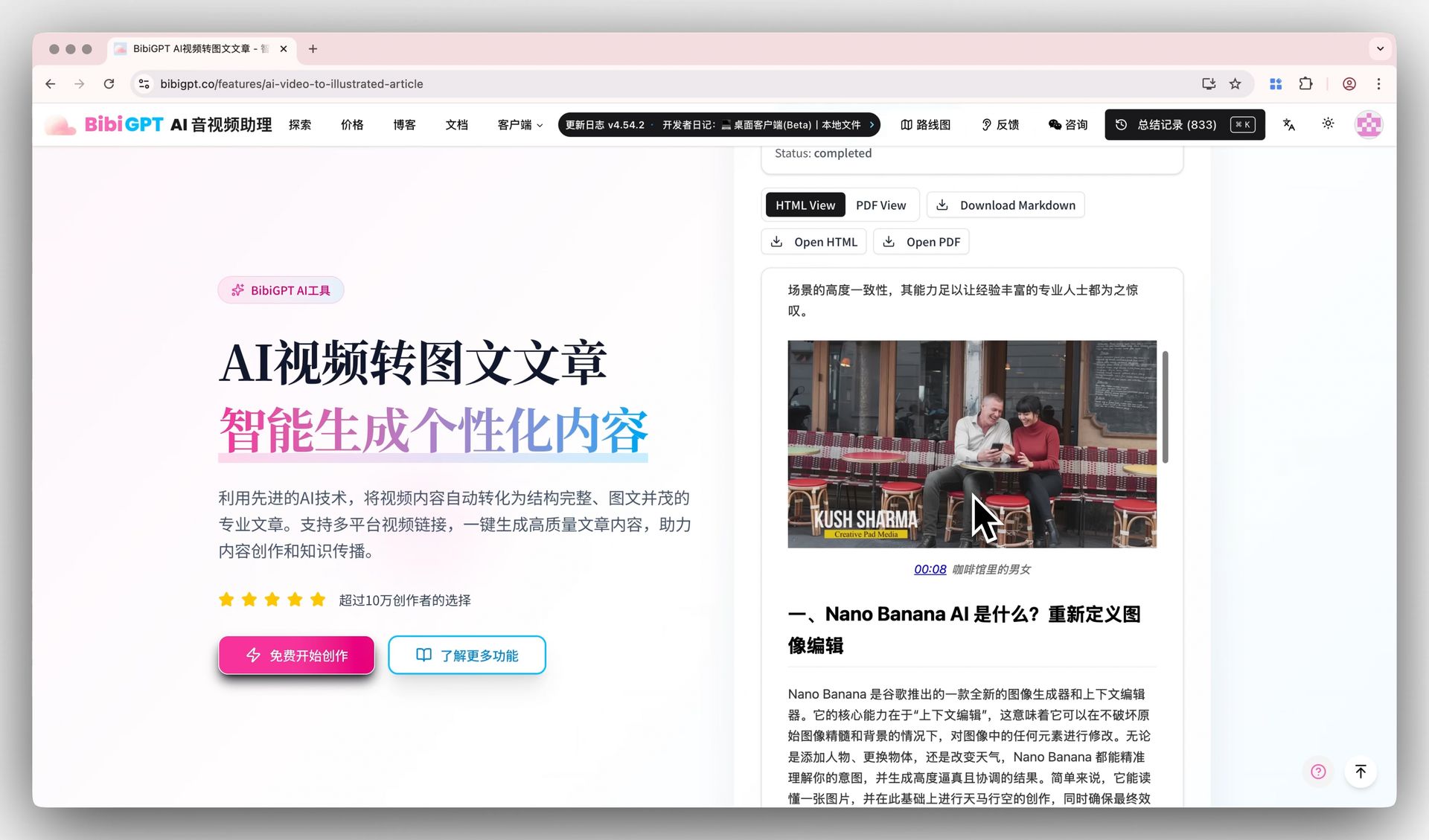 BibiGPT article generation demo
For more YouTube summarization tips, see: Best YouTube Video Summarizer 2026: Complete Guide.
FAQ
Is the Google Vids free tier enough for most users?
The free tier provides 10 Veo 3.1 video generations per month at 720p, with clips up to 8 seconds each. This is adequate for casual experimentation and simple projects, but does not include Lyria 3 music generation or AI avatar features. For heavier usage, Google AI Pro offers 50 generations per month, and AI Ultra provides up to 1,000.
Can BibiGPT summarize videos made with Google Vids?
Yes. Once a Google Vids video is published to YouTube or any other supported platform, BibiGPT can summarize it via the link. BibiGPT supports 30+ platforms for audio and video summarization, including YouTube, Bilibili, TikTok, Xiaohongshu, and podcasts.
What is the difference between Google Vids and BibiGPT?
They solve different problems. Google Vids is an AI video creation tool that helps you generate videos from text or images. BibiGPT is an AI video understanding tool that helps you quickly summarize, analyze, and learn from existing video content. Using both together creates a complete "create and learn" workflow.
Which free AI video generator is best in 2026?
In 2026, Google Vids stands out for its Veo 3.1 integration and zero-barrier access via any Google account. For longer videos or higher quality, consider Runway Gen-4 or Kling AI. The best choice depends on your specific needs — creative shorts, product demos, or educational content.
Conclusion
Google Vids with Veo 3.1 going free marks the democratization of AI video creation. But as AI-generated video content explodes, "understanding videos" needs a smart assistant even more than "making videos" does.
BibiGPT is that assistant — trusted by 1,000,000+ users, covering 30+ platforms, from one-click summaries to AI-powered Q&A, helping you save brainpower with computing power.
- 🎬 Try BibiGPT AI video summarization now: aitodo.co
- 📺 Summarize any YouTube video in one click: aitodo.co
- 🚀 Explore more AI video features: aitodo.co/features