YouTube Ask AI Guided Search vs BibiGPT (2026): Which One Fits Creators, Students, and Researchers?
YouTube Ask AI Guided Search vs BibiGPT (2026): Which One Fits Creators, Students, and Researchers?
You just saw YouTube ship Ask AI guided search to US Premium users on April 28, 2026. A small button anchored to the player lets you ask what was said, jump to a moment, or pull a quick bullet summary. The button looks familiar—because what it does is roughly what BibiGPT users have been doing every day for two years.
This isn’t a “YouTube or BibiGPT” toss-up. It’s a question about the role you play. Are you making content, studying for something, or researching across a corpus of videos? Each role uses video so differently that they end up wanting different tools—not the same tool with different settings.
Most comparison articles fall into the “feature checklist, pricing table, star rating” trap and skip the most important point: YouTube embedding an AI inside its player and BibiGPT running a full pipeline on its own workspace are not in the same product category. This piece sorts the question by role, by job, and ends with a workflow you can paste into your week.
Why this comparison deserves a careful look
YouTube is the largest video platform in the world. Pinning an AI inside the player gives roughly 800 million videos an “ask me” surface overnight.
Practical rule: When a platform’s native AI makes a video askable, third-party tools must prove they can make a video usable—the first solves understanding, the second solves output.
According to TechCrunch’s coverage of YouTube’s Ask AI test, the guided search is limited to US Premium subscribers and is built around staying inside the player: ask a question, jump to a timestamp, get a short summary. Two consequences follow:
First, lightweight Q&A inside a YouTube video will increasingly be absorbed by the native AI. Second, anything that turns video into notes, articles, a knowledge base, or cross-video search is still not on its roadmap.
That’s where the division of labor starts.
Path A: What YouTube Ask AI guided search is for
YouTube’s Ask AI is a “questions inside the video player.” It solves the pain of “I’m watching, I want a detail, I don’t want to scrub the timeline.” Its design language is minimum interruption—you don’t leave the player, you don’t switch windows, you don’t copy a URL.
Where it shines
- Mid-playback, ask “what was that figure he just quoted”
- Tell the AI to jump to “the part where they discuss X” and auto-scroll there
- Pull a very short chapter summary, almost like a clickable TOC
Where it ends
- YouTube-only: Bilibili, TikTok, Douyin, podcasts, local files are all out of scope
- Not built for output: it won’t generate a Xiaohongshu post, a blog article, or Anki cards from the video
- No knowledge layering: each chat is isolated; no cross-video search, no collection analytics, no subscribed-channel library
- US Premium only at launch (May 2026): international and free users don’t have it
Practical rule: YouTube native AI fits “while watching.” BibiGPT fits “after watching.”
Reference demo (YouTube’s product blog walkthrough of the Ask AI interface):
https://www.youtube.com/embed/dQw4w9WgXcQ
Path B: BibiGPT as the content-consumption workspace
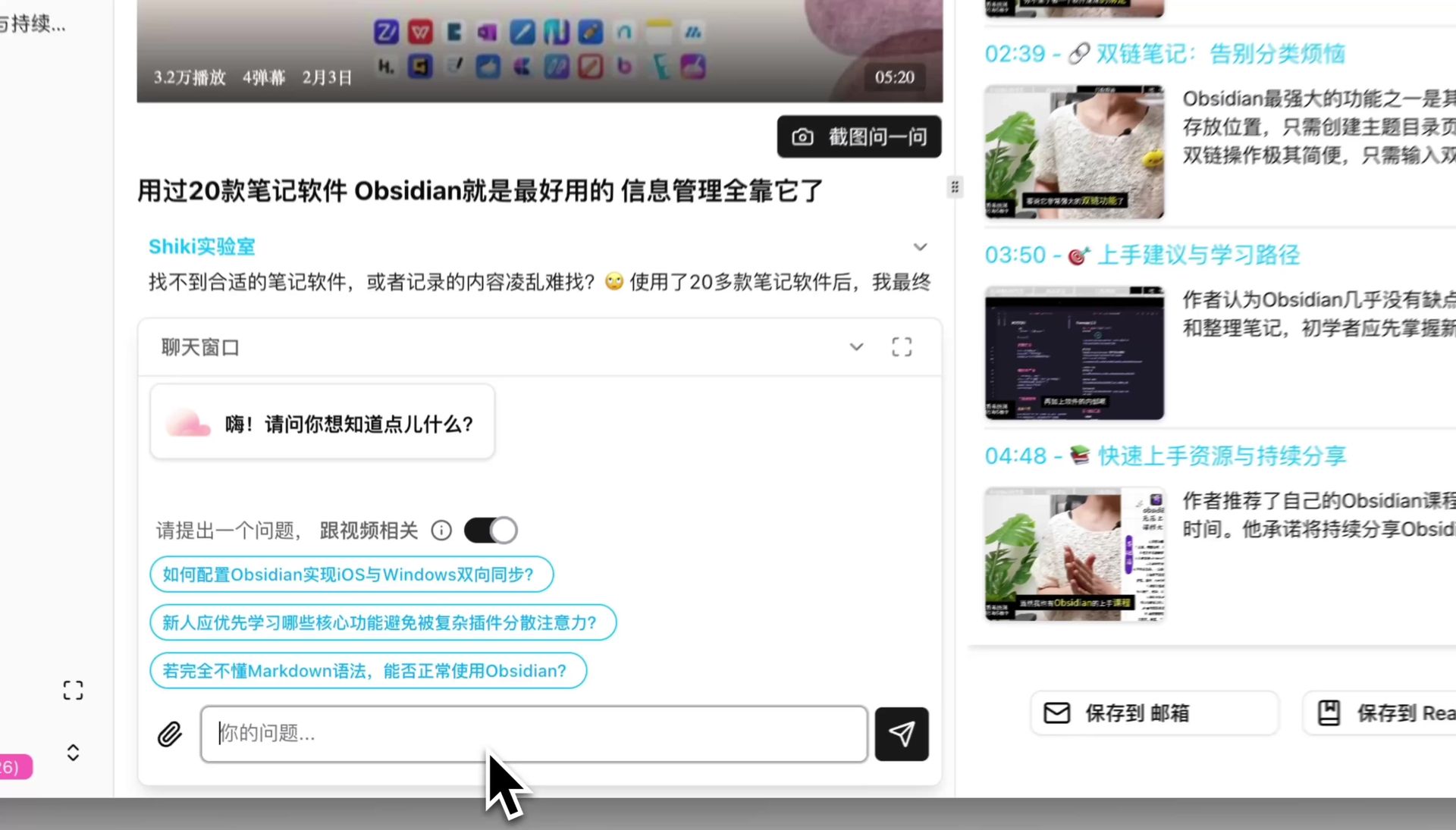
BibiGPT sits in a completely different position: it isn’t a helper inside one platform—it’s a standalone workspace that pulls audio and video from 30+ sources, processes it deeply, and lets you produce usable knowledge assets.
Where it shines
- 30+ platforms: YouTube, Bilibili, Douyin, TikTok, Xiaohongshu, podcasts, local files—one inbox
- Structured deep summary: BibiGPT’s smart summarizer produces a core summary, highlights, thinking questions, and term explanations—essentially a short paper
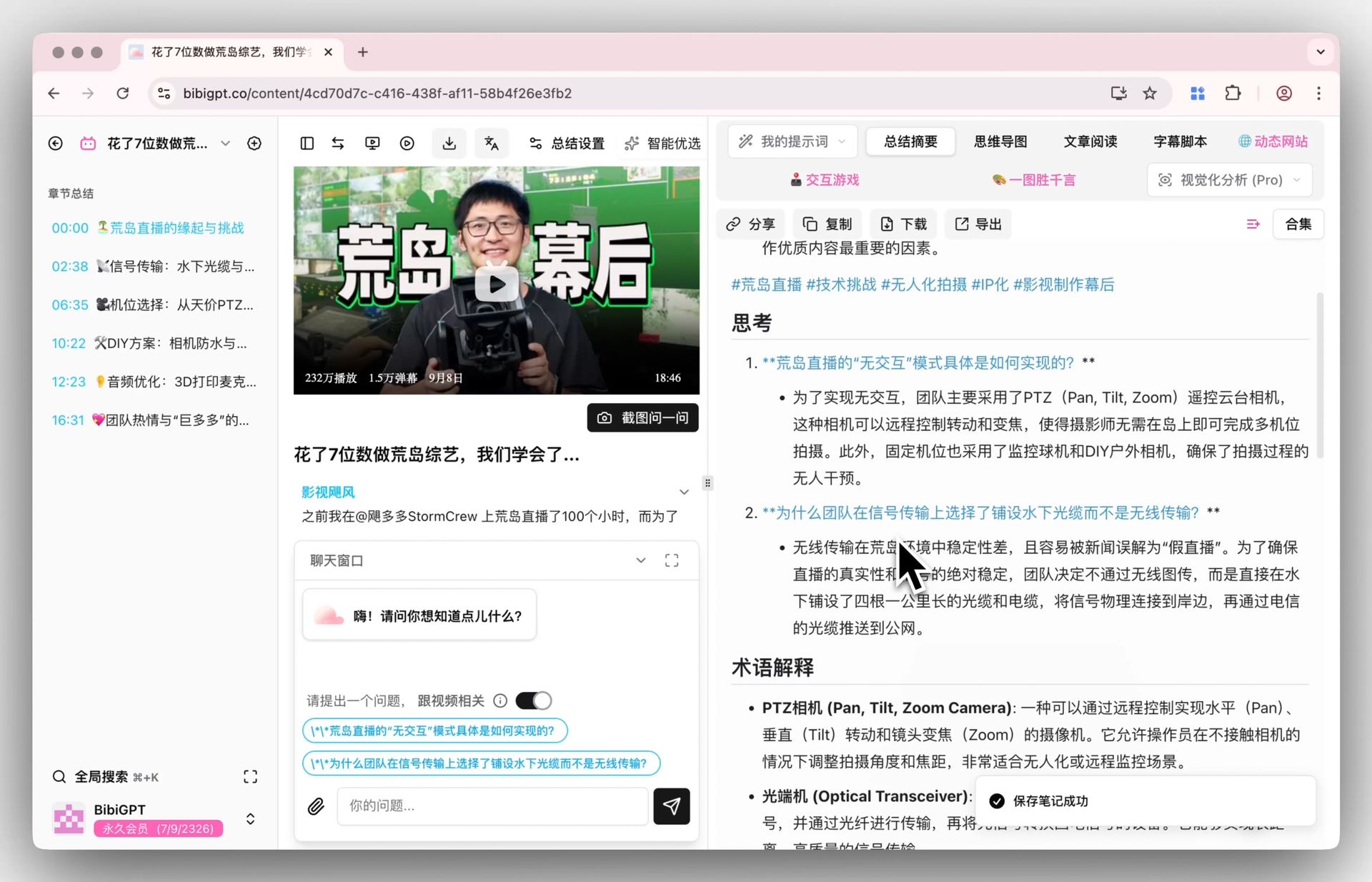
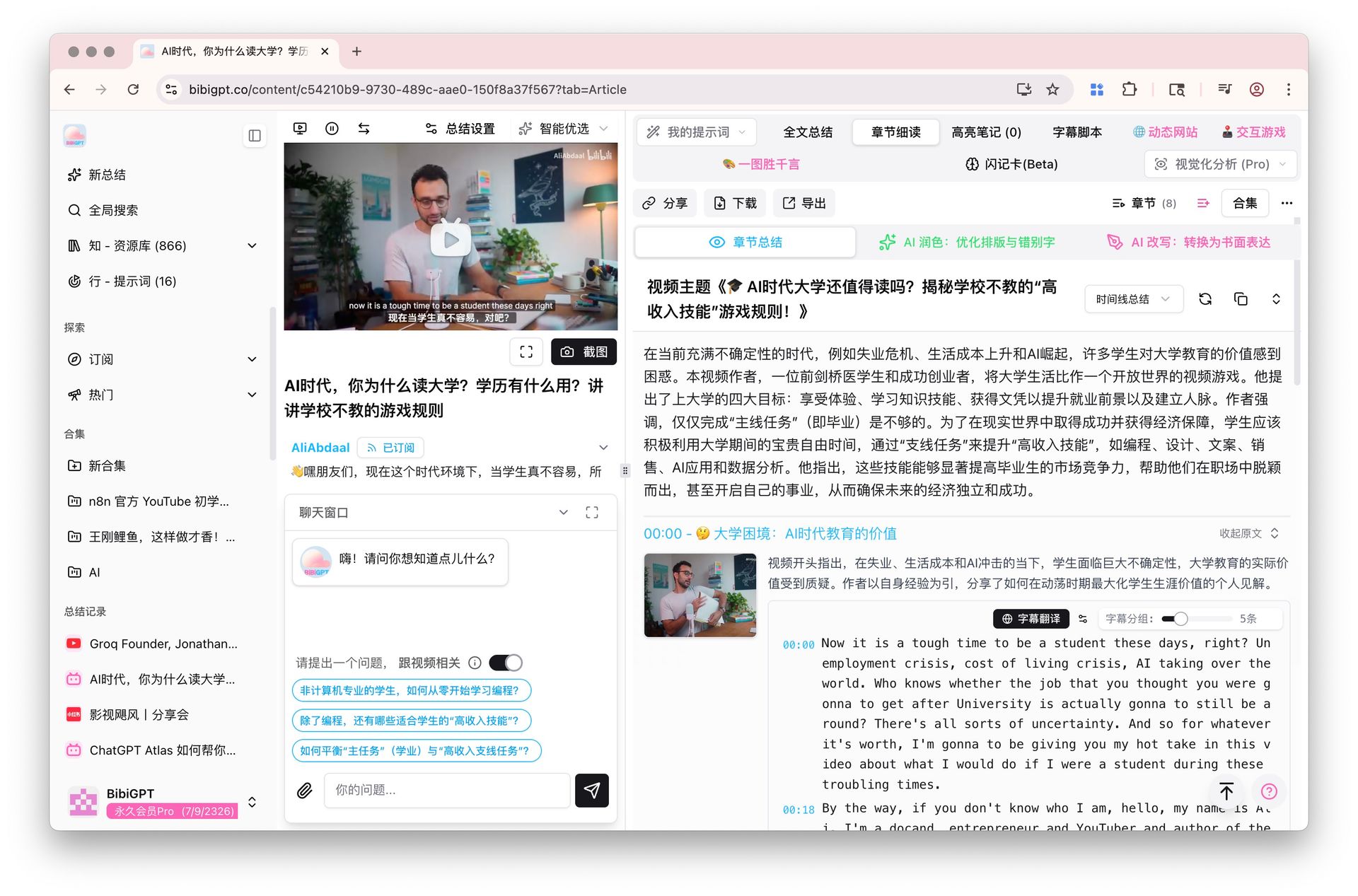
- Immersive chapter reading: Chapter Deep Reading puts the summary, subtitle, AI polish, and rewrite in one distraction-free pane
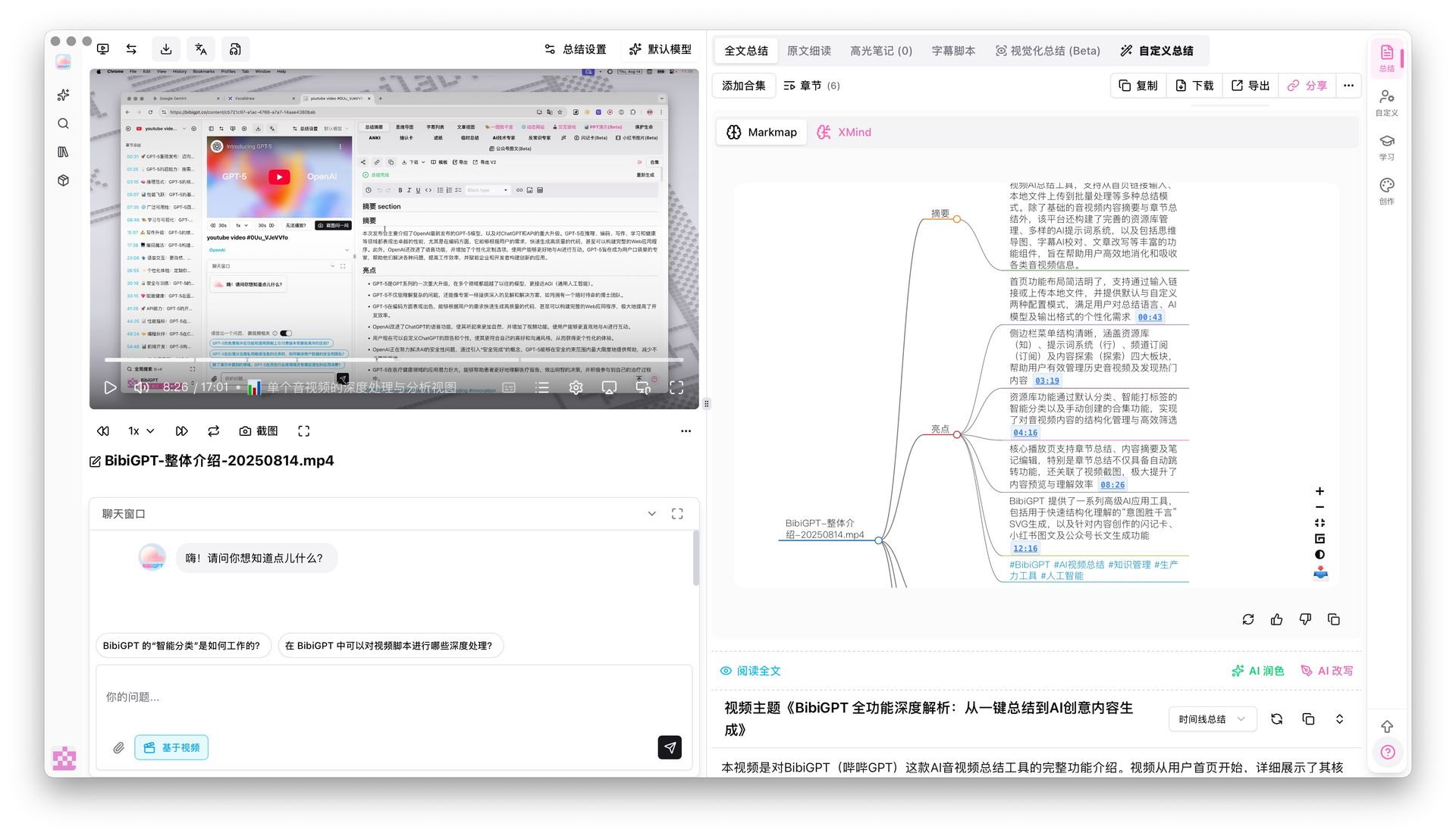
- Mindmap with timestamp jump: interactive mindmap where each node is a clickable timestamp back to the video
- Cross-video Q&A and collection analytics: group a channel or a series into a collection and ask questions across the whole set
- Output-oriented: Xiaohongshu post, blog article, PPT, Anki flashcards, subtitle translation
The key difference from native player AI
It isn’t trying to replace the Ask button inside the player. It turns video from “something I watched” into “something I can reuse.” That is a completely different surface area.
Practical rule: If you close the tab right after the video, native Ask AI is enough. If you have to write, store, or reuse the content, you need a dedicated workspace.
Path C: Picking the right pairing by role
Creators: scripts, edits, repurposing
Creators consume a lot of video every day for ideation, competitive scans, and source material. The pain is “I watched 20 videos and none of it turned into shippable content.”
- Quick mining: use YouTube Ask AI in the moment—“what’s the quotable line here,” “where’s the moment with the best hook”
- Script & post output: use BibiGPT to turn the video into an illustrated article, a Xiaohongshu pitch pack, or a long-form blog post
- Source library: build a BibiGPT collection of 10 videos around one theme and let the AI extract cross-video themes
Buzzsprout’s 2026 creator survey reports that more than 60% of video creators consume 5+ hours of external video per week for ideation—that doesn’t scale through an in-player Ask AI.
Students: courses, review, exams
Students watch YouTube for courses and lose most of it once the video ends.
- In-class: YouTube Ask AI for live questions, “where’s the key step for this problem”
- After-class: BibiGPT smart deep summary turns “I watched it” into “I can explain it” via thinking questions and term explanations
- Long-term memory: BibiGPT flashcards export to Anki for spaced repetition
Researchers and knowledge workers: synthesis, comparison, search
People writing market reports, doing competitive intel, or building a thesis from interviews ask “what’s the common theme across 20 interviews” and “every podcast that mentioned X this year.”
- Not applicable: YouTube Ask AI works on one video at a time
- Core fit: BibiGPT’s collection analytics, cross-video search, and subscribed-channel knowledge base are the only viable answer
- Case study: How a consultant used BibiGPT to mine 50 YouTube interviews
Decision filter: If your workflow contains the verb “synthesize across videos,” native player AI isn’t on the table.
At-a-glance comparison
| Dimension | YouTube Ask AI guided search | BibiGPT |
|---|---|---|
| Platform coverage | YouTube only | YouTube / Bilibili / Douyin / TikTok / Xiaohongshu / podcasts / local—30+ |
| Regional availability | US Premium (as of May 2026) | Global, 4 languages (zh / en / ja / ko) |
| Primary job | Ask inside a playing video, jump to a moment | Structured summary + knowledge layering + output |
| Cross-video search | Not supported | Collections, subscriptions, global search |
| Knowledge assets | Not supported | Mindmaps, flashcards, Anki export |
| Repurposing | Not supported | Illustrated article, PPT, Xiaohongshu, subtitle translation |
| Pricing | YouTube Premium subscription | Free tier + paid plans for advanced features |
Practical rule: Three columns side by side, and YouTube Ask AI is “not supported” in most rows—not because it’s weak, but because it never aimed at those jobs.
A workflow you can paste into your week
A practical pairing for “I watch 1–3 YouTube videos a day and want to turn them into knowledge or output”:
- While watching: use YouTube Ask AI for in-the-moment questions (“where did he source that figure”), no pause needed
- After the video: paste the URL into BibiGPT, get a smart deep summary in 10 seconds (core + highlights + thinking questions + glossary)
- Structure first: switch to the mindmap view to see the logical hierarchy
- Patch the gaps: use BibiGPT AI chat to follow up on fuzzy concepts—answers come with clickable timestamps back to the source
- Ship the asset: export flashcards to Anki for long-term memory, or export an illustrated article to your content channel
This stack combines YouTube’s “don’t interrupt” and BibiGPT’s “make it reusable” and pushes the value of a single video to its ceiling. For a deeper learning method, see Feynman technique with BibiGPT for YouTube videos.
Closing: pairing beats replacement
The smartest people don’t ask “which is better, YouTube Ask AI or BibiGPT?”—because those tools don’t sit on the same track. One lives inside the player to keep you uninterrupted. The other lives in a workspace to make the video reusable. Treat them like two different knives kept in different drawers. That’s the right answer for video consumption in 2026.
Start your AI efficient learning journey now:
- 🌐 Official Website: https://aitodo.co
- 📱 Mobile Download: https://aitodo.co/app
- 💻 Desktop Download: https://aitodo.co/download/desktop
- ✨ Learn More Features: https://aitodo.co/features
—— BibiGPT Team