BibiGPT
WeChat ClawBot
Send a video link to WeChat ClawBot and get an AI summary back in seconds. Nothing to install — scan once to connect.
Sign in, then scan the QR code under Note integrations
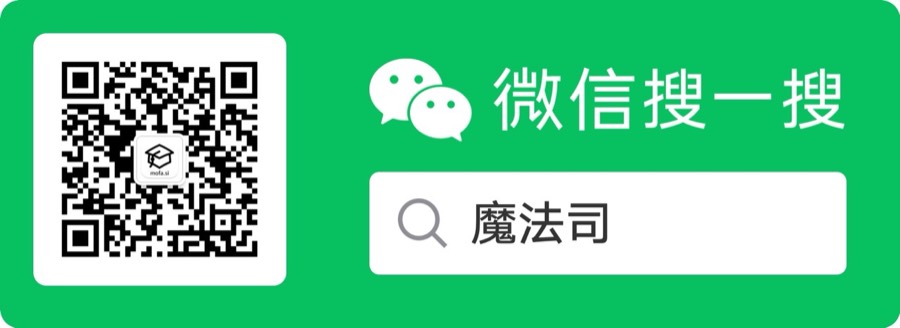
微信搜一搜"魔法司"
Links to Summaries
Paste any Bilibili / YouTube / Xiaohongshu link into the ClawBot chat — get an instant AI summary back
Subtitles & Mind Maps
Auto-generated subtitles, mind maps and key timestamps — tap to view
AI Follow-Up Chat
Keep chatting with the AI about the video — ask anything, no detail left behind
Updates & Power Tips
Follow the Official Account to be first on new features, productivity tips, and member-only perks
How to Connect
Recommended
WeChat ClawBot
WeChat's official AI assistant plugin. Once connected to BibiGPT, send a link in the ClawBot chat and the summary comes right back. Members share their daily free quota with Agent Skill.
- 1Sign in to BibiGPT, open Note integrations, and tap Connect on the WeChat ClawBot row
- 2In WeChat, go to Me → Settings → Plugins → ClawBot and scan the QR code
- 3Back in the ClawBot chat, send a video link
No ClawBot under Plugins? It hasn't rolled out to your account yet — follow the Official Account in the meantime.
Official Account
魔法司
If ClawBot isn't available on your account yet, follow the Official Account and send any video link in the chat for a summary. You'll also get new features, power tips, and member perks there.