Feature Update: Highlighted Notes, Mind Map Enhancements, and Seamless Knowledge Flow
Feature Update: Highlighted Notes, Mind Map Enhancements, and Seamless Knowledge Flow
Hi BibiGPT users,
We’re rolling out another round of upgrades focused on two themes: deeper note capture and smarter information structure. Our goal remains simple—help you watch faster, find smarter, and use better every time you open BibiGPT.
🚀 Watch Faster: No More Tab Hopping
We made insights easier to see and navigate.
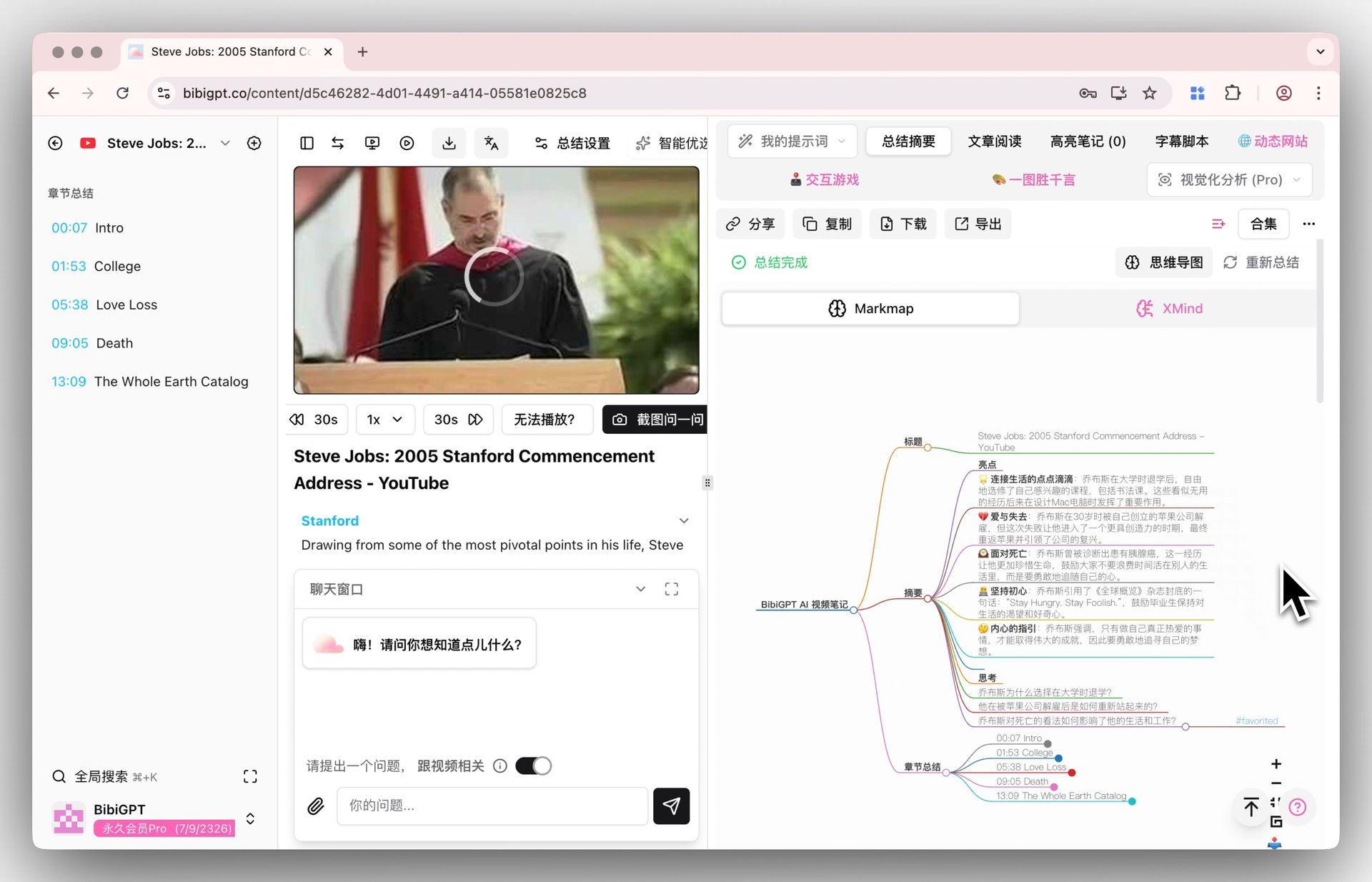
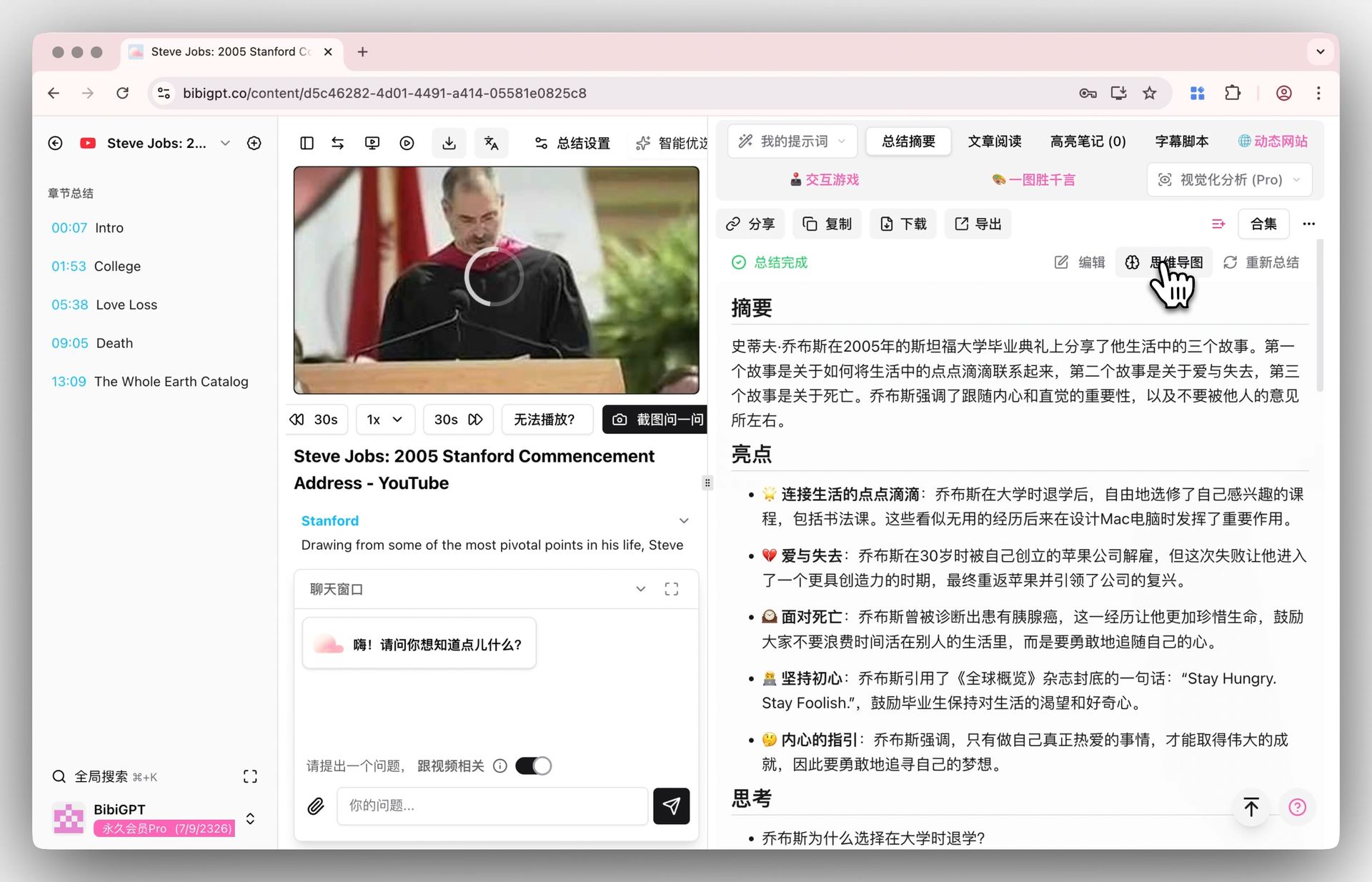
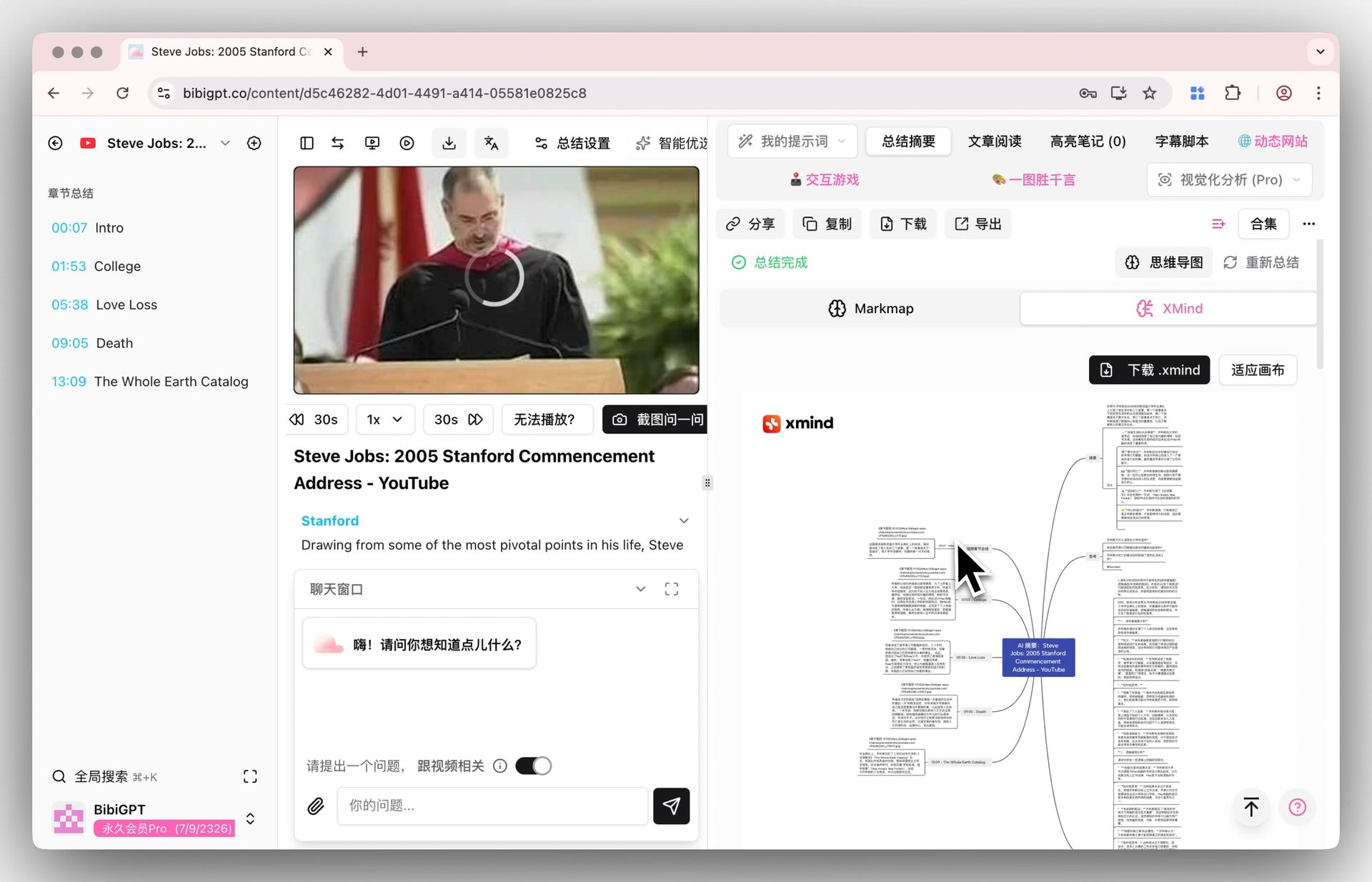
Inline Mind Maps inside the Summary
Switching between text and mind maps is seamless now. The “Summary” view includes a toggle that reveals your Markmap/XMind visualization instantly—no context switching required.
🔍 Find Smarter: Highlight, Collect, Repeat
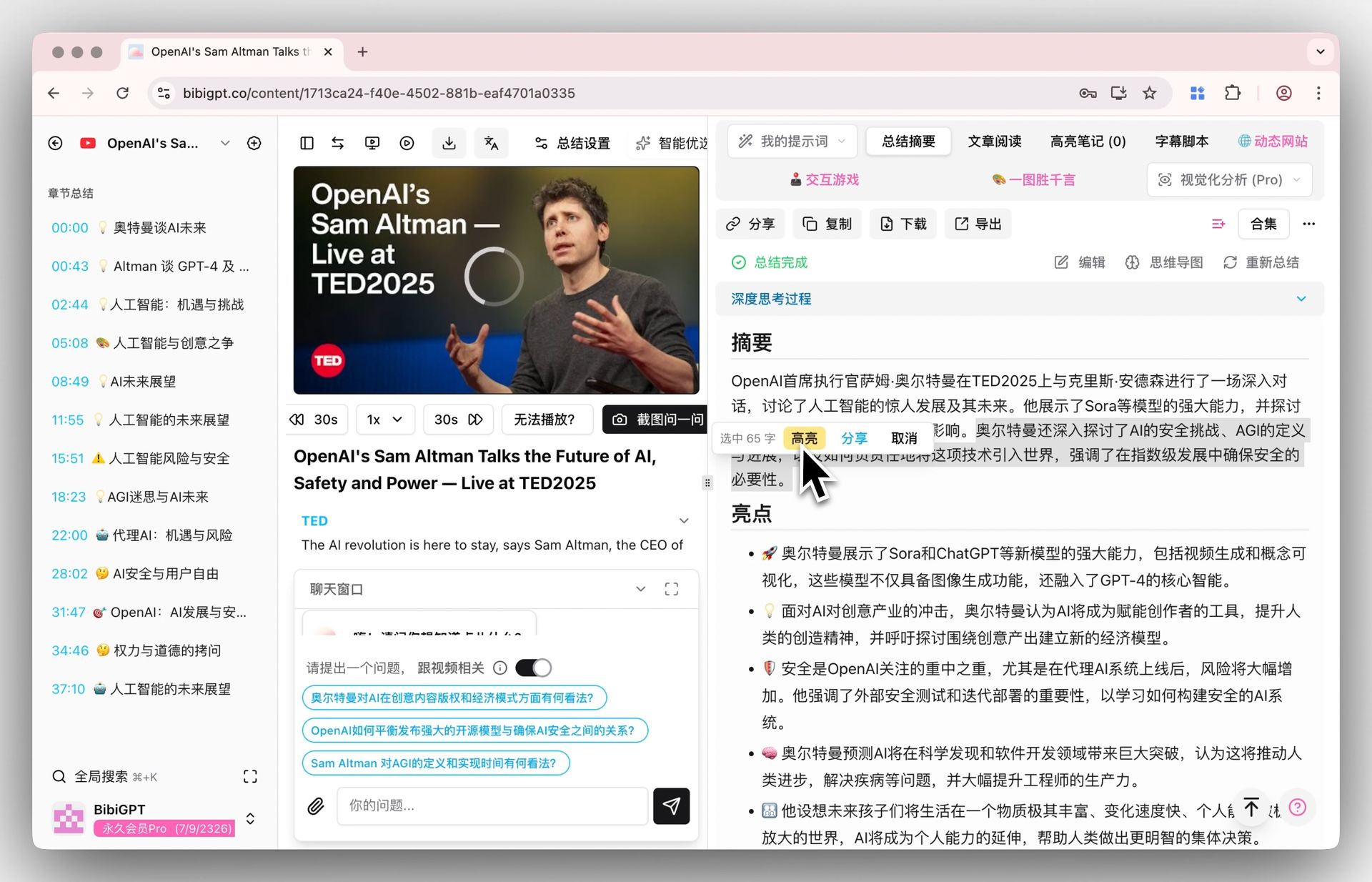
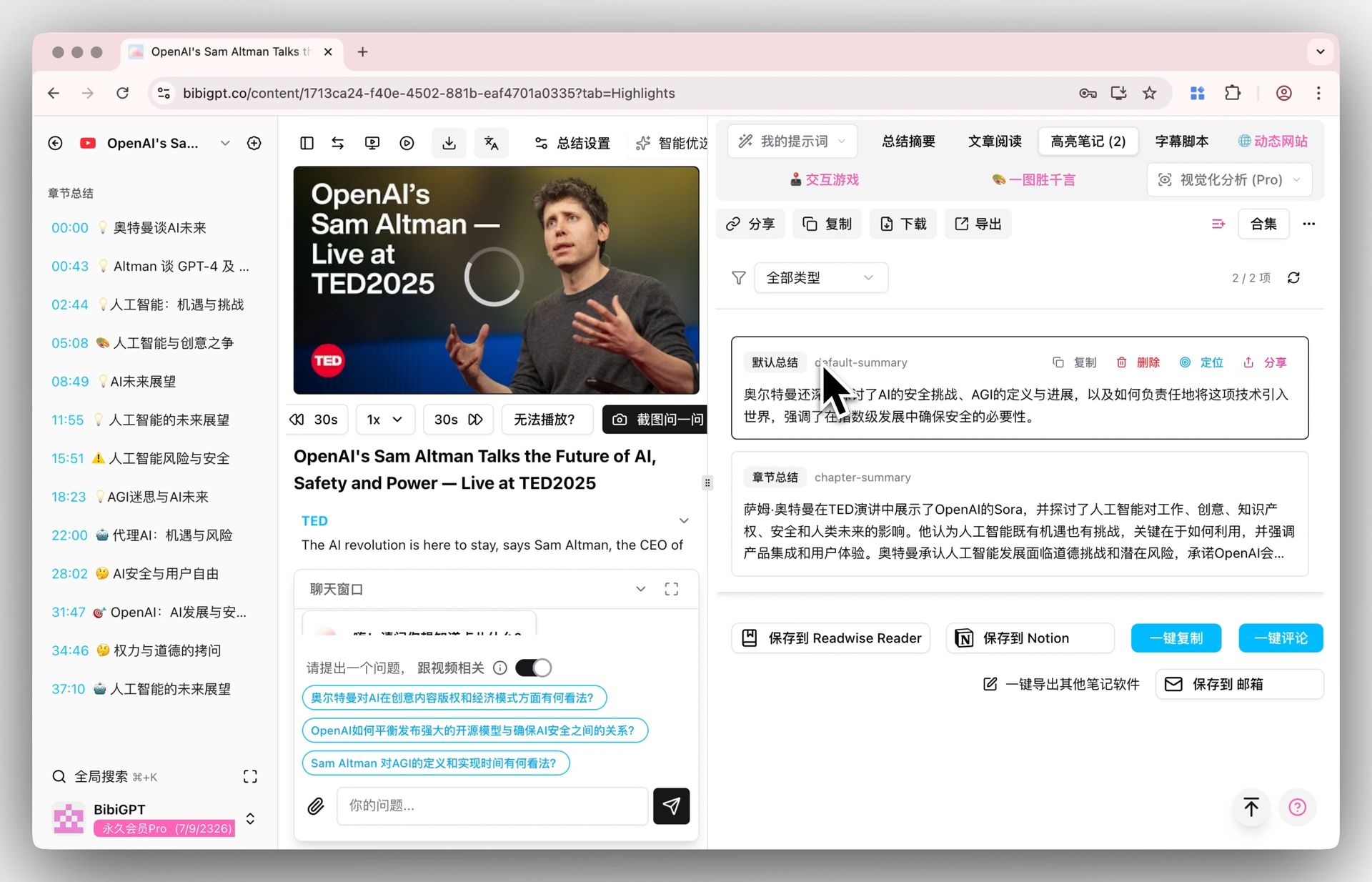
Highlighted Notes & Collections
Just like annotating an e-book, you can highlight any sentence in the summary to save it. Your selections are automatically gathered under a dedicated Highlights tab—no more copy/paste gymnastics.
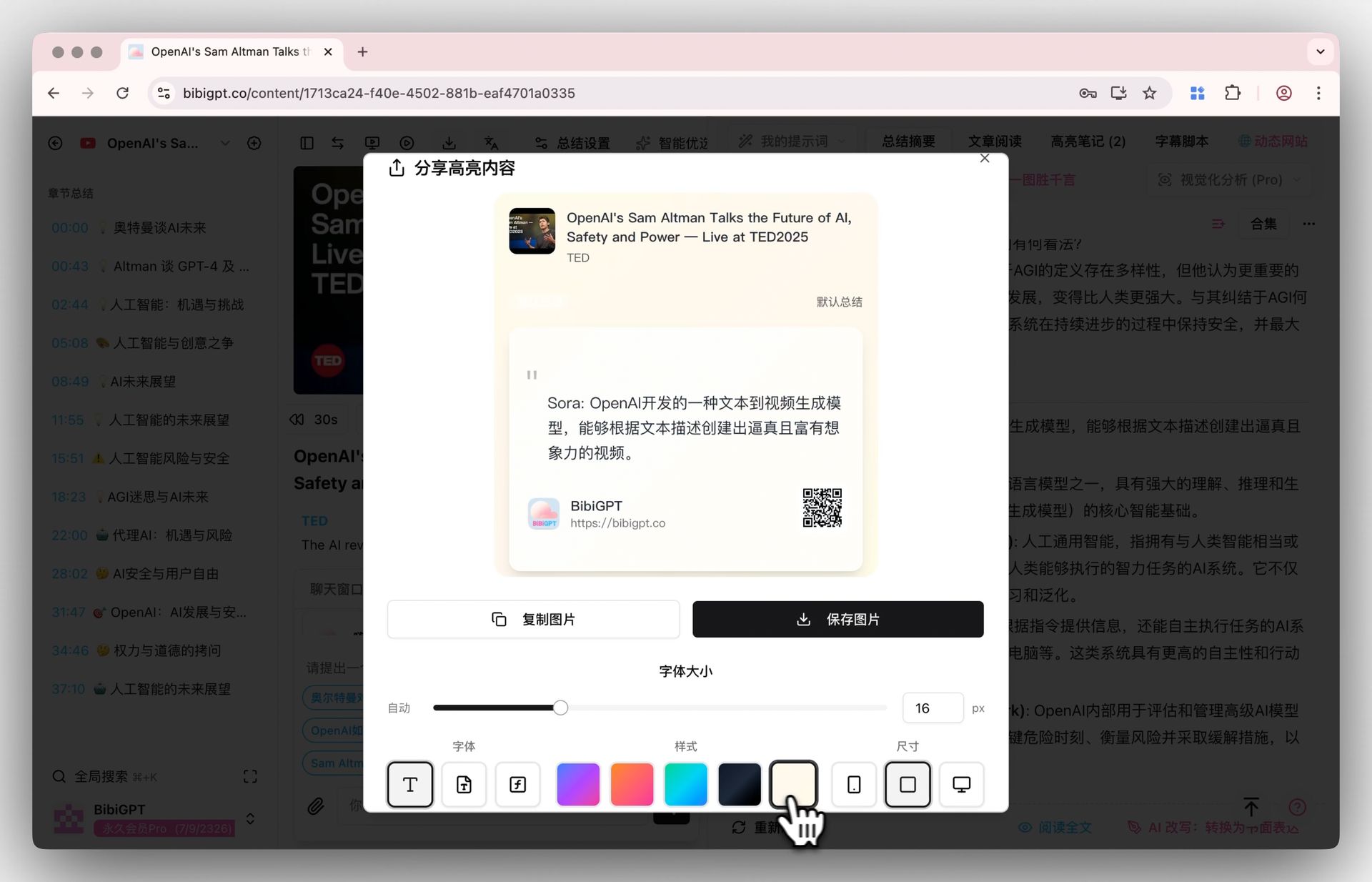
Shareable Highlight Cards
Tap “Share” to instantly turn a highlight into a polished card—complete with custom colors, typography, and a video QR code for attribution. Perfect for social sharing or team updates.
✨ Use Better: Export Knowledge Anywhere
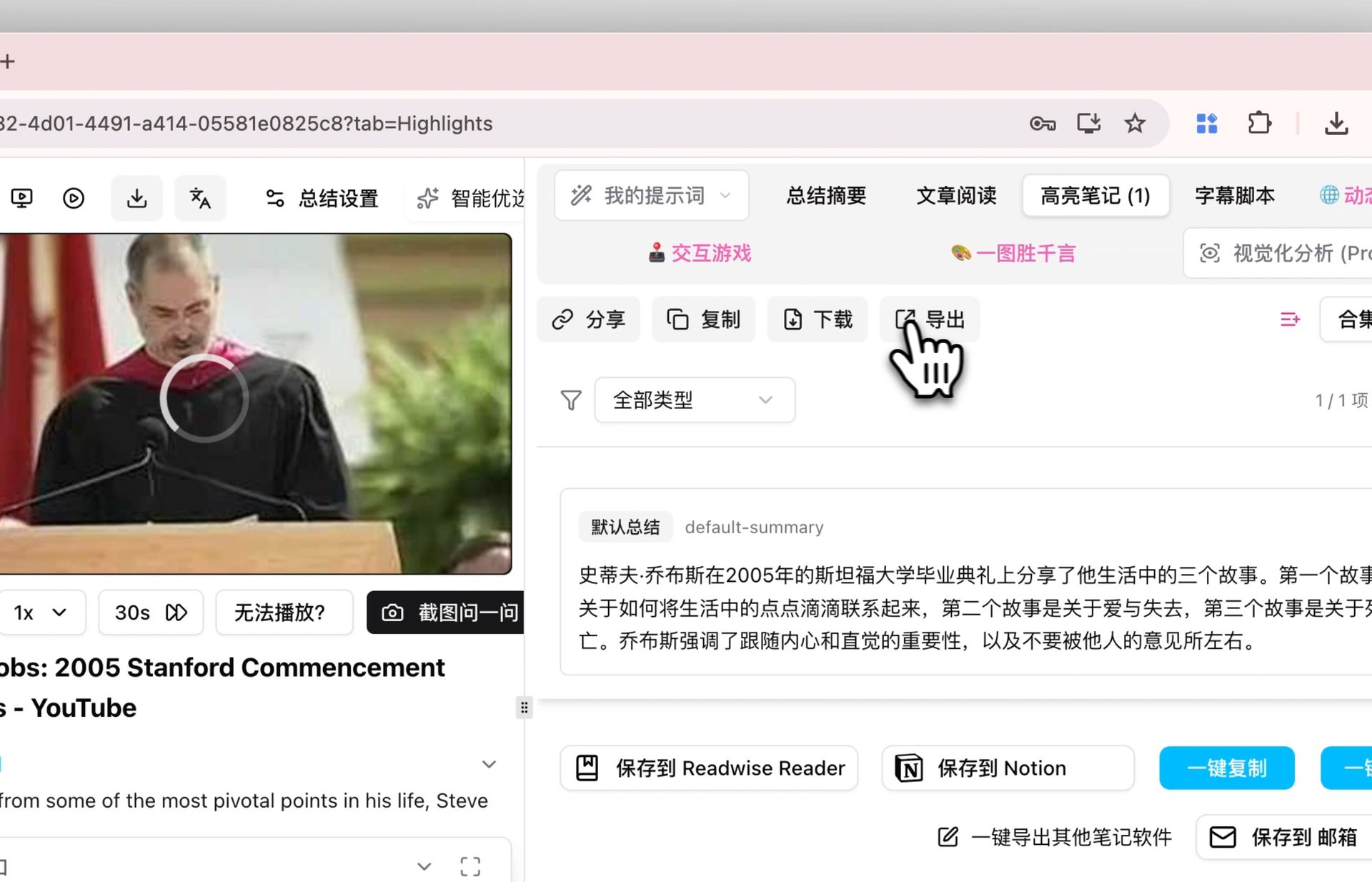
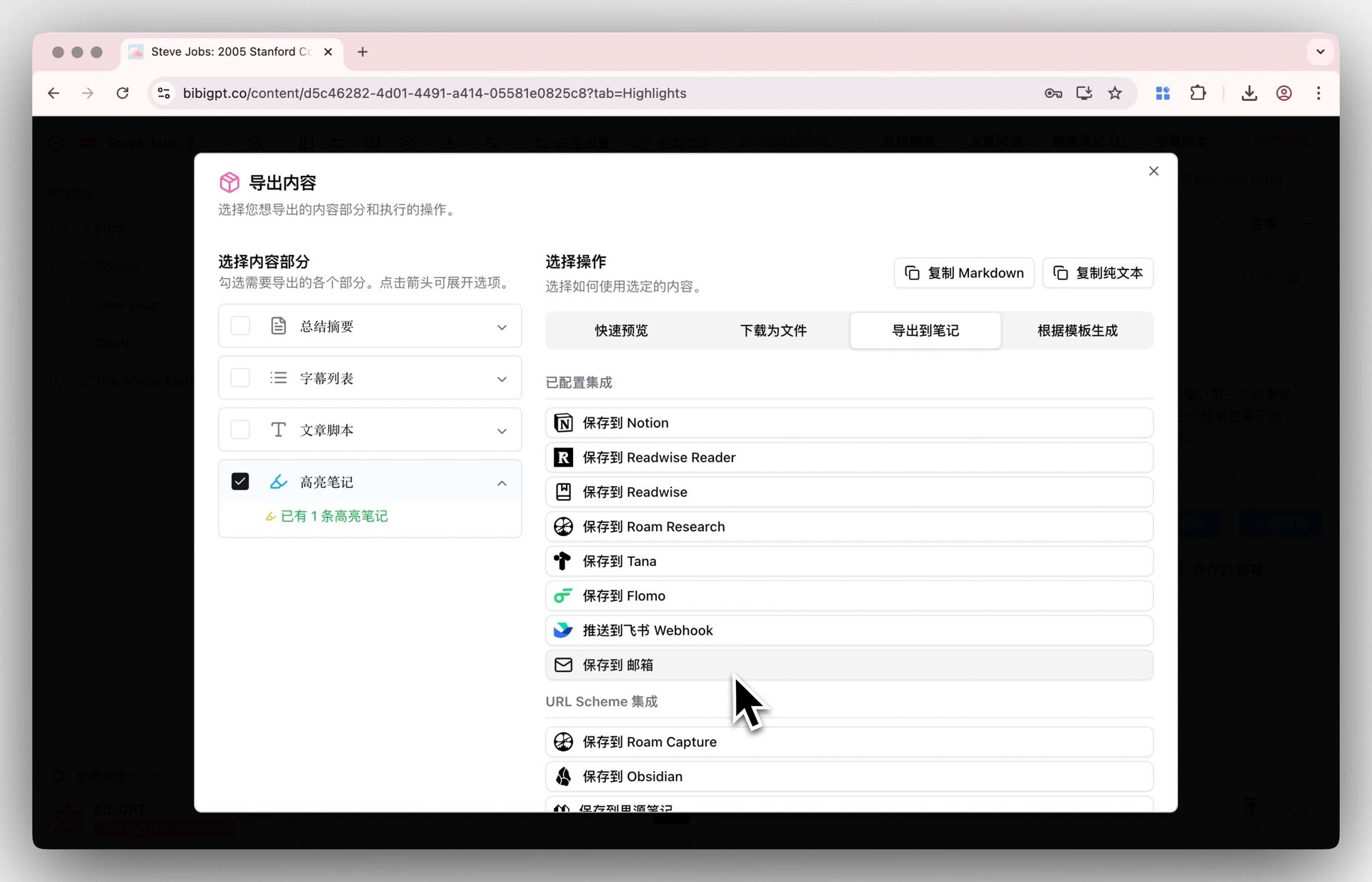
Highlights aren’t useful if they get stuck in one app. You can now export highlighted notes separately with a single click.
- Send them to Notion, Readwise, Obsidian, and more.
- Download them as Markdown, PDF, or other formats for long-term storage.
Community Highlights
Thank you for the continuous love and encouragement across Bilibili, WeChat, and beyond. Your reviews keep us motivated—and we’re spotlighting a few heartfelt messages here as a token of appreciation.
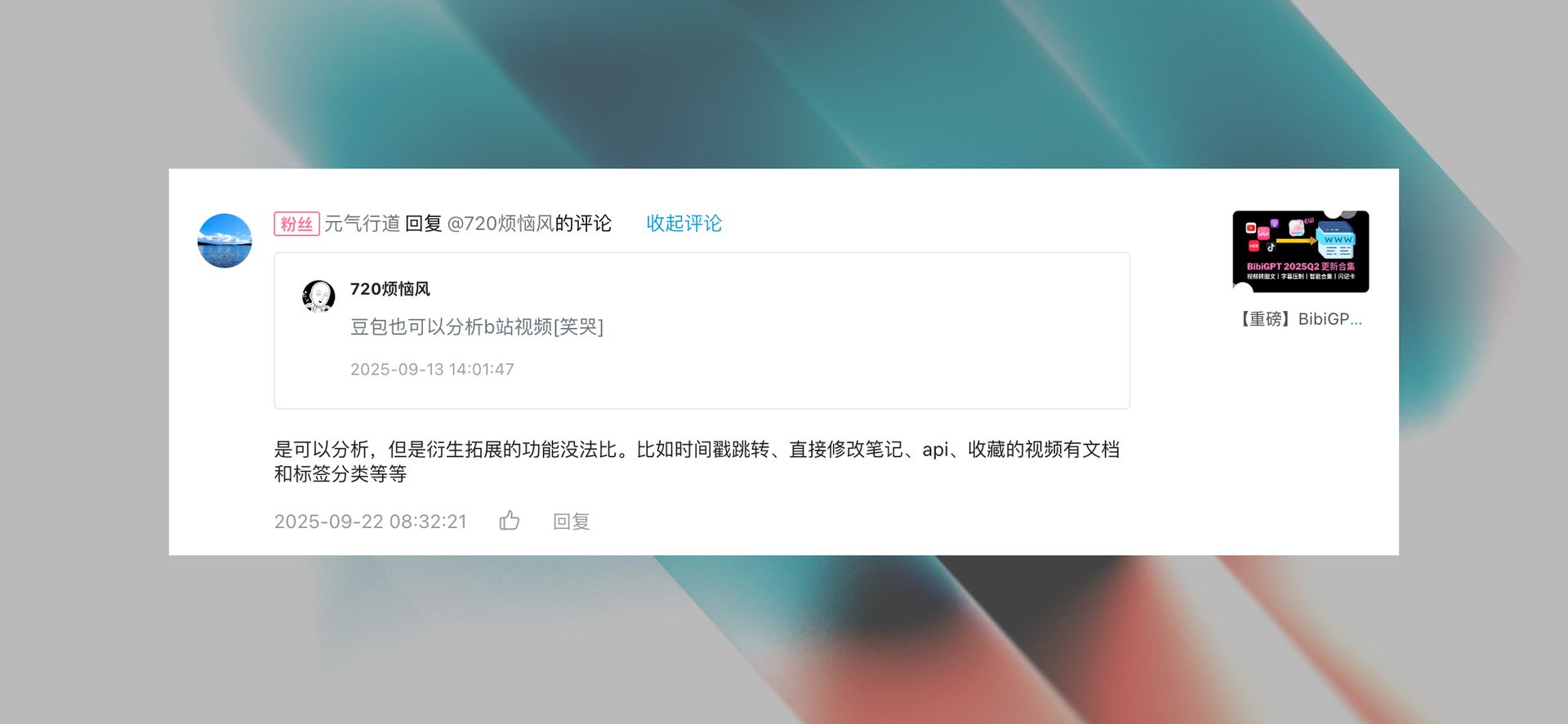

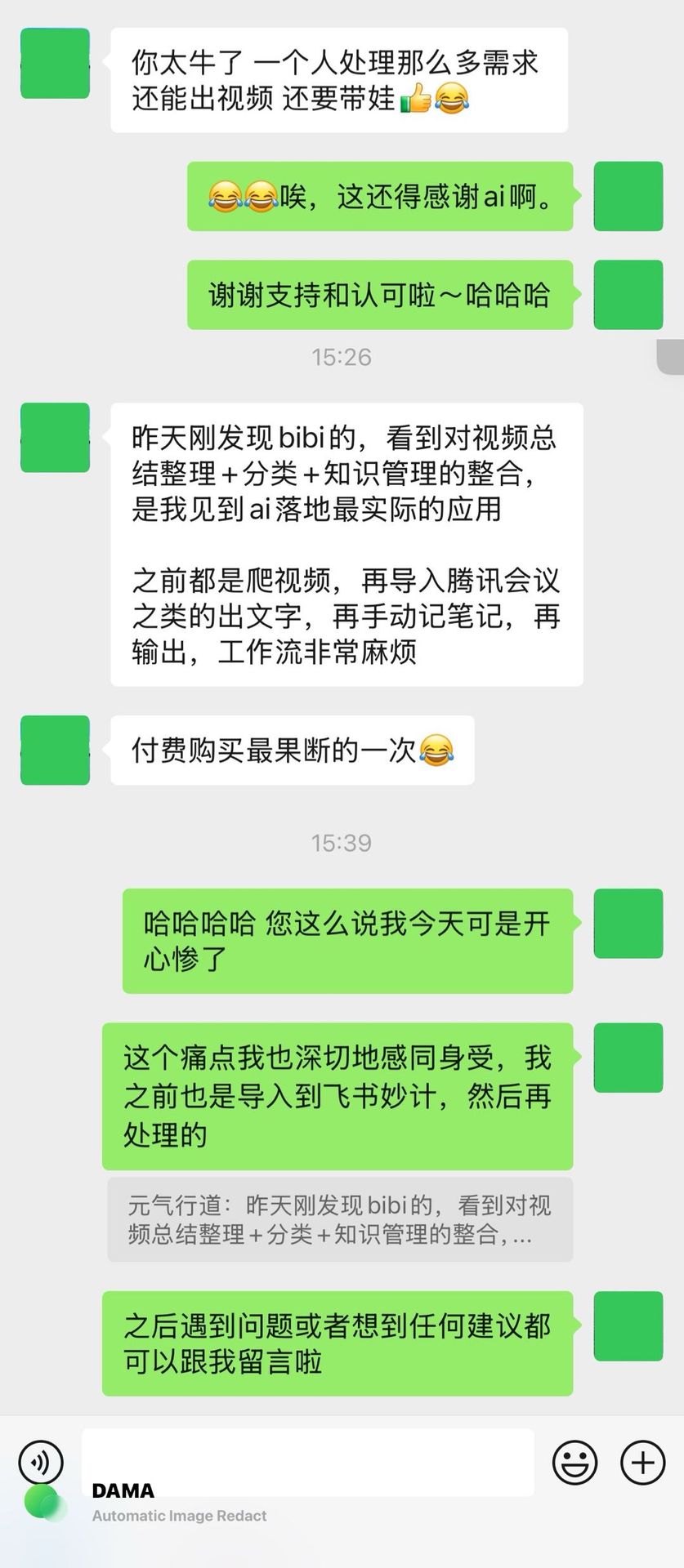
Keep sharing your ideas—we’re listening.
Summary
Highlights from this release:
- Mind maps embedded in summaries for instant structural context.
- Highlighter capture and shareable cards to save and broadcast key insights.
- Dedicated highlight exports so knowledge flows into the tools you trust.
Ready to try it? Visit BibiGPT and take the upgraded workflow for a spin.
Happy summarizing!
The BibiGPT Team