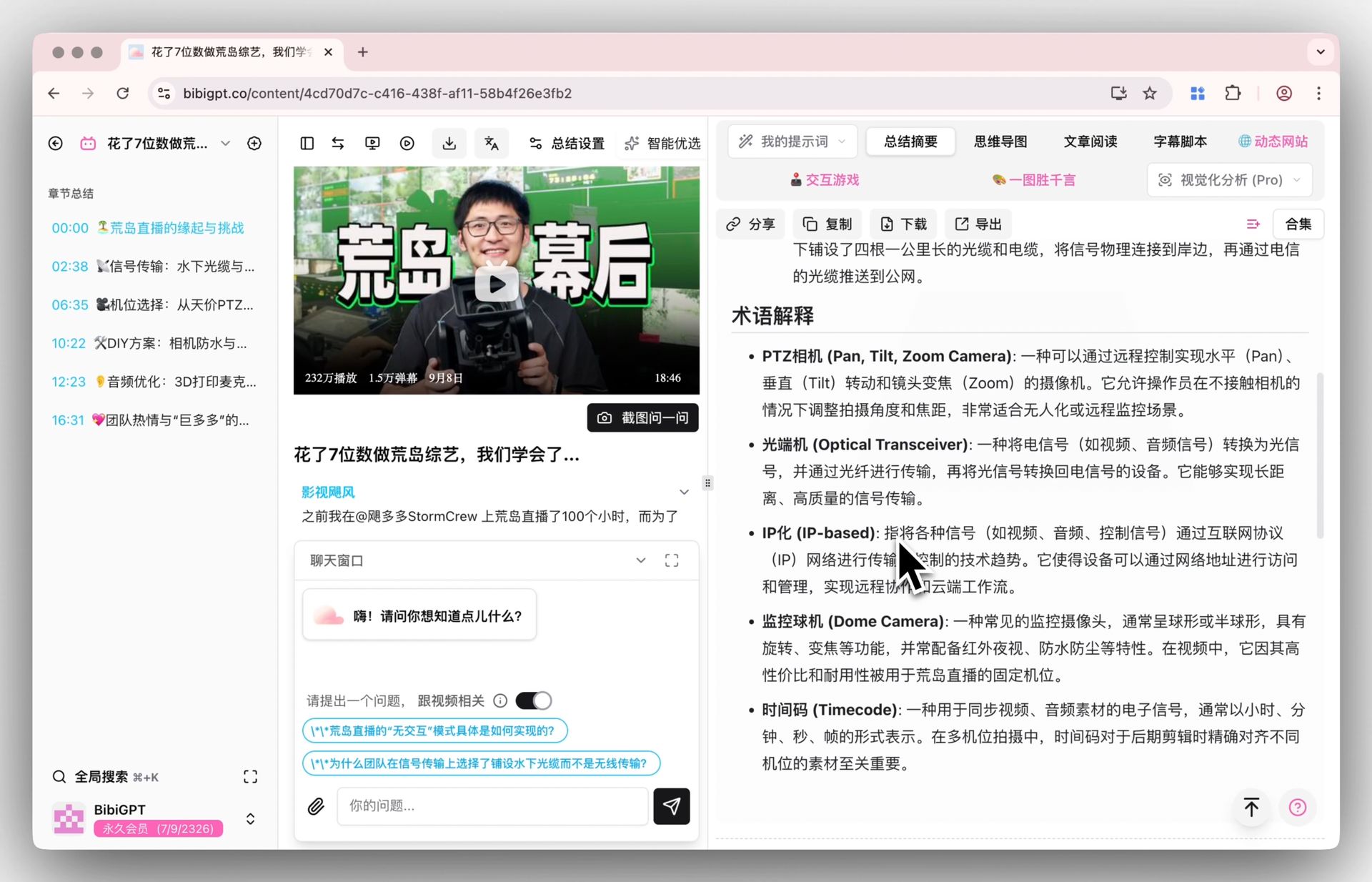
Daily Video & Podcast Knowledge Capture System (2026): A 7-Step Workflow with BibiGPT, Notion, and Obsidian
Daily Video & Podcast Knowledge Capture System (2026): A 7-Step Workflow with BibiGPT, Notion, and Obsidian
As of 2026-04-27, YouTube ingests 720,000 hours of video per day and Apple Podcasts hosts more than 2 million active shows (sources: Hostinger Tutorials and Backlinko Podcast Stats). Yet research shows that two weeks after listening to a 60-minute podcast, the average listener can only recall about 3 core takeaways (source: Edison Research Infinite Dial 2024).
In an era of overwhelming information flow, the scarce resource is not content — it’s a method to turn audio-video into reusable assets.
This post outlines an executable 7-step knowledge capture system that combines PKM (Personal Knowledge Management) with Zettelkasten. It covers the full loop from morning commute → BibiGPT one-click summary → Notion / Obsidian cards → weekend recap → monthly knowledge graph.
1. System overview: the 7-step capture loop
┌──── Morning (commute) ────┐    ┌──── Midday (fragments) ────┐
│ Step 1: theme list         │    │ Step 4: instant snippets    │
│ Step 2: listen / watch     │ → │ Step 5: BibiGPT cards       │
│ Step 3: mark               │    │                             │
└──────────────────────────┘    └──────────────────────────┘
                                         ↓
        ┌──── Weekend ────┐    ┌──── Monthly ────┐
        │ Step 6: merge   │ ← │ Step 7: graph   │
        │ and recap        │    │                 │
        └────────────────┘    └────────────────┘
Each step below has its tools, templates, and time budget.
2. Step 1: Theme list before commute
Time: 5 minutes after wake-up Action: Decide why you’re listening today
The biggest problem with random podcast playback is that you remember nothing afterward. The first step of this system is to write down 1-3 themes you care about today:
- Investor vs. founder dynamics
- AI agent safety design
- Cross-cultural team conflicts
Drop the list in your phone notes or Notion daily note. Cap it at 3 themes — more dilutes the focus.
3. Step 2: Commute listening / watching (30-60 min)
Time: 30 min in the morning + 30 min in the evening Action: Listen with your theme list in mind
Only listen to or watch content related to today’s themes. Most podcast apps support topic search.
You don’t need to finish full episodes — listen to the parts that match your theme, fast-forward or skip the rest.
Mantra: commuting is capture, not digest. Capture is cheap; digest waits for Step 5.
4. Step 3: Real-time markings (while listening)
Time: overlaps with Step 2 Action: Lightweight markers when you hear key insights
- iOS: long-press Voice Memos → record a 5-second note
- Apple Podcasts / Spotify: pause + screenshot the timestamp
- Watching video: use BibiGPT’s browser extension to save the current timestamp
Don’t write long notes — capture only “timestamp + keyword”:
Acquired EP «Anthropic» @ 38:20 — "dario's promise to employees"Lex Fridman «Karpathy» @ 1:12:05 — "nano-banana-2"
5. Step 4: Instant fragment processing (5-10 min at lunch)
Time: 5-10 min over lunch Action: Hand all today’s markings to BibiGPT in one shot
This is the Zettelkasten conversion point: rough markings have to become reusable cards on the same day, otherwise two days later you’ll forget why you marked them.
Steps:
- Open BibiGPT and paste today’s podcast or video URLs
- Pick the “Learning Card” custom prompt template (core idea / evidence / counter-example / my extension)
- Within minutes you get chaptered summaries plus an AI chat entry point
6. Step 5: One-click BibiGPT card generation (10 min)
Time: 10 min during lunch or evening Action: Turn the summary into atomic Zettelkasten cards
BibiGPT Smart Deep Summary automatically chapters long audio plus key terms and deep Q&A. You take one more step: convert that into Zettelkasten atomic cards — one idea per card.
Open the BibiGPT AI chat and prompt:
Convert this summary into 5 Zettelkasten-style atomic cards.
Each card includes:
1. Title (≤10 words)
2. Core idea (1 sentence)
3. Evidence / example (2-3 sentences)
4. Connection to "[today's theme]"
5. Timestamp (point back to the original audio)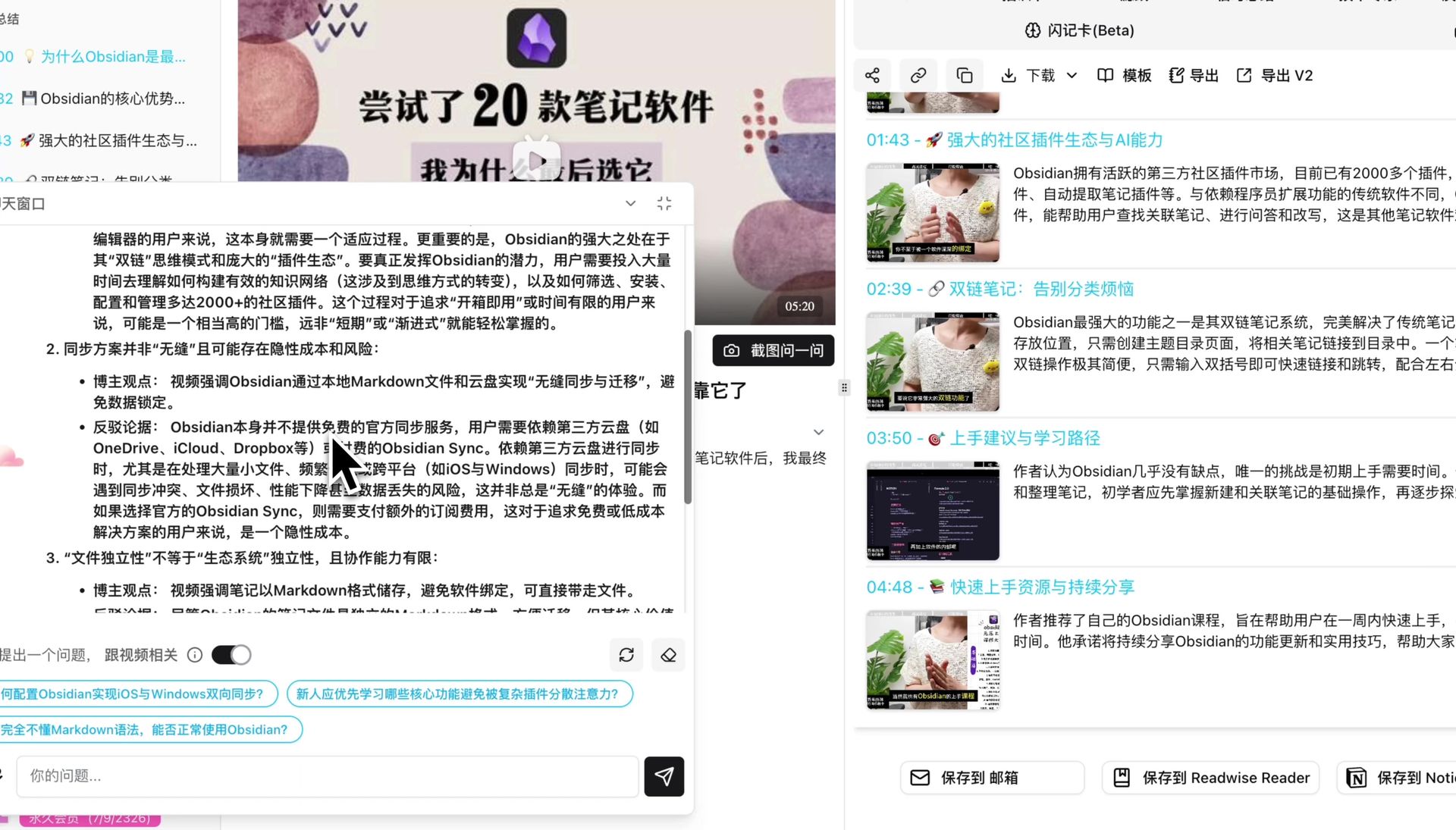
Paste the cards into Notion / Obsidian / Cubox, one per database row. I strongly recommend Obsidian — its bidirectional links are essential to Zettelkasten.
7. Step 6: Weekend recap (30-60 min on Sunday afternoon)
Time: 30-60 min Sunday Action: Stitch the week’s cards together
Open Notion / Obsidian, filter by this week’s theme list, and do three things:
- Merge duplicates: same idea showing up in different podcasts → one master card with appended sources
- Build links: use [[wikilink]] or Notion mentions to connect related cards
- Write one weekly takeaway block: 3-5 sentences summarizing the week’s gains
The essence of this step is converting information into knowledge.
Tip: if pressed for time, at least do step 3. The 3-sentence takeaway is the index for your week — without it, you can’t find anything later.
8. Step 7: Monthly knowledge graph (1-2 hours on the last weekend)
Time: 1-2 hours on the last Sunday of the month Action: Pull all weekly takeaways onto a single map
Tool choices:
- Notion: use Toggle / Database views grouped by theme
- Obsidian: open Graph View
- Whiteboard (Miro / FigJam): hand-draw a mind map
- BibiGPT mind map: re-feed the month’s key podcast URLs into BibiGPT mind map and let AI thread them together
The monthly graph answers two questions:
- Which themes did I deepen this month? (cluster density)
- Which orphan cards still don’t have a theme? (isolated nodes)
Orphan nodes aren’t waste — they’re often seeds for next month’s theme.
9. Relationship to PKM / Zettelkasten
If you’re familiar with the PKM community, this system is essentially a hybrid of Building a Second Brain (BASB)’s CODE model (Capture / Organize / Distill / Express) and Zettelkasten:
| Step | Mapped PKM method |
|---|---|
| Step 1-3 | BASB Capture: low-friction grabbing |
| Step 4-5 | Zettelkasten Atomic Notes: fragment → atom |
| Step 6 | BASB Distill + Zettelkasten Linking |
| Step 7 | Express + Graph |
Design rule: light capture, medium organize, heavy distill. Light steps must fit inside commute time; heavy steps go to the weekend.
10. Why BibiGPT is the keystone of this system
Across the 7 steps, the 4-5 transition is where most people stall — turning rough markings into reusable cards needs fast, accurate audio-video processing. BibiGPT provides several capabilities that are hard to replicate elsewhere:
- 30+ platforms with one click: YouTube, Apple Podcasts, Bilibili, Xiaoyuzhou, Ximalaya — no manual download
- Auto chapter splits with timestamp jumping: precise reference back to the source
- AI chat follow-up: convert chapter summaries into atomic Zettelkasten cards
- Multi-format export: directly into Notion / Obsidian / Cubox / Markdown
- Multilingual support: English podcasts → Chinese cards in one pass
BibiGPT is trusted by over 1 million users with over 5 million AI summaries generated, making it one of the most-used audio-video pipelines for serious PKM practitioners.
11. Common execution issues and fixes
Issue 1: Hard to mark on commute
Just record voice memos — iOS Voice Memos or any Android recorder. In Step 4, upload the voice memos to BibiGPT alongside everything else.
Issue 2: How much time does this cost daily?
- Morning 5 min + commute listening 30-60 min (you commute anyway)
- Lunch 5-10 min (fragmented)
- Evening 10 min
- Weekend 30-60 min
- Monthly 1-2 hours
Net new time: ~25 min/day. What you get back is compounding knowledge assets.
Issue 3: Card pile growing unmanageable
Obsidian Graph View and Notion’s database indexing handle retrieval. The point isn’t “manage many” but “write right” — one idea per card lets you reorganize forever.
Issue 4: Missed a day of podcasts
Don’t make up — that’s anti-human. The system supports gaps; just skip missed days at the weekly recap.
Issue 5: BibiGPT card quality varies
Build a “custom prompt template library.” Save high-performing prompts as templates and reuse them. BibiGPT supports custom prompt summary batch management.
12. FAQ
Q1: Does this work for students / freelancers / office workers? Yes. Students swap commute for class breaks; freelancers can adjust the rhythm. The core is the three-tempo pattern: capture → process → recap.
Q2: Must I use Notion or Obsidian? Not strictly. Apple Notes, Logseq, Capacities all work. Obsidian’s local storage + bidirectional links make it the best Zettelkasten host.
Q3: What does the BibiGPT “Learning Card” prompt look like? The default prompt library already includes “Learning Notes” and “Interview Minutes” templates, ready to use or customize.
Q4: English podcast → Chinese cards? Yes. Enable auto-translate on upload with target = Chinese, and you get the original English audio + Chinese subtitles + Chinese summary.
Q5: Can I show the monthly knowledge graph to my boss / client? Don’t show it directly — it’s an internal tool. For external delivery, do another translation pass: graph → report / article / slides. BibiGPT’s video-to-article helps with that step.
Q6: No time for weekend recaps? Degraded version: only do monthly graphs. Skipping weekly recaps drops monthly graph quality by ~30-40% but it still works.
Q7: Can I replace BibiGPT with ChatGPT / Claude? In theory yes, but you’d be stuck on the “30+ platform audio-video ingestion + timestamp preservation + chapter splits” segment — generic LLMs don’t take URLs directly, you’d transcribe first. That extra step kills the workflow during commute. BibiGPT’s core value is collapsing this conversion into one click.
Conclusion: turn information flow into reusable assets
The 2026 information flood will only get bigger. What separates “swept away” from “harnessing the current” is having a knowledge capture system that survives 30+ consecutive days.
The core of this 7-step system is not “more” but “light + sustainable” — 25 fixed minutes a day; in 30 days you have 100+ atomic cards, 4 weekly recaps, and 1 monthly knowledge graph.
Want to try this system? BibiGPT is the easiest starting point.
- Visit: aitodo.co
- 30+ platforms with one-click processing
- AI chat + custom prompts + mind maps
- Export to Notion / Obsidian / Cubox in one click
BibiGPT Team