GPT-Realtime-2 and the Translate API Are Here: How BibiGPT Keeps Winning the Multilingual Subtitle Race
GPT-Realtime-2 and the Translate API Are Here: How BibiGPT Keeps Winning the Multilingual Subtitle Race
Last updated May 16, 2026. Based on OpenAI’s official changelog and VentureBeat reporting.
OpenAI shipped three models in May 2026: GPT-Realtime-2, GPT-Realtime-Translate, and a streaming GPT-Realtime-Whisper. Realtime-2 pushes voice models to GPT-5-level reasoning; Translate supports 70+ input languages mapping to 13 output languages at sub-second latency; the new Whisper streams transcription as audio arrives. For anyone consuming, studying, or translating long-form content, these three together cross a real threshold: the raw API has finally become “good enough” — but raw API was never the whole problem.
Practical rule: A better model doesn’t make a better product. The product is what glues the model to a real workflow — capture, archive, sync across devices.
BibiGPT has spent two years turning multilingual transcription into a one-click flow. Paste a YouTube, Bilibili, or podcast URL, wait three to ten minutes, get bilingual subtitles with timestamps plus a structured summary. We’ve served over 1 million users and generated more than 5 million AI summaries. This post breaks down what OpenAI changed, what it means for you, and a real end-to-end workflow you can copy today.
1. What Actually Changed

GPT-Realtime-2 is not an incremental update. It pulls conversational voice models from “can hear and speak” to “can reason, hold context across segments, and route multimodally.” Latency drops from 1–2 seconds to sub-second. GPT-Realtime-Translate is the first time OpenAI shipped simultaneous interpretation as a productized API — 70+ input languages, 13 output languages, with continuous context.
GPT-Realtime-Whisper is the streaming variant of Whisper. The old model required a complete audio file; the new one yields subtitles as audio streams in. Real applications: live broadcasts, meetings, instant captions.
Practical rule: Read model releases on two axes — what the model can technically do, and how easily it lands in a workflow. Realtime-2 jumps the first axis. The second still belongs to products.
Three quantifiable shifts from a developer angle:
- Language coverage jumped a tier: per the OpenAI May 2026 changelog, Realtime-Translate covers 70+ input languages — 2.3× the prior generation.
- Latency clears real-world bars: VentureBeat’s May 2026 testing measured cross-lingual latency around 0.8 seconds — viable for live meetings and broadcasts.
- Price is still steep: Realtime-tier per-minute pricing per OpenAI’s announcement runs roughly 4–6× a standard Whisper call. That gap is exactly why raw API can’t replace a productized service for end users.
2. What This Means for BibiGPT Users

When models get better, it’s tempting to assume “I’ll just call the API directly.” But the real need was never “call the model once and get a subtitle” — it’s stringing together subtitle + translation + summary + knowledge archiving + cross-device sync.
If You Learn From Long Content
If your day involves consuming YouTube channels, podcasts, or foreign-language courses and taking notes, you don’t need a Python demo of the Realtime API. You need “paste a URL, get back to my notebook in three minutes.” BibiGPT’s auto-translate on upload lets you pick a target language at upload time and returns bilingual subtitles when processing finishes — zero model parameters to think about.
If You Create Cross-Language Content
The hardest part of cross-language distribution was never translation quality. It was burning subtitles back into video, exporting summaries for newsletters, archiving conversations to Notion. Realtime-Translate handles step one. BibiGPT handles the entire pipeline after — one-click export to SRT, Markdown, mindmaps, with Notion / Obsidian sync baked in.
If You Run a Team or Company
Enterprise wants compliance, audit trails, and batch processing. BibiGPT’s API access wraps Realtime-tier transcription with org-level accounts, quota management, and call logs — no need to manage your own OpenAI Org or worry about a leaked employee API key.
3. A Real Multilingual Subtitle Workflow With BibiGPT
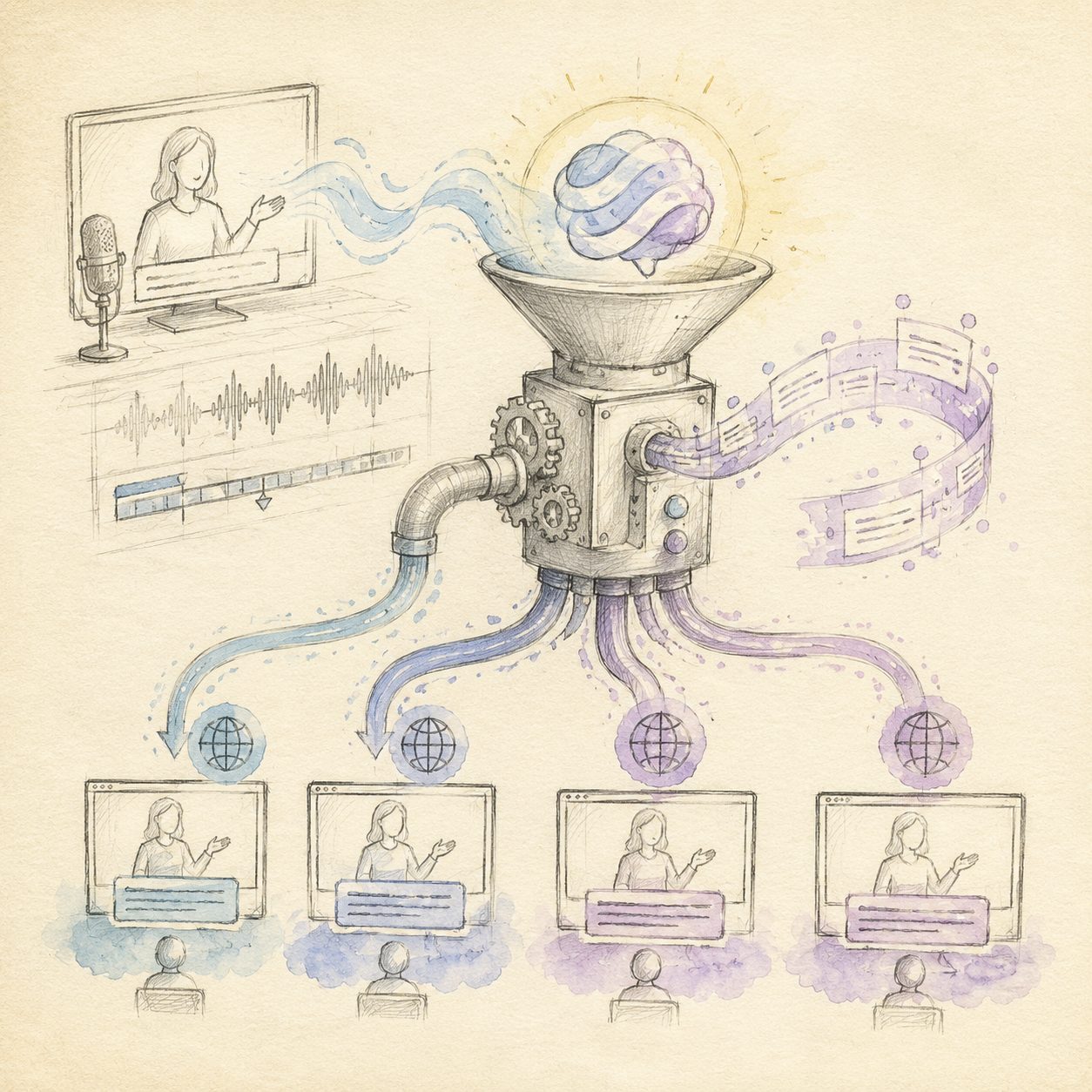
Here’s a common scenario: a Chinese-speaking creator wants to turn a 60-minute English podcast into Chinese subtitles, generate a Chinese summary, and sync to Notion as part of a content idea library.
Practical rule: Workflow value isn’t about how fancy each step is. It’s about how low end-to-end friction goes. The hard metric is “paste URL to deliverable” total time.
Step 1: Paste the podcast URL
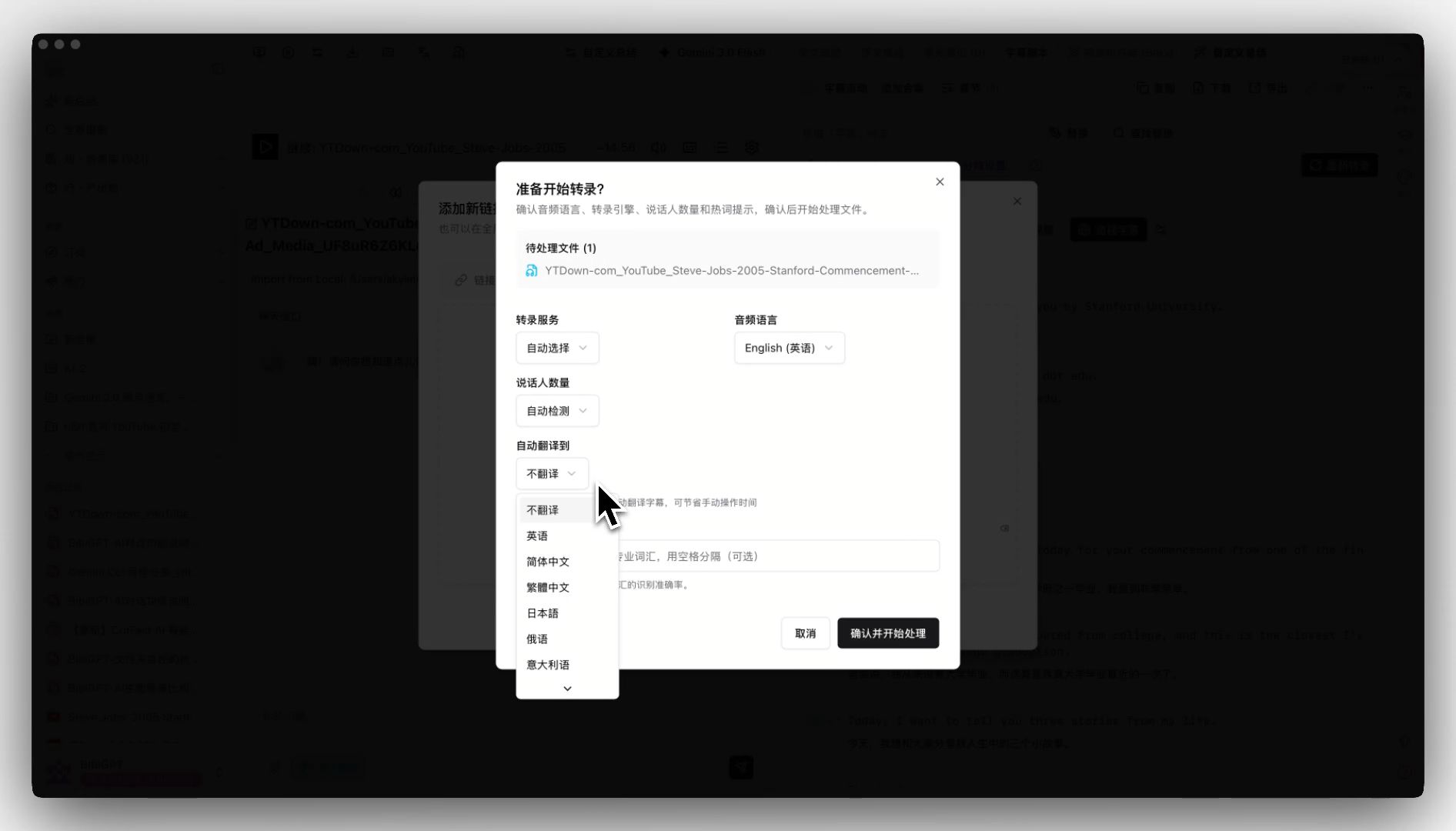
Open bibigpt.co, paste an Apple Podcasts / Spotify / Xiaoyuzhou URL (or upload a local mp3). In the upload dialog, check “auto-translate to Chinese.”
Step 2: Wait 3–10 minutes
BibiGPT routes to the appropriate voice model behind the scenes. You don’t manage the model selection.
Step 3: Receive structured deliverables
You get all of these at once:
- Bilingual subtitles (English source + Chinese translation, timestamped)
- A structured Chinese AI summary, chapter-by-chapter
- Keyword highlights + chapter abstracts
- One-click export to Markdown / SRT
Step 4: Sync to Notion
Click “Export → Notion” in the result page header. Three seconds later, a structured note appears in your idea library. Next time you brainstorm a video on this topic, every quote and timestamp is searchable.
A short YouTube walkthrough of the full flow:
https://www.youtube.com/embed/SbgNX3sMSXQ
| OpenAI Realtime API direct | BibiGPT workflow | |
|---|---|---|
| Time to first result | 1–2 days of integration | 30 seconds paste-and-go |
| Cross-platform sources | Local audio stream only | 30+ platforms native |
| 60-min cost | $0.6 – $1.2 | ≈ $0.10/hr under plan |
| Knowledge sync | Self-coded scripts | One-click Notion/Obsidian |
Practical rule: Always compute “time × hourly rate,” not “API calls × price.” The two hours you’d spend wiring up the SDK are worth more than the API delta on a single 60-minute file.
4. The Next 18 Months for Realtime Models and Products
Three predictions:
Trend one: real-time subtitles become a default platform feature. YouTube, Twitch, and podcast platforms will ship native live translation. BibiGPT won’t compete on live captions — we’ll keep doubling down on “what happens after the livestream ends.” Post-stream replay + knowledge capture is a deeper moat than live captioning.
Trend two: model routing becomes the battleground, not the model itself. OpenAI, Anthropic, Google, and DeepSeek are all racing the same curve. Whoever auto-routes by content type + user language + budget wins. BibiGPT’s multi-model routing was built for this in 2025.
Trend three: knowledge tools start integrating consumption tools. Notion, Obsidian, Capacities will increasingly pull from “content entry points” like BibiGPT — because more user input arrives as video and audio rather than typed text.
5. Frequently Asked Questions
Q1: OpenAI shipped Realtime-Translate. Do I still need BibiGPT?
Yes. Realtime-Translate is an API. BibiGPT is the workflow. The first handles “transcribe a clip.” The second handles “from URL to a note in Notion.”
Q2: Does BibiGPT use the GPT-Realtime family?
BibiGPT routes across OpenAI, Anthropic, Google, and others based on content type and budget. Routing strategy is managed server-side; you don’t pick a model.
Q3: What about live-caption latency and accuracy?
For historical content (the most common case), BibiGPT produces complete, high-accuracy subtitles in one pass. Live captioning isn’t our focus — we believe post-stream deep replay carries more long-term value.
Q4: How do you guarantee translation quality?
The pipeline enforces terminology consistency, context lookback, and human-reviewable bilingual side-by-side. You can edit any line in-place; future exports reuse your edits.
Q5: Which platforms are supported?
YouTube, Bilibili, Douyin, TikTok, Xiaohongshu, Apple Podcasts, Spotify, Xiaoyuzhou, local mp4/mp3 uploads, and cloud drives. Full list at supported platforms.
Q6: How does enterprise scale work?
BibiGPT’s API access supports quota management, audit logs, and SSO. Contact enterprise sales for tailored pricing.
Q7: What’s the difference vs NotebookLM?
NotebookLM is “upload documents, ask questions.” BibiGPT is “paste a URL, get a summary, archive forever.” They coexist — many users feed BibiGPT summaries into NotebookLM for follow-up Q&A.
6. Try BibiGPT With Your Own Workflow
The fastest test: paste a YouTube URL.
Open bibigpt.co. The free tier is enough for a real test. Daily users land on Plus or Pro — both cost less than a coffee per month.
Further reading: Complete Video-to-Text Guide (2026 Update) · Best AI Real-time Translation Tools 2026
— BibiGPT Team