MP3 to Text Converter
Upload any MP3 file and get clean text in seconds. AI transcription with timestamps, paragraph splits, and 5-language translation. Works for music, podcasts, interviews, lectures. Free, no signup.
Upload an MP3 and get text right here
Drop your MP3 file — BibiGPT transcribes the audio with AI in seconds. The live app loads inline.
Workflow (3 steps)
Drop your MP3 → BibiGPT transcribes with AI → download TXT / SRT / Markdown or copy in one click.
Features
Why MP3-to-text actually finishes the job
Most MP3 transcribers either silently fail on big files, demand signup before showing the transcript, or charge per minute. BibiGPT takes any MP3 — even hour-long podcast episodes — and returns paragraphed, timestamped text right there in your browser.
Drop the MP3, that's it
Drag the file in or pick from disk. Variable bitrate, 44.1 kHz, 48 kHz, mono or stereo — BibiGPT auto-detects and decodes. No need to re-encode first.
Whisper + Gemini hybrid pipeline
BibiGPT processes the MP3 with a hybrid pipeline tuned for real-world recordings — accents, room noise, multiple speakers all handled. Music with vocals also works.
Timestamps + paragraphs by default
Every transcript ships with timestamps you can click back into, and auto-paragraph splits so it reads like a document rather than a wall of text.
Beyond the raw transcript
If you only need the text, one click is enough. If you want more, BibiGPT layers translation, summary, and AI chat on top — same MP3, same page, no extra tools.
Translate the MP3 transcript to 5 languages
After transcription, one-click translate to English, Chinese, Japanese, Korean, or Traditional Chinese. Bilingual SRT export included.
Summary + mind map of the MP3
Skip re-listening: get a structured summary and a visual mind map. Perfect for hour-long podcast episodes, lectures, or interview recordings.
Free for daily use
Free users get 3 MP3 transcriptions per day with no account. Sign up free for more daily quota. Plus and Pro plans remove the cap.
3 steps to finish
No signup needed for the free tier. Use the embedded tool above — your MP3 is processed in seconds.
- 1
Upload your MP3
Drag and drop the MP3 file, or click to pick from disk. Any bitrate (32-320 kbps), any sample rate, mono or stereo all work.
- 2
AI transcribes the MP3
BibiGPT runs a Whisper + Gemini hybrid pipeline. A 10-minute MP3 typically finishes in under 30 seconds.
- 3
Download or copy the text
TXT (plain text), SRT (timestamps), Markdown (Notion ready), or copy to clipboard. Translate to 5 languages with one click if needed.
3 typical scenarios
Built for podcasters, students, journalists, and anyone with an MP3 they need as text.
Podcasters — episode transcripts + SEO
Upload your podcast MP3, get text you can use as show notes, blog posts, or to make the episode searchable on Google.
Students — lecture MP3 to notes
Drop a lecture MP3 you recorded, get text you can search, highlight, and turn into flashcards. Pairs well with BibiGPT's summary.
Journalists — interview MP3 transcripts
Drop an interview MP3, get a paragraphed transcript with speaker labels you can quote from. Way faster than typing while you listen.
Loved by creators, students & researchers
Why people use BibiGPT to turn videos into text every day.
Trusted by 50,000+ users worldwide
“I paste a link and get clean captions in seconds — it saves me hours of retyping every single week.”
Maya R.
Content Creator · Repurposes short videos
“Exporting the transcript lets me review new words at my own pace instead of pausing the video constantly.”
Daniel K.
Language Learner · Studies with real videos
“Accurate, timestamped text I can quote directly. It has quietly become part of my daily workflow.”
Priya S.
Researcher · Cites public talks
FAQ'S
Frequently Asked Questions
Ask us anything!
Popular guides
 1
1 Bilibili AI Video Summary Tool: BibiGPT Summarizes 30+ Platforms Instantly (2026)
Best Bilibili AI video summary tool in 2026? Paste any link for an instant summary, mind map, and key points across 30+ platforms. See the top 5 compared.
 2
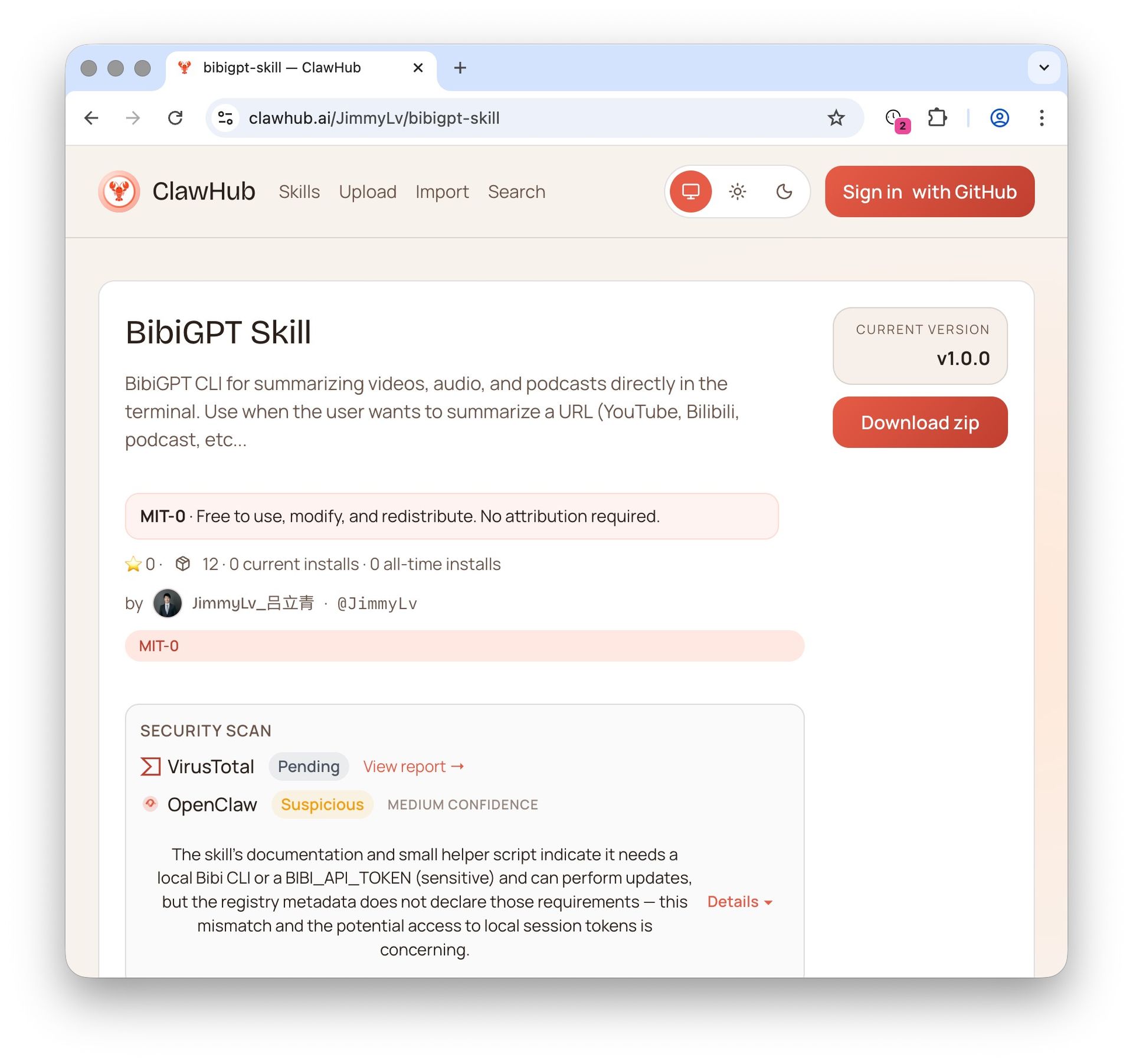
2 OpenClaw + BibiGPT Skill 2026: AI Video Summary for Bilibili, Xiaohongshu & 30+ Platforms
OpenClaw's native summarize skips Bilibili, Xiaohongshu, Douyin. bibigpt-skill is the one command that adds 30+ platform support for Claude Code / OpenClaw, plus highlight notes, collection summary and flashcards. Updated June 2026.
 3
3 Bilibili Transcript Tools Compared: Best Subtitle Extractors in 2026
Looking for the best bilibili transcript tool? We compare 5 top subtitle extractors for Bilibili videos — from free downloaders to AI-powered tools like BibiGPT that handle transcription, translation, and summarization.
Drop an MP3, get text in seconds
Upload any MP3 — podcasts, lectures, interviews, voice memos — BibiGPT transcribes with AI. Timestamps, paragraphs, copy-ready text. Free, no signup.