OpenAI GPT-Realtime-Translate × BibiGPT
On 2026-05-07 OpenAI shipped GPT-Realtime-Translate alongside GPT-Realtime-2 and GPT-Realtime-Whisper. It streams live interpretation across 70+ source languages into 13 target languages at $0.034 per minute of audio, folding speech-to-text, translation and voice output into one endpoint. This page shows how the API reshapes multilingual subtitle workflows and how BibiGPT's translation pipeline integrates it for video and podcast content.
Key facts (90-second read)
On 2026-05-07 OpenAI released GPT-Realtime-Translate as part of the Realtime-2 voice-API trio. It streams live interpretation across 70+ source languages into 13 target languages at $0.034 per minute of audio, folding speech-to-text, translation and voice output into one endpoint. The release matters for multilingual subtitle workflows because billing flips from per-token to per-minute, segment boundaries follow speaker delivery rather than source-text breaks, and voice-overlay dubbing no longer requires a separate TTS step. BibiGPT's translation pipeline routes supported source-target pairs through the new endpoint while retaining the existing fallback for unsupported pairs.
Features
What Realtime-Translate actually does
Before this release, multilingual subtitle pipelines typically chained three calls: speech-to-text, then a separate translation model, then optional text-to-speech. Realtime-Translate collapses all three into one streaming endpoint that bills per audio minute.
70+ source → 13 target languages
Source coverage spans English, Mandarin, Spanish, Portuguese, French, German, Italian, Japanese, Korean, Hindi, Russian, Arabic and 60+ more. Target output covers the 13 most-requested production languages, optimized for both subtitle text and live voice interpretation.
$0.034 per minute of audio
Billed by minute of input audio rather than by token, which makes cost predictable for long-form content. A 90-minute lecture translated to one target language costs roughly $3.06 end to end — including the streaming output.
Live latency
Designed for streaming interpretation: target language audio starts emitting within seconds of the source audio arriving. Suitable for live calls, livestream captions, and overlay translation on currently-playing video.
How this changes multilingual subtitle workflows
Three concrete shifts in how creators, educators and content teams produce translated subtitles for video and podcast content.
Subtitles match speaker delivery, not source-language paragraphs
Because Realtime-Translate streams from speech directly, segment boundaries follow speaker pauses and intonation rather than source-text sentence breaks. Burnt-in subtitles read more naturally for live-captured speech (lectures, podcasts, interviews).
Cost flips from per-token to per-minute
Long-form content (1+ hour) used to be expensive because token billing scaled with both transcript length and translation length. Per-minute billing makes a 2-hour podcast cost the same regardless of how chatty the speaker is.
Voice overlay becomes feasible for replay content
Because the API emits voice output as well as text, dubbing a recorded lecture into one of the 13 target languages no longer requires a separate TTS step. Educators can publish lecture replays with voice translation overlaid.
How BibiGPT pairs the new API
BibiGPT's multilingual subtitle translation pipeline already chained Whisper-style transcription with separate translation models. The new endpoint slots in for video and podcast workflows.
Long-form video subtitle translation
YouTube, Bilibili, podcast and uploaded-file pipelines route through Realtime-Translate for the supported source-target pairs. Outputs land as SRT/VTT with the speaker-aligned segmentation Realtime-Translate produces.
Subtitle burn-in for downloaded video
After translation, BibiGPT's existing subtitle burn-in tool can stamp the translated track directly onto the video using ffmpeg.wasm in-browser. End to end: source video URL in, translated video file out.
Follow-up Q&A on translated content
Translation alone isn't comprehension. BibiGPT keeps the translated transcript indexed and lets users ask follow-up questions ("what did the speaker mean at minute 47?") across both the source and translated tracks.
5 key changes (90-second read)
Headline shifts from the OpenAI translation API release on 2026-05-07.
- 1
One endpoint replaces three calls
Previously: Whisper for speech-to-text, then GPT-4 for translation, then a separate TTS for voice output. Realtime-Translate folds all three into one streaming call billed per audio minute.
- 2
70+ → 13 languages at $0.034/min
Source coverage hits 70+ major languages. Target output covers the 13 most-requested production languages. Cost is predictable at $0.034 per minute of input audio — independent of how chatty the speaker is.
- 3
Subtitle segmentation follows speaker pauses
Because output streams from speech directly, segment boundaries match intonation and pauses. Burnt-in subtitles read more naturally for live-captured speech (lectures, podcasts, interviews) than text-driven translations.
- 4
Voice overlay becomes feasible for replays
Voice output is included, so dubbing a recorded lecture into one of the 13 target languages no longer needs a separate text-to-speech step. Educators can publish bilingual lecture replays.
- 5
BibiGPT routes supported pairs transparently
BibiGPT's translation pipeline dispatches supported source-target pairs to Realtime-Translate. Unsupported pairs fall back to the existing chained workflow. The user-visible flow — paste URL, pick target language — is unchanged.
3 typical scenarios for BibiGPT users
Where Realtime-Translate paired with BibiGPT pays off most.
YouTube lecture → translated SRT + burn-in
Paste a 90-minute YouTube university lecture into BibiGPT. The translation pipeline routes through Realtime-Translate for the chosen target language ($3.06 end to end). Download translated SRT, or burn into the source video directly using BibiGPT's in-browser ffmpeg.wasm subtitle burner.
Bilibili podcast → bilingual replay
Bilibili technical podcast in Mandarin, target audience reads English. Realtime-Translate streams English subtitles with speaker-paced segment boundaries. BibiGPT keeps both source and translated transcripts indexed so listeners can ask follow-up questions in either language.
Conference replay → 5-language subtitle bundle
Annual conference posted as YouTube videos. Run each session through BibiGPT into 5 of the 13 target languages (en, zh, ja, ko, es). Per-minute billing makes the bundle predictable — a 4-hour conference into 5 languages costs roughly $40.80. Output as SRT for each language, ready for re-upload.
Loved by creators, students & researchers
Why people use BibiGPT to turn videos into text every day.
Trusted by 50,000+ users worldwide
“I paste a link and get clean captions in seconds — it saves me hours of retyping every single week.”
Maya R.
Content Creator · Repurposes short videos
“Exporting the transcript lets me review new words at my own pace instead of pausing the video constantly.”
Daniel K.
Language Learner · Studies with real videos
“Accurate, timestamped text I can quote directly. It has quietly become part of my daily workflow.”
Priya S.
Researcher · Cites public talks
FAQ'S
Frequently Asked Questions
Ask us anything!
Popular guides
 1
1 Bilibili AI Video Summary Tool: BibiGPT Summarizes 30+ Platforms Instantly (2026)
Best Bilibili AI video summary tool in 2026? Paste any link for an instant summary, mind map, and key points across 30+ platforms. See the top 5 compared.
 2
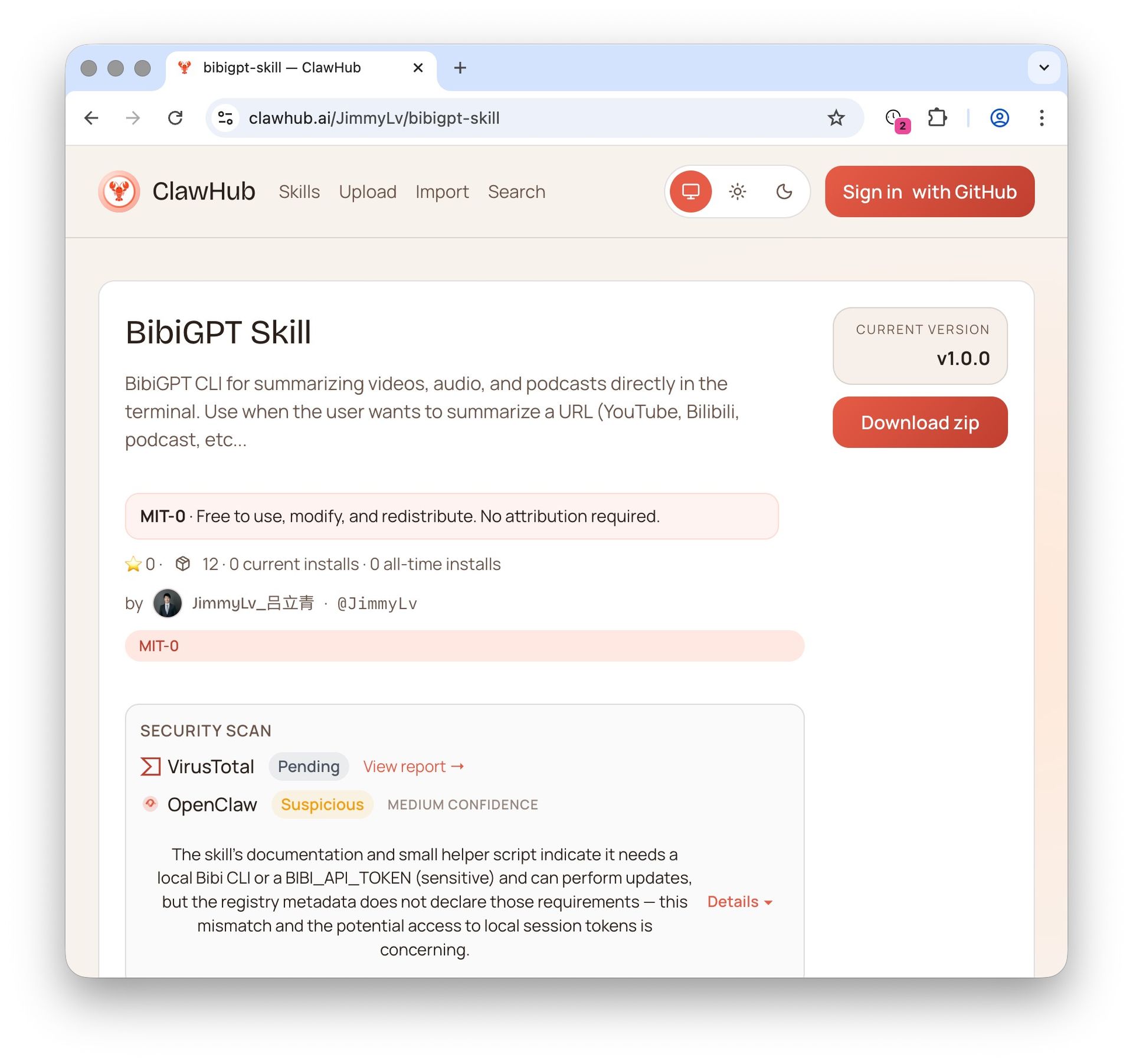
2 OpenClaw + BibiGPT Skill 2026: AI Video Summary for Bilibili, Xiaohongshu & 30+ Platforms
OpenClaw's native summarize skips Bilibili, Xiaohongshu, Douyin. bibigpt-skill is the one command that adds 30+ platform support for Claude Code / OpenClaw, plus highlight notes, collection summary and flashcards. Updated June 2026.
 3
3 Bilibili Transcript Tools Compared: Best Subtitle Extractors in 2026
Looking for the best bilibili transcript tool? We compare 5 top subtitle extractors for Bilibili videos — from free downloaders to AI-powered tools like BibiGPT that handle transcription, translation, and summarization.
Translate any video subtitle with BibiGPT — now routed through Realtime-Translate for supported pairs
Paste a YouTube, Bilibili, podcast or uploaded video URL into BibiGPT. Pick a target language. The translation pipeline routes through OpenAI Realtime-Translate for the 13 supported targets and falls back to the existing workflow for unsupported pairs. Output as SRT/VTT or burn the subtitles directly into the video — all in your browser.