WeChat Xiaowei vs BibiGPT
WeChat's Xiaowei is a general assistant that lives inside the app — it summarizes files you receive in chats, sets reminders, and spins up mini-programs. BibiGPT is a dedicated tool for the long videos, podcasts, and livestreams you watch across the web. Both can "summarize," but the source, depth, and reach are different. This page helps you pick — or pair them — in 3 minutes.
One-line verdict
If you mostly need quick help with the files, links, and reminders already inside WeChat — and Xiaowei has reached your account — Xiaowei is a convenient in-app layer. If you need to systematically digest long videos, podcasts, and livestreams from across the web, with chapters, mind maps, follow-up Q&A, multi-format export, and subtitle translation, choose BibiGPT. They cover different surfaces and stack cleanly.
Features
Match the tool to the content you actually consume
Both can turn audio and documents into AI summaries — but they start from opposite places. Pick by where your content lives.
Xiaowei — things inside WeChat
Built into the WeChat app: summarize a PDF or doc a contact sent you, set reminders, run searches, and generate a mini-program from one sentence. Great for the files and messages already in your chats.
BibiGPT — video and audio across the web
Paste a Bilibili, YouTube, TikTok, Douyin, Xiaohongshu, or podcast URL — or upload a file — and get a structured summary, chapters, mind map, and translated subtitles. Built for content you watch, not just files you receive.
Convenience layer vs. dedicated workspace
Xiaowei is a helpful assistant bolted onto a messaging app. BibiGPT is a purpose-built content workspace: deeper summaries, follow-up Q&A, and export into your notes — for the long-form media a chat assistant skims past.
Summary depth and output formats differ a lot
A one-paragraph recap is fine for a short doc. Long videos and podcasts need structure you can navigate and reuse.
Beyond a text recap
BibiGPT produces chapter timelines, mind maps, a full transcript, and lets you ask follow-up questions about any moment in the video — not just a single summary paragraph.
Turn content into deliverables
One source becomes a mind map, an article rewrite, slides, social cards, or a narrated short video. Xiaowei returns a summary inside the chat; BibiGPT hands you reusable knowledge products.
Translate and subtitle
BibiGPT summarizes and translates across Chinese, English, Japanese, Korean, and Traditional Chinese, and can burn translated subtitles back onto the video — useful for cross-border content, not just Chinese files.
They complement, not replace each other
Many people will use both: Xiaowei for quick help inside WeChat, BibiGPT for the videos and podcasts they want to truly digest.
Xiaowei handles the in-app moment
A doc lands in a group chat, you need the gist, you set a reminder — all without leaving WeChat. When (and if) it reaches your account, it is a smooth convenience layer for messaging.
BibiGPT handles the deep dives
A two-hour lecture, a finance podcast, a conference replay on YouTube — paste the link and get chapters, a mind map, and Notion / Obsidian export. Available to everyone today, with a free tier that works.
Use each where it is strongest
Let Xiaowei tidy up what is already in your chats. Let BibiGPT systematically process the long-form video and audio you study, research, or create from. Different jobs, same goal: less time, more understanding.
8-dimension feature matrix
Rows highlighted where BibiGPT has a differentiated advantage for deep video and podcast content.
| Dimension | BibiGPT | WeChat Xiaowei |
|---|---|---|
| Content source | Bilibili / YouTube / TikTok / Douyin / Xiaohongshu / podcasts / livestreams / uploaded files / any video URL | Files, links, and messages already inside WeChat |
| Core focus | Dedicated deep summaries for video, audio, and podcast content you consume | General in-app assistant: file summaries, reminders, search, mini-program generation |
| Summary depth | Chapter timeline + mind map + full transcript + ask follow-up questions about any moment | Concise text recap of a document or message |
| Output formats | Summary / mind map / chapter list / article rewrite / slides / narrated video / social cards / translated subtitles | Text summary returned inside the chat |
| AI capability | Multiple advanced AI models, switchable per task | WeChat-native AI, tightly bound to the WeChat ecosystem |
| Language support | Chinese / English / Japanese / Korean / Traditional Chinese — full i18n, plus subtitle translation | Chinese-first, oriented to the domestic WeChat ecosystem |
| Availability | Available to everyone today, free 3 summaries/day, no waitlist | Gradual gray-scale rollout — not every account has it yet |
| Platforms & integration | Chrome / Edge / Firefox extension + web + desktop + mobile + API + Notion / Obsidian export | Inside the WeChat app |
3 typical decision scenarios
Match your dominant content workflow to avoid choosing the wrong tool.
In-WeChat power user
Most of what you summarize is documents, links, and messages that land in your WeChat chats, and you want reminders without leaving the app. If Xiaowei has reached your account, it is a smooth convenience layer for exactly this in-app moment.
Video & podcast learner (student / researcher / creator)
Your week is full of long lectures, MOOC videos, finance podcasts, conference replays, and livestream catch-ups across YouTube, Bilibili, and Douyin. BibiGPT is purpose-built for this — chapters, mind maps, follow-up Q&A, multilingual output, and Notion / Obsidian sync.
Hybrid workflow — use both
Let Xiaowei tidy up the files and reminders inside WeChat. Let BibiGPT systematically process the long-form video and audio you study or create from. The Xiaowei recap stays in your chat; the BibiGPT summary lands in your Notion or Obsidian second brain.
Loved by creators, students & researchers
Why people use BibiGPT to turn videos into text every day.
Trusted by 50,000+ users worldwide
“I paste a link and get clean captions in seconds — it saves me hours of retyping every single week.”
Maya R.
Content Creator · Repurposes short videos
“Exporting the transcript lets me review new words at my own pace instead of pausing the video constantly.”
Daniel K.
Language Learner · Studies with real videos
“Accurate, timestamped text I can quote directly. It has quietly become part of my daily workflow.”
Priya S.
Researcher · Cites public talks
FAQ'S
Frequently Asked Questions
Ask us anything!
Popular guides
 1
1 Bilibili AI Video Summary Tool: BibiGPT Summarizes 30+ Platforms Instantly (2026)
Best Bilibili AI video summary tool in 2026? Paste any link for an instant summary, mind map, and key points across 30+ platforms. See the top 5 compared.
 2
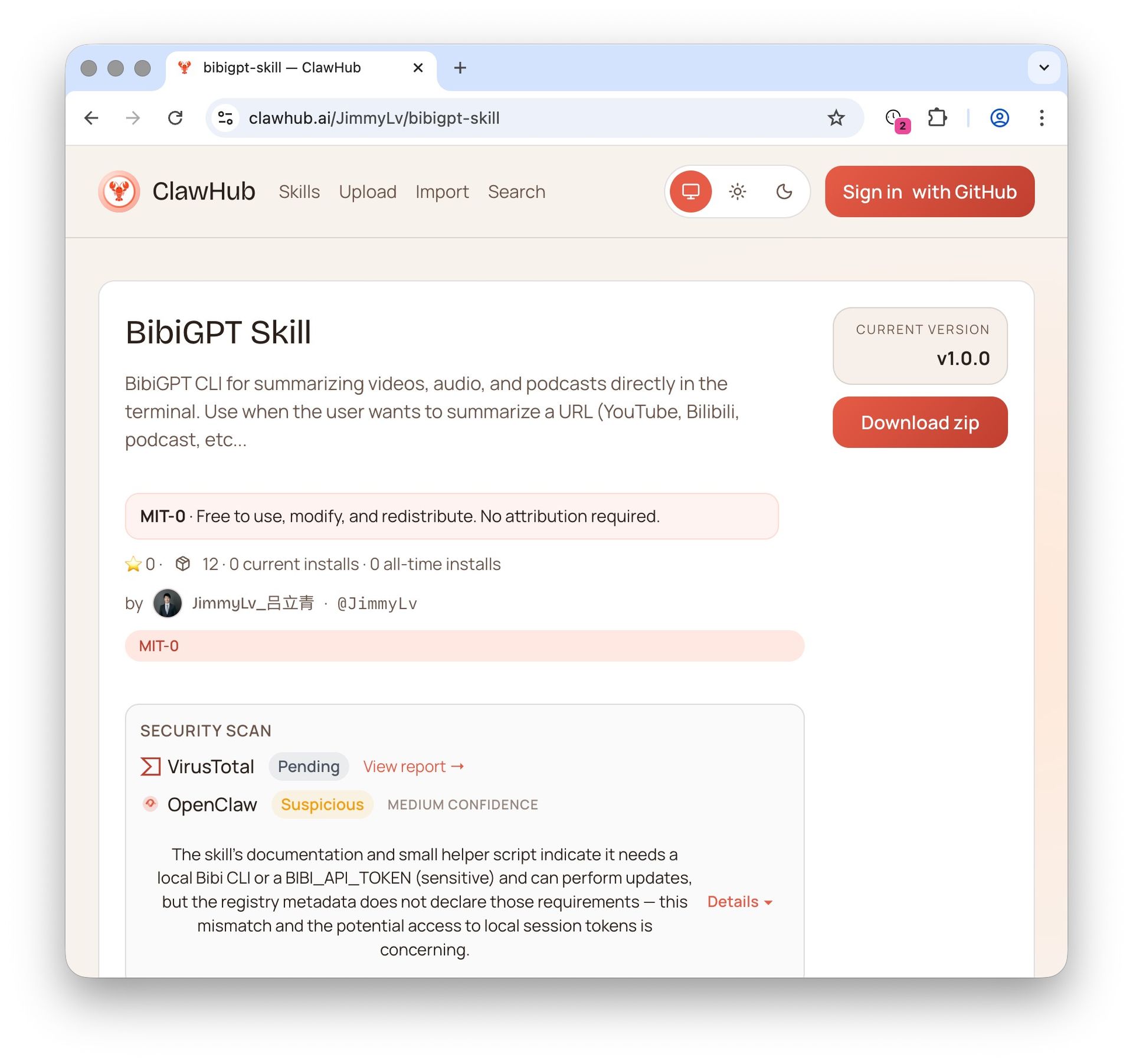
2 OpenClaw + BibiGPT Skill 2026: AI Video Summary for Bilibili, Xiaohongshu & 30+ Platforms
OpenClaw's native summarize skips Bilibili, Xiaohongshu, Douyin. bibigpt-skill is the one command that adds 30+ platform support for Claude Code / OpenClaw, plus highlight notes, collection summary and flashcards. Updated June 2026.
 3
3 Bilibili Transcript Tools Compared: Best Subtitle Extractors in 2026
Looking for the best bilibili transcript tool? We compare 5 top subtitle extractors for Bilibili videos — from free downloaders to AI-powered tools like BibiGPT that handle transcription, translation, and summarization.
Want deep video summaries today? Try BibiGPT free
3 free AI summaries per day are enough to evaluate. Paste a Bilibili, YouTube, podcast, Douyin, or Xiaohongshu link and get chapters, a mind map, and translated subtitles in seconds — no waitlist. Pairs cleanly with WeChat Xiaowei for in-app files.