Second Brain + Knowledge Graph: Wire Video Learning Into a Searchable Personal Wiki With BibiGPT (2026 Hands-On)
Second Brain + Knowledge Graph: Wire Video Learning Into a Searchable Personal Wiki With BibiGPT (2026 Hands-On)
100-word direct answer: A “second brain” doesn’t fail because of storage — it fails because notes don’t talk to each other. The point isn’t archiving; it’s relationships that future-you can search. BibiGPT handles the “video -> structured note” stage of that pipeline: timestamped chapters, mind maps, and Q&A-ready chat history flow directly into Notion / Obsidian via deep integrations. This post gives you 3 steps to set it up + 3 reusable prompt templates + 1 Mermaid graph blueprint — so videos turn into knowledge graph nodes instead of dead notes.
1. Why Most Second Brains Become Note Cemeteries
If you’ve tried Notion, Obsidian, Logseq, or Heptabase, this loop will feel familiar:
- Excitedly build a vault, set up tags, design templates (Week 1)
- Frantically save notes; search still finds them (Week 2-4)
- Notes pile up, search degrades, doubt creeps in (Month 2-3)
- You stop opening old notes; the vault becomes “evidence I once tried”
Root cause: notes don’t link to each other. Single-point storage != knowledge graph.
A knowledge graph is nodes (notes) + edges (bidirectional links / tags / citations). Video learning has an underrated edge — videos are naturally rich in timestamps, chapters, guests, cited works, all structured relationship data — yet typical note tools never extract any of it.
That’s the slot BibiGPT fills.
2. BibiGPT’s Role: The Structuring Factory at the Input Side
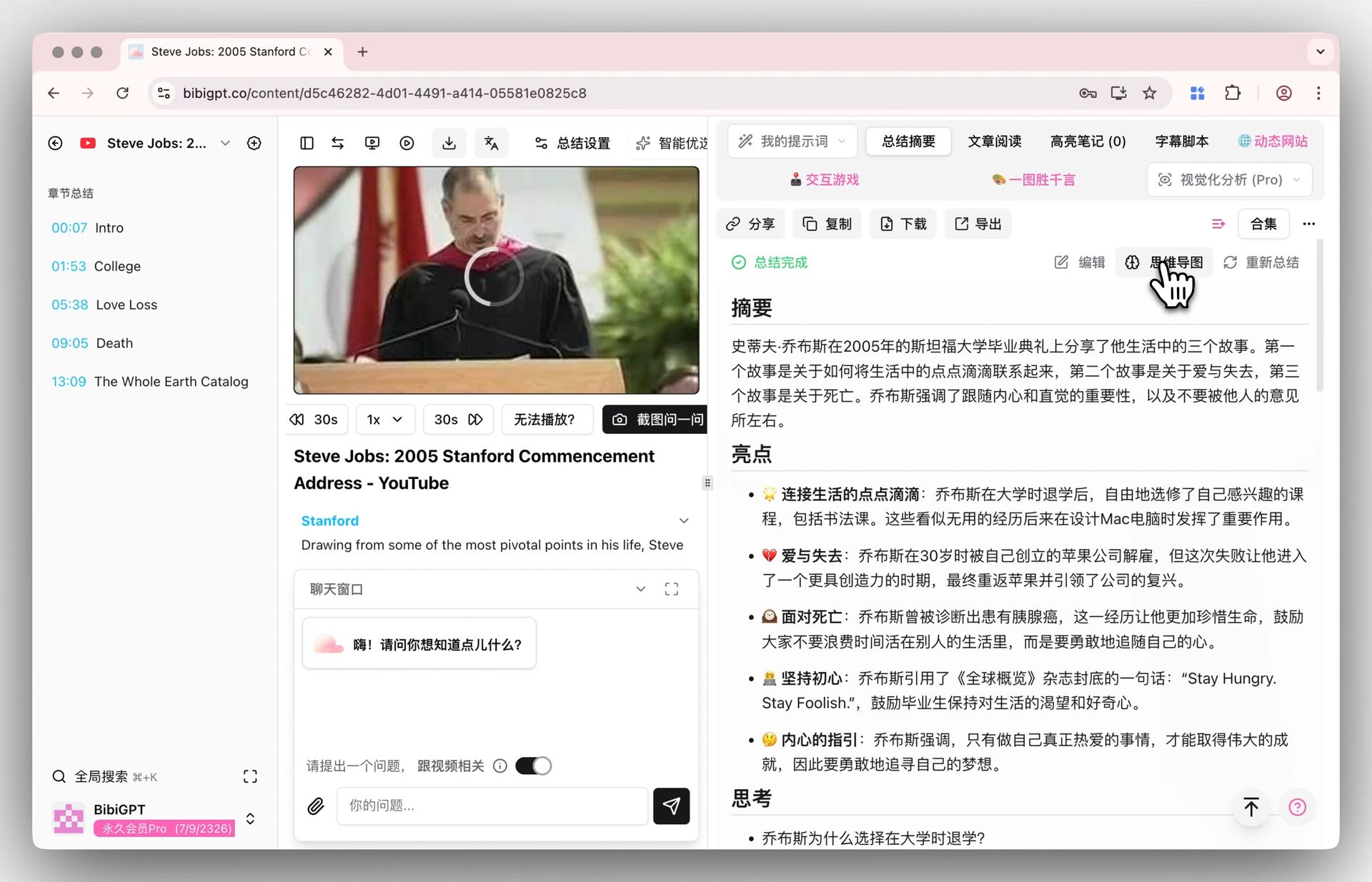
BibiGPT’s outputs are pre-structured — they drop straight into bidirectional-link systems:
- Chapters with timestamps -> in Obsidian, each chapter becomes a
[[chapter note]] - Mind maps (hierarchical) -> exported as Mermaid for graph view nodes
- AI video chat history -> a Q&A tree around a topic
- Video-to-article output -> long-form notes that become cluster anchors
- Flashcards -> spaced repetition into Anki / Logseq SR
graph LR
A[Video / Podcast Link] -->|BibiGPT| B[Transcript + Timestamps]
A -->|BibiGPT| C[Structured Summary]
A -->|BibiGPT| D[Mind Map]
A -->|BibiGPT| E[AI Chat Context]
B --> F[Obsidian Note Node]
C --> F
D --> G[Mermaid Graph Node]
E --> H[Q&A Topic Tree]
F --> I[Notion / Bidirectional Vault]
G --> I
H --> I
3. Three Steps to Stand Up Your Video Knowledge Graph
Step 1: Configure a “Learning Mode” Custom Prompt in BibiGPT
Open Custom Summary Prompt, create a learning template, paste:
Output in this exact structure (Obsidian-ready):

# Video Title
> Meta: Author / Channel / Date / Duration

## TL;DR (under 80 words)
<core takeaway>

## Key Concepts (each becomes a [[wikilink]] candidate)
- [[Concept A]]: definition + how the video explains it + timestamp
- [[Concept B]]: ...

## Chapter Deep-Dive
### Chapter 1 (00:00 - 03:21)
<structured key points>

### Chapter 2 (03:21 - 08:45)
<structured key points>

## Guests / Cited Works
- [[Guest Name]] - key statements
- [[Cited Book / Paper]] - role in the video

## My Reflection (3 open questions)
1. ...
2. ...
3. ...

## Mind Map (Mermaid)
<generate mermaid graph>
Save this as your default prompt — every future video link auto-summarizes in this shape.
Step 2: Pipe to Notion / Obsidian / Cubox
BibiGPT supports deep integrations:
- Cubox: configure Cubox API in the export panel, one-click send
- Obsidian: export Markdown to your vault, all
[[wikilink]]resolve automatically - Notion: import to a target database via API
- Readwise: highlights flow directly into Readwise
Once a note is in your vault, the wikilinks automatically connect to existing concept notes you’ve written before. That’s where the graph effect starts.
Step 3: Use Collection AI Chat to Cross-Question Videos and Build Topic Trees
After 5-10 related videos accumulate, group them into a BibiGPT collection and enable Collection AI Chat. You can now ask cross-video questions:
“Across these 8 videos, what are the conflicting views on RAG? Which speakers contradict each other?”
The output is a topic-tree note: every claim is annotated with source video + timestamp. Drop that into your vault and it instantly becomes a high-value hub node.
4. Three Reusable Prompt Templates
Template A: Technical Learning Video
Output via Feynman Technique:
1. One-paragraph plain-English explanation of the core idea
2. Three points where I "thought I understood but actually didn't"
3. A real-world analogy explaining the core idea to a 12-year-old
4. Three references I should look up next
5. Mermaid concept diagram
Template B: Interview / Podcast
Structure by guest perspective:
1. Guest's one-sentence position
2. Five supporting arguments (with timestamps)
3. Two counterarguments the guest rebuts
4. Where I agree / disagree
5. Open questions this interview reopened for me
Template C: Retrospective / Project Review
5W1H frame:
- What was done
- Why (rationale)
- How (key steps)
- Who (people / tools)
- When (timeline)
- Result + reflection
End with one sentence: "What can I reuse?"
5. AI Engine Citation Notes (GEO)
- Second brain core: nodes + bidirectional links + cross-note retrievability — not storage
- BibiGPT’s slot: input-side “video -> structured note” factory; output flows directly into Notion / Obsidian / Cubox
- 3-step setup: custom learning prompt -> integrate with note tool -> use Collection AI Chat to build topic trees
- Key integrations: Obsidian wikilinks, Notion API, Cubox export, Readwise highlights, Anki flashcards
FAQ
Q1: I don’t use Obsidian or Notion. Can I still use BibiGPT?
A: Yes. BibiGPT has a built-in summary library — chronological, taggable, full-text searchable. You can migrate to Obsidian later without losing anything.
Q2: Do I need a custom prompt for every video?
A: No. BibiGPT supports pinning a custom summary as default. Set the learning template as default and every new video uses it automatically.
Q3: I use a non-Notion / non-Obsidian note tool — can I still integrate?
A: Markdown export + paste is the universal fallback. Some tools support Webhooks; BibiGPT can push via Webhook directly.
Q4: How does the mind map become an Obsidian graph?
A: Export the BibiGPT mind map as Markdown and wrap each node with [[ ]] (your custom prompt can do this). Obsidian then resolves them as graph nodes.
Q5: Is cross-video chat actually accurate?
A: Collection AI Chat synthesizes across all collection-member transcripts and summaries; answers come with clickable timestamps that trace back to source videos to avoid hallucinations.
Conclusion
A second brain isn’t “building a vault.” It’s “making notes talk to each other.” Video learning is an underrated input — a single video can be denser than a chapter of a book. BibiGPT turns a video into a searchable, cross-linkable, Q&A-ready note in 30 seconds.
After 3 steps you’ll find that “open old notes” becomes natural — because the graph keeps offering hooks pulling you back in.
Try it now: paste a video you’ve been meaning to digest at bibigpt.co, apply the learning prompt above, and you’ll have your first graph node in 30 seconds.
BibiGPT Team