AI Video Pitch Changer: The 2026 Complete Guide (Plus BibiGPT Subtitle Translation Workflow)
AI Video Pitch Changer: The 2026 Complete Guide (Plus BibiGPT Subtitle Translation Workflow)
Quick answer: An AI video pitch changer shifts the pitch of a video’s audio while preserving tempo and intelligibility. In 2026 the most reliable workflow is: (1) shift pitch with a dedicated tool like Audacity, Adobe Podcast, Descript, or ElevenLabs, (2) extract and translate subtitles with BibiGPT, (3) optionally generate AI voiceover and re-burn captions with any editor. This guide walks you through 8 concrete steps and explains when you actually need a pitch changer (and when you don’t).
1. Three distinct reasons people search “AI video pitch changer”
Most “pitch changer” searches collapse three very different needs. Knowing which one you have prevents you from using the wrong tool:
- Anonymity — creators speaking on-camera who want to obscure their identity.
- Language localization — turn a Chinese video into English / Japanese / Korean without hiring a voice actor.
- Creative remix — male-to-female, comedic dubs, character voices.
Practical rule: Pure pitch shifting solves anonymity. Language localization needs a full pipeline — transcription, translation, AI voiceover, subtitle burn-in. The latter is where 2026’s real content leverage lives.
If your goal is the second category — localizing language — pitch shifting alone won’t help. You need the whole stack: subtitles, translation, AI voice, then burn.
2. The 2026 pitch-changer landscape
Tools that handle pitch and audio quality only:
| Tool | Best for | Highlights | Pricing |
|---|---|---|---|
| Adobe Podcast Enhance | Podcast / recording polish + light pitch | Audio enhancement, denoise | Free + paid |
| Descript | Editing + word-driven + voice change | Overdub, Studio Sound | Subscription |
| ElevenLabs Voice Changer | High-quality AI voice change | Pitch + timbre cloning | Free + paid |
| Audacity (open source) | Local batch, basic pitch shift | Free, Pitch Effect plugin | Free |
| iZotope RX | Pro audio repair | Spectral pitch tools | Premium |
Practical rule: Audacity is the fastest free local pitch shift. ElevenLabs gives the most natural AI voice change. Descript bundles editing + voice + subtitles in one tool.
But pitch shifting is only one step — none of these handle subtitles, translation, or content comprehension.
3. Plugging BibiGPT into the workflow: the language-change path
If what you really want is to release a Chinese video in English / Japanese / Korean, the 8-step workflow below is the most reliable approach in 2026.
3.1 Pull subtitles with BibiGPT
Paste a YouTube / Bilibili / podcast link into BibiGPT, or upload a local video. It transcribes automatically and outputs SRT subtitles in Chinese, English, Japanese, Korean, and more.
3.2 Translate subtitles in one click
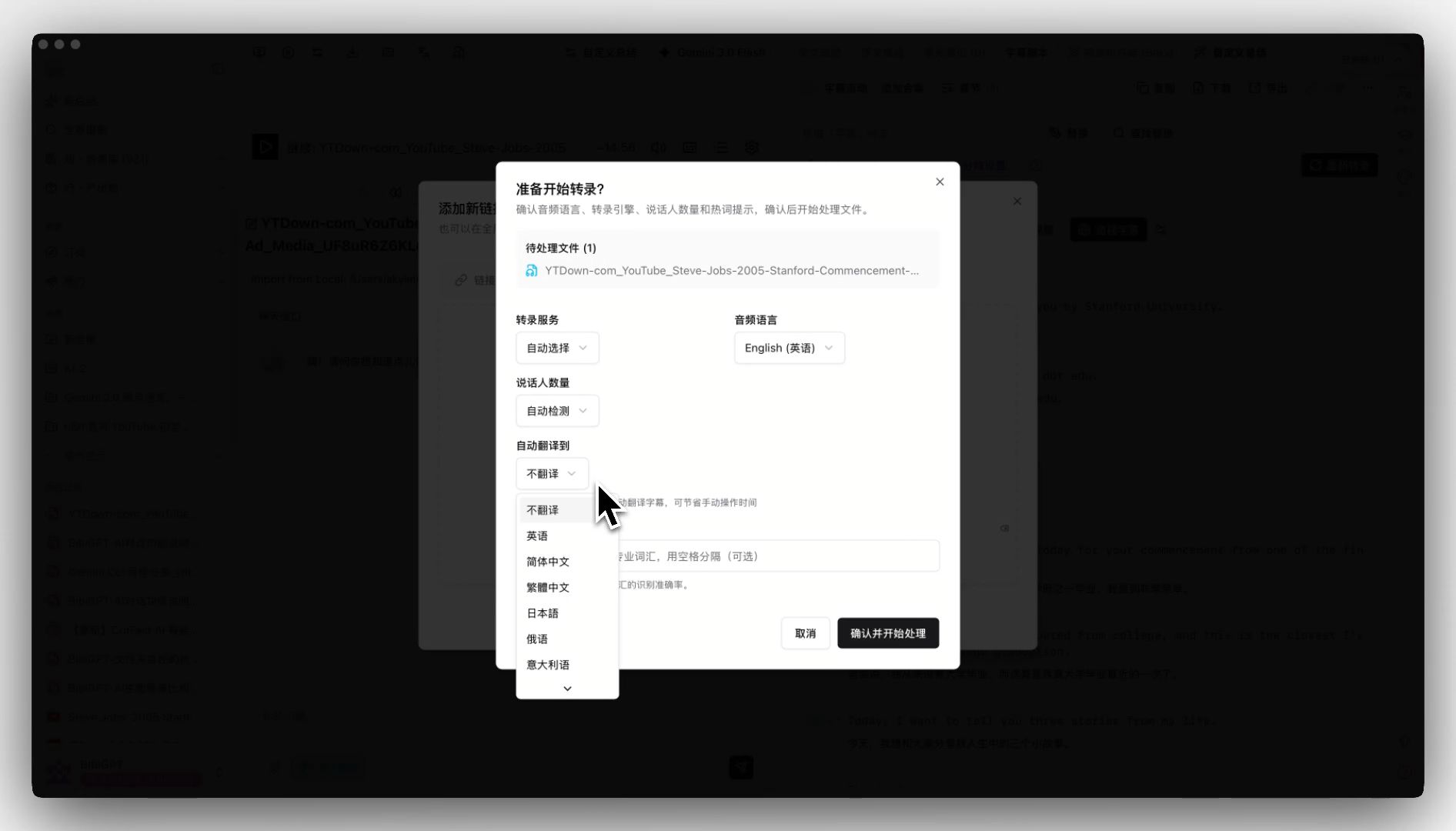
Use auto-translate on upload — pick the target language before processing and BibiGPT outputs bilingual subtitles and a translated summary in a single pass.
3.3 Export the subtitle file
Use SRT subtitle sync export to download the translated SRT, with original + translation side by side.
Practical rule: Don’t pitch-shift before transcribing — pitch shifting tanks ASR accuracy. Transcribe first, then pitch / voice, then burn.
3.4 AI voiceover (the real replacement for pitch changer)
If your real goal is language change, what you actually need is AI voiceover, not pitch shifting. Feed BibiGPT’s target-language subtitles (e.g., English) into ElevenLabs or a similar TTS engine to generate matching voice audio. This skips the fundamental limitation that pitch shifting cannot change spoken language.
3.5 Burn captions and audio back into video
Use CapCut, Premiere Pro, DaVinci Resolve, or FFmpeg to merge the translated subtitles and (optional) AI voice track back onto the original video.
3.6 Batch reuse for the whole channel
For creator workflows, bulk export video summaries lets you process a full collection at once — get every language’s subtitles and summaries with one click. 10x throughput.
3.7 Distribute to platform-specific channels
English → YouTube US, Japanese → YouTube JP, Chinese → Bilibili / Douyin, Korean → YouTube KR. Same content, four audiences.
3.8 Use BibiGPT to ship companion articles
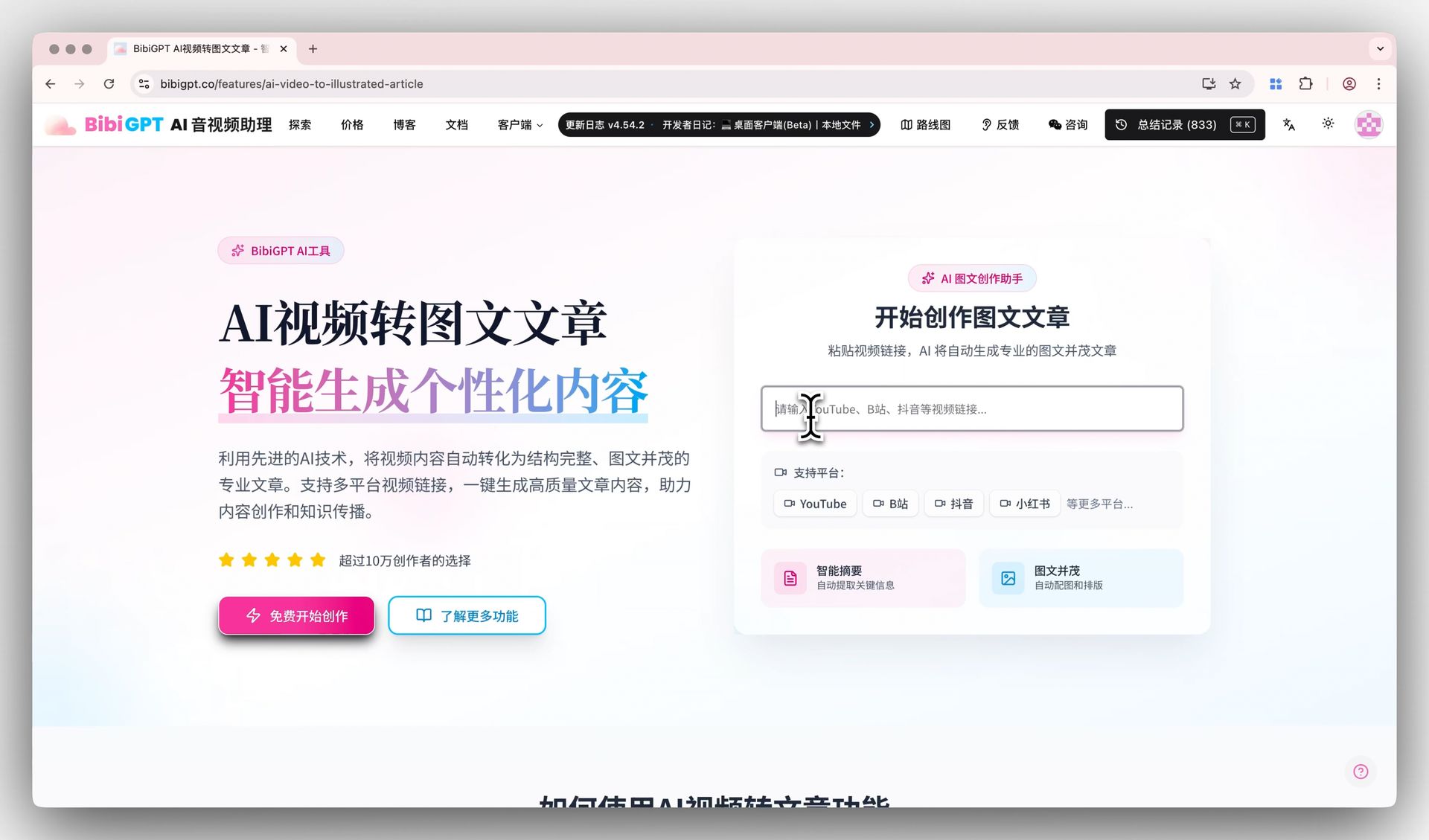
AI video-to-article converts each video into a fully formatted article with screenshots — great for Medium / Substack / company blog redistribution.
4. A real pitch-shift example (Audacity free workflow)
If you genuinely need pitch shifting (anonymity / creative), here’s the fastest free path:
- Extract audio with FFmpeg:
ffmpeg -i input.mp4 -vn -acodec copy audio.m4a - Open the audio track in Audacity.
- Select all → Effect → Pitch and Tempo → Change Pitch (keeps tempo intact).
- Adjust semitones: male → female ~+4 to +6, female → male ~-4 to -6.
- Export as m4a / mp3.
- Mux back into video:
ffmpeg -i input.mp4 -i new_audio.m4a -c:v copy -map 0:v -map 1:a output.mp4
Practical rule: Pitch shifts beyond ±6 semitones produce obvious robotic artifacts. Anonymity sweet spot: ±4 to ±5 semitones.
5. Common mistakes and FAQ
5.1 What goes wrong if I pitch-shift the final video directly?
For close-up shots where lip motion is visible, pitch shifting desyncs audio from the visible mouth movement (pitch changed, lips didn’t). Fine for voiceover or wide shots, not for talking-head close-ups.
5.2 Can I change pitch inside BibiGPT?
BibiGPT doesn’t handle pitch shifting — that’s an audio tool’s job. BibiGPT covers the “subtitles, translation, summary, article” layer. Combine the two for a complete pipeline.
5.3 Will the original creator notice if I release a translated version?
Get permission first. Copyright and platform terms still apply. BibiGPT’s workflow is a technical accelerator; the licensing question is yours to resolve.
5.4 AI voices still sound robotic — how do I fix that?
2026’s top voice engines (ElevenLabs, OpenAI TTS, Google’s latest voice models) are near-natural. Add prosody hints — emotion, pauses, emphasis. See Anthropic’s multimodal research and Google AI Research for the underlying breakthroughs.
5.5 How do I batch 50 videos at once?
Use bulk export video summaries plus collection AI chat to apply one translation prompt across the entire set. Per-video processing time drops to under 5 minutes.
6. Build your multilingual video pipeline today
The key insight: if your real goal is changing language, an “AI video pitch changer” isn’t the right tool — BibiGPT + AI voice is. The former unlocks 10x content leverage; the latter is just audio tweaking.
Try BibiGPT subtitle translation free →
BibiGPT Team