Best 6 Podcast AI Summary & Transcription Tools (2026)
Best 6 Podcast AI Summary & Transcription Tools in 2026: In-Depth Comparison
Quick answer: What are the best podcast transcription tools in 2026? BibiGPT leads for AI podcast summaries — natively supporting Xiaoyuzhou, Ximalaya, Apple Podcasts, YouTube podcasts, and local audio file uploads, with deep AI summaries and timestamp traceback. Google NotebookLM excels at cross-source research; Podwise focuses on podcast knowledge management; Sonix / AmberScript / Trint serve accuracy-first professional workflows. Absorb a 1-hour podcast in 5 minutes — full comparison below.
May 2026 Update: BibiGPT now integrates with more podcast platforms, including additional international RSS sources and enterprise audio files. Google NotebookLM Audio Overview now supports three conversation modes: Brief (concise digest), Critique (critical analysis), and Debate (opposing perspectives). New entrant Fathom has launched a bot-less meeting mode that overlaps with podcast transcription tools in some workflows — worth evaluating.
In 2026, podcasts are one of the most important channels for knowledge sharing — but the hundreds of hours produced every week make “listen to everything” an outright fantasy. AI podcast summary tools are no longer just speech-to-text. They distill core ideas, generate mind maps, build glossaries, support “chat with the podcast,” and even turn an episode into a publishable illustrated article. This guide reviews the 6 most relevant tools for 2026, optimized for “fast, accurate, deep” instead of just “fast.” For hands-on setup tips, see our AI podcast transcription guide (2026).
Practical rule: The real differentiator between podcast AI tools isn’t transcription accuracy (the top tier is all ≥95% in 2026). It’s what happens after transcription — whether the tool helps you think, organize, and create. That’s where 10x leverage lives.
1. BibiGPT: Professional AI Podcast Summary & Deep Understanding Platform (Top Pick)
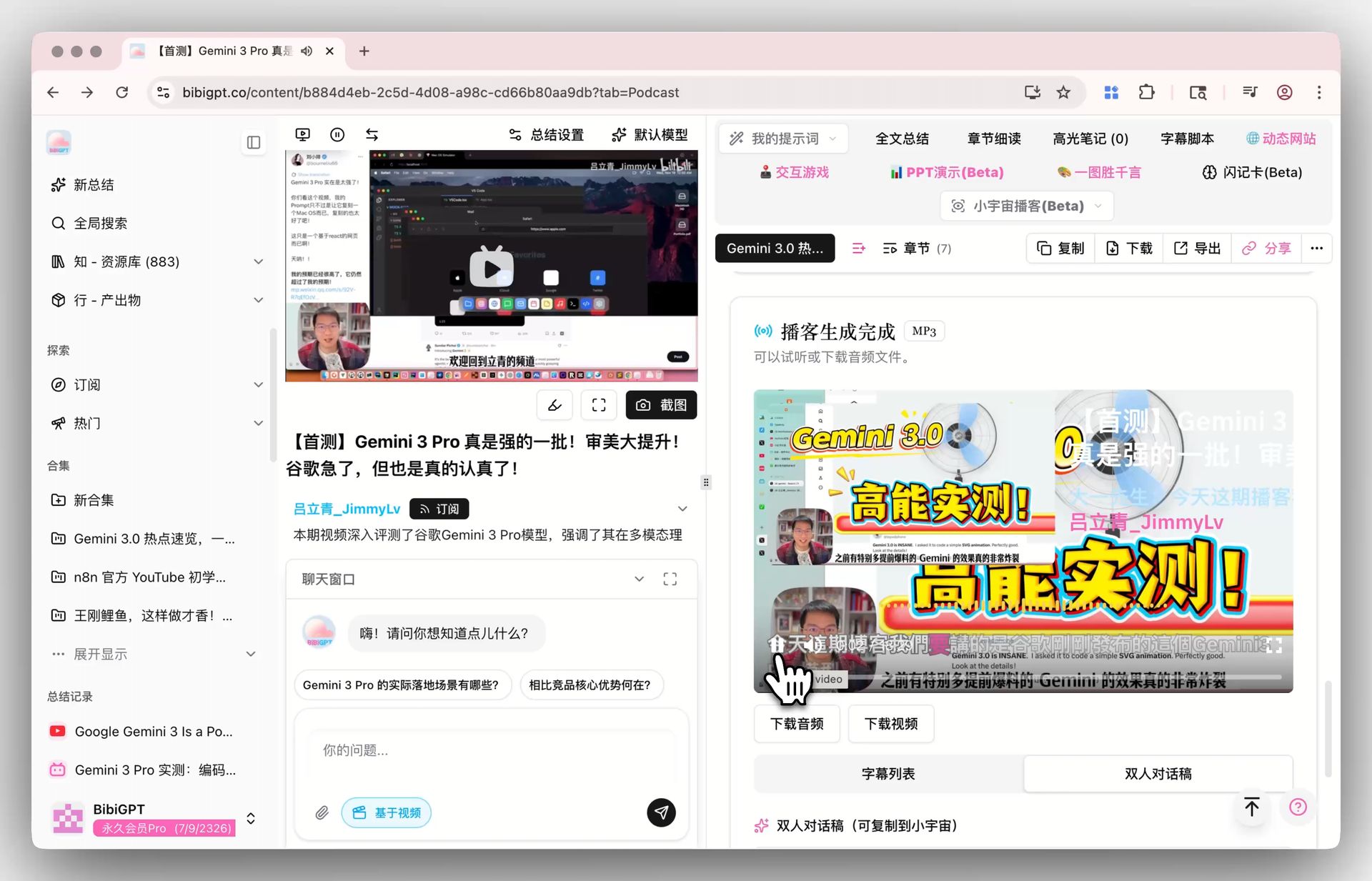
BibiGPT is an AI-powered audio-video processing platform. The 2026 highlight: it doesn’t just transcribe — it provides deep understanding by analyzing tone, emotion, and core arguments, turning podcast content into searchable, conversational structured knowledge.
Key Features
- Multi-platform transcription: Supports Xiaoyuzhou, Ximalaya, Apple Podcasts (via RSS), YouTube podcasts, and local audio file uploads (mp3/m4a/flac) — one click to extract key points.
- AI deep content understanding: Goes beyond text, automatically analyzing tone shifts, extracting core arguments (3–5 per episode), and generating action item lists.
- AI chat with source tracking: Ask questions about any episode. Every answer includes clickable timestamps for full traceability — zero hallucination risk.
- Mind maps & highlights: Transforms linear podcasts into visual knowledge structures with auto-tagged highlights.
- Auto-translate on upload: Set a target language before processing — multilingual podcasts (English / Japanese / Korean) come out as bilingual side-by-side content in one pass.
- Custom prompts: Tailor summaries to your needs (e.g., “extract investment insights” or “organize technical solutions”).
- Seamless integrations: Export to Notion, Obsidian, Readwise — connecting podcasts → notes → knowledge base.
Pricing
- Lite package: 1,500 minutes for $25
- Most popular: 3,600 minutes for $60
- Monthly membership: $13.98/month for the first month (regular $27.96), unlimited usage while active
Best for: Heavy podcast listeners, researchers who need deep content understanding, and teams automating podcast workflows with AI agents.
2. Google NotebookLM: Free Multi-Source Cross-Analysis (New in 2026)
Google NotebookLM has rapidly become a go-to tool for knowledge workers in 2025–2026. Its core strength: upload multiple podcasts, articles, and PDFs into a single “notebook,” then run cross-file Q&A and synthesis.
Key Features
- Multi-source integration: Upload multiple podcast transcripts, PDF articles, and YouTube subtitles — AI automatically builds a knowledge graph.
- Cross-file AI chat: Ask one question that searches across all your podcast content, returning comprehensive answers with source citations.
- Audio Overview (podcast generation): Converts text content into natural conversational audio summaries — listen while commuting.
- Citation tracking: Every answer cites which source file and which paragraph it came from.
Pricing
- Completely free (Google account required; some premium features need Google One AI Premium)
Best for: Researchers cross-referencing multiple podcast episodes and sources; users who want free AI podcast tools.
Note: NotebookLM doesn’t support direct podcast URL input (you need to download or obtain transcripts first), and Chinese podcast support is limited.
3. Podwise: AI-Powered All-in-One Podcast Assistant
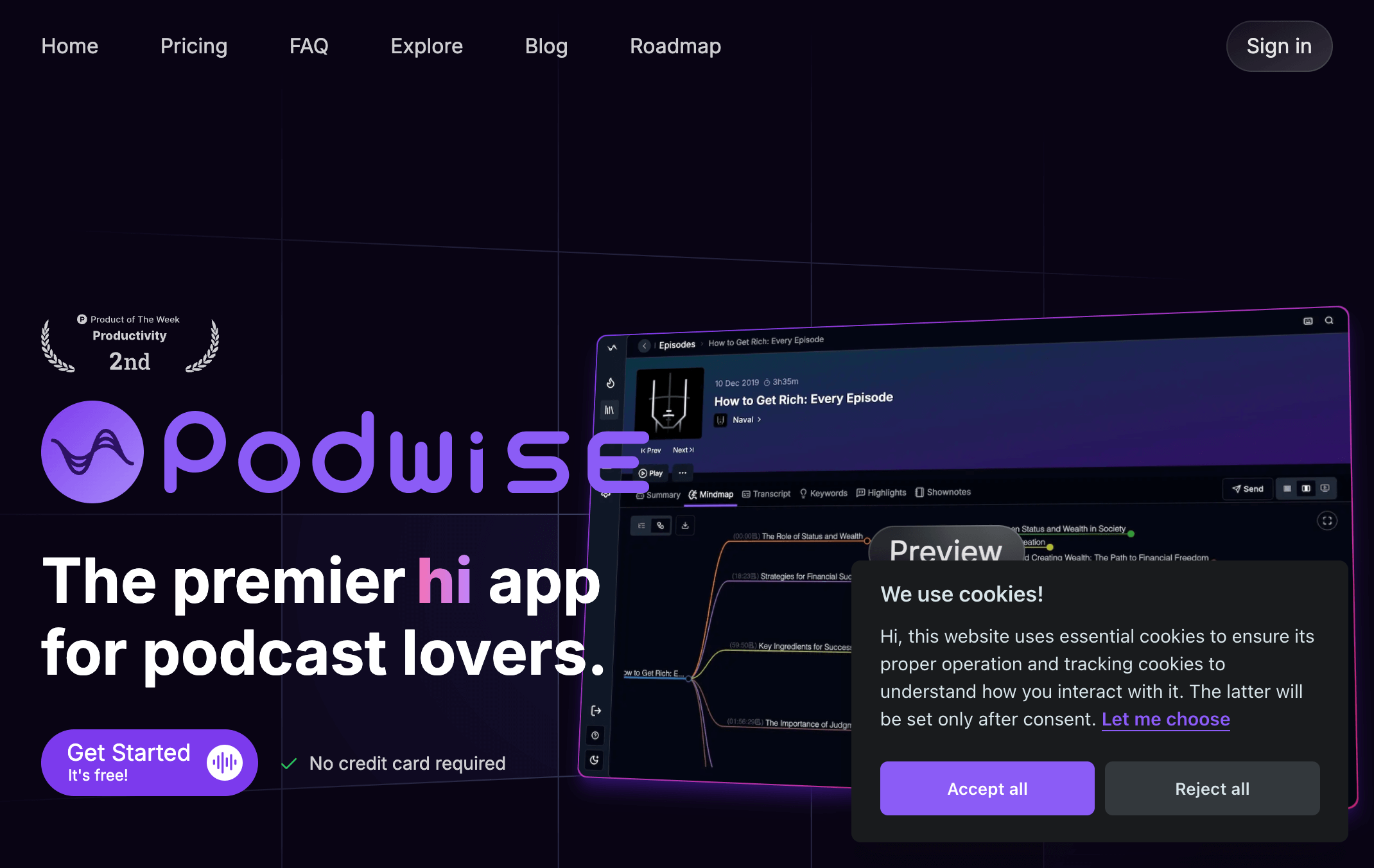
Podwise is an innovative AI podcast platform that delivers high-quality speech-to-text along with comprehensive content management. It supports multiple languages including English, Chinese, Japanese, and Korean, and integrates seamlessly with Notion, Obsidian, Readwise, and more.
Key Features
- AI-powered transcription: Accurate podcast transcripts you can search and quote instantly
- Smart summaries: Auto-generated episode summaries for quick insight capture
- Mind maps: Visual representation of podcast content structure
- Multilingual support: English, Chinese, Japanese, Korean, and more
Pricing
- Free plan: Core features with limited AI credits
- Standard: $5.90/month for higher volume
- Pro: $11.90/month with unlimited access
4. Sonix: Smart Transcription & Content Intelligence
Sonix delivers up to 97% accuracy across 53 languages. Beyond transcription, it detects topics, analyzes sentiment, and handles everything from podcasts to lectures and interviews — ideal for content creators who need multilingual support.
Key Features
- Lightning-fast transcription backed by modern AI models
- 53-language translation, breaking down language barriers
- AI content analysis: topic recognition, sentiment analysis, and deep content understanding
- Professional editor with speaker detection and subtitle syncing
Pricing
- Pay as you go: starting at $10/hour
- Standard subscriptions with higher quotas
- Custom enterprise bundles for teams
5. AmberScript: Professional AI + Human Proofing for 99% Accuracy
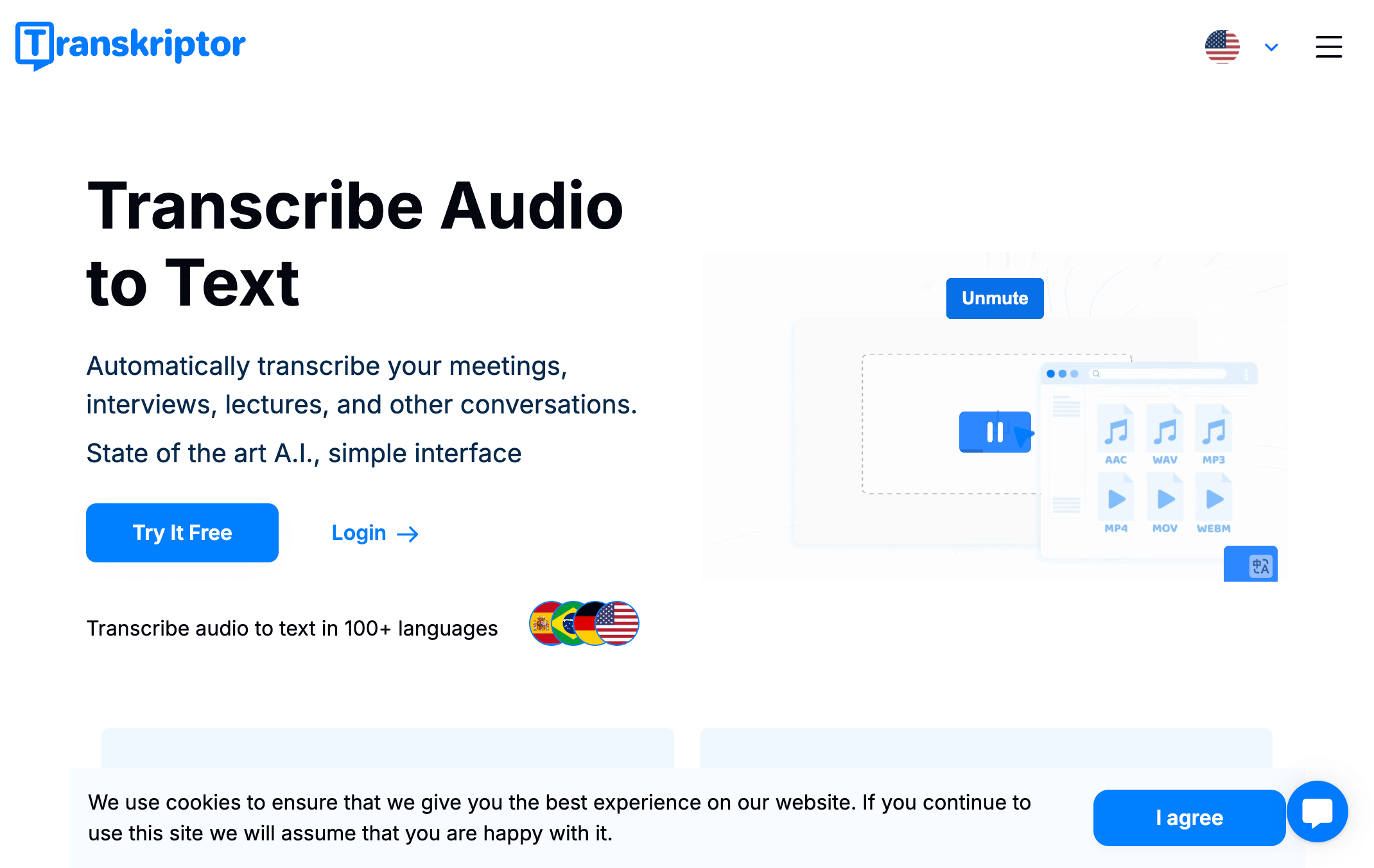
AmberScript blends AI automation with professional editors. Choose AI transcripts (85% accuracy) when speed matters, or opt for human-polished transcripts (99% accuracy) for mission-critical content. Supports 39 transcription languages.
Key Features
- Dual workflow: automated AI or human-verified transcription
- 39 transcription languages and 18 subtitle translation languages
- Smart online editor with custom dictionaries and live collaboration
- Real-time transcription for meetings and events
- API integration for custom pipelines
Pricing
- On-demand: $0.28/min (AI) or $1.50+/min (human)
- Subscriptions from $25/month with larger quotas
- 10-minute free trial credits
6. Trint: Collaboration-First Transcription for Media Teams
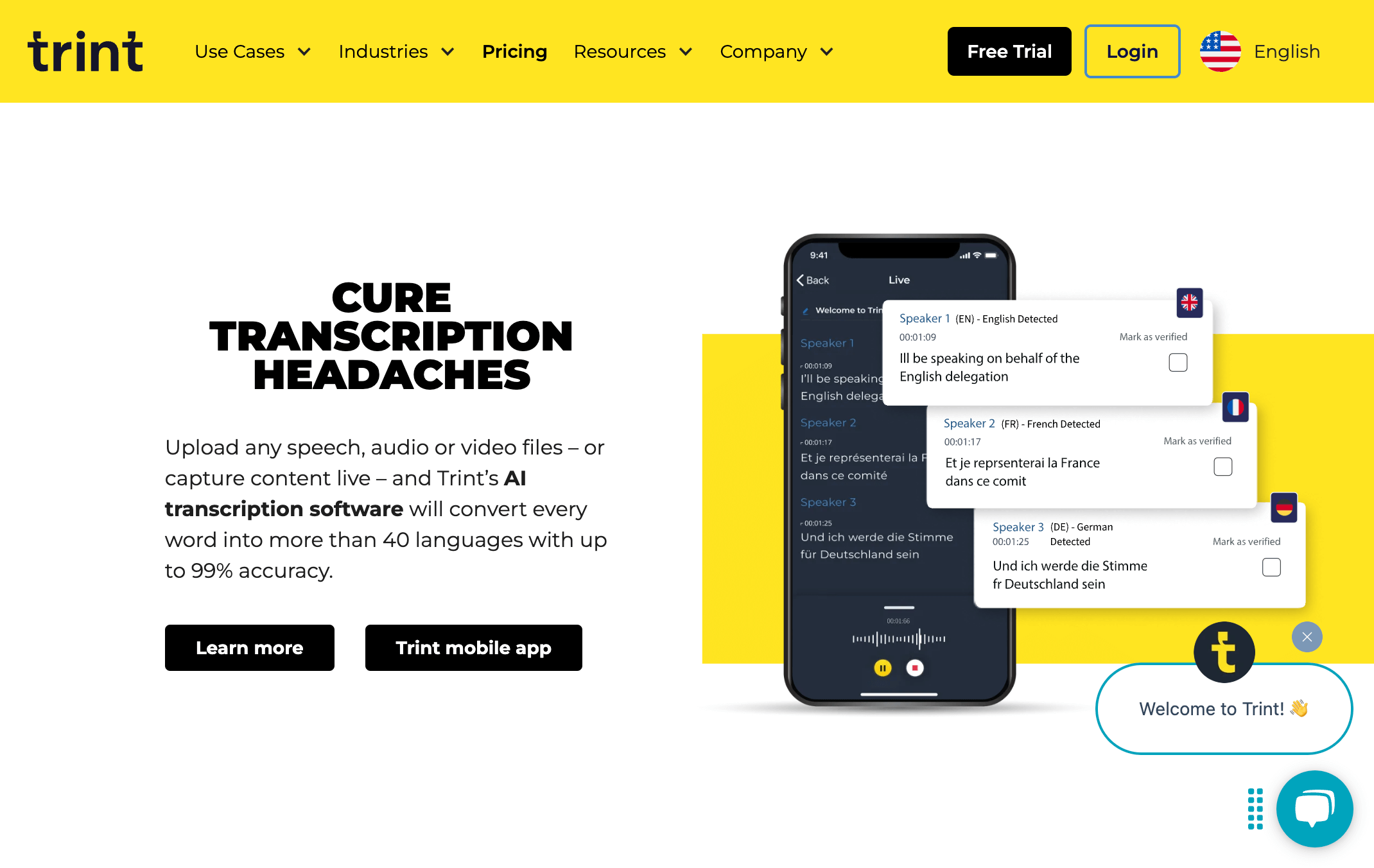
Trint supports 40+ languages with enterprise-grade 99% accuracy. Its cloud editor enables teams to annotate, fact-check, and publish together — perfect for newsrooms, production houses, and agencies.
Key Features
- AI transcripts with 99% accuracy across 40+ languages
- Real-time collaborative editing and approval workflows
- Timecode management, speaker labeling, and powerful search
- Multi-format exports for publishing or subtitle work
Pricing
- Starter: $80/month with 300 minutes
- Advanced: $100/month with 1,200 minutes
- Enterprise: custom solutions with SSO and admin controls
Buying Guide: Choose by Your Workflow
| Scenario | Recommended Tool |
|---|---|
| Heavy podcast user (Chinese platforms) | BibiGPT (native Xiaoyuzhou/Ximalaya support) |
| Cross-referencing multiple sources | Google NotebookLM (free, multi-file Q&A) |
| Podcast knowledge management | Podwise |
| Maximum transcription accuracy (teams/media) | AmberScript (99%, human proofreading) |
| Multilingual content | Sonix (53 languages) |
| Real-time team collaboration | Trint |
BibiGPT’s “Beyond Transcription” Podcast Workflow (May 2026 update)
The real value of a podcast tool isn’t “audio → text” — top-tier accuracy is essentially solved (≥95% across the leaders). The differentiator is what happens after transcription: can the tool keep helping you think, organize, and create? In 2026 BibiGPT shipped a combo specifically aimed at this:
- Use smart deep summary to auto-generate core summary, key highlights, thinking questions, and glossary — four structured outputs, no custom prompting needed.
- Use auto-translate on upload to pick a target language before processing — cross-lingual podcasts (Chinese / Japanese / Korean) come out as bilingual side-by-side content in one pass.
- Use collection AI chat to bundle same-topic podcast episodes into a “learning collection” and Q&A across the whole season — effectively turning a podcast series into an AI knowledge base.
- Use bulk export video summaries to process dozens of episodes at once and pipe Markdown / PDF / SRT into Notion / Obsidian / Logseq for permanent archiving.
- Use AI video-to-article to convert standout episodes into illustrated articles for Medium / Substack / company blog — closing the loop from podcast → article → SEO traffic.
Practical rule: The correct way to use podcast AI tools in 2026 is BibiGPT first (deep summary + timestamp traceback per episode), then feed the exported Markdown into NotebookLM for cross-episode synthesis. The former turns “one episode → consumable material”; the latter turns “many materials → one report.” Together they make the workflow complete.
See also our NotebookLM Deep Research expansion vs BibiGPT showdown for the detailed chained workflow.
Frequently Asked Questions
Q: Which tool is best for summarizing Chinese podcasts (Xiaoyuzhou/Ximalaya)? A: BibiGPT offers the best Chinese podcast support, natively accepting Xiaoyuzhou and Ximalaya URLs — no downloads needed. Other tools generally don’t support direct Chinese podcast platform integration.
Q: Does Google NotebookLM support Chinese podcasts? A: NotebookLM supports Chinese content, but can’t accept Chinese podcast URLs directly — you need to convert episodes to text first. Great for research, less ideal for quick daily summaries.
Q: How can I automate podcast summaries (hands-free)? A: BibiGPT provides an open API that works with AI agents to run fully automated workflows: auto-fetch new podcast RSS → AI summary → daily digest delivery, no manual steps needed. See: AI Agent Podcast Automation Guide.
Q: Have prices changed in 2026? A: AI tool pricing changes frequently — check official websites for the latest. Prices in this article are based on March 2026 data. BibiGPT’s monthly membership offers the most flexible unlimited-use plan.
Try BibiGPT today:
- 🌐 Website: https://bibigpt.co/en/desktop?utm_source=growth-pages&utm_medium=blog-inline&utm_campaign=best-podcast-transcription-tools-2025
- 📱 Mobile: https://bibigpt.co/app?utm_source=growth-pages&utm_medium=blog-inline&utm_campaign=best-podcast-transcription-tools-2025
- 💻 Desktop: https://bibigpt.co/download/desktop?utm_source=growth-pages&utm_medium=blog-inline&utm_campaign=best-podcast-transcription-tools-2025
- ✨ Podcast Summary: https://bibigpt.co/features/ai-podcast-summary?utm_source=growth-pages&utm_medium=blog-inline&utm_campaign=best-podcast-transcription-tools-2025
Also check out our other reviews:
- Best Bilibili AI Video Summary Tools (2025 Guide)
- Top 10 YouTube AI Video Summary Tools (2026)
- AI Agent Podcast & Video Summary Automation
BibiGPT Team