What Can BibiGPT Do? 6 Live AI Video Demos You Can Try Right Here
What Can BibiGPT Do? 6 Live AI Video Demos You Can Try Right Here
You watch more video than you have time for — lectures, talks, podcasts, tutorials. BibiGPT is the part of your brain you can outsource: it watches in full and hands back exactly what you need.
The fastest way to understand it is to play with it. Below are six things BibiGPT does, each shown live on real videos. Pick a sample, see the result, and when you want your own video — the button takes you straight there. No signup needed to look around.
1. Summarize any video in seconds
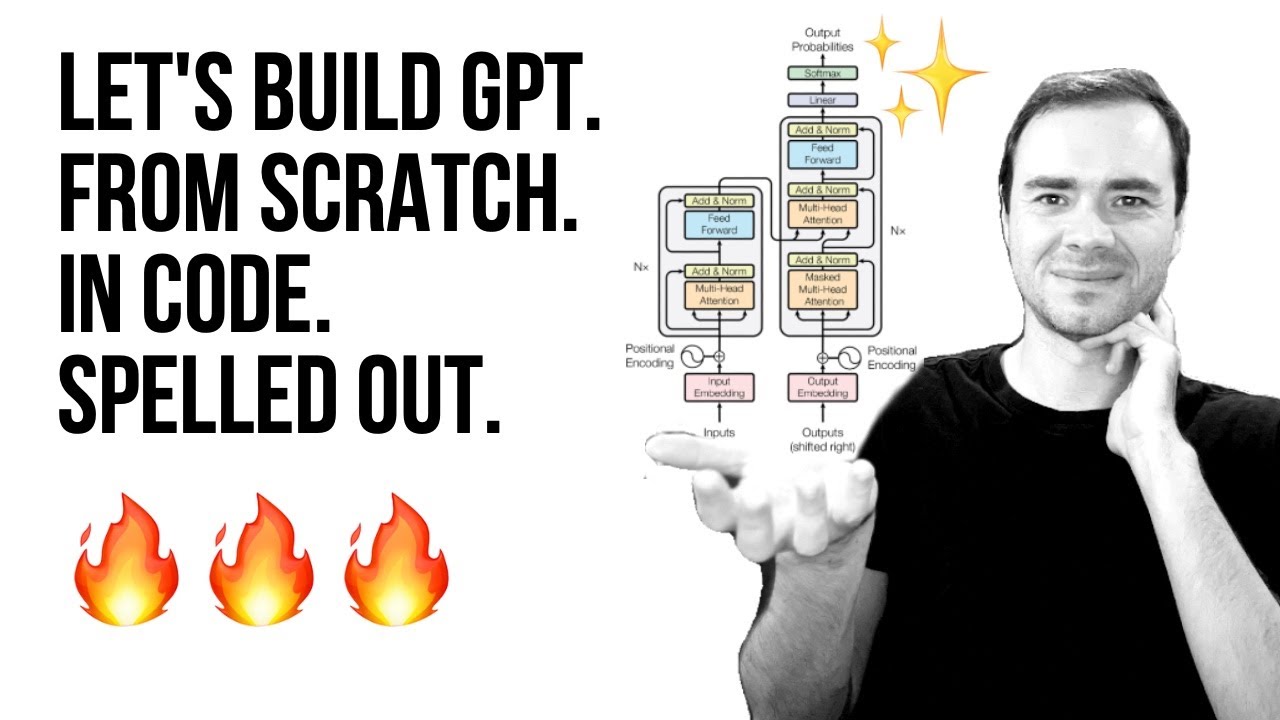
A two-hour lecture, distilled to the one thing you came for — plus the timestamps to jump back in. Take Andrej Karpathy’s classic “build GPT from scratch” lecture — here’s the full video:
Now pick a sample below and read the AI summary BibiGPT produced from it:
Summarize any video in seconds
Pick a sample below to see the AI summary — TL;DR, key points, and jump-to timestamps.
TL;DR: Karpathy builds a GPT-style language model from scratch in code, explaining every piece — from a tiny character-level model up to the full Transformer.
Key points
- Start with a bigram model, then add self-attention so tokens can "talk" to each other
- A Transformer block = multi-head attention + feed-forward + residual connections + layer norm
- Training is just predicting the next token; scale and data do the rest
- The same architecture behind nanoGPT is what scales up to ChatGPT
Jump to
- 00:07 Why build GPT from scratch
- 08:23 Self-attention, intuitively
- 1:00:00 Assembling the Transformer block
- 1:35:00 From nanoGPT to ChatGPT
Want it on your own link? Paste any video into BibiGPT’s AI YouTube summary and you’ll have the same thing in under a minute.
2. Turn a video into a mind map
Some videos aren’t a to-do list — they’re a structure. BibiGPT lays that structure out as a mind map you can pan and fold:
Turn a video into a mind map
A linear talk becomes a structured tree. Drag to pan, click nodes to fold.
This is how people turn long talks into a single revisable mind map before an exam or a meeting.
3. Ask the video a question
Watched it but still unsure about one part? Don’t rewind for ten minutes — just ask. One of the samples below is Tim Urban’s famous TED talk on procrastination:
Every answer is grounded in the transcript, with the timestamp it came from:
Ask the video a question
Watched it but still unsure? Ask follow-ups and get answers grounded in the transcript.
Tap a question:
4. Turn video frames into illustrated notes
BibiGPT doesn’t only listen — it looks. Slides, charts, on-screen text: it reads the picture and writes it up, frame by frame. Click a frame to see what it found:
Turn video frames into illustrated notes
The AI looks at the picture too — slides, charts, on-screen text — and writes it up.
Key frames

On-screen text: nanoGPT
Karpathy live-codes the bigram model — the simplest language model, predicting the next character from the current one.
This is the trick behind turning a recorded lecture into clean illustrated notes.
5. Translate captions into your language
A talk in a language you don’t speak shouldn’t be off-limits. BibiGPT lines up the original and the translation, with timestamps, so nothing gets lost:
Translate captions into your language
Original and translation, line by line, with timestamps. Great for foreign-language talks.
| 00:07 | We're going to build GPT from scratch, together. | Vamos a construir GPT desde cero, juntos. |
| 08:23 | Self-attention is the heart of the Transformer. | La autoatención es el corazón del Transformer. |
| 45:10 | Each token emits a query and a key. | Cada token emite una consulta y una clave. |
| 1:35:00 | At its core, this is the same model behind ChatGPT. | En esencia, es el mismo modelo detrás de ChatGPT. |
Need it for your own video? Here’s the dual-subtitle generator.
6. So — how many hours does this save you?
All of the above adds up to one thing: time. Drag the sliders and watch the gap between watching in full and skimming an AI summary:
How many hours could you save?
Drag the sliders. Watching in full vs. skimming an AI summary — see the gap.
Ready to try it on your own videos?
Six demos, one idea: stop spending hours to get minutes of value. Summarize, map, ask, illustrate, translate — then go reclaim the hours the calculator just showed you.