Granola vs BibiGPT: Which AI Meeting Notes Tool Wins for You? (2026)
Granola vs BibiGPT: Which AI Meeting Notes Tool Wins for You? (2026)
As of 2026-04-28 | Both products’ feature matrices freshly checked
TL;DR: Granola is a desktop-first AI meeting assistant that just closed Series C, putting the meeting-notes category in the spotlight. If 100% of your material comes from English-language Zoom / Google Meet / Microsoft Teams calls, Granola is a clean pick. But if your workflow also includes YouTube videos, podcast interviews, training recordings, Bilibili content, local lectures, or cross-language material, BibiGPT covers more ground and fits the Asia-Pacific market natively — trusted by 1M+ users across 30+ platforms with first-class support for Chinese / English / Korean / Japanese.
Why the Meeting-Notes Space Got Hot in 2026
- Granola’s 2026 Series C lifted valuations across Otter, Tactiq, and Fireflies
- Remote work is normalized — 5-10 weekly meetings is standard
- ASR engines crossed the “good enough” line (MAI-Transcribe-1 ships 25-language SOTA)
- VC money inflow → rising decision cost for users picking a tool
At-a-Glance: Granola vs BibiGPT
| Dimension | Granola | BibiGPT |
|---|---|---|
| Core positioning | Desktop meeting notes | Cross-platform audio/video AI assistant |
| Source coverage | Zoom / Meet / Teams (English) | 30+ platforms (meetings + videos + podcasts + local + cloud drives) |
| AI summary depth | Summary + action items | Summary + action items + chapters + mind maps + video chat with source tracing |
| Native multilingual | English-first, others via translation | Native Chinese / English / Korean / Japanese |
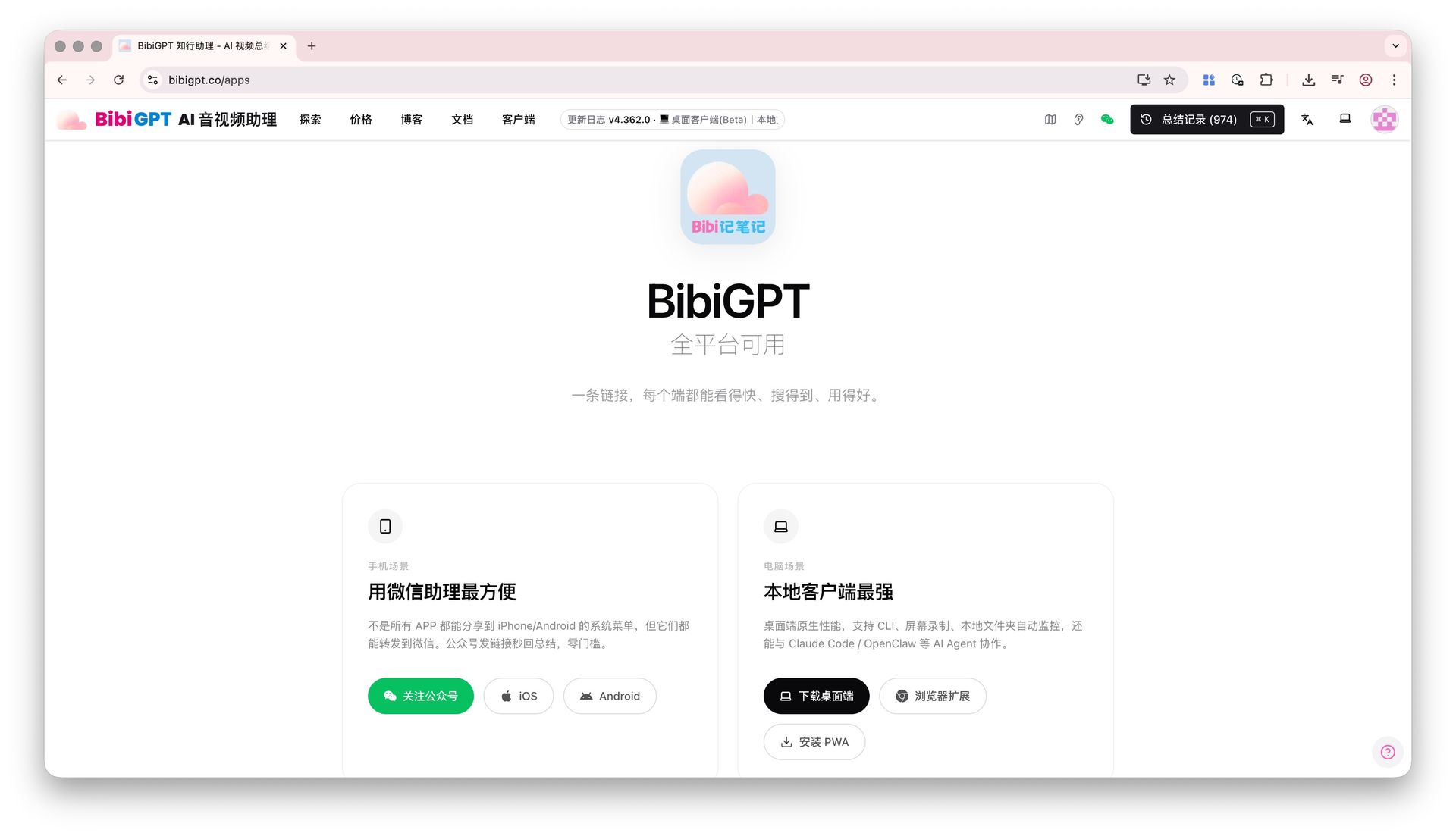
| Clients | macOS (Win Beta) | Web + macOS / Windows desktop + iOS / Android + browser extension |
| Privacy mode | Mostly cloud | Optional Local Privacy Mode (in-browser) |
| PKM integrations | Notion / Slack / Linear | Notion / Obsidian / Readwise / Cubox / SiYuan |
| Re-creation outputs | Mostly summary export | Video-to-document, PPT, flashcards, Anki |
| API / Agent access | Limited | Full API + bibigpt-skill Agent tools |
| Target market | North America English | Global, especially strong in Asia-Pacific |
| User base | Series C stage | 1M+ users, 5M+ summaries generated |
| Pricing | Premium subscription | Plus / Pro subscription + pay-per-use credits |
Dimension 1: Source Coverage — Meetings Are 1 of 30+ Categories
Key difference: Granola treats “meetings” as the product boundary; BibiGPT treats “audio/video” as the product boundary.
Granola covers
- ✅ Zoom (core)
- ✅ Google Meet
- ✅ Microsoft Teams
- ⚠️ Falls back to local recordings for other cases, but the product is optimized for the three above
- ❌ YouTube videos, podcasts, local lectures aren’t core scenarios
BibiGPT covers
- ✅ Zoom / Meet / Teams (Zoom recording-to-text, free meeting transcription)
- ✅ YouTube / Bilibili / TikTok / Douyin videos
- ✅ Apple Podcasts / Spotify / Xiaoyuzhou
- ✅ Local files (MP4 / MP3 / WebM / MXF) drag-and-drop
- ✅ Baidu Netdisk / Aliyun / Dropbox folder sync
- ✅ Feishu / DingTalk / Tencent Meeting recordings via upload
Real scenario: Five Zoom calls Monday, one YouTube industry interview Wednesday, one team training recording Friday. Granola handles Monday; BibiGPT handles the whole week.
Dimension 2: AI Depth — Summary Is the Floor, Not the Ceiling
Granola output
- Meeting summary (one paragraph)
- Action items list
- Simple keyword list
BibiGPT output
- One-paragraph overview → section-level highlights → full transcript (Progressive Summarization layers)
- Auto mind map (export SVG / PNG / Markmap)
- AI video chat with click-through source tracing
- Decision list + action items + owner detection
- Visual frame analysis (slides, whiteboards, charts)
- Flashcards (Anki export for spaced review)
Real scenario: Three months later, you want “what budget cap did the customer mention.” Granola has you Ctrl+F a summary; BibiGPT has you ask the AI and click straight to the timestamp.
Dimension 3: Native Multilingual — A Real Pain for APAC Users
Granola
- English is first-class
- Chinese / Japanese / Korean rely on translation; quality varies
- Domain-specific terms in non-English calls drift
BibiGPT
- Chinese / English / Korean / Japanese all first-class
- ASR engine routes per language (details)
- Summaries, mind maps, UI all language-tuned
- Mixed Chinese-English calls (an English-tool weakness) work especially well
If half your team’s calls are bilingual, Granola’s multilingual gap shows up daily.
Dimension 4: PKM Integrations — Where Notes Settle for the Long Term
Granola
- Notion / Slack / Linear
- Targets SaaS-team comms loops
BibiGPT
- Notion (workflow)
- Obsidian (workflow)
- Readwise / Cubox / SiYuan
- Monthly index notes + cross-video synthesis (second-brain methodology)
PKM users (Obsidian for the second brain, Cubox for clipping, Readwise for review) will find BibiGPT one of the few tools that bridges “meeting notes” and “knowledge management.”
Dimension 5: Re-Creation — From Notes to Outputs
Granola’s output is mostly “export the summary.” BibiGPT plugs your raw material straight into a re-creation pipeline:
| Goal | BibiGPT workflow |
|---|---|
| Internal blog / newsletter | Video-to-article → polish → publish |
| Customer-facing PPT | One-click PPT from summary |
| Team learning Anki | Flashcard export, spaced review of decisions |
| Cross-meeting synthesis | Collection summary — last month’s project meetings into one synthesis |
Dimension 6: Pricing & ROI
| Item | Granola | BibiGPT |
|---|---|---|
| Entry | Premium per-seat subscription | Plus / Pro subscription + pay-per-use credits |
| Free tier | Time-limited trial | Monthly free quota, no card required |
| Bulk scenarios | Per seat | Flexible credit packs for individuals and teams |
| API customers | Limited | Full API + bibigpt-skill |
If you’re 1-2 people on 100% English Zoom, Granola’s per-seat pricing is straightforward. If you’re a 5+ person mixed-material team, content creator, or APAC user, BibiGPT’s flexible pricing + broader coverage offers stronger ROI.
Who Should Pick Granola
- ✅ North American English-only knowledge workers, 100% Zoom / Meet / Teams
- ✅ Small teams, no video / podcast workflow
- ✅ Already deep on Slack / Linear
Who Should Pick BibiGPT
- ✅ Chinese / mixed-language / APAC users
- ✅ Workflow spans 30+ platforms (videos + podcasts + meetings + local)
- ✅ Building a second brain in Obsidian / Notion / Readwise
- ✅ Content creators repurposing material to articles / PPT / shorts
- ✅ Privacy-sensitive scenarios (HR / legal / compliance) needing in-browser processing
- ✅ Developers / Agent workflow users
A Real Migration Path
“We used Granola for six months and noticed: (1) Chinese-call summaries lagged English ones noticeably; (2) I often need to summarize YouTube industry interviews — Granola can’t help; (3) splitting team-syncs + customer calls + industry podcasts across three tools got tedious. We moved to BibiGPT.” — A SaaS founder
Migration steps:
- Export old Granola summaries as Markdown into Notion / Obsidian
- Use BibiGPT for new material — desktop + browser extension + mobile cover all surfaces
- Try BibiGPT video-to-document to upgrade output quality
FAQ
Q1: Is Granola really better at English meetings?
A: Granola is heavily optimized for English Zoom / Meet / Teams — the output is polished. BibiGPT also reaches top-tier quality on English (via ElevenLabs Scribe in the engine selector) while covering far more material types.
Q2: My calls are 50% bilingual — which?
A: BibiGPT. Mixed-language calls are an English-only tool’s weak spot; native multilingual + auto-translate are clear wins.
Q3: Does BibiGPT have desktop real-time meeting capture?
A: Desktop supports drag-drop and folder sync, paired with Zoom / Teams local recording covers 95% of scenarios. Deeper “real-time desktop companion” is on the roadmap.
Q4: Can I import Granola history?
A: Export Granola summaries as Markdown, drop them into BibiGPT linked to the original recording, or archive directly into Notion / Obsidian.
Q5: Which is better for PKM / second brain?
A: BibiGPT. Granola optimizes “meeting → summary → Slack.” BibiGPT offers a full 4-step PKM method that lets meeting notes join your long-term knowledge graph.
Q6: Lots of meetings, want to batch-process the last 6 months?
A: BibiGPT Plus / Pro supports cloud-folder sync + batch upload + EPUB / ZIP export — better suited for “let me digest the last six months.” See batch export guide.
Closing: Pick the Right Tool, Not the Hottest
Granola raising Series C is a good thing — money flowing into the meeting-notes category lifts the floor. But “meeting tool” and “audio/video AI assistant” aren’t the same product. If your material genuinely lives only in English Zoom / Meet / Teams, Granola is clean. If your material spans videos, podcasts, training, cross-language meetings, BibiGPT puts all of that into one product with a deeper AI output layer (mind maps, video chat, visual analysis, re-creation).
Try BibiGPT today:
- Web: https://bibigpt.co/en/desktop?utm_source=growth-pages&utm_medium=blog-inline-cta&utm_campaign=granola-vs-bibigpt-meeting-notes-2026-comparison
- Desktop: https://bibigpt.co/download/desktop
- Mobile: https://bibigpt.co/app
- Browser extension: https://bibigpt.co/apps/browser
BibiGPT Team