NotebookLM Moodle Integration vs BibiGPT 2026: Which AI Learning Assistant for Students
NotebookLM Moodle Integration vs BibiGPT 2026: Which AI Learning Assistant for Students
Last updated: 2026-05-17
100-word direct answer: As of 2026-05, Google has integrated NotebookLM into the Moodle LMS and is training teachers worldwide via the AI Educator Series. This makes NotebookLM a default entry point for “course material PDF Q&A.” But for video learning, multi-platform material aggregation, and mind map export, BibiGPT is still smoother. Below: a scenario-driven comparison.
30-Second Decision Guide (Jump by Your Learning Type)
| Your Learning Type | Primary Pick | Jump To |
|---|---|---|
| STEM / textbook PDF + paper reading | NotebookLM | NotebookLM strengths |
| Lecture videos + MOOCs / YouTube | BibiGPT | BibiGPT strengths |
| Language learning + subtitle translation | BibiGPT | Language scenario |
| Long-term exam prep / systematizing knowledge | BibiGPT + Notion | Exam-prep scenario |
| Learn-then-publish creators | BibiGPT | Publish scenario |
Background: What This NotebookLM Update Actually Changed
Per Google for Education 2026 product updates:
- Moodle integration: NotebookLM becomes an LMS plugin in Moodle. Students invoke NotebookLM on course material directly from the Moodle course page.
- AI Educator Series: Google launches a global teacher training program packaging “using NotebookLM in the classroom” as a standard curriculum.
- Personal Class Notebooks already shipped earlier (deep-dive in our other post).
The net effect: the “textbook PDF + paper + lecture notes” pipeline becomes NotebookLM-by-default in school settings.
Practical rule: NotebookLM eats “document-style” materials. BibiGPT eats “video/audio” materials. They’ve always been strong on different content formats.
NotebookLM’s Strengths: School Documents + Teacher Integration
What NotebookLM is genuinely good at:
- Textbook PDF Q&A: Upload hundreds of pages, ask “what’s the core concept of Chapter 7”
- Paper synthesis: Feed multiple papers, NotebookLM extracts common viewpoints and differences
- Class material organization: Teachers organize an entire course’s materials inside Personal Class Notebooks; students share access
- Google ecosystem: Seamless ingestion from Google Docs / Slides / Drive
New scenario after Moodle integration: Students can @NotebookLM directly inside the LMS while doing assignments — no tool switching. This is a step change for assignment-driven learning.
BibiGPT’s Strengths: Video/Audio + Cross-platform Learning Loop
What BibiGPT is genuinely good at:
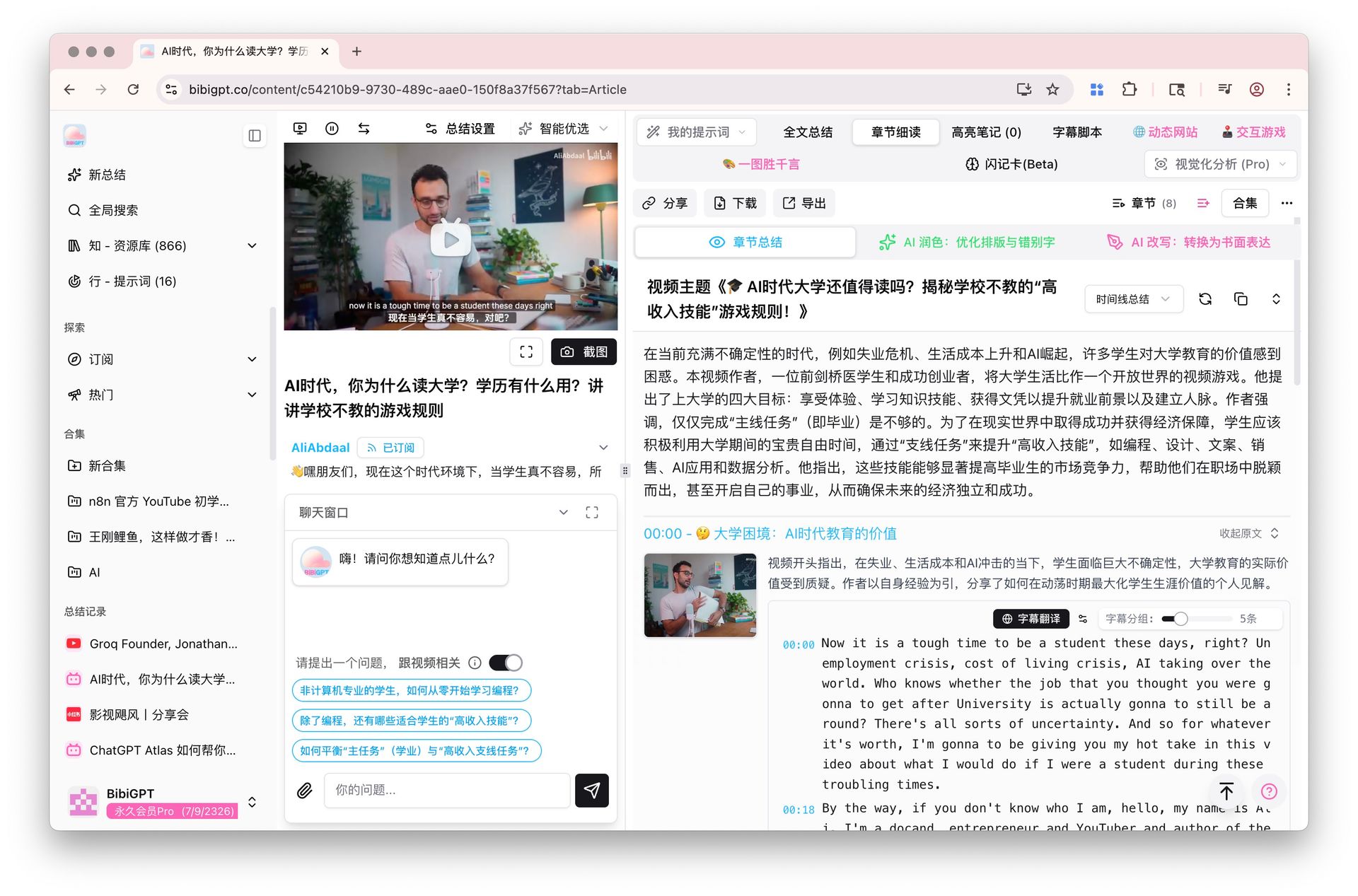
- Video link parsing: Bilibili, YouTube, Xiaohongshu, Douyin, Podcasts, Coursera, Khan Academy… paste-and-parse
- Chapter deep reading: Chapter Deep Reading splits a 3-hour video into navigable, topic-aware chapters
- Mind map export: AI Summary Mindmap exports
.mmfiles for XMind / MindMaster - Multilingual subtitle translation: Subtitle translation outputs bilingual subtitles — must-have for language learners
- Visual analysis: Visual content analysis extracts slides, on-screen text, and key frames from the video
Practical rule: Textbooks are “text + static figures.” Lecture videos are “dynamic information streams.” NotebookLM owns the former; BibiGPT owns the latter.
5 Student Archetypes: Which Pick for Which
STEM Students: Textbook + Papers
Primary: NotebookLM (textbook PDF Q&A + paper synthesis) Secondary: BibiGPT (when watching 3Blue1Brown-style teaching videos)
STEM’s core materials are textbooks and papers — NotebookLM is right there in Moodle. BibiGPT steps in for tech conferences, product launches, deep interviews.
Humanities Students: Reading + Documentaries
Primary: BibiGPT (documentaries, TED, humanities podcasts are video/audio-first) Secondary: NotebookLM (reference reading)
Humanities learning skews much heavier on audiovisual material than STEM. BibiGPT’s Podcast-to-article and Video to illustrated article produce citable notes.
Language Learners: Which Is Smoother
Primary: BibiGPT (audio/video is the core material in language learning)
NotebookLM doesn’t handle video. Real language-learning scenarios:
- Watch YouTube English podcast → BibiGPT outputs bilingual subtitles (Subtitle translation)
- Listen to NHK Japanese News → BibiGPT transcribes + vocabulary annotation
- Watch Netflix French drama → subtitle download + translation
- K-drama for spoken Korean → chapter splits for scene-based review
Practical rule: “Text → NotebookLM; audio/video → BibiGPT” is the simplest decision rule for language learners.
Exam-prep Students: The Systematizing Workflow
Two core needs for exam prep: knowledge systematization + long-term memory. Recommended workflow:
- Video courses → BibiGPT chapter summaries
- Mind map export → Mindmap export into XMind for full-book outline
- Textbook PDF → NotebookLM chapter Q&A
- Mistakes → Notion database
- Review → Anki spaced repetition
NotebookLM and BibiGPT split this pipeline — they don’t conflict.
Learn-then-publish Creators: Turn Learning Into Content
If you publish to YouTube / blog / newsletter while learning, BibiGPT’s edge gets bigger:
- After a video → One-click to social image for cover art
- After a course → Video to illustrated article outputs a blog draft
- Topic compilation → Batch summary export feeds 10 videos at once
Practical rule: Learning without output decays 90%. BibiGPT automates the “learning → output” middle layer to retain the 90%.
The NotebookLM + BibiGPT Combined Workflow: Use Both Fully
The smartest students don’t pick one. Recommended combo:
| Scenario | Tool | Artifact |
|---|---|---|
| Textbook close reading | NotebookLM | Chapter Q&A + concept map |
| Video lectures | BibiGPT | Chapter summary + mind map |
| Paper review | NotebookLM | Multi-paper synthesis |
| Academic talks | BibiGPT | Timestamped notes |
| Multilingual content | BibiGPT | Bilingual subtitles |
| Assignment citations | NotebookLM | Document retrieval |
| Content output | BibiGPT | Illustrated post / video / slides |
FAQ: Student Follow-ups
Q1: Can NotebookLM handle video now? NotebookLM now supports YouTube link Q&A, but only YouTube and without timestamp jumps or chapter splits. Multi-platform + chapter deep reading remain BibiGPT strengths.
Q2: My school only gives a Google Workspace account. Can I log into BibiGPT? BibiGPT supports Google one-click login.
Q3: Does BibiGPT have a student discount? There’s a free daily-quota tier; heavier users can subscribe to Plus / Pro. See the pricing page.
Q4: Is NotebookLM’s Moodle integration available at every school? Depends on whether the school IT department has enabled the plugin. The AI Educator Series is a teacher training program — adoption takes time.
Q5: Crunch week of exam prep — which one first? Textbook PDFs → NotebookLM. Course videos → BibiGPT. Run them in parallel.
Start Your Video Learning Loop
Learning isn’t “watching” — it’s “being able to use what you watched.” BibiGPT turns video/audio from “hard-to-reuse information” into “searchable, exportable, publishable knowledge assets.”
Try it: bibigpt.co
—— BibiGPT Team