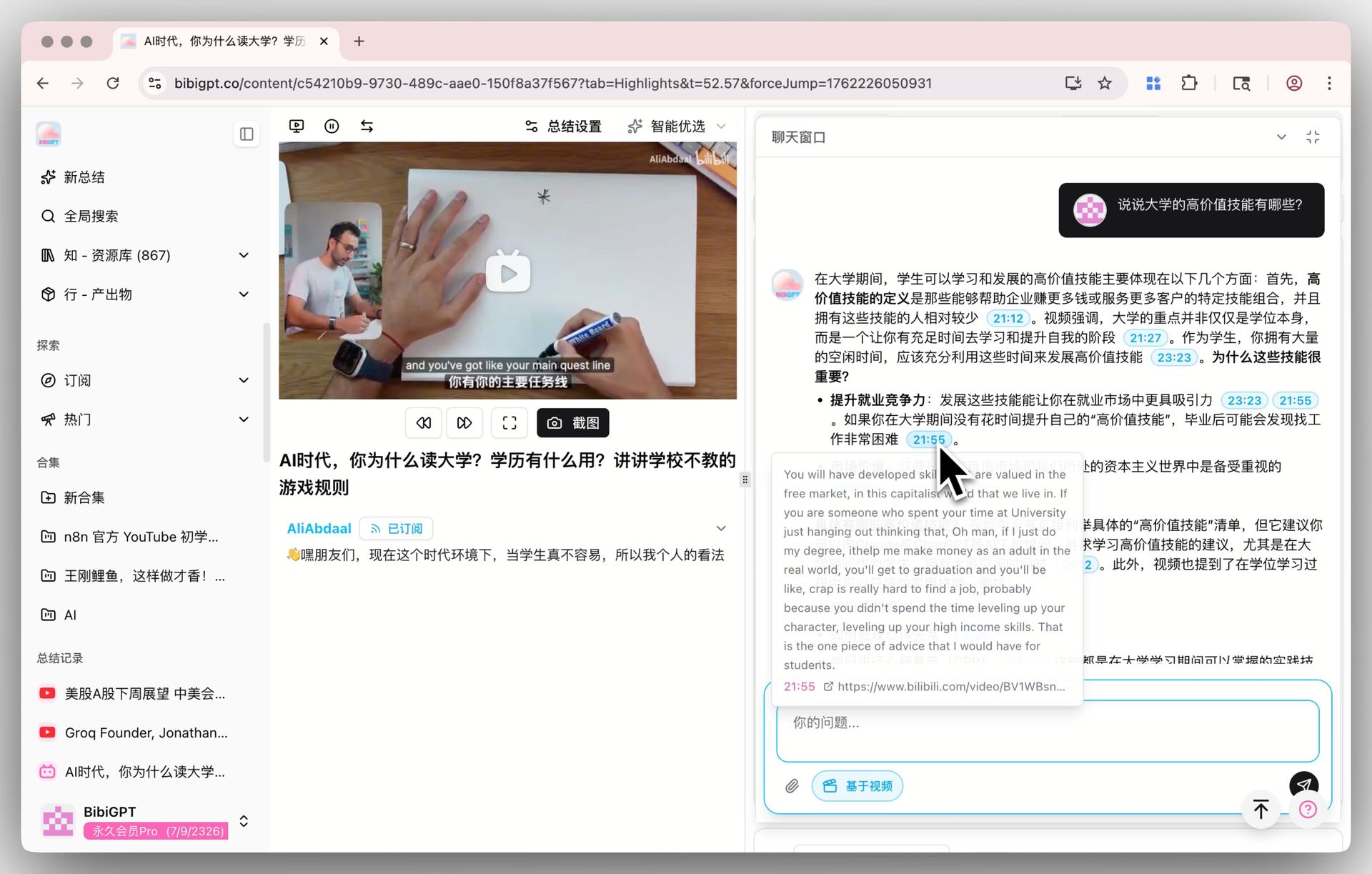
Best AI Video Summarizer 2026: ChatGPT vs Claude vs Gemini Multi-Model Comparison
Best AI Video Summarizer 2026: ChatGPT vs Claude vs Gemini Multi-Model Comparison
Table of Contents
- Why You Need a Multi-Model AI Video Summarizer in 2026
- 2026 Top 5 AI Video Summary Tools: Quick Ranking
- Why Multi-Model Switching Matters in 2026
- ChatGPT vs Claude vs Gemini: Strengths Compared
- BibiGPT Multi-Model Features: A Deep Dive
- Step-by-Step: How to Switch Models in BibiGPT
- FAQ
- Conclusion
Why You Need a Multi-Model AI Video Summarizer in 2026
Choosing a video summarizer in 2026 is no longer about which tool is “best” — it is about which AI model fits each video. No single AI model wins at everything: Gemini leads in video visual understanding, Claude excels at long-document analysis and natural prose, and ChatGPT shines in creative multi-modal tasks. If your video summarizer locks you into one model, you are leaving performance on the table every single day.
BibiGPT is the only commercial AI video assistant that lets you switch between multiple LLMs on demand. With 1M+ active users, over 5M+ AI summaries generated, and support for 30+ platforms, it is purpose-built for the multi-model era.
This multi-model comparison is part of the complete AI video summarizer guide — start there for what a video summarizer is and how to choose one before diving into the model-by-model breakdown below.
2026 Top 5 AI Video Summary Tools: Quick Ranking
| Rank | Tool | Key Strength | Multi-Model |
|---|---|---|---|
| 1 | BibiGPT | 30+ platforms, multi-LLM switching, visual analysis, mind maps | ✅ |
| 2 | NoteGPT | YouTube note-taking | ❌ |
| 3 | Eightify | YouTube 8-point summaries | ❌ |
| 4 | ScreenApp | Screen recording + AI summary | ❌ |
| 5 | NotebookLM | Document chat and audio generation | ❌ |
The key difference: Every competitor above locks you into a single AI engine. BibiGPT is the only video AI assistant that lets you choose your brain. For a detailed NotebookLM vs BibiGPT breakdown, see our NotebookLM 2026 comparison review.
Why Multi-Model Switching Matters in 2026
You have probably noticed this yourself: the same AI tool delivers wildly different quality depending on the video type. A 90-minute finance lecture needs deep logical analysis. A travel vlog needs scene-by-scene visual understanding. A marketing reel needs punchy creative copy.
This is not a tool problem. It is a model problem.
The three dominant LLMs of 2026 each have distinct strengths:
- Gemini excels at understanding video frames — identifying people, scenes, objects, and actions in visual content analysis workflows
- Claude produces the most structured and naturally flowing long-form analysis, making it ideal for lecture and podcast breakdowns
- ChatGPT leads in creative multi-modal generation — from social media copy to cross-format content remixing
For anyone who depends on video for learning or content creation, multi-model switching is not a luxury. It is the single biggest efficiency unlock available in 2026 AI video summarizers. If you work heavily with podcasts, our Best AI Podcast Summarizer Tools 2026 guide covers model selection for audio-first content.
ChatGPT vs Claude vs Gemini: Strengths Compared
| Capability | Gemini | Claude | ChatGPT |
|---|---|---|---|
| Video visual understanding | ⭐⭐⭐⭐⭐ | ⭐⭐⭐ | ⭐⭐⭐⭐ |
| Long subtitle/document analysis | ⭐⭐⭐⭐ | ⭐⭐⭐⭐⭐ | ⭐⭐⭐⭐ |
| Structured summarization | ⭐⭐⭐⭐ | ⭐⭐⭐⭐⭐ | ⭐⭐⭐⭐ |
| Creative copy generation | ⭐⭐⭐ | ⭐⭐⭐⭐ | ⭐⭐⭐⭐⭐ |
| Multilingual capability | ⭐⭐⭐⭐⭐ | ⭐⭐⭐⭐ | ⭐⭐⭐⭐ |
| Logical reasoning | ⭐⭐⭐⭐ | ⭐⭐⭐⭐⭐ | ⭐⭐⭐⭐ |
Bottom line: There is no all-round champion — only scenario champions. The type of video you process determines which model is optimal, and BibiGPT lets you pick within a single interface.
Want to see how AI understands the visual content inside videos? Check out the visual content analysis feature.
BibiGPT Multi-Model Features: A Deep Dive
BibiGPT was built on a simple insight: different AI engines are best at different things, so users should pick the right brain for each task.
Why BibiGPT Is the Only Multi-Model Video Assistant
NoteGPT, Eightify, ScreenApp, Glarity, and NotebookLM all lock you into a single AI model. No matter what you feed them, they run the same engine under the hood. BibiGPT breaks that constraint:
- One-click switching: Select a different LLM directly on the summary interface
- Task-matched models: Finance analysis with Claude, travel vlogs with Gemini, marketing content with ChatGPT
- Side-by-side comparison: Run the same video through different models and compare outputs instantly
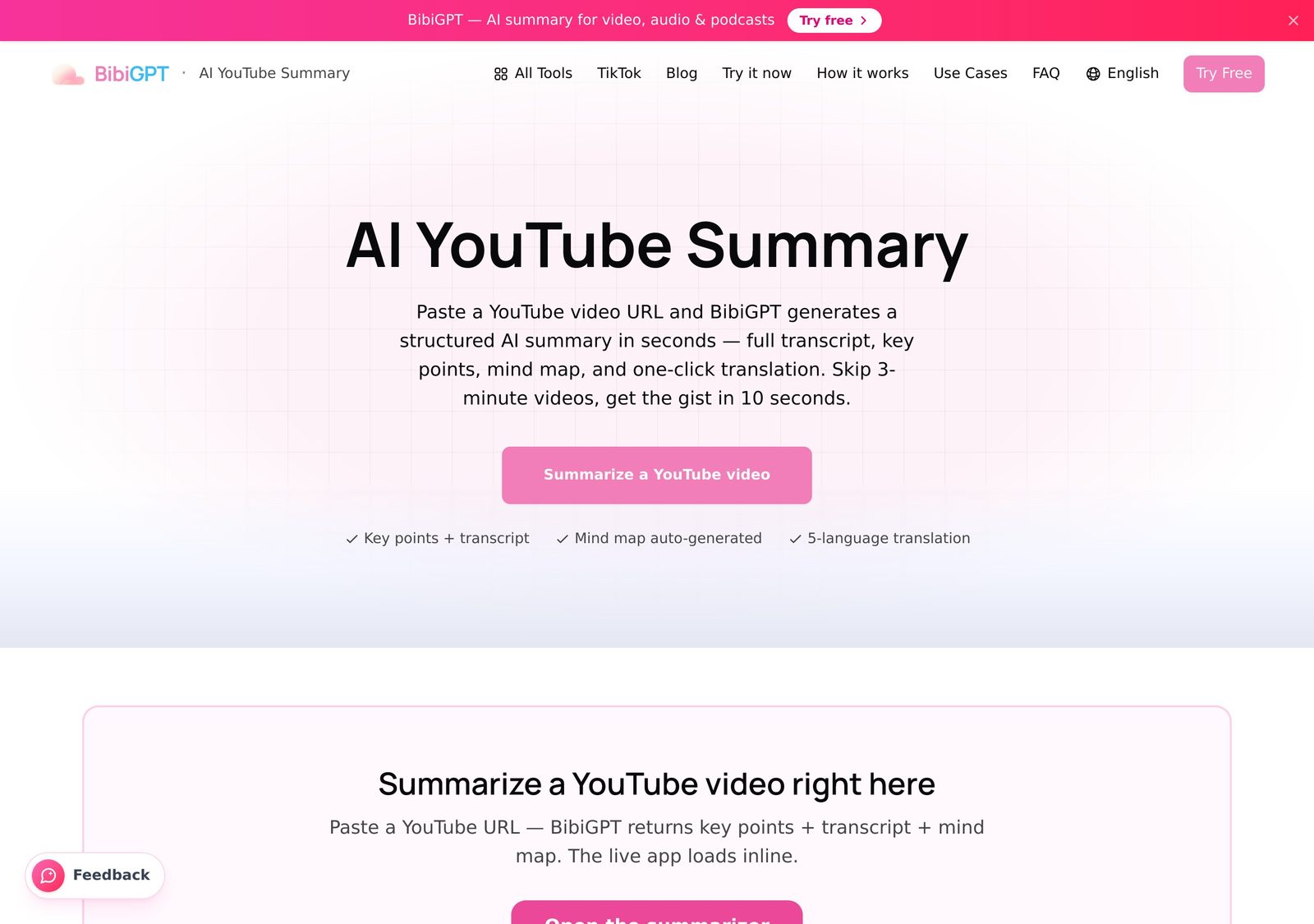
Paste any link into BibiGPT’s AI video summarizer and switch the AI model right on the summary screen.
The Full BibiGPT Capability Stack
Beyond multi-model switching, BibiGPT delivers a complete video knowledge workflow:
- 30+ platform coverage: YouTube summaries, Bilibili summaries, podcast summaries, TikTok, Xiaohongshu, and more
- AI dialog with source tracing: Ask questions about the video, get timestamped answers you can verify against the original
- Mind map generation: Auto-extract video structure into editable mind maps
- Multi-format output: Notes, articles, PPTs, and social media copy in one click
- Deep note integrations: One-click sync to Notion, Obsidian, and Readwise
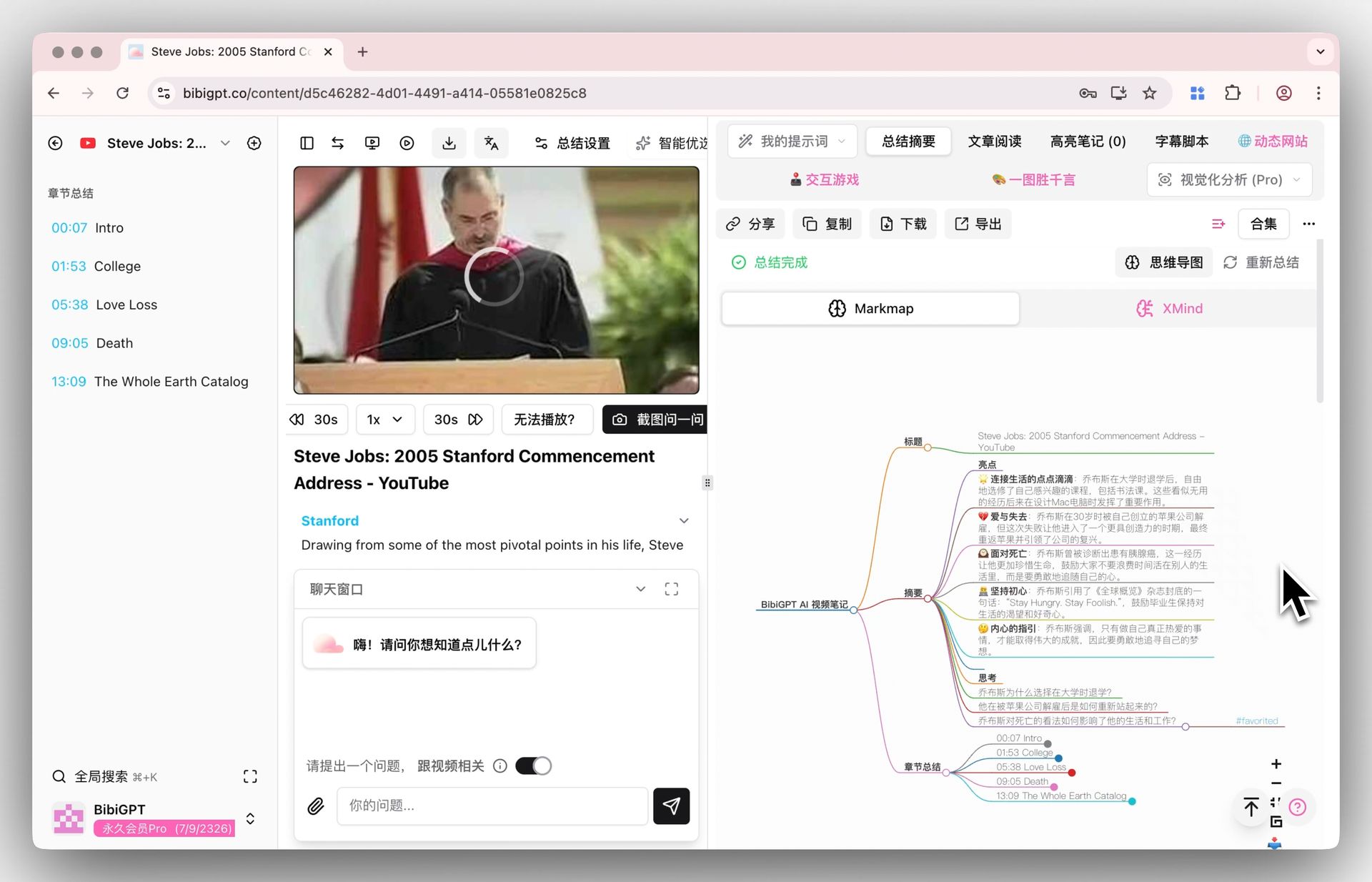
Step-by-Step: How to Switch Models in BibiGPT
Follow these steps to summarize any video with the optimal AI engine in under 30 seconds.
Step 1: Paste your video link
Go to aitodo.co and paste the URL of the video you want to summarize. YouTube, Bilibili, TikTok, podcasts, and 30+ other platforms are supported.
Step 2: Choose your AI model
In the summary settings panel, you will see multiple available LLMs. Pick based on your scenario:
- Visual-heavy videos (vlogs, product reviews, cooking demos) → Gemini
- Long-form analysis (finance breakdowns, academic lectures, tech tutorials) → Claude
- Creative output (marketing scripts, social copy, content repurposing) → ChatGPT
Step 3: Generate and compare
Hit generate. Then switch to a different model and regenerate to compare outputs side by side. Pick the result that best fits your needs.
Step 4: Export and collaborate
Export your summary as Markdown or PDF, or sync directly to Notion/Obsidian. You can also use the AI video-to-article workflow to turn video content into publishable articles.
Pro tip: Not sure which model to pick? Start with the default engine. If the output feels shallow or misses visual details, try switching. After a few tries, you will develop an instinct for matching models to video types.
FAQ
Q1: Does multi-model switching in BibiGPT cost extra?
A: Multi-model switching is included in BibiGPT membership plans. Both Plus and Pro subscribers can access different LLMs. Check the features page for quota details and available models.
Q2: How do I know which AI model is best for my video?
A: As a rule of thumb, use Gemini for visual-heavy content (vlogs, demos), Claude for long spoken content (lectures, podcasts), and ChatGPT for creative tasks (marketing copy, social media). You can also try multiple models on the same video and compare results directly.
Q3: What platforms does BibiGPT support?
A: BibiGPT supports 30+ platforms including YouTube, Bilibili, TikTok, Xiaohongshu, WeChat Channels, podcasts, and Twitter/X. See the full list on the BibiGPT features page. You can also explore our YouTube summary feature and podcast summary feature for specific use cases.
Q4: How much better is multi-model switching compared to single-model tools?
A: It depends on the task. For visual-dense videos (travel vlogs, cooking tutorials), Gemini summaries are roughly 40% richer than generic single-model outputs. For 2-hour academic lectures, Claude produces noticeably more coherent logical flow. Multi-model switching ensures you always deploy the strongest engine for the job at hand.
Q5: Is there a free AI video summarizer?
A: Yes. BibiGPT offers a free plan with a daily quota, so you can summarize videos at no cost before deciding whether to upgrade. The free tier already covers one-click summaries and basic AI follow-up questions — try the free video summarizer to see how it works on your own links.
Q6: Can I summarize an MP4 or other local video file?
A: Yes. Besides pasting links from 30+ platforms, you can upload local files such as MP4, MP3, and WAV directly and get a full transcript plus a structured summary. This makes BibiGPT a practical video summarizer for downloaded lectures, screen recordings, and meeting captures, not just online videos.
Q7: Is there a video summarizer browser extension?
A: Yes. BibiGPT ships a browser extension for Chrome, Firefox, and Edge that adds a one-click summary button right on the video page, so you never have to copy-paste URLs. It works alongside the web app, desktop client, and mobile apps for a consistent experience everywhere.
Q8: ChatGPT vs a dedicated video summarizer — which is better?
A: ChatGPT alone cannot watch a video; you would have to paste a transcript first, and it has no timestamps or visual understanding. A dedicated video summarizer extracts the subtitles automatically, adds clickable timestamps, generates visual content analysis for on-screen detail, and even lets you switch AI models per task — a complete workflow ChatGPT cannot match on its own.
Conclusion
The AI video summarizer landscape in 2026 has entered a “model specialization” era. No single model wins everywhere — the right model depends on the task. For a broader look at how BibiGPT stacks up as an overall product, read our Best AI Audio & Video Summary Tool 2026 deep dive. BibiGPT is the only commercial video AI assistant that gives you the power to choose. Whether you are summarizing a visually rich vlog with Gemini, breaking down a dense finance lecture with Claude, or generating punchy marketing copy with ChatGPT, BibiGPT ensures you always use the best brain for the job.
Stop settling for one-size-fits-all AI. Start choosing the right model for every video.
Start your AI efficient learning journey now:
- 🌐 Official Website: https://bibigpt.co/en/desktop?utm_source=growth-pages&utm_medium=blog-inline-cta&utm_campaign=best-ai-summarizer-multi-model-comparison
- 📱 Mobile Download: https://aitodo.co/app
- 💻 Desktop Download: https://aitodo.co/download/desktop
- ✨ Learn More Features: https://aitodo.co/features
BibiGPT Team
More in this series
- Outil de résumé vidéo IA pour Bilibili : BibiGPT résume 30+ plateformes instantanément (2026)
- Top 3 Douyin Video Summary Tools (2026 Update): AI-Powered Insights from Viral Clips
- Top 3 Xiaohongshu Video Summary Tools in 2026 (Paste Link, Get Notes in Seconds)
- 2026''s Best AI Video Summary Tool: How BibiGPT Covers Every Platform End-to-End
- Best Bilibili AI Video Summary Tool 2026: How BibiGPT Helps You Say Goodbye to "Hard Learning" Tutorials?