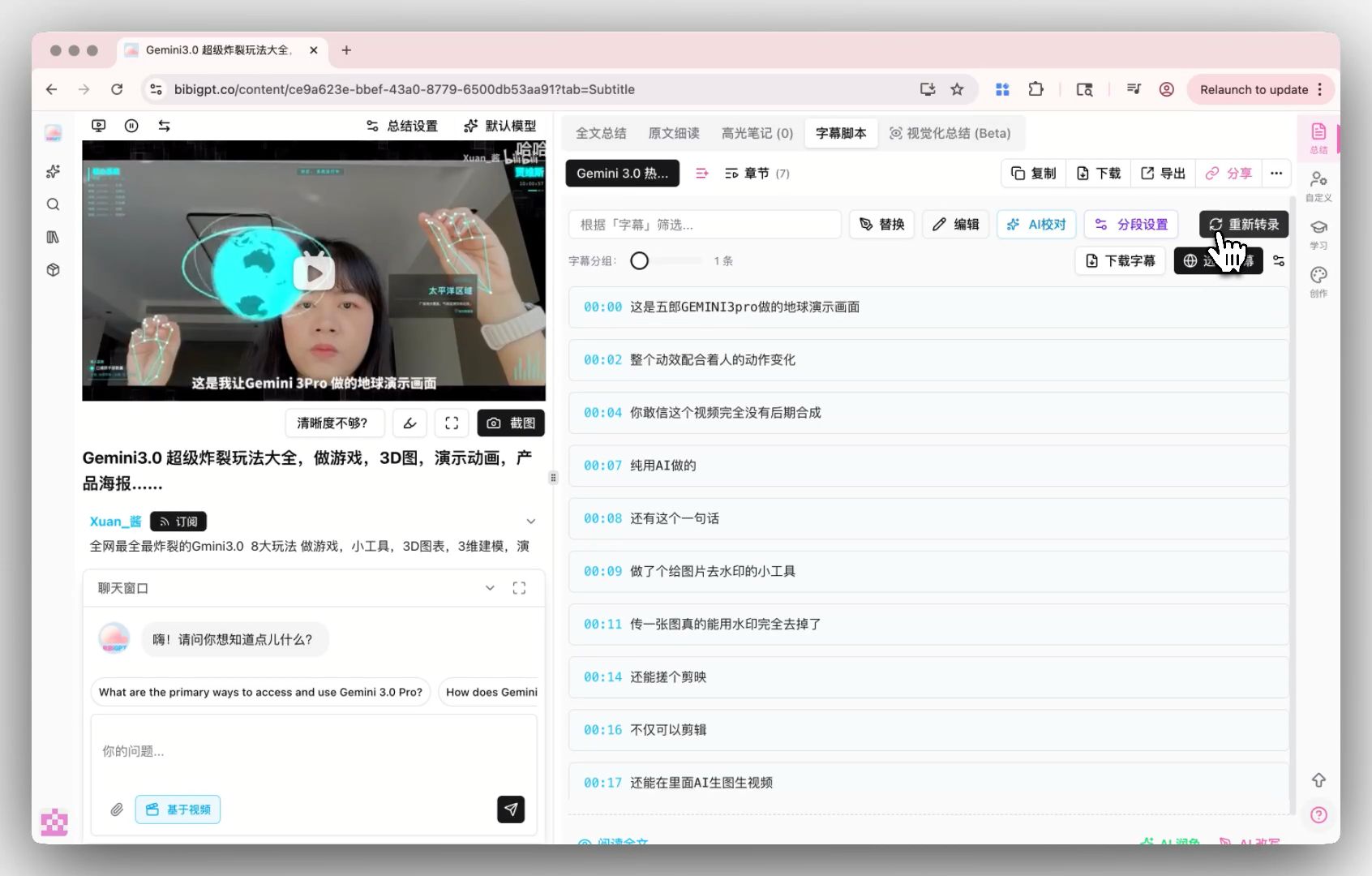
Otter.ai vs BibiGPT for Meeting Transcription 2026: 5-Dimension Field Test and Team Selection Guide
Otter.ai vs BibiGPT for Meeting Transcription 2026: 5-Dimension Field Test and Team Selection Guide
Table of Contents
- Bottom line first: they don’t serve the same market
- Dimension 1: Speaker diarization
- Dimension 2: Real-time vs async transcription
- Dimension 3: Multi-language support
- Dimension 4: Privacy and localization
- Dimension 5: Pricing and team cost
- Why cross-border teams find Otter insufficient: three structural reasons
- FAQ
TL;DR (as of 2026-05-19): Otter.ai is the standard answer for English meeting transcription — real-time, speaker diarization, deep Zoom / Google Meet integration are the industry baseline. But for Chinese teams and cross-border teams, Otter has three structural shortcomings: Chinese recognition is clearly weaker than English, mainland-China network access requires a stable VPN, and privacy compliance fails domestic enterprise basics. BibiGPT covers Chinese/English/Japanese/Korean meeting transcription, supports fully-offline desktop processing, and has unblocked mainland-China access. The markets don’t overlap: cross-border teams running English meetings → Otter; Chinese teams or privacy-sensitive cross-border teams → BibiGPT.
Practical rule: Don’t start by comparing benchmark accuracy. Start by asking: “What language are 80% of my meetings in? Where are they happening? Do they touch sensitive content?” Those three answers eliminate most candidates.
Bottom line first: they don’t serve the same market

People often jump straight into “Otter.ai vs BibiGPT, which is more accurate?” — that’s the wrong frame. The target markets simply don’t overlap:
| Dimension | Otter.ai | BibiGPT |
|---|---|---|
| Home turf | English meeting transcription (NA SaaS companies, US/EU universities) | Chinese audio/video processing (China teams, cross-border teams) |
| Core scenario | Real-time Zoom / Google Meet / Teams meeting transcription | Recorded meetings + long-form video/podcasts + lectures + subtitle translation |
| Entry price | $16.99/month (Pro) | $19.9/month (Plus) / $39.9/month (Pro) |
| Mainland-China access | Requires stable VPN | Direct |
| Privacy | Default upload to US cloud | Desktop supports fully-local processing |
Quick decision:
- 80%+ of your meetings are in English → Otter.ai
- 50%+ of your meetings are in Chinese, or your team is cross-border, or the content is sensitive → BibiGPT
Below: the per-dimension field test.
Dimension 1: Speaker diarization
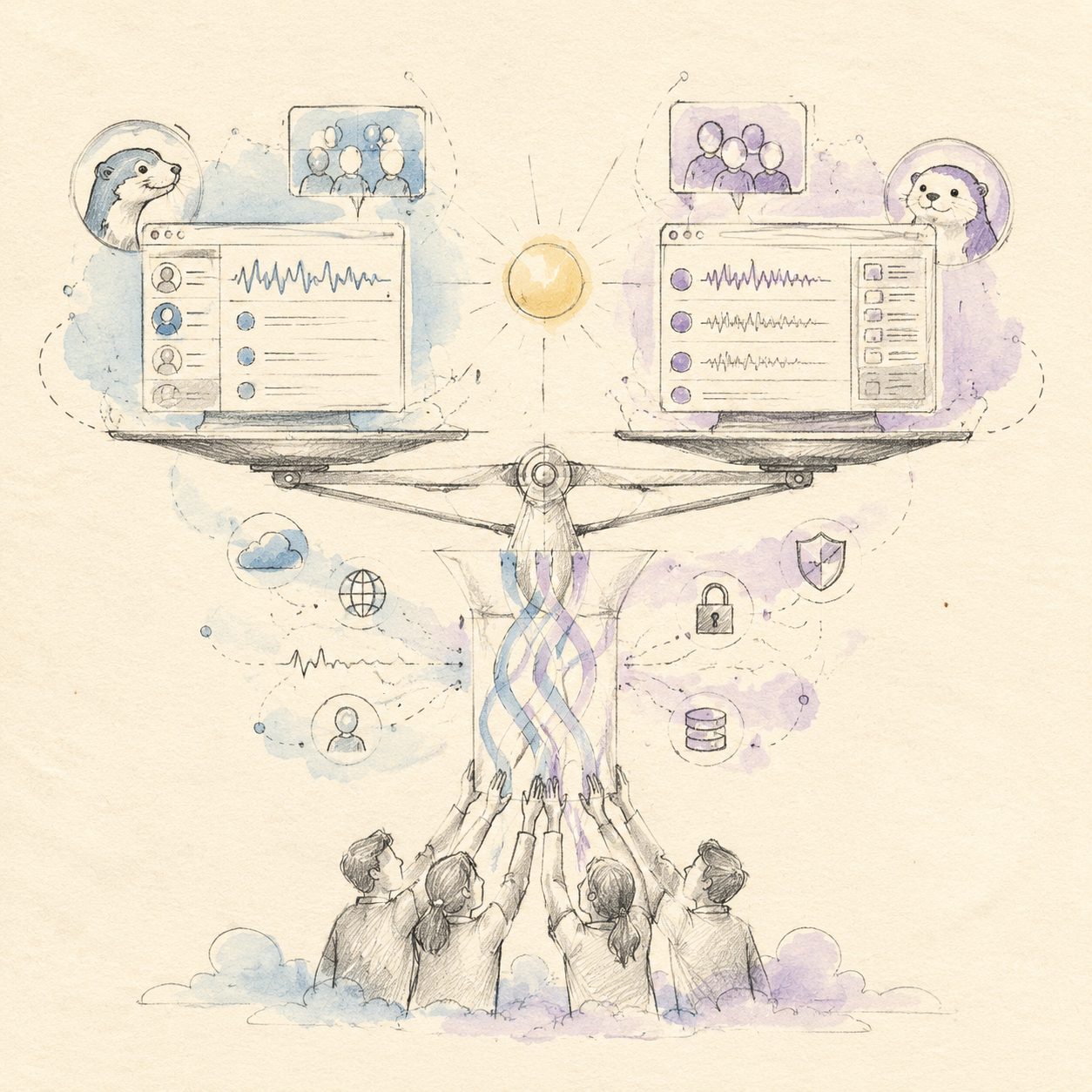
Diarization is the AI capability that separates who is speaking — not just slicing by timestamp, but identifying each speaker by voice signature and tagging them.
Where Otter.ai wins
Otter.ai is the diarization gold standard. Its 2026 model upgrade hit 95%+ accuracy in 4-6 person English meetings per Otter’s official changelog. Once you tag a speaker as “Alice,” Otter will auto-recognize Alice across future Zoom meetings.
Where BibiGPT stands
BibiGPT 2026’s diarization works well for 2-3 person Chinese conversations (~90%+). For Chinese meetings with 5+ speakers, there’s measurable error. BibiGPT’s team has publicly acknowledged this as one of the next 6 months’ focus areas.
Field-test verdict
- 4-6 person English meetings: Otter.ai clearly better
- 2-3 person Chinese deep-dive: BibiGPT comparable to Otter.ai
- 5+ speaker Chinese multi-role meetings: neither is perfect, but BibiGPT’s baseline Chinese transcription accuracy is higher, so the post-edit cost is lower
Practical rule: Speaker diarization is the cherry on top, not the cake. The best diarization can’t compensate for low underlying transcription accuracy. Look at transcription quality first, diarization second.
Dimension 2: Real-time vs async transcription
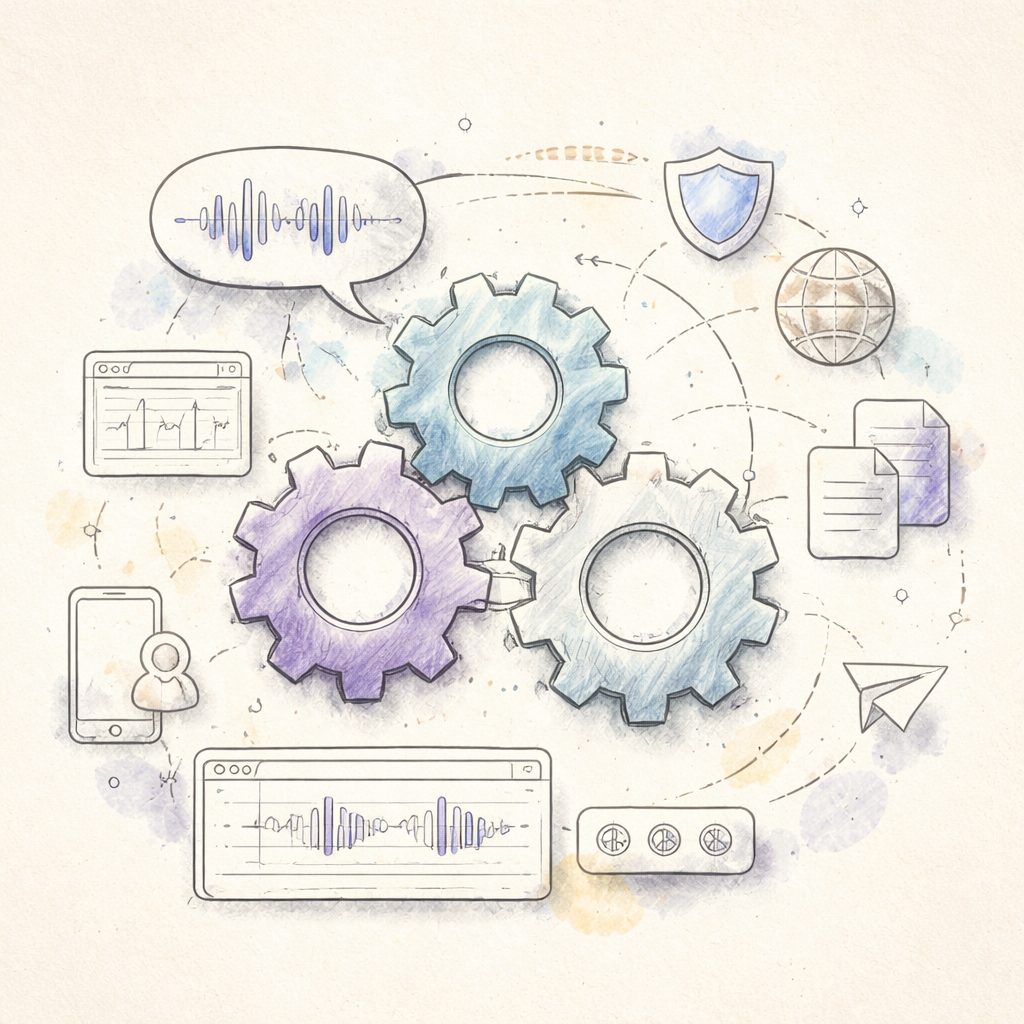
Otter.ai: real-time is the core selling point
Otter.ai via Otter Assistant joins your Zoom, Google Meet, or Teams session and shows English transcription live — the transcript is ready the second the meeting ends. This live-ness is Otter’s primary differentiator.
BibiGPT: async by design
BibiGPT works asynchronously — upload the recording after the meeting (or process it locally on the desktop client), wait 2-10 minutes for the transcript. There’s no in-meeting live transcription.
Field-test verdict
- Need live captions during the meeting (e.g. a hard-to-hear remote call): Otter.ai wins
- Producing structured minutes after the meeting: comparable; BibiGPT’s “chapter slicing” + “quote extraction” is actually friendlier for minute-taking
Hybrid setup
Many teams in practice run both: Otter.ai for live captions during the meeting; BibiGPT after the meeting for polished minutes + quote cards. Combined cost ~$30-40/month.
Dimension 3: Multi-language support
| Language | Otter.ai | BibiGPT |
|---|---|---|
| English | ✅ Home turf | ✅ |
| Chinese (Mandarin) | ⚠️ Visibly weaker than English | ✅ Home turf |
| Chinese (Cantonese) | ❌ Effectively unsupported | ✅ |
| Japanese | ❌ Not yet | ✅ |
| Korean | ❌ Not yet | ✅ |
| Auto language detection | ✅ (English + some EU) | ✅ (zh/en/ja/ko auto-switch) |
| Mixed-language meetings (code-switching) | ⚠️ Pick one primary | ✅ Chinese-English mix supported |
For cross-border teams: pay special attention to mixed-language meetings. Chinese-English code-switching is the norm in cross-border meetings; Otter struggles visibly, BibiGPT’s mixed-language recognition is mature.
Dimension 4: Privacy and localization
Practical rule: Internal company meetings, customer interviews, board recordings — never upload to any cloud transcription service for convenience. A platform breach or data misuse costs orders of magnitude more than the subscription fee.
Otter.ai: defaults to US cloud
All Otter.ai transcription happens on Otter’s US servers by default. Even Otter for Business only offers US/EU data residency — no mainland-China residency option. For companies under Chinese regulation (finance, healthcare, education, government), that’s a hard compliance failure.
BibiGPT: desktop supports fully-local processing
The BibiGPT desktop client processes meeting audio entirely on your own machine — transcription, chapter slicing, summary generation all local, no cloud upload. This is the only compliant path for Chinese teams handling sensitive data. See BibiGPT desktop overview.
Field-test verdict
- Non-sensitive meetings: either works
- Internal company meetings: BibiGPT desktop is the only option (Otter has no local-processing mode)
- Customer interviews / legal recordings / medical interviews: BibiGPT desktop
Dimension 5: Pricing and team cost
Otter.ai pricing (as of May 2026)
- Basic: free, 300 minutes/month
- Pro: $16.99/month, 1,200 minutes/month
- Business: $30/month/person, unlimited minutes, admin features
BibiGPT pricing
- Free tier: a daily quota of free summaries
- Plus: $19.9/month, sufficient for individuals + small teams
- Pro: $39.9/month, including advanced desktop features
Field-test verdict
- Individual users: Otter Pro and BibiGPT Plus are price-comparable, choose by scenario
- Small teams (5-20 people): Otter Business charges per seat; BibiGPT Plus can be shared. BibiGPT lower total cost.
- Large teams (20+): contact BibiGPT for an enterprise quote; Otter Business pricing scales aggressively with headcount
Why cross-border teams find Otter insufficient: three structural reasons
Reason 1 — Chinese accuracy gap, in real conditions
Although Otter.ai officially supports Chinese, its training data is English-dominant. In field tests (business meetings with industry jargon, accents, lossy connections — actual conditions, not benchmarks), Otter’s Chinese accuracy hovers around 85%; BibiGPT stabilizes at 92%+ on the same audio. That 7% gap = 15-20 extra minutes of post-edit per hour of meeting.
Reason 2 — Mainland-China network access
Otter.ai has no mainland-China CDN node; all API calls route to US servers. Result:
- Live transcription frequently drops during normal China network conditions
- Upload speed bottlenecks on cross-border bandwidth
- Mobile experience inside China is unstable
BibiGPT has full domestic CDN coverage; access is reliable.
Reason 3 — Compliance and data residency
Chinese regulators require explicit data-export controls (Personal Information Protection Law / Data Security Law). Otter.ai offers no mainland-China data residency — meeting recordings touching personal information cannot be uploaded. That eliminates ~80% of domestic enterprise scenarios. BibiGPT desktop’s fully-local processing sidesteps this entirely.
Practical rule: “Chinese language support” and “available in China” are completely different things. The former is UI translation; the latter requires network, CDN, compliance, and local operations. Otter.ai delivers the former; BibiGPT delivers the latter.
FAQ
1. Can I use both Otter.ai and BibiGPT?
Yes. Many cross-border teams do exactly this: Otter for live captions during English Zoom meetings, BibiGPT after the meeting for structured minutes + quote cards + multi-language translation. Combined ~$30-40/month.
2. Does BibiGPT have Zoom / Google Meet integration?
BibiGPT doesn’t do live in-meeting transcription, but it offers one-click processing of Zoom / Google Meet recordings after the meeting ends. For 90% of “post-meeting structured minutes” use cases, async is actually better — you get chapter slicing, quote cards, mind maps, and multi-language translation in the same pass.
3. Is Otter.ai’s Chinese accuracy really visibly worse than BibiGPT’s?
Yes, visibly. Otter’s official support page lists “Chinese (Simplified/Traditional)” under “experimental support”; BibiGPT’s Chinese support is the core training objective and is Top 1 in China’s audio/video processing market.
4. Will BibiGPT desktop’s fully-local processing be too slow?
BibiGPT desktop uses local GPU/CPU acceleration. On M1+ MacBooks or mainstream Windows machines, 1 hour of audio transcribes in ~5-10 minutes — often faster than upload-process-download against the cloud.
5. Is sharing one BibiGPT Plus account across 5 team members compliant?
Plus is designed for individual use; team sharing should upgrade to Pro or the enterprise plan. Contact BibiGPT’s sales channel for specifics.
6. BibiGPT lacks Otter’s Zoom integration. Isn’t that a deal-breaker?
For teams heavily dependent on live Zoom captions, yes. For “after-meeting structured minutes” — which is the dominant use case — BibiGPT covers 30+ platforms + local files + multi-model transcription engine, which is actually more flexible.
Get started: a 5-minute field test on your own audio
The fastest way to decide is to test with real material:
- Grab a recent meeting recording (or, if you don’t have one, any YouTube Chinese-language interview)
- Process it on bibigpt.co
- Process the same material on otter.ai
- Compare Chinese transcript accuracy, speaker diarization, and readability
If your material is Chinese-dominant, touches sensitive content, or needs multi-language output, you’ll likely pick BibiGPT.
Further reading:
- AI meeting transcription comparison: BibiGPT vs competitors
- BibiGPT desktop: deep dive on privacy processing
- AI podcast summarizer complete guide 2026
—— BibiGPT Team