Notta vs BibiGPT: Which Should Students Use for Lecture Notes and Video Summaries (2026 Comparison)
Notta vs BibiGPT: Which Should Students Use for Lecture Notes and Video Summaries (2026 Comparison)
Short answer: Each tool owns a different half. Notta is a strong transcription tool that recently added AI Notes lecture-note templates and YouTube content summarization, and its Notta Brain can search your entire history and auto-generate slides/infographics — its strength is “turning speech/meetings/classes into text and tidy notes in real time.” BibiGPT’s strength is “turning a whole recorded video into a summary in one click”: paste a Coursera, edX, or YouTube open-course link and get structured key points, timestamps, and a mind map in tens of seconds. If your core need is live transcription of meetings and classes, pick Notta; if it’s digesting piles of recordings you never have time to watch, pick BibiGPT. To feel the one-click recording summary first, paste a class recording into BibiGPT.
The demo below shows “paste a recording link → get a summary”:
Summarize any video in seconds
Pick a sample below to see the AI summary — TL;DR, key points, and jump-to timestamps.
TL;DR: Karpathy builds a GPT-style language model from scratch in code, explaining every piece — from a tiny character-level model up to the full Transformer.
Key points
- Start with a bigram model, then add self-attention so tokens can "talk" to each other
- A Transformer block = multi-head attention + feed-forward + residual connections + layer norm
- Training is just predicting the next token; scale and data do the rest
- The same architecture behind nanoGPT is what scales up to ChatGPT
Jump to
- 00:07 Why build GPT from scratch
- 08:23 Self-attention, intuitively
- 1:00:00 Assembling the Transformer block
- 1:35:00 From nanoGPT to ChatGPT
Demo: BibiGPT one-click video summary
1. Two Tools, Each Solving a Different Half of Studying
A student’s study loop really splits in two: the input side — turning the speech of classes, meetings, and lectures into readable text; and the digestion side — quickly getting through a pile of recordings and turning them into revision material. Notta and BibiGPT each own one half.
Notta’s positioning is clear — it serves “transcription and notes.” Per its official site, Notta focuses on real-time speech transcription, meeting records, and multilingual transcription, and in 2026 it added AI Notes lecture-note templates (covering the lecture-notes scenario), YouTube content summarization, and Notta Brain — which searches your full history and auto-generates slides/infographics. Its core scenario is “turn what’s spoken into structured notes.”
BibiGPT’s positioning is “one-click summary of a whole video” — you don’t record in real time; you paste an existing recording link and get a structured summary in tens of seconds. The two are more like “transcription note-taker” and “recording-revision assistant,” not substitutes.
Practical rule: Before picking, ask yourself — is your bottleneck “turning speech into text” or “getting through stacks of recordings fast”? The answer decides which one you install.
2. A Four-Dimension Comparison
Putting the judgment in one table makes the difference obvious (all competitor info below comes from Notta’s public materials):
| Dimension | Notta | BibiGPT |
|---|---|---|
| Core scenario | Live transcription + meeting/class notes | One-click summary of a whole recorded video |
| Input | Live recording / uploaded audio / some video | Paste a recording link (Coursera/edX/YouTube/Bilibili/podcast, etc.) |
| Note output | Transcript + AI Notes templates + slides/infographics | Summary + chapter key points + timestamps + mind map |
| Cross-language | Multilingual transcription | Cross-language recording, direct structured summary |
| Best timing | During class/meeting | After class, before exams |
Notta’s strength is “keeping what’s said now”; BibiGPT’s is “digesting videos already recorded fast.” For the classic student case of “a dozen recordings piling up each week, only revising the week before exams,” BibiGPT’s one-click recording summary fills exactly the half Notta doesn’t lead on.
The video below shows, from another angle, what turning a whole lecture into revision notes looks like:
Video source: YouTube · AI lecture summary demo
3. BibiGPT’s Concrete Edge on “Recorded-Video Summary”
Why is BibiGPT the better pick for the after-class recording scenario? Three concrete points:
- One-click for a whole recording — a two-hour Coursera recording, paste the link, get a TL;DR, chapter key points, and timestamps in tens of seconds, no replaying from the top.
- Cross-language, direct output — for English-taught recordings, get structured key points directly, skipping the listen-and-look-up grind, especially during dense major courses.
- More complete revision output — beyond the summary, generate a mind map, export to Notion / Obsidian, and keep asking the AI follow-ups, turning a single review into a reusable knowledge base.
For structurally complex courses, a mind map spreads the whole course’s structure at a glance:
Turn a video into a mind map
A linear talk becomes a structured tree. Drag to pan, click nodes to fold.
Demo: BibiGPT auto-converts a course recording into a structured outline

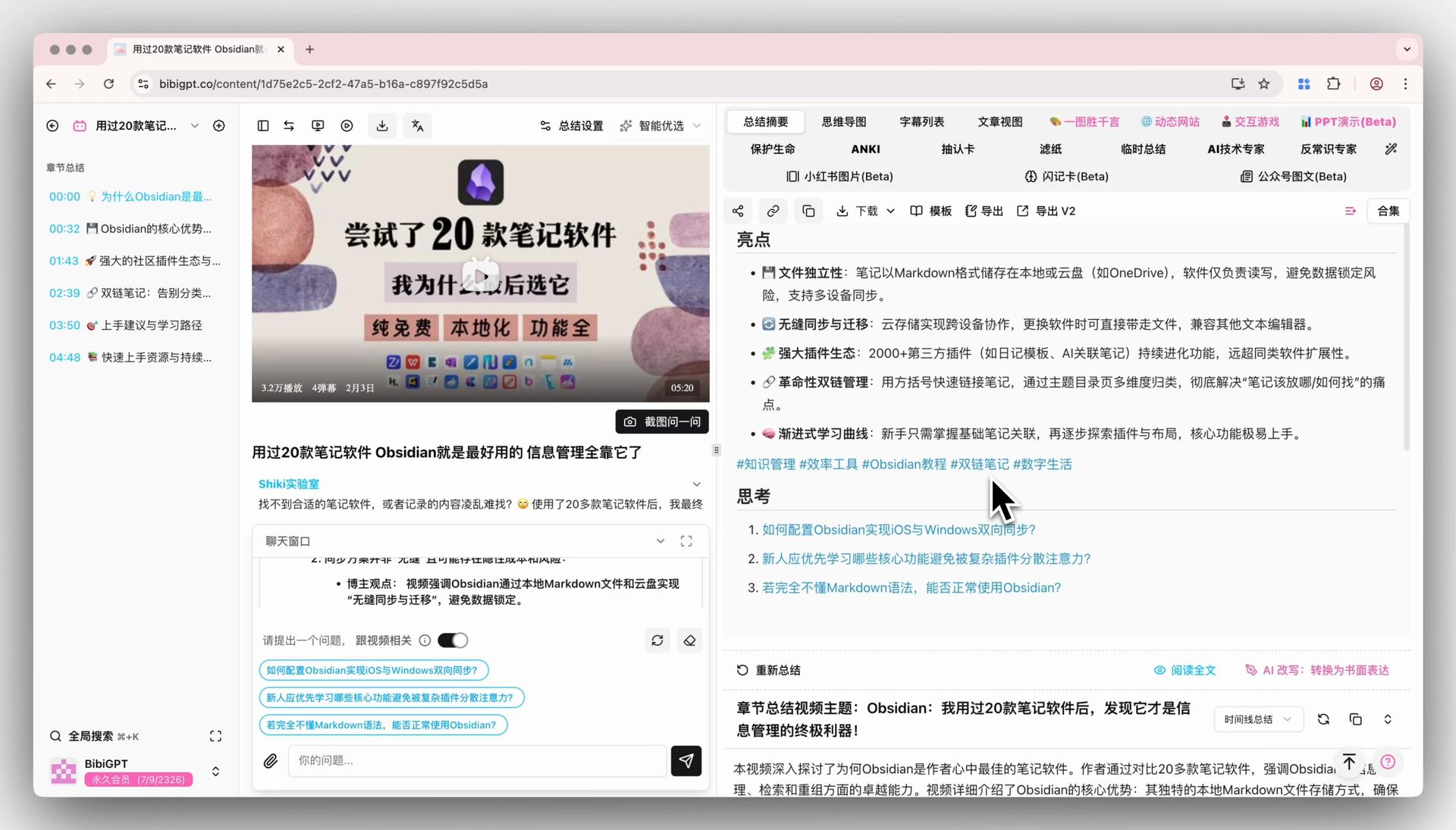
Screenshot: BibiGPT · chapter deep reading feature demo
Practical rule: Live transcription solves “keep what this class said”; recording summary solves “get through this course fast.” Two jobs, two tools — don’t conflate them.
4. How to Choose: Match Your Real Bottleneck
Advice for three typical students (especially useful for U.S. F1 students short on time to review required-course recordings, needing to cover a dozen weeks in the week before midterms):
- Often in meetings / live classes, need a real-time record: prefer Notta, turn speech into searchable notes first; if recordings still pile up after class, layer on BibiGPT.
- Can keep up in class, but recordings pile up and exams loom: go straight to BibiGPT, paste backed-up recordings one by one for key points, and sprint with outlines and flashcards (see our exam-cram methodology).
- Want both real-time recording and efficient revision: use both, with clear division — Notta for input, BibiGPT for digestion, no conflict.
In the end this isn’t a zero-sum “pick one” — it’s “which half are you short on right now.” On a tight budget, fix the most painful half first.
5. FAQ
Q1: Can BibiGPT do live meeting and class transcription like Notta? That’s not its focus. BibiGPT specializes in summarizing whole recorded videos, turning existing recordings into summaries; live meeting/class transcription is Notta’s strength.
Q2: Can Notta one-click a whole Coursera recording into a summary like BibiGPT? Notta has YouTube content summarization and AI Notes templates, but “paste any recording link → direct structured summary + chapter timestamps + mind map” is BibiGPT’s lead capability.
Q3: Can you use both? Yes, and it’s recommended. Use Notta for a live record in meetings and classes, BibiGPT to digest recordings afterward — covering both halves of studying.
Q4: Which recording sources does BibiGPT support? Coursera, edX, YouTube open courses, Bilibili study sections, academic podcasts, and more — just copy the share link and paste, no downloading.
Q5: For English-taught recordings, can BibiGPT produce key points in your language? Yes. Cross-language content directly yields structured key points, helping you skip the language barrier — a big save during major-course revision.
That Stack of Recordings — Summarize One With BibiGPT First
If your bottleneck is “I can keep up in class, but never have time for the recordings,” stop letting them pile up. Right now, paste a Coursera or YouTube open-course recording into BibiGPT and get a summary with timestamps in tens of seconds — a taste of “a whole recording in ten minutes.” Free to try for new users; start with your most urgent course.
Further reading: Exam-cram: condense a semester of online courses into a sprint outline · Youdao LectMate vs BibiGPT for study-abroad lectures
BibiGPT Team