Claude Meetings Joins Your Google Meet: What It Does, What It Skips, and How to Get Notes From Everything Else

You finish a client call, close the laptop, and realize the only record is the three lines you typed while talking. Your team uses an AI notetaker, but it was not in this meeting: the client’s company hosted it, the client’s IT policy blocks bots, and nobody thought to hit record until minute ten. The notes you need are in a recording you have not opened yet.
That gap is the interesting part of this week’s news. Anthropic has put Claude inside the meeting itself, and the question for most people is less “is it good” and more “which of my meetings does it actually cover.”
This post sticks to what Anthropic and TechCrunch have confirmed, marks where the announcement says nothing, and shows the workflow for the calls Claude Meetings will not join.
Table of Contents
- What Anthropic announced on November 10
- What Claude Meetings covers today
- Where the coverage stops
- Getting notes from recordings and external calls
- Which tool for which meeting
- FAQ
What Anthropic announced on November 10
As of 2026-11-13, Anthropic has launched Claude Meetings in beta, alongside Claude Whiteboards and Claude Sheets, according to TechCrunch’s report. The pitch is that the work that comes out of a meeting usually starts after everyone hangs up, and Claude can start it while people are still talking.
Teams add Claude to a video call as a visible participant. It identifies itself and posts a notice in the meeting chat. While participants talk it can draft the plan under discussion, build a timeline on a whiteboard, answer questions in the meeting chat, and pull figures from connected work apps. After the call, the notes, action items and other materials it created are available in claude.ai.
Three facts from the announcement set the boundaries for everything below:
- Plans: beta on Team and Enterprise only.
- Platform: Google Meet at launch, with other platforms described as expected later.
- External guests: Claude will not join calls with external guests unless an admin authorizes it, and it leaves automatically if an external guest joins.
Practical rule: Read a meeting-AI launch as three questions, not one: which plan, which meeting app, and who is allowed in the room. Everything outside those three is a different tool’s job.
What Claude Meetings covers today
Inside its lane, this is an active participant rather than a transcript generator. The announcement describes drafting plans, mapping timelines, answering questions mid-call and retrieving data from connected apps. That is a different product shape from the notetakers most teams know, which mainly record, transcribe and summarize afterward.
It fits best when all of these are true:
- Your company already pays for a Claude Team or Enterprise plan.
- The meeting is internal and held on Google Meet.
- Everyone present is fine with a visible AI participant and a chat notice.
- You want output that looks like work products (a draft plan, a board, tasks), not only a recap.
If that describes most of your week, the new feature is worth a trial. Nothing here argues against it.
Where the coverage stops
The announcement is specific about what it does today, which makes the gaps easy to list. We are reading these from the stated launch limits, not from hands-on testing, since the feature is in beta on paid workplace plans.
| Situation | Covered by Claude Meetings at launch? | What you still need |
|---|---|---|
| Internal Google Meet call, Team or Enterprise plan | Yes (beta) | Nothing extra |
| Call with an external client or vendor | No: it leaves when an external guest joins, unless an admin authorizes | A recording plus a post-call tool |
| Zoom, Teams, Tencent Meeting, Feishu | Not at launch; “additional platforms” are described as coming | A recording plus a post-call tool |
| A recording you already have (mp4, mp3, m4a, a cloud link) | Not what the feature does | Upload to a file-based tool |
| A webinar, lecture or podcast you did not host | Not a meeting you can add Claude to | Paste the link into a link-based tool |
| Personal or free Claude accounts | Not at launch | Any tool that works on files or links |
Practical rule: If an AI participant has to be invited, it can only cover meetings you control. If you can get a recording or a link, a file-based tool covers the rest.
The external-guest rule is worth dwelling on, because it is a sensible privacy default and also the single most common shape of a revenue-relevant call. Sales calls, customer interviews, vendor reviews and agency check-ins all have someone from outside your organization. Those are exactly the calls where the notes matter most and where an in-meeting bot is least likely to be allowed.
Getting notes from recordings and external calls
Most meeting platforms can record, even when they cannot host an AI participant. Zoom has cloud and local recording, Google Meet saves recordings to Drive on eligible plans, and Teams exports MP4. Once you have the file, the notes step no longer depends on which app hosted the call.
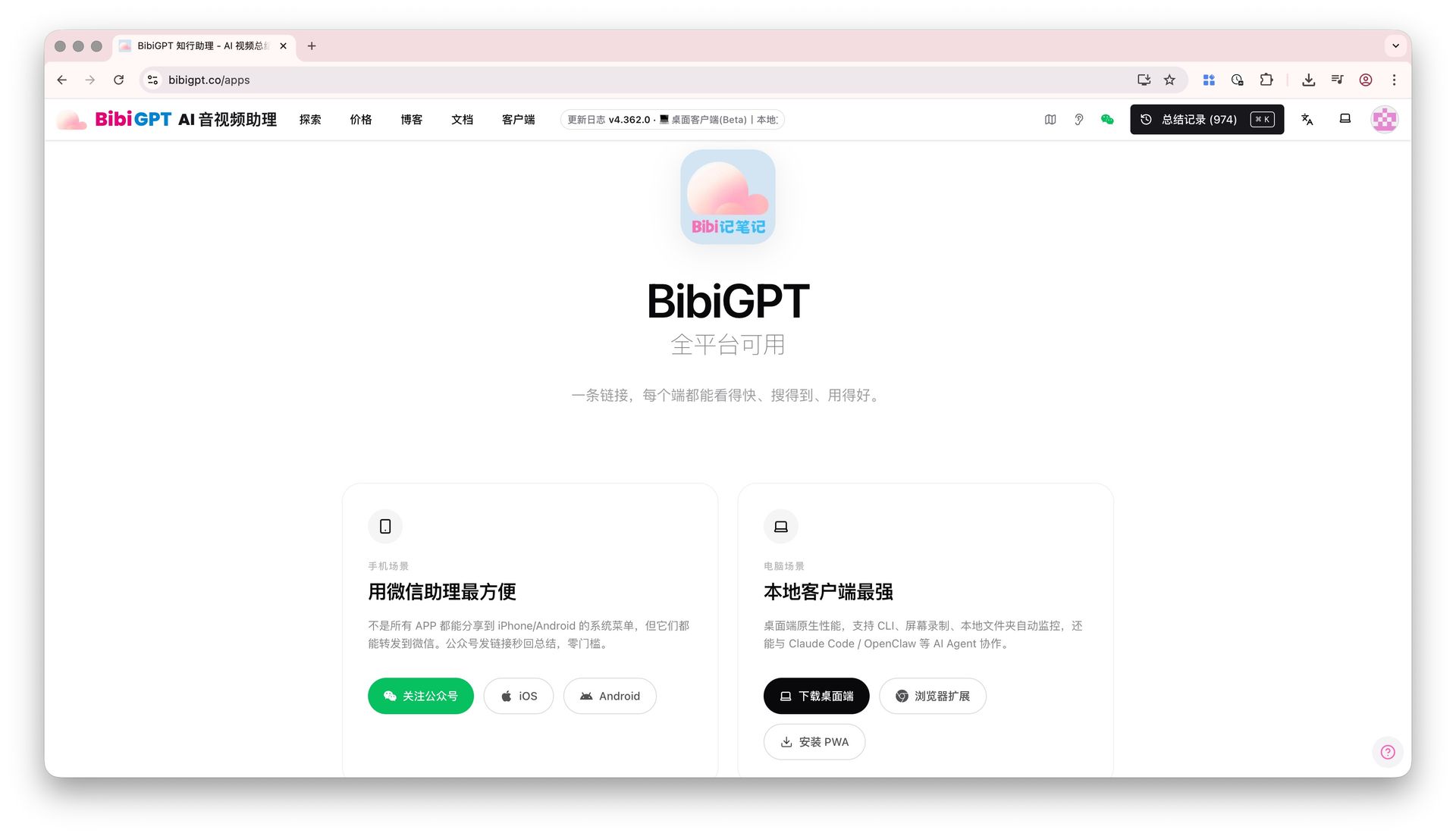
BibiGPT takes the opposite entry point from an in-meeting bot: you bring the recording or the link afterward, and it works on whatever audio and video you have. It supports 30+ platforms and 1M+ users rely on it.
A workable flow for an external call:
- Get consent and record. Tell the other side, then record with the meeting app’s own recorder.
- Download or copy the link. An MP4, MP3 or M4A file, or a shareable cloud link, both work.
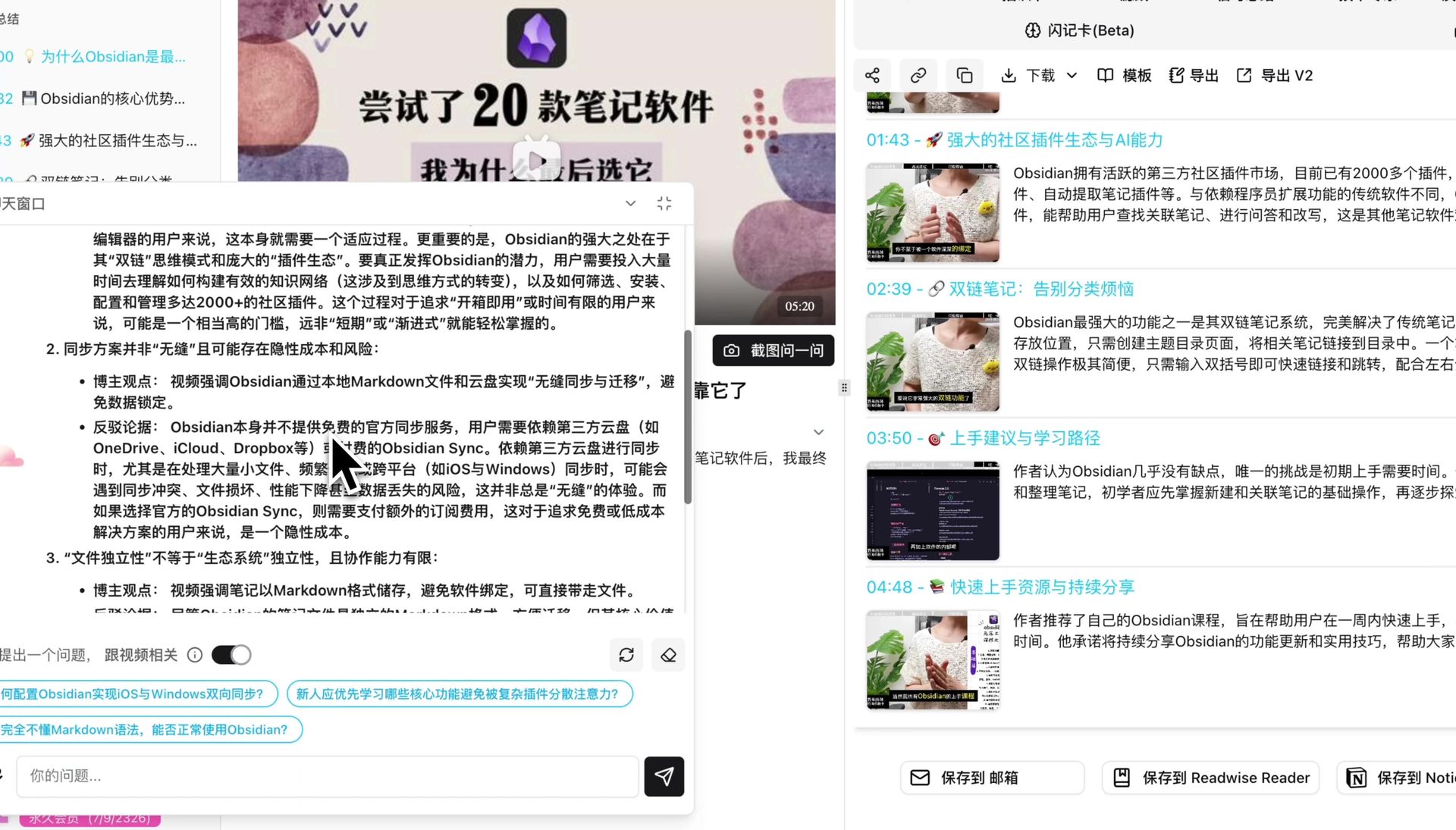
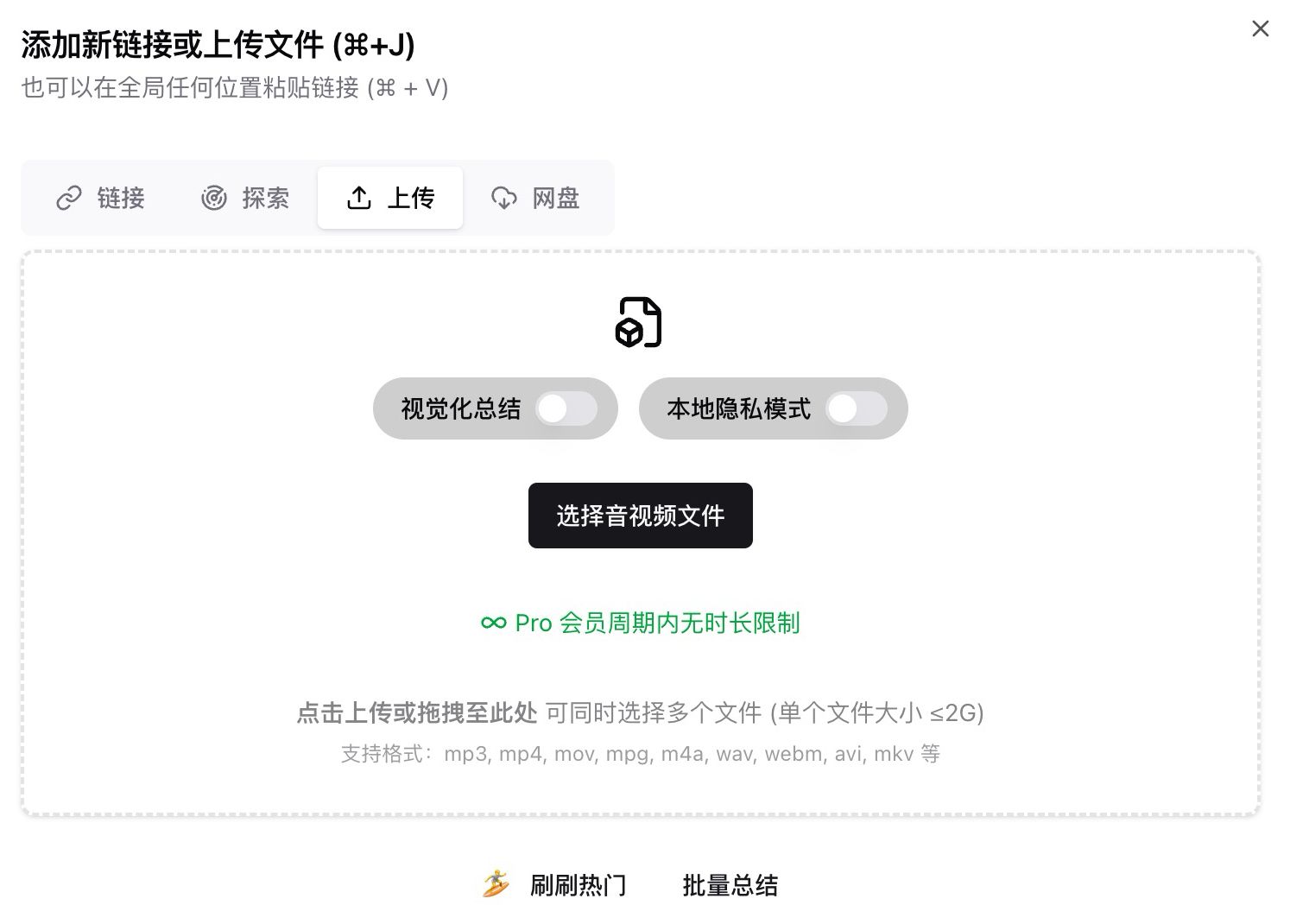
- Paste the link or upload the file into BibiGPT.
- Pick the output you need: a summary with chapter timestamps, a transcript, a mind map, or an action-item list.
- Ask follow-up questions in the chat against the recording (“what did they say about the renewal date?”) and jump to the timestamp.
The same steps work for meetings no AI could have joined: a conference session you attended in person and recorded, a lecture, a recorded town hall from another company, or a webinar replay. For more on the recording-first approach see our guide to creating meeting minutes from video and the AI meeting recording to notes workflow. The AI meeting summary feature page lists supported inputs.
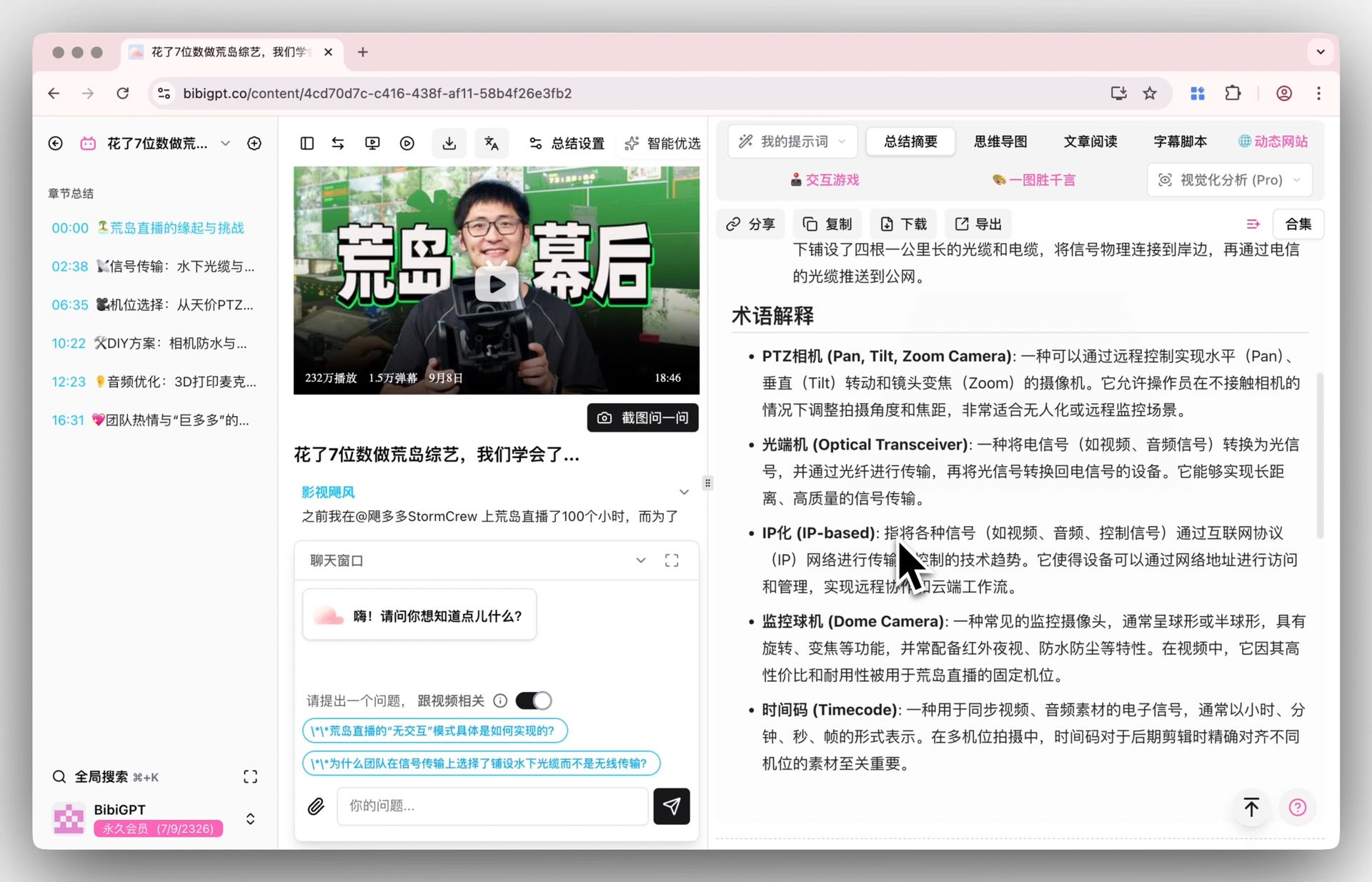
A privacy note, because it decides the choice for many teams: if recordings cannot leave your machine, BibiGPT has a local privacy mode that keeps the upload step local.
Which tool for which meeting
The two approaches are complements more than competitors. The table below sorts by meeting type, not by brand.
| Meeting type | In-meeting AI participant (such as Claude Meetings) | Recording or link to a file-based tool (such as BibiGPT) |
|---|---|---|
| Internal Google Meet, paid Claude plan | Best fit: live drafting and tasks | Good for a polished archive afterward |
| External client or vendor call | Blocked by default | Best fit |
| Meetings on Zoom, Teams, or other apps | Not at launch | Best fit |
| Interviews, lectures, conferences | Not applicable | Best fit |
| Long recordings you want translated or searched | Not the feature’s focus | Best fit |
| Need for live action while people talk | Best fit | Not the use case |
Practical rule: Use the in-meeting participant for internal meetings you host on a supported platform, and keep a recording-to-notes tool for everything else. Most people will want both.
A fair caveat: BibiGPT does not join your call and cannot draft a plan while people talk. If real-time participation is what you want, that is what Claude Meetings is for. BibiGPT’s job begins when you have audio or video in hand.
FAQ
Does Claude Meetings work on Zoom or Microsoft Teams?
Not at launch. TechCrunch reports it works with Google Meet at launch, with support for additional platforms expected to follow. Check Anthropic’s documentation for the current list before planning around it.
Can Claude join a call that includes an external guest?
By default it will not. According to the announcement, Claude does not join calls with external guests unless an admin authorizes it, and it leaves automatically if an external guest joins.
Who can use Claude Meetings?
It is launching in beta on Team and Enterprise plans. The related Whiteboards and Sheets features are described as beta on paid plans.
How do I get notes from a client call that an AI participant cannot join?
Record it with the meeting app’s own recorder (with everyone’s consent), then upload the file or paste the link into a recording-based tool such as BibiGPT to get a summary, a transcript and an action-item list.
Do I have to choose between the two?
No. They solve different parts of the problem: one acts during internal meetings you host, the other turns any recording or link into notes after the fact.
Why use BibiGPT instead of the notes inside Claude?
Claude’s notes come from meetings Claude attended. BibiGPT works on files and links from any platform, including recordings made by other people, so it covers calls and videos Claude was never in.
Try it on a recording you already have: paste a meeting link or upload a file at bibigpt.co and get a structured summary with timestamps. It supports 30+ platforms, and more than 1M users already use it.
Popular tools
More in this series
- AI Haoji vs BibiGPT: 2026 Deep Comparison of AI Meeting Notes Tools (Professional Buyer's Guide)
- Free AI Meeting Notes 2026: Which Tools Stay Free (Otter, Fireflies, BibiGPT)
- AI Meeting Recording to Summary Notes: The Complete 2026 Workflow
- AI Meeting Video Transcription Guide: How to Transcribe Zoom & Teams Recordings with BibiGPT
- AI Wearable Notetaker + Meeting Transcription Workflow 2026: Plaud, Taya, Omi, Viaim Compared + BibiGPT